AI Help Desk for Your Entire Team

Wonderchat Workspace gives every employee instant, source-cited answers from your company's knowledge base. Replace slow searches and repetitive requests with one AI-powered help desk interface.

Most teams use AI every day, but everyone's doing it differently, on different tools, with no shared knowledge.

Most teams use AI every day, but everyone's doing it differently, on different tools, with no shared knowledge.

That means duplicated effort, inconsistent results, and AI that never quite fits the way your team actually works.

That means duplicated effort, inconsistent results, and AI that never quite fits the way your team actually works.

Wonderchat Workspaces changes that.

Wonderchat Workspaces changes that.

AI Help Desk Search

One AI Interface for Every Employee Question

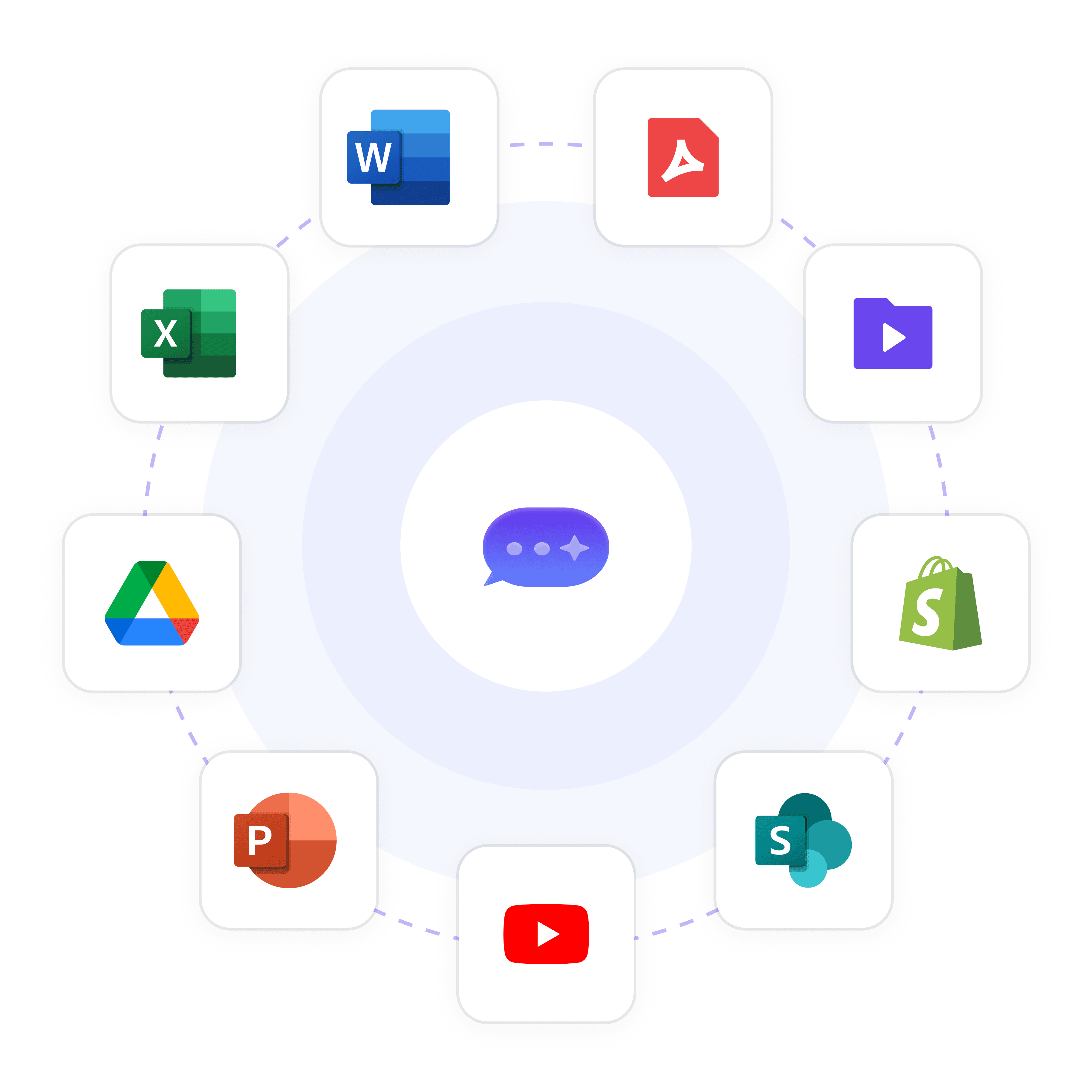
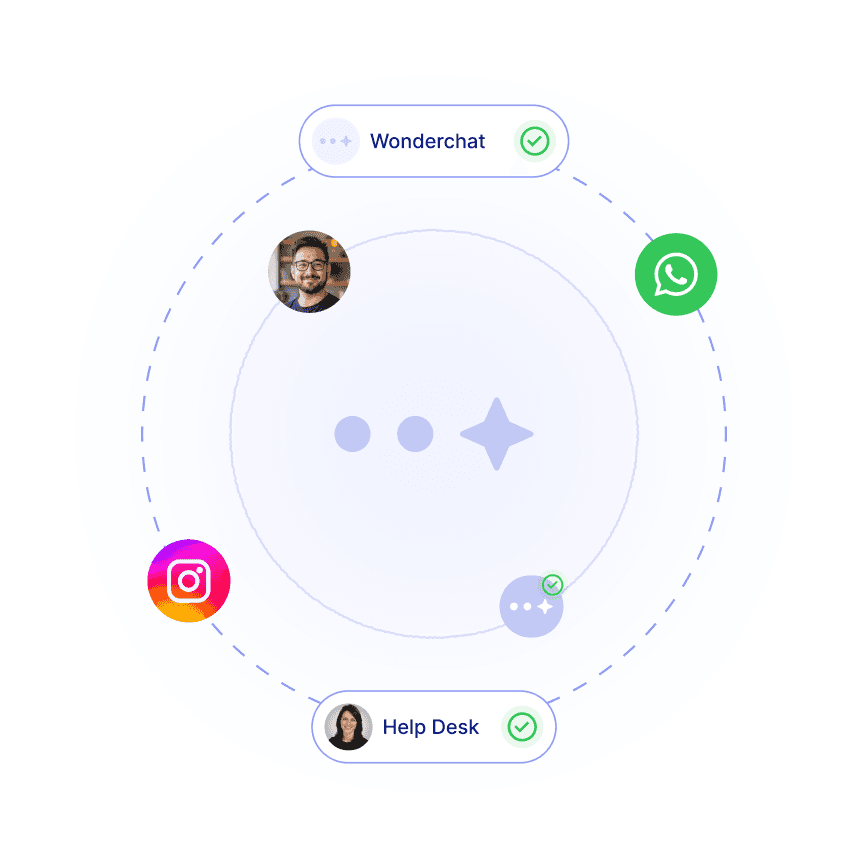
Instead of routing employees to 10 different tools, Workspace gives them one AI-powered search bar. They ask a question in natural language and get an instant, source-cited answer pulled from every connected knowledge source — documents, SharePoint, Google Drive, and more.

Natural language questions

Source-cited every answer

All knowledge in one place

Specialized Help Desk Agents

Purpose-Built Agents for Every Department

Deploy dedicated AI help desk agents for HR policies, IT troubleshooting, employee onboarding, sales playbooks, and compliance guidelines. Each agent is trained on specific knowledge, shared company-wide, and scoped with role-based access so employees always reach the right expert.

HR, IT, onboarding agents

Role-based agent access

Shared across the company

Multi-Format Knowledge Ingestion

Ingest Any Document Your Team Relies On

Upload PDFs, CSVs, PPTs, HTML, JSON, Markdown, MP4, and more. Workspace handles knowledge bases of 20,000+ pages, indexing everything automatically so the AI can answer from your most complex documentation — technical manuals, policy directories, or course materials.

PDF, PPT, CSV and more

Handles 20,000+ pages

Automatic indexing on upload

Key Features

Built for Team Collaboration

Work alongside your teammates in shared AI workspaces. See what's been built, build on top of it, and keep everyone aligned — all in real time.

Access Every Major LLM — In One Place

Stop choosing between AI models. With Wonderchat Workspaces, your team can switch between the best large language models in seconds.

AI That Works the Way Your Team Does

Workspaces isn't just a chat tool, it's a platform for AI-powered work. Train chatbots on your own data and embed AI into your existing workflows.

Visibility Across Your Entire Team

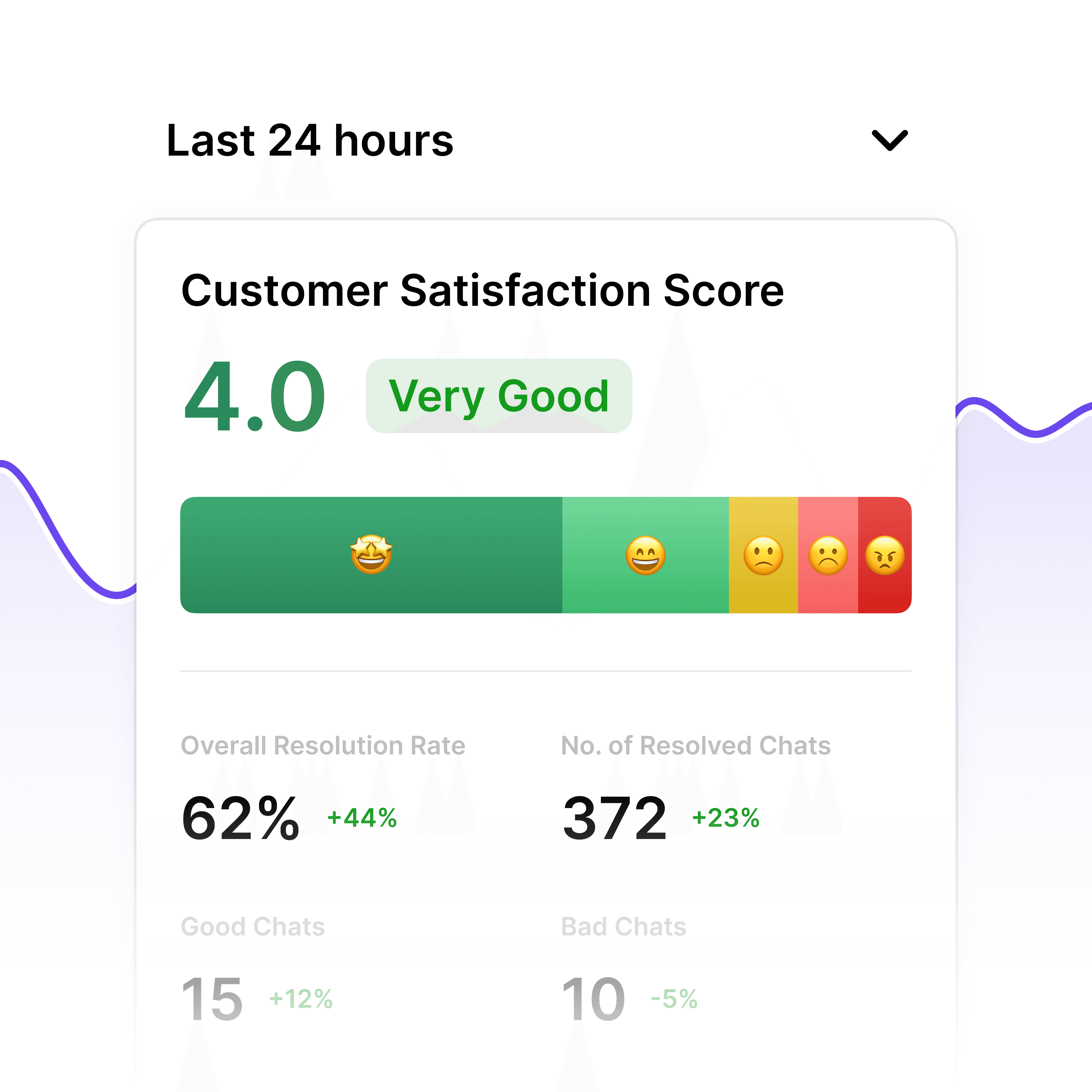
See how AI is being used across your organization and continuously improve your team's workflows.

Enterprise-Grade Security

Control Who Accesses What Knowledge

Restrict sensitive knowledge bases — HR, legal, finance — to authorized personnel only. Admin and member roles with folder and agent-level permissions, plus grade-based access. Enterprise tier includes SSO, SAML, and SCIM for centralized identity management across large deployments.

Folder-level permissions

SSO, SAML, SCIM support

Grade-based access control

Continuous Help Desk Improvement

Surface Knowledge Gaps Before They Become Tickets

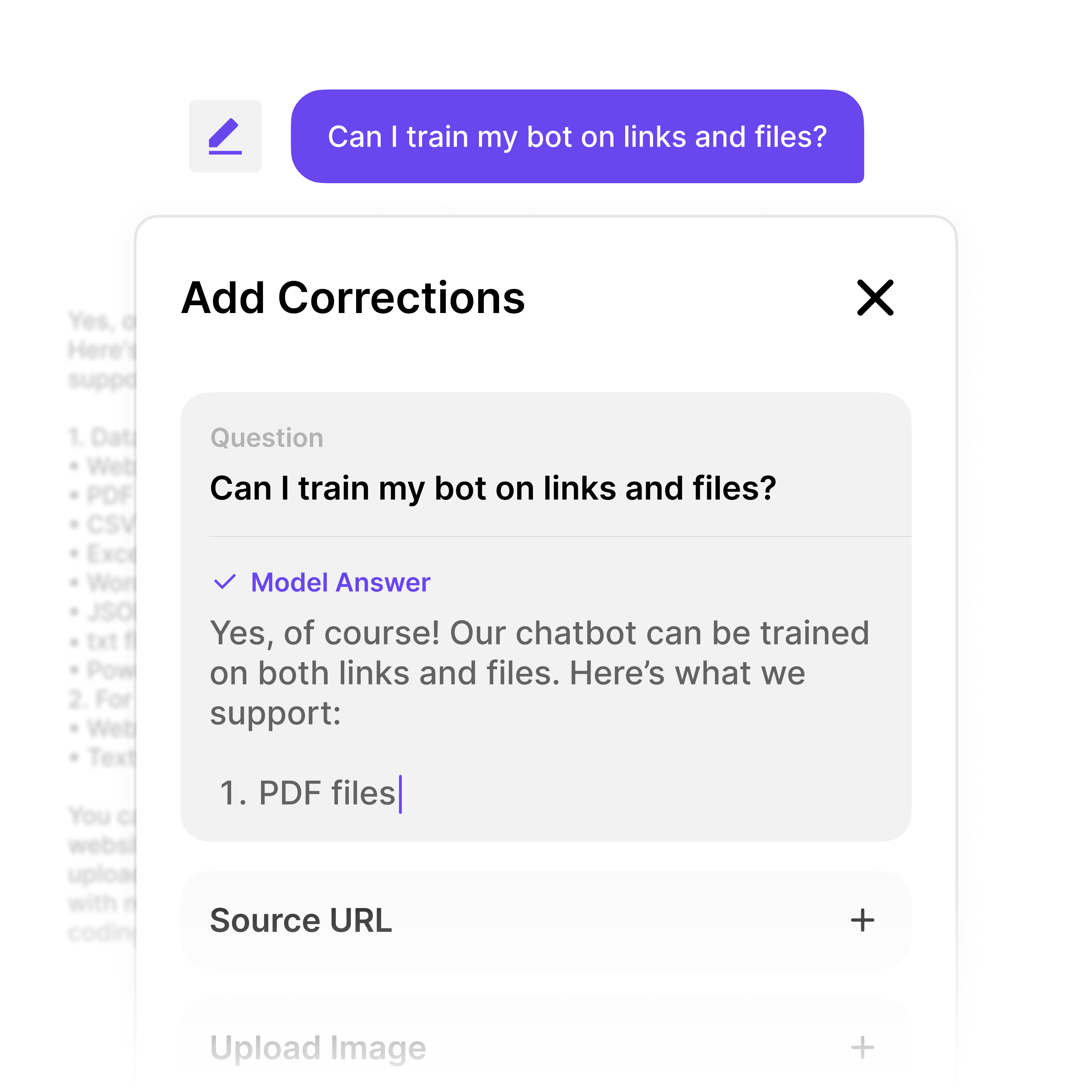
When employees flag an unhelpful answer, Workspace records it. Admins see a prioritized list of exactly where documentation is missing or outdated — turning employee frustration into actionable documentation improvements and a stronger internal help desk over time.

Thumbs-down feedback tracking

Prioritized gap reports

Turn gaps into better docs

Why Wonderchat Workspaces?

Why Wonderchat Workspaces?

Without Workspaces

With Workspaces

Every team member uses different AI tools

One unified platform for the whole team

Knowledge and prompts get lost

Shared libraries everyone can access

No visibility into team AI usage

Full analytics and reporting

AI lives outside your workflow

AI embedded into how your team works

FAQ

What is an AI help desk and how does Workspace work?

An AI help desk is a system where employees ask questions in natural language and receive instant, accurate answers from your company's existing knowledge base — without filing tickets or waiting for a colleague to respond. Wonderchat Workspace connects to your documents, SharePoint, Google Drive, PDFs, and other sources. Employees use a single search interface to get source-cited answers instantly. You can also create specialized agents — HR, IT, Onboarding — each trained on specific knowledge and shared company-wide.

How is Workspace different from Microsoft Copilot or SharePoint search?

SharePoint search is designed for file retrieval, not knowledge comprehension. Employees searching for a specific document name often can't find it, let alone get an answer from it. Wonderchat Workspace goes further: it reads and understands your documents, then answers questions from them in plain language with source citations. Unlike Copilot, Workspace indexes non-Microsoft content too — PDFs, websites, CSVs, MP4s, ERPs — and gives you purpose-built agents with role-based access control tuned to your team's needs.

What types of documents can the AI help desk learn from?

Workspace ingests PDF, DOCX, CSV, PPT, HTML, JSON, Markdown, MP4, and web pages. It also natively syncs with SharePoint libraries and Google Drive folders — documents update automatically when source files change. The platform handles knowledge bases of 20,000+ pages, making it suitable for complex environments like technical manuals, policy directories, HR handbooks, onboarding guides, and product specification sheets.

Is the AI help desk secure enough for sensitive company information?

Yes. Wonderchat Workspace is SOC 2 and GDPR compliant. Role-based access control lets you restrict sensitive knowledge — HR policies, legal documents, financial procedures — to authorized personnel only. You can set permissions at the folder and agent level, with grade-based access for seniority-sensitive content. Enterprise plans include SSO, SAML, and SCIM for centralized identity management, plus audit logs and a dedicated customer success manager.

How much does the internal AI help desk cost?

Workspace offers three tiers: - **Free:** $0/mo — 5 members, 30 queries per member per month, 1,000 pages, 3 agents - **Premium:** $99/mo — 5 members (with $25 per extra seat), 300 queries per member per month, 10,000 pages, unlimited agents, and analytics - **Enterprise:** Custom pricing — unlimited everything, SSO/SAML/SCIM, audit logs, SLA, and dedicated support You can start for free with no credit card required and upgrade as your team grows.

How long does it take to set up an internal AI help desk with Workspace?

Most teams deploy their first AI help desk agent in minutes. Connect your SharePoint or Google Drive, upload your documents, and the AI indexes everything automatically — no manual tagging or configuration required. You can create specialized agents for different departments (HR, IT, Onboarding) and share them company-wide with role-based access. There is no lengthy implementation project or professional services engagement required to get started.

FAQ

What is an AI help desk and how does Workspace work?

An AI help desk is a system where employees ask questions in natural language and receive instant, accurate answers from your company's existing knowledge base — without filing tickets or waiting for a colleague to respond. Wonderchat Workspace connects to your documents, SharePoint, Google Drive, PDFs, and other sources. Employees use a single search interface to get source-cited answers instantly. You can also create specialized agents — HR, IT, Onboarding — each trained on specific knowledge and shared company-wide.

How is Workspace different from Microsoft Copilot or SharePoint search?

SharePoint search is designed for file retrieval, not knowledge comprehension. Employees searching for a specific document name often can't find it, let alone get an answer from it. Wonderchat Workspace goes further: it reads and understands your documents, then answers questions from them in plain language with source citations. Unlike Copilot, Workspace indexes non-Microsoft content too — PDFs, websites, CSVs, MP4s, ERPs — and gives you purpose-built agents with role-based access control tuned to your team's needs.

What types of documents can the AI help desk learn from?

Workspace ingests PDF, DOCX, CSV, PPT, HTML, JSON, Markdown, MP4, and web pages. It also natively syncs with SharePoint libraries and Google Drive folders — documents update automatically when source files change. The platform handles knowledge bases of 20,000+ pages, making it suitable for complex environments like technical manuals, policy directories, HR handbooks, onboarding guides, and product specification sheets.

Is the AI help desk secure enough for sensitive company information?

Yes. Wonderchat Workspace is SOC 2 and GDPR compliant. Role-based access control lets you restrict sensitive knowledge — HR policies, legal documents, financial procedures — to authorized personnel only. You can set permissions at the folder and agent level, with grade-based access for seniority-sensitive content. Enterprise plans include SSO, SAML, and SCIM for centralized identity management, plus audit logs and a dedicated customer success manager.

How much does the internal AI help desk cost?

Workspace offers three tiers: - **Free:** $0/mo — 5 members, 30 queries per member per month, 1,000 pages, 3 agents - **Premium:** $99/mo — 5 members (with $25 per extra seat), 300 queries per member per month, 10,000 pages, unlimited agents, and analytics - **Enterprise:** Custom pricing — unlimited everything, SSO/SAML/SCIM, audit logs, SLA, and dedicated support You can start for free with no credit card required and upgrade as your team grows.

How long does it take to set up an internal AI help desk with Workspace?

Most teams deploy their first AI help desk agent in minutes. Connect your SharePoint or Google Drive, upload your documents, and the AI indexes everything automatically — no manual tagging or configuration required. You can create specialized agents for different departments (HR, IT, Onboarding) and share them company-wide with role-based access. There is no lengthy implementation project or professional services engagement required to get started.

Start Your AI Help Desk Today