Enterprise Search Solution That Ends Document Hunts

Wonderchat Workspace unifies SharePoint, PDFs, Google Drive, and more into one AI search bar. Employees get instant, source-cited answers from all company knowledge.

One AI Search Bar for All Company Knowledge

Enterprise Search Across All Systems

Replace fragmented search across SharePoint, Google Drive, ERPs, and PDFs with a single AI-powered interface. Employees ask questions in natural language and get instant, source-cited answers from every connected knowledge source without switching between tools.

Natural language search

Source-cited every answer

All systems in one bar

Enterprise Search Across All Systems

One AI Search Bar for All Company Knowledge

Replace fragmented search across SharePoint, Google Drive, ERPs, and PDFs with a single AI-powered interface. Employees ask questions in natural language and get instant, source-cited answers from every connected knowledge source without switching between tools.

Natural language search

Source-cited every answer

All systems in one bar

Fix Broken SharePoint Search

Sync SharePoint and Google Drive Automatically

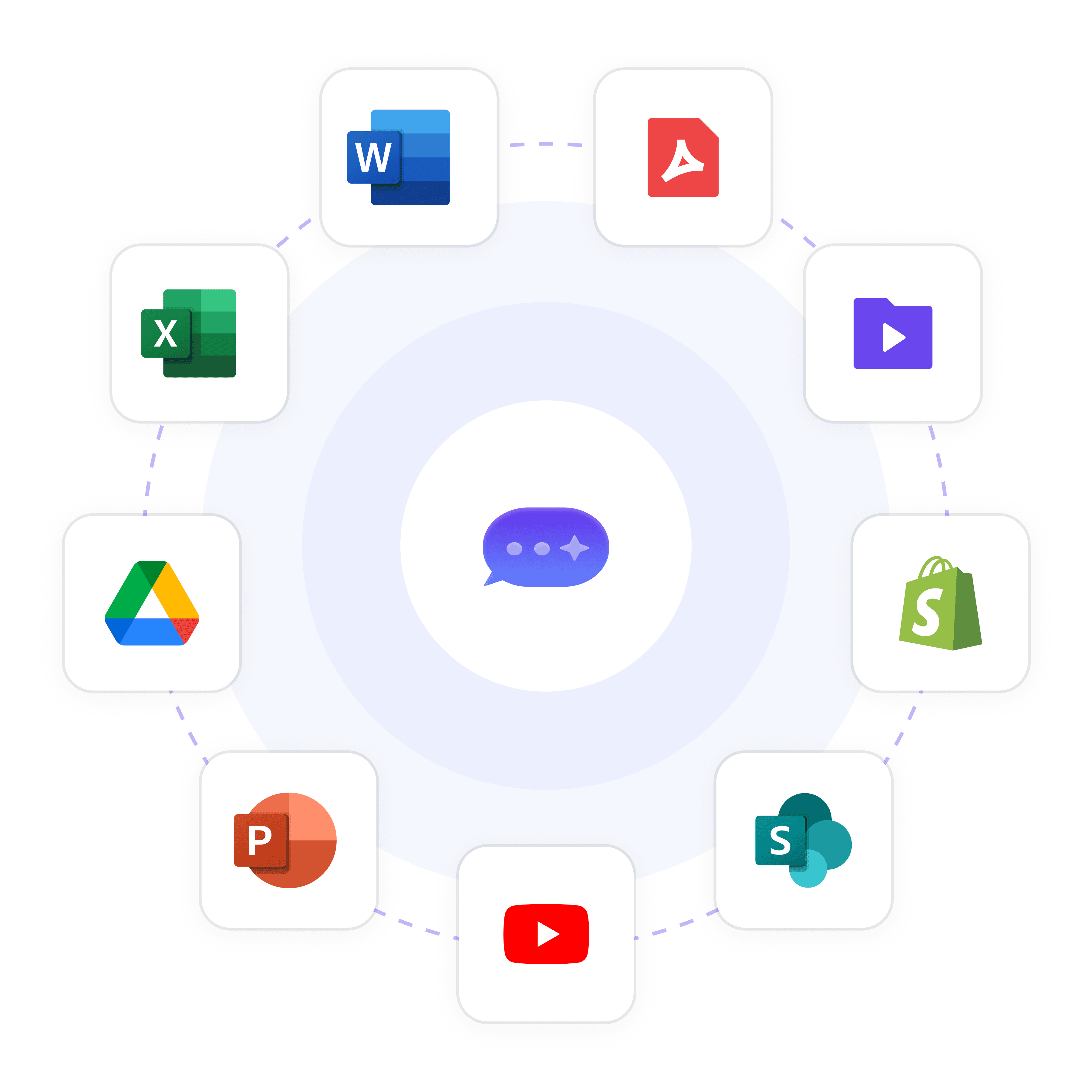
Connect your existing SharePoint libraries and Google Drive folders directly to Workspace. Documents sync automatically so the AI always has the latest version. The same content your team already has becomes instantly findable through AI-powered search.

Automatic document sync

Always current knowledge

No manual re-uploading

Trusted Answers for Enterprise Teams

Every Answer Cites Its Source Document

Every response Workspace returns is cited back to the original policy, spec sheet, or manual it came from. Employees can verify answers instantly, and organizations in regulated industries have a clear audit trail behind every piece of retrieved information.

Zero AI hallucination

Full document traceability

Compliance-ready answers

Key Features

Built for Team Collaboration

Work alongside your teammates in shared AI workspaces. See what's been built, build on top of it, and keep everyone aligned — all in real time.

Access Every Major LLM — In One Place

Stop choosing between AI models. With Wonderchat Workspaces, your team can switch between the best large language models in seconds.

AI That Works the Way Your Team Does

Workspaces isn't just a chat tool, it's a platform for AI-powered work. Train chatbots on your own data and embed AI into your existing workflows.

Visibility Across Your Entire Team

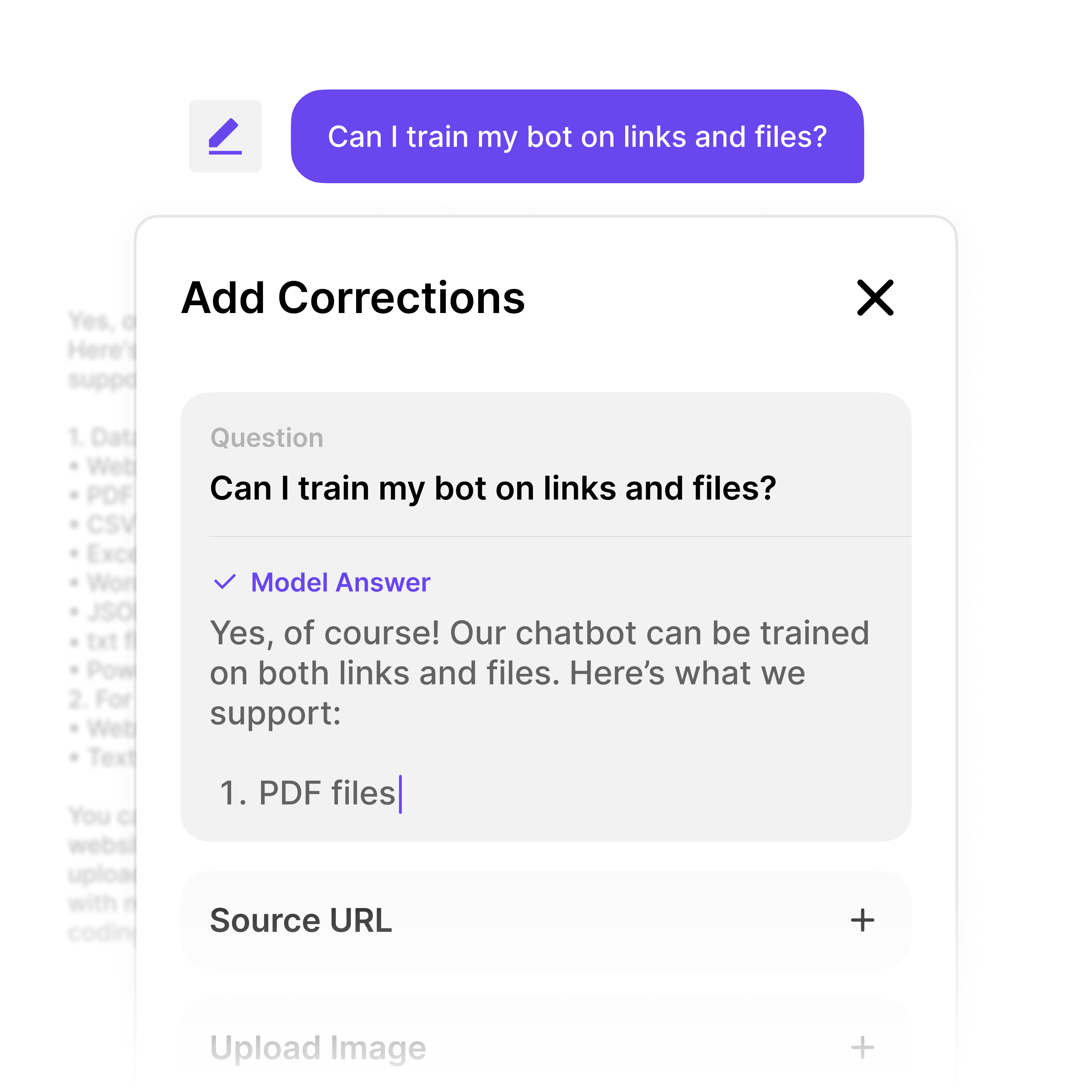
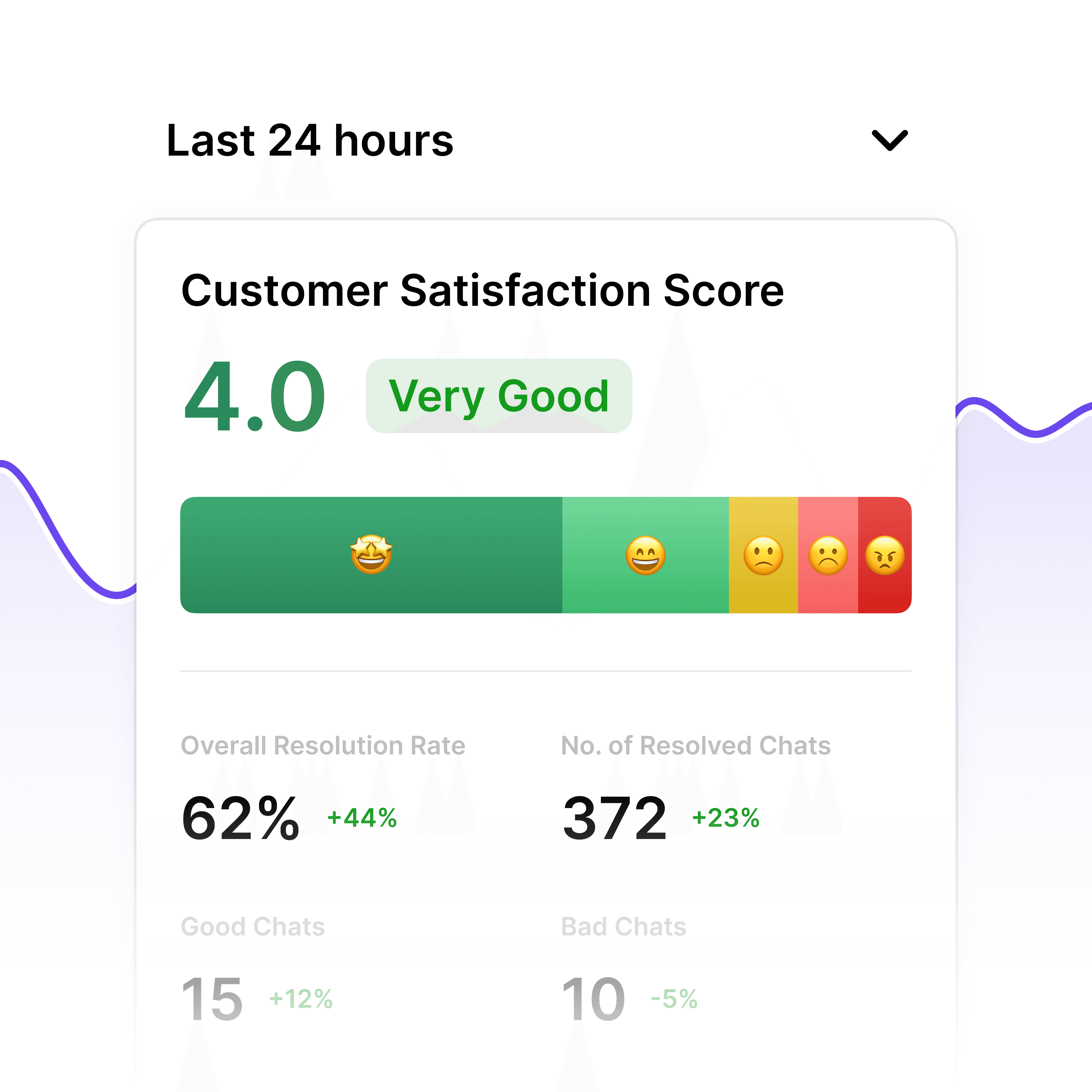
See how AI is being used across your organization and continuously improve your team's workflows.

Key Features

Built for Team Collaboration

Work alongside your teammates in shared AI workspaces. See what's been built, build on top of it, and keep everyone aligned — all in real time.

Access Every Major LLM — In One Place

Stop choosing between AI models. With Wonderchat Workspaces, your team can switch between the best large language models in seconds.

AI That Works the Way Your Team Does

Workspaces isn't just a chat tool, it's a platform for AI-powered work. Train chatbots on your own data and embed AI into your existing workflows.

Visibility Across Your Entire Team

See how AI is being used across your organization and continuously improve your team's workflows.

Enterprise Security and Permissions

Role-Based Access Across Departments and Agents

Control exactly which employees can access which knowledge bases and agents. Set folder-level and agent-level permissions, restrict sensitive HR, legal, or finance content to authorized roles, and manage enterprise authentication via SSO, SAML, and SCIM at scale.

Admin and member roles

SSO and SAML support

Agent-level permissions

Ingest Any Format at Scale

Index 20000 Pages Across Any Document Format

Upload PDFs, PPTs, CSVs, webpages, HTML, JSON, Markdown, and MP4 files into one central knowledge library. Workspace handles massive documentation volumes and indexes everything automatically, making all content searchable through a single enterprise search interface.

20,000+ page capacity

PDF, PPT, CSV support

Automatic indexing

"Femke, our wonderchat AI, now resolves 92% of inquiries, leaving only 8% for our human team. the result? Huge savings in manpower and costs, and the remaining support work is far more intersting."

Hilco De Roo

Founder of Jortt.nl

Who It's For

HR Teams

Build an internal AI policy bot your employees can actually ask questions to — no more digging through handbooks or waiting on HR to reply.

Procurement Teams

Give your team an AI that knows your vendors, contracts, and approval processes — so every request moves faster.

IT & Service Management

Deploy an internal AI agent that handles tier-1 tickets, answers common IT questions, and routes issues — before they hit your helpdesk.

Why Wonderchat Workspaces?

Why Wonderchat Workspaces?

Without Workspaces

With Workspaces

Every team member uses different AI tools

One unified platform for the whole team

Knowledge and prompts get lost

Shared libraries everyone can access

No visibility into team AI usage

Full analytics and reporting

AI lives outside your workflow

AI embedded into how your team works

FAQ

What makes Wonderchat Workspace different from standard SharePoint search?

SharePoint search indexes file names and metadata but struggles with complex, natural language queries across large documentation sets. Wonderchat Workspace sits on top of SharePoint as an AI layer, ingesting the actual content of your documents and returning precise, source-cited answers to questions asked in plain language. Employees no longer need to know which folder a document lives in or what it is called — they ask what they need to know and the AI finds it.

How does Workspace handle complex technical documentation at enterprise scale?

Workspace is built for high-volume, complex documentation environments. It handles 20,000+ pages across formats including PDFs, spec sheets, policy manuals, compliance documents, PPTs, CSVs, and more. The AI ingests and understands the content of each document, not just file names, enabling precise answers from dense technical material. Industries with large catalogs, regulatory manuals, and multi-format documentation sets are a core use case for the platform.

Is Wonderchat Workspace secure and compliant for enterprise deployment?

Yes. Wonderchat is SOC 2 and GDPR compliant. The enterprise tier includes SSO, SAML, and SCIM for centralized identity management, role-based access control at the folder and agent level, and audit logs. Sensitive knowledge bases can be restricted to authorized personnel only, and the platform supports on-premises deployment for organizations with strict data sovereignty requirements.

Does Workspace integrate with Microsoft Teams and existing enterprise tools?

Yes. Workspace includes a native Microsoft Teams integration, allowing employees to query the AI directly inside Teams channels and DMs without switching applications. The platform also connects natively to SharePoint and Google Drive, and supports custom integrations with ERPs, HR systems, and internal databases via API and tool-calling capabilities.

How long does it take to deploy an enterprise search solution with Workspace?

Setup is designed to minimize time-to-value. Connect your SharePoint libraries or Google Drive folders and Workspace begins indexing automatically. Upload existing PDFs and documents in bulk and they become searchable immediately. There is no lengthy implementation project required. Enterprise deployments with custom integrations, SSO, and dedicated support are scoped and delivered through the enterprise tier with a dedicated customer success manager.

How is Workspace priced and what options are available for large teams?

Workspace offers a free tier for small teams at $0 per month, supporting 5 members and up to 1,000 pages. The Premium plan is $99 per month for 5 members with additional seats at $25 each, supporting up to 10,000 pages. Enterprise pricing is custom and includes unlimited members, unlimited pages, SSO and SAML, audit logs, a dedicated customer success manager, and an SLA. Contact the team for an enterprise quote.

FAQ

What makes Wonderchat Workspace different from standard SharePoint search?

SharePoint search indexes file names and metadata but struggles with complex, natural language queries across large documentation sets. Wonderchat Workspace sits on top of SharePoint as an AI layer, ingesting the actual content of your documents and returning precise, source-cited answers to questions asked in plain language. Employees no longer need to know which folder a document lives in or what it is called — they ask what they need to know and the AI finds it.

How does Workspace handle complex technical documentation at enterprise scale?

Workspace is built for high-volume, complex documentation environments. It handles 20,000+ pages across formats including PDFs, spec sheets, policy manuals, compliance documents, PPTs, CSVs, and more. The AI ingests and understands the content of each document, not just file names, enabling precise answers from dense technical material. Industries with large catalogs, regulatory manuals, and multi-format documentation sets are a core use case for the platform.

Is Wonderchat Workspace secure and compliant for enterprise deployment?

Yes. Wonderchat is SOC 2 and GDPR compliant. The enterprise tier includes SSO, SAML, and SCIM for centralized identity management, role-based access control at the folder and agent level, and audit logs. Sensitive knowledge bases can be restricted to authorized personnel only, and the platform supports on-premises deployment for organizations with strict data sovereignty requirements.

Does Workspace integrate with Microsoft Teams and existing enterprise tools?

Yes. Workspace includes a native Microsoft Teams integration, allowing employees to query the AI directly inside Teams channels and DMs without switching applications. The platform also connects natively to SharePoint and Google Drive, and supports custom integrations with ERPs, HR systems, and internal databases via API and tool-calling capabilities.

How long does it take to deploy an enterprise search solution with Workspace?

Setup is designed to minimize time-to-value. Connect your SharePoint libraries or Google Drive folders and Workspace begins indexing automatically. Upload existing PDFs and documents in bulk and they become searchable immediately. There is no lengthy implementation project required. Enterprise deployments with custom integrations, SSO, and dedicated support are scoped and delivered through the enterprise tier with a dedicated customer success manager.

How is Workspace priced and what options are available for large teams?

Workspace offers a free tier for small teams at $0 per month, supporting 5 members and up to 1,000 pages. The Premium plan is $99 per month for 5 members with additional seats at $25 each, supporting up to 10,000 pages. Enterprise pricing is custom and includes unlimited members, unlimited pages, SSO and SAML, audit logs, a dedicated customer success manager, and an SLA. Contact the team for an enterprise quote.

Build Your Enterprise Search Solution