Internal Knowledge Base Software Powered by AI

Wonderchat Workspace gives every employee instant, source-cited answers from your company's documents, SharePoint, and Google Drive. One AI interface for all your internal knowledge.

Most teams use AI every day, but everyone's doing it differently, on different tools, with no shared knowledge.

Most teams use AI every day, but everyone's doing it differently, on different tools, with no shared knowledge.

That means duplicated effort, inconsistent results, and AI that never quite fits the way your team actually works.

That means duplicated effort, inconsistent results, and AI that never quite fits the way your team actually works.

Wonderchat Workspaces changes that.

Wonderchat Workspaces changes that.

AI Search Across All Knowledge

One Search Bar for All Company Knowledge

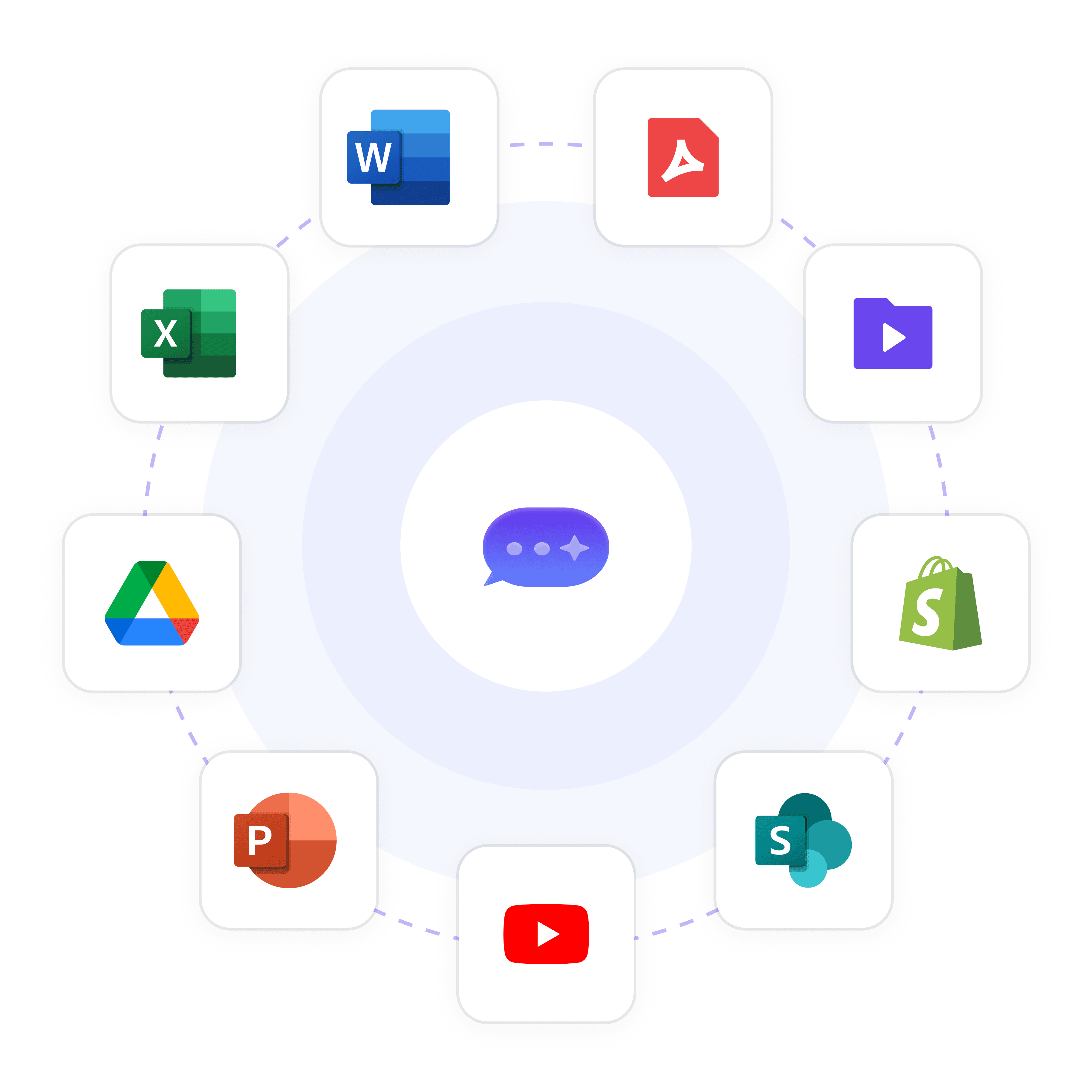
Employees stop searching across 10 tools and start asking one AI. Workspace's universal search bar connects to every knowledge source — SharePoint, Google Drive, PDFs, websites, and more — and returns instant, source-cited answers in plain language.

Natural language queries

Source-cited every answer

All formats, one interface

Native SharePoint and Drive Sync

Sync SharePoint and Google Drive Automatically

Connect your existing SharePoint libraries and Google Drive folders directly to Workspace. Documents sync automatically so the AI always has the latest version. No manual re-uploading, no stale content — just accurate answers from the files your team already maintains.

Auto-sync on file changes

No manual re-uploads

Works with existing folders

Purpose-Built Departmental Agents

Build Specialized Agents for Every Team

Create dedicated AI agents for HR policies, IT troubleshooting, sales playbooks, employee onboarding, and compliance guidelines. Each agent is trained on specific knowledge and shared company-wide with role-based access — so every team gets an expert tuned to their domain.

HR, IT, Sales agents

Role-based agent access

Shared company-wide

Key Features

Built for Team Collaboration

Work alongside your teammates in shared AI workspaces. See what's been built, build on top of it, and keep everyone aligned — all in real time.

Access Every Major LLM — In One Place

Stop choosing between AI models. With Wonderchat Workspaces, your team can switch between the best large language models in seconds.

AI That Works the Way Your Team Does

Workspaces isn't just a chat tool, it's a platform for AI-powered work. Train chatbots on your own data and embed AI into your existing workflows.

Visibility Across Your Entire Team

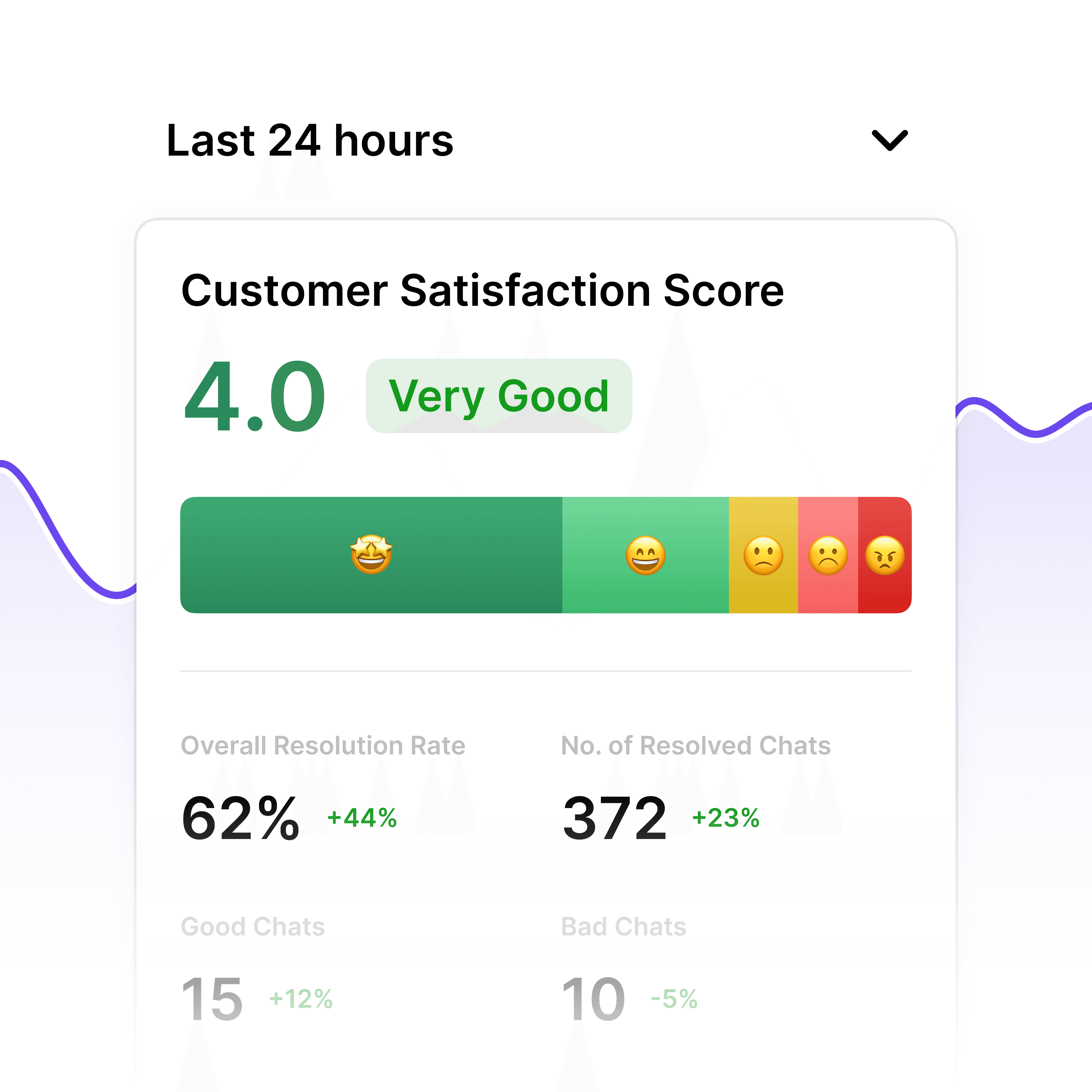
See how AI is being used across your organization and continuously improve your team's workflows.

Enterprise Security and Permissions

Control Who Sees What Knowledge

Restrict sensitive knowledge bases — HR, legal, finance — to authorized personnel. Set folder and agent-level permissions with Admin and Member roles. Grade-based access aligns visibility to seniority. Enterprise tier adds SSO, SAML, and SCIM for centralized identity management.

Folder-level permissions

Grade-based access

SSO and SAML support

Continuous Knowledge Improvement

Surface Gaps Before They Become Problems

When employees flag unhelpful answers, Workspace tracks exactly where documentation is missing or outdated. Admins see a prioritized list of knowledge gaps and can update content before repeated questions escalate to HR or IT tickets. Turn feedback into better documentation.

Thumbs-down gap tracking

Prioritized gap reports

Fewer repeated questions

Why Wonderchat Workspaces?

Why Wonderchat Workspaces?

Without Workspaces

With Workspaces

Every team member uses different AI tools

One unified platform for the whole team

Knowledge and prompts get lost

Shared libraries everyone can access

No visibility into team AI usage

Full analytics and reporting

AI lives outside your workflow

AI embedded into how your team works

FAQ

What is internal knowledge base software and how does Workspace differ?

Internal knowledge base software centralizes company information so employees can find answers without asking colleagues or opening multiple systems. Wonderchat Workspace goes further — instead of keyword search through folders, employees ask questions in plain language and receive instant, source-cited AI answers. Unlike traditional wikis or intranets, Workspace sits as an AI layer on top of tools you already use: SharePoint, Google Drive, PDFs, and more. No migration, no rip-and-replace — your existing documents become instantly searchable through one AI interface.

How does Workspace connect to SharePoint and Google Drive?

Workspace offers native sync for both SharePoint libraries and Google Drive folders. Once connected, documents are indexed automatically. When files are updated, the AI reflects the latest version without any manual re-uploading. This is critical for teams whose content changes frequently — policy updates, product spec revisions, HR circulars — where outdated information in the knowledge base creates real compliance and consistency risk.

Is Wonderchat Workspace secure enough for enterprise use?

Yes. Wonderchat Workspace is SOC 2 and GDPR compliant. Role-based access control lets admins restrict sensitive knowledge bases — HR, finance, legal — to authorized personnel only, with folder and agent-level permissions. Enterprise deployments include SSO, SAML, and SCIM for centralized identity management, audit logs, and dedicated customer support. The platform is already used by Fortune 500 companies and large enterprises across regulated industries.

Can I create department-specific knowledge bases for HR, IT, and Sales?

Yes. Workspace lets you create purpose-built AI agents for specific functions — an HR Agent trained on people policies, an IT Support Agent trained on IT procedures, a Sales Playbook Agent trained on competitive materials and pricing guidelines. Each agent is scoped to its own knowledge set and shared company-wide with role-based access so employees only see what they are authorized to view.

What document formats does Workspace support?

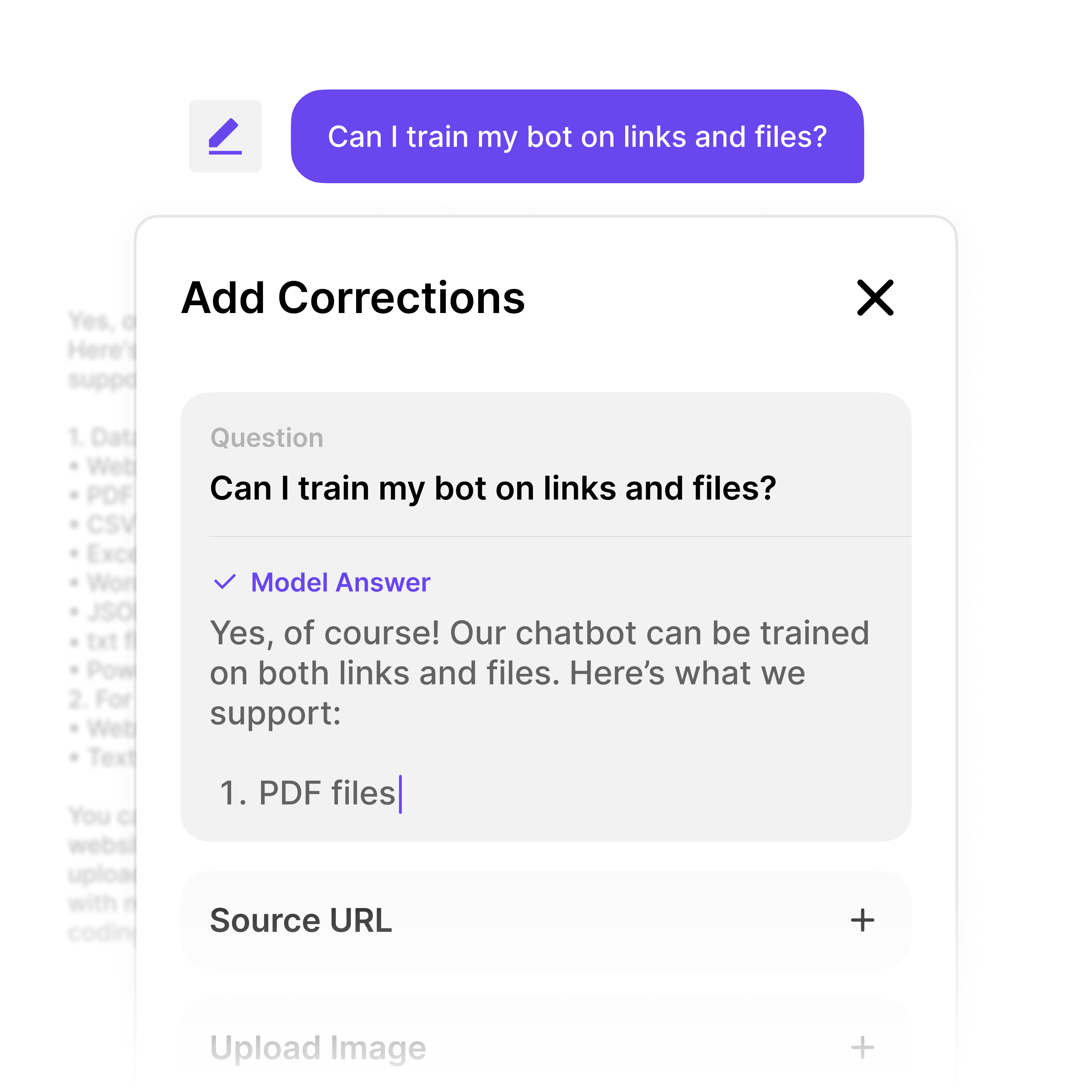
Workspace ingests PDF, CSV, PPT, DOCX, TXT, webpages, HTML, JSON, Markdown, and MP4. It handles knowledge bases of 20,000+ pages. Bulk upload and automatic indexing mean your team does not need to restructure existing documentation — connect your repositories and the AI indexes everything automatically.

How much does Wonderchat Workspace cost?

Workspace offers three plans: - **Free:** $0/month — 5 members, 30 queries per member per month, up to 1,000 pages, 3 agents - **Premium:** $99/month — 5 members (with additional seats at $25/seat), 300 queries per member per month, up to 10,000 pages, unlimited agents, and analytics - **Enterprise:** Custom pricing — unlimited members, queries, and pages, plus SSO/SAML/SCIM, audit logs, SLA guarantees, and a dedicated customer success manager Workspace billing is completely separate from Wonderchat's external chatbot product.

FAQ

What is internal knowledge base software and how does Workspace differ?

Internal knowledge base software centralizes company information so employees can find answers without asking colleagues or opening multiple systems. Wonderchat Workspace goes further — instead of keyword search through folders, employees ask questions in plain language and receive instant, source-cited AI answers. Unlike traditional wikis or intranets, Workspace sits as an AI layer on top of tools you already use: SharePoint, Google Drive, PDFs, and more. No migration, no rip-and-replace — your existing documents become instantly searchable through one AI interface.

How does Workspace connect to SharePoint and Google Drive?

Workspace offers native sync for both SharePoint libraries and Google Drive folders. Once connected, documents are indexed automatically. When files are updated, the AI reflects the latest version without any manual re-uploading. This is critical for teams whose content changes frequently — policy updates, product spec revisions, HR circulars — where outdated information in the knowledge base creates real compliance and consistency risk.

Is Wonderchat Workspace secure enough for enterprise use?

Yes. Wonderchat Workspace is SOC 2 and GDPR compliant. Role-based access control lets admins restrict sensitive knowledge bases — HR, finance, legal — to authorized personnel only, with folder and agent-level permissions. Enterprise deployments include SSO, SAML, and SCIM for centralized identity management, audit logs, and dedicated customer support. The platform is already used by Fortune 500 companies and large enterprises across regulated industries.

Can I create department-specific knowledge bases for HR, IT, and Sales?

Yes. Workspace lets you create purpose-built AI agents for specific functions — an HR Agent trained on people policies, an IT Support Agent trained on IT procedures, a Sales Playbook Agent trained on competitive materials and pricing guidelines. Each agent is scoped to its own knowledge set and shared company-wide with role-based access so employees only see what they are authorized to view.

What document formats does Workspace support?

Workspace ingests PDF, CSV, PPT, DOCX, TXT, webpages, HTML, JSON, Markdown, and MP4. It handles knowledge bases of 20,000+ pages. Bulk upload and automatic indexing mean your team does not need to restructure existing documentation — connect your repositories and the AI indexes everything automatically.

How much does Wonderchat Workspace cost?

Workspace offers three plans: - **Free:** $0/month — 5 members, 30 queries per member per month, up to 1,000 pages, 3 agents - **Premium:** $99/month — 5 members (with additional seats at $25/seat), 300 queries per member per month, up to 10,000 pages, unlimited agents, and analytics - **Enterprise:** Custom pricing — unlimited members, queries, and pages, plus SSO/SAML/SCIM, audit logs, SLA guarantees, and a dedicated customer success manager Workspace billing is completely separate from Wonderchat's external chatbot product.

Build Your Internal Knowledge Base Today