AI Chatbot Demo Scheduling Made Easy
Book qualified demos without back-and-forth emails. Connect your Calendly link to Wonderchat and let your AI agent automatically schedule calls the moment a prospect shows interest.
Trusted by businesses worldwide








Easy 5 minute set-up
How Wonderchat Works
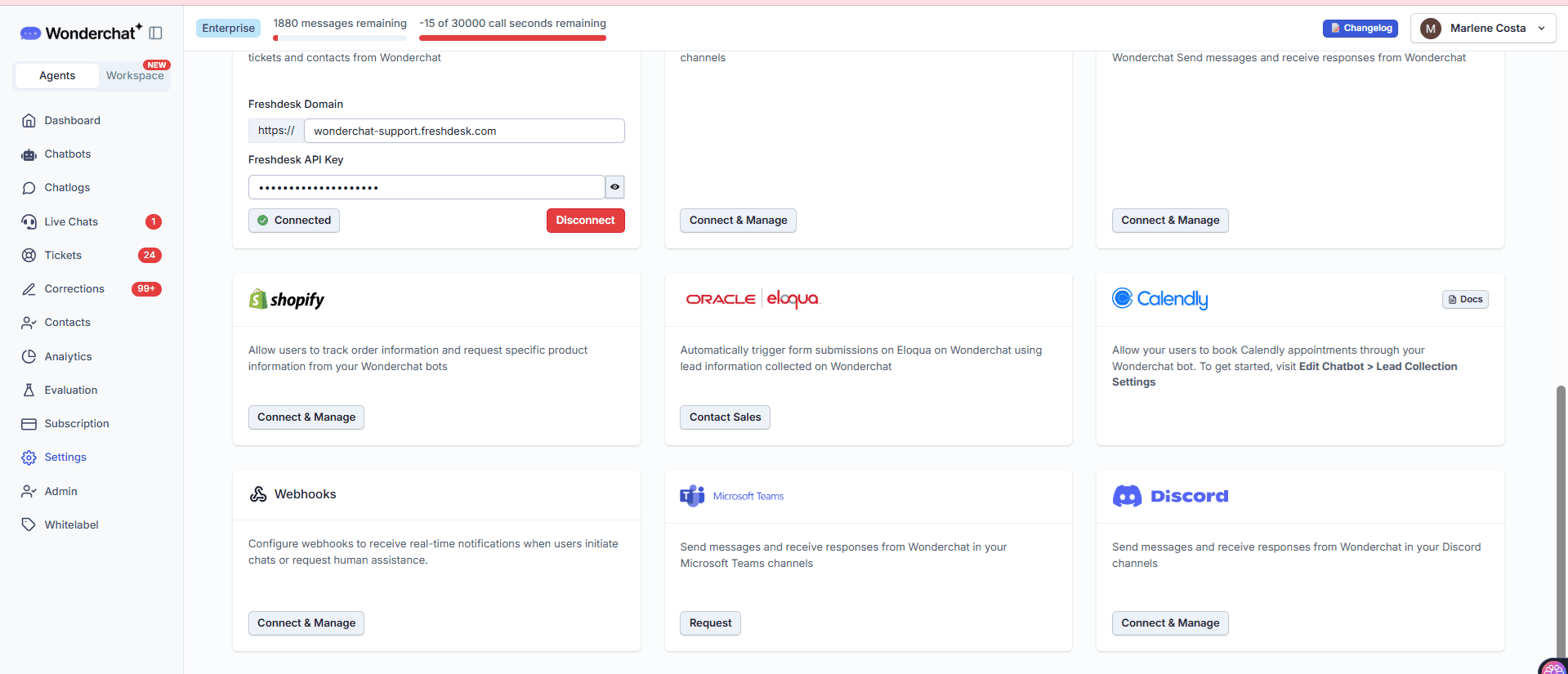
Chatbot Calendly Integration
Enable Calendly booking inside your chatbot
Inside your chatbot editor, navigate to the Tools tab and find the Calendly option. A single toggle enables the integration: "Allow users to book meetings directly by Calendly." No coding required — the setup lives entirely within the Wonderchat configuration screen.
One-toggle Calendly activation
No coding required
Lives inside chatbot editor
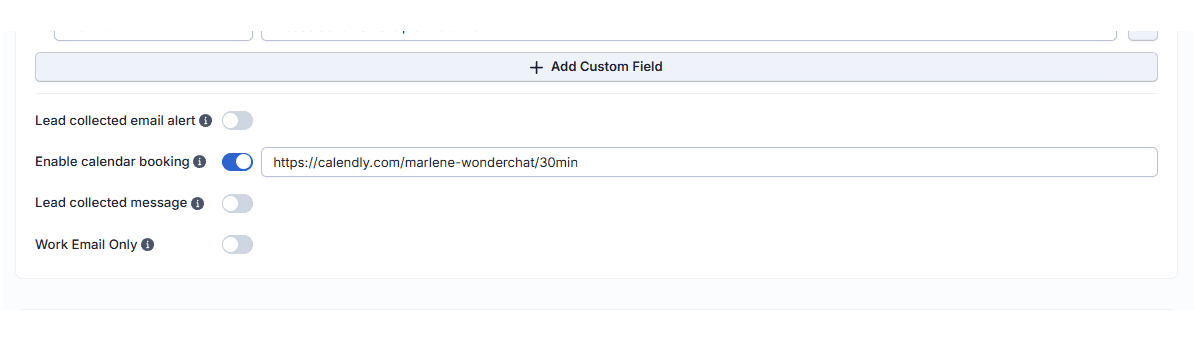
Demo Scheduling Trigger Configuration
Define exactly when the booking link fires
After enabling Calendly, click Edit to configure the trigger conditions. Set the chatbot to surface the scheduling link when a user requests a demo, shows interest in a demo, or asks about a demo. Paste your Calendly URL and save. The AI matches these intent signals automatically in every conversation.
Custom intent trigger conditions
Paste your own Calendly link
Automatic intent detection
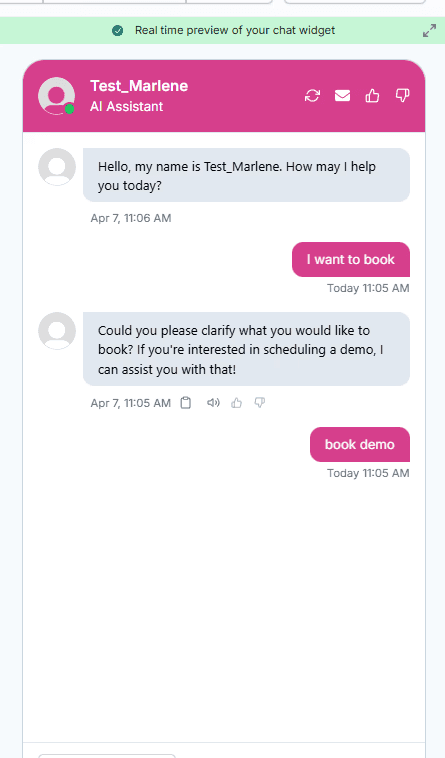
Conversational Demo Booking
AI detects demo intent and sends the link
When a prospect is mid-conversation and asks "Is it possible to have a demo?", the chatbot automatically recognizes the intent and responds with the Calendly booking link. The prospect selects a date and time without ever leaving the chat. No lead leakage. No manual follow-up required.
Real-time intent recognition
Booking link sent automatically
Zero drop-off from chat
5-minute set up with our native integration
Set Up Your Live Chat Alternative in Minutes
1
Create your AI chatbot – Pick the perfect AI model fit for your support needs.
2
Train AI with Docs, FAQs & Policies – Upload knowledge base files and site links.
3
Customise Workflows & Escalation Rules – AI handles what it can, and escalates what it can’t.
4
Monitor & Optimise with Analytics – See where customers get stuck and fine-tune responses.
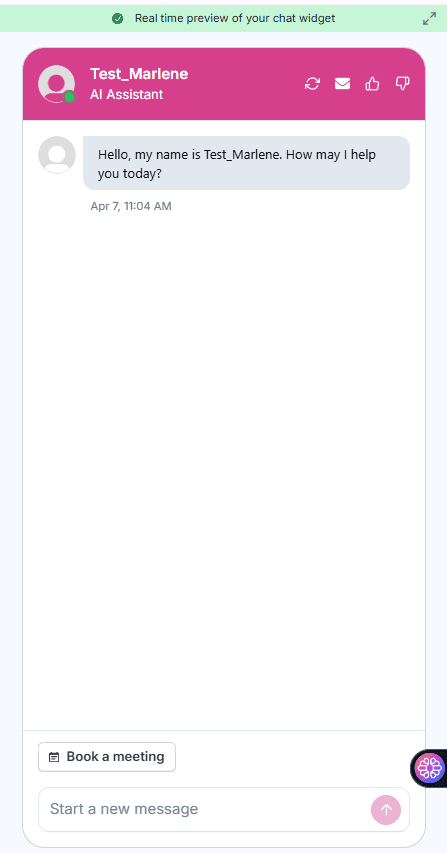
Persistent Book a Meeting Button
Give visitors a direct path to book instantly
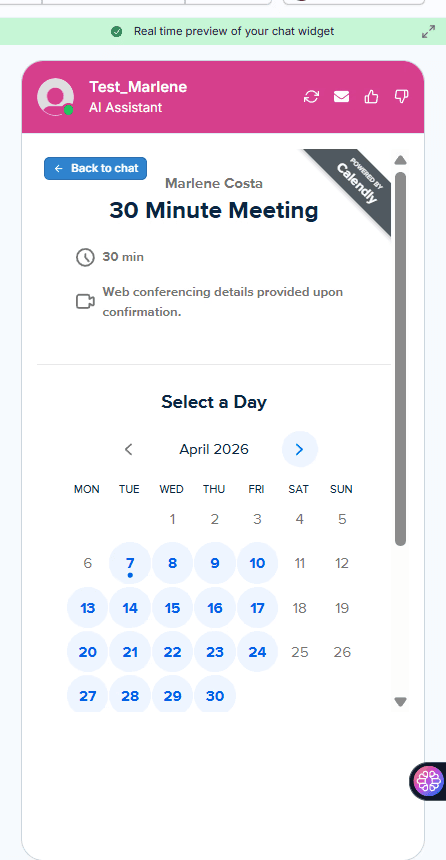
Beyond conversational triggers, the chatbot widget displays a persistent "Book a Meeting" button below the chat window. Visitors can click it at any point to open the Calendly interface directly and select an available time slot, without waiting for a specific conversation prompt.
Always-visible booking button
Opens Calendly inline
Available at any point in chat
24/7 AI Demo Scheduling
Capture demos around the clock automatically
Wonderchat AI agents handle conversations and bookings autonomously at any hour. High-intent visitors arriving outside business hours are not lost, the chatbot qualifies their interest and delivers the scheduling link immediately, converting pipeline that would otherwise go cold before your team starts the day.
Runs 24/7 without human input
Captures after-hours interest
No cold leads from time zones










