AI Chatbot for Webflow That Converts Leads

Deploy an AI chatbot on your Webflow site that masters your technical docs, answers complex questions, and qualifies valuable leads automatically. No generic bots.

Trusted by businesses worldwide

Why SaaS Teams Choose Wonderchat for Webflow

Most chatbots deflect visitors. Wonderchat AI agents resolve them. Trained on your actual Webflow site content, docs, and help desk, the AI answers complex technical questions with source-cited precision. Wonderchat handles up to 92% of inquiries autonomously, freeing your team for high-value work. With native integrations for HubSpot, Zendesk, and Calendly, it turns your Webflow site into a lead-generating, support-resolving machine.

Emily

AI Agent

Wonderbot

Welcome to Wonderchat! How can I help you today?

hey i’d like to upgrade to enterprise please

Wonderbot

Sure, please hold on for a second.

Retrieving account details...

Please confirm that you would like to upgrade to Wonderchat Enterprise. Your Visa card ending in 1234 will be charged $480.00 a year.

Cancel

Upgrade

Message...

Easy 5 minute set-up

How Wonderchat Works

Train on Your Webflow Content

AI Trained on Your Docs and Website

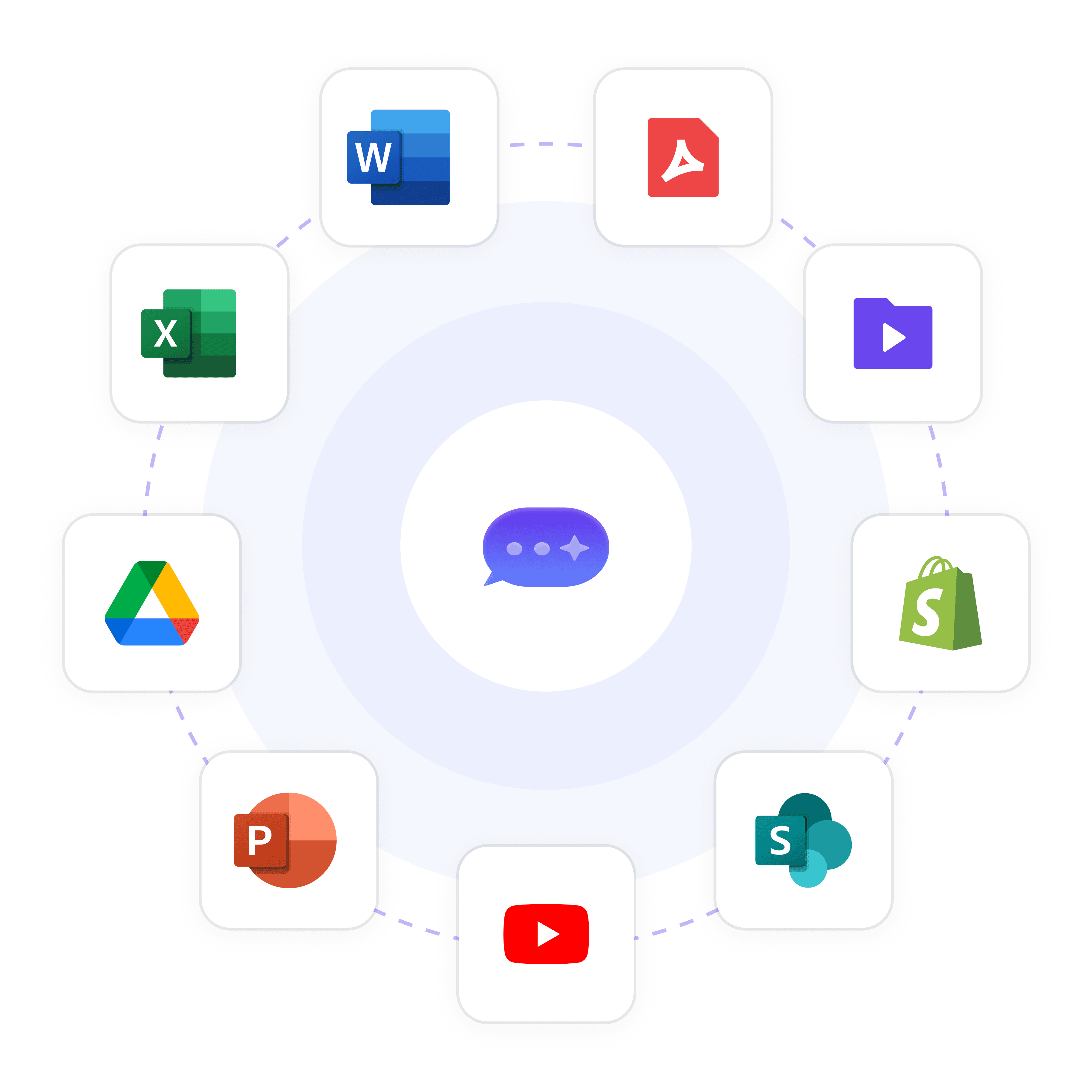
Wonderchat ingests your Webflow site, help docs, PDFs, and knowledge base to create an AI that answers like your best support rep. No scripting required. The AI learns from your real content and delivers precise, source-attributed answers to every visitor.

Upload PDFs and DOCX files

Crawl your Webflow site automatically

Source-cited accurate answers
Turn Webflow Visitors Into Pipeline

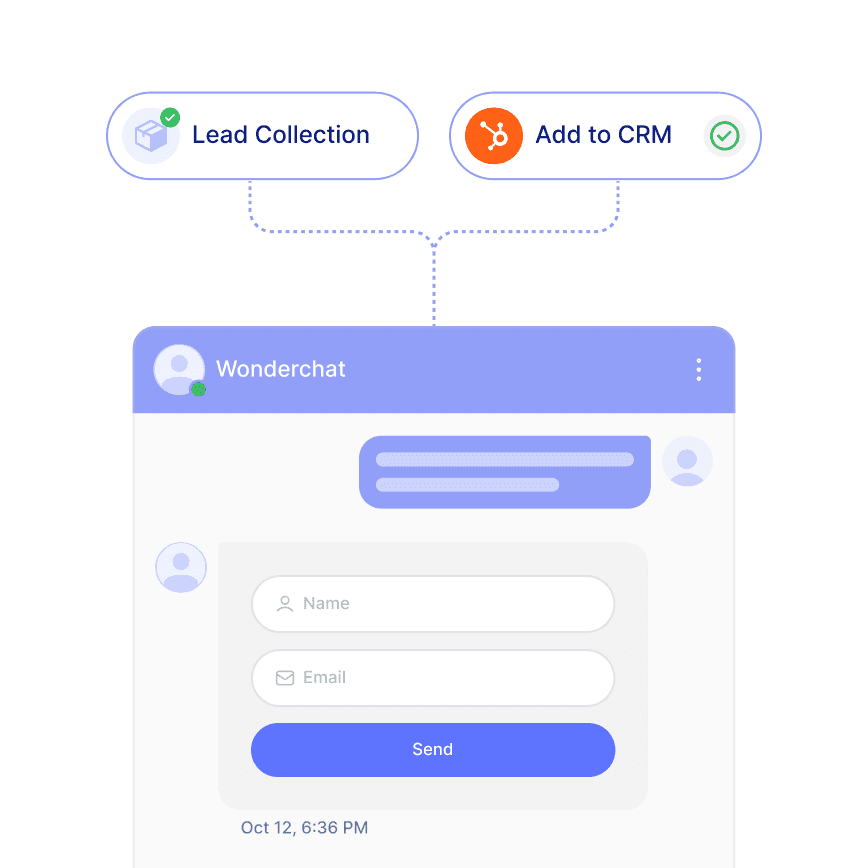
Capture and Qualify Leads Automatically

Your Webflow site works 24/7 and so does Wonderchat. The AI proactively engages visitors, collects contact details, qualifies prospects with custom questions, and syncs leads directly into HubSpot, Salesforce, or your CRM of choice.

Sync to HubSpot and Salesforce

Book meetings via Calendly

Proactive visitor engagement
Matches Your Webflow Brand Perfectly

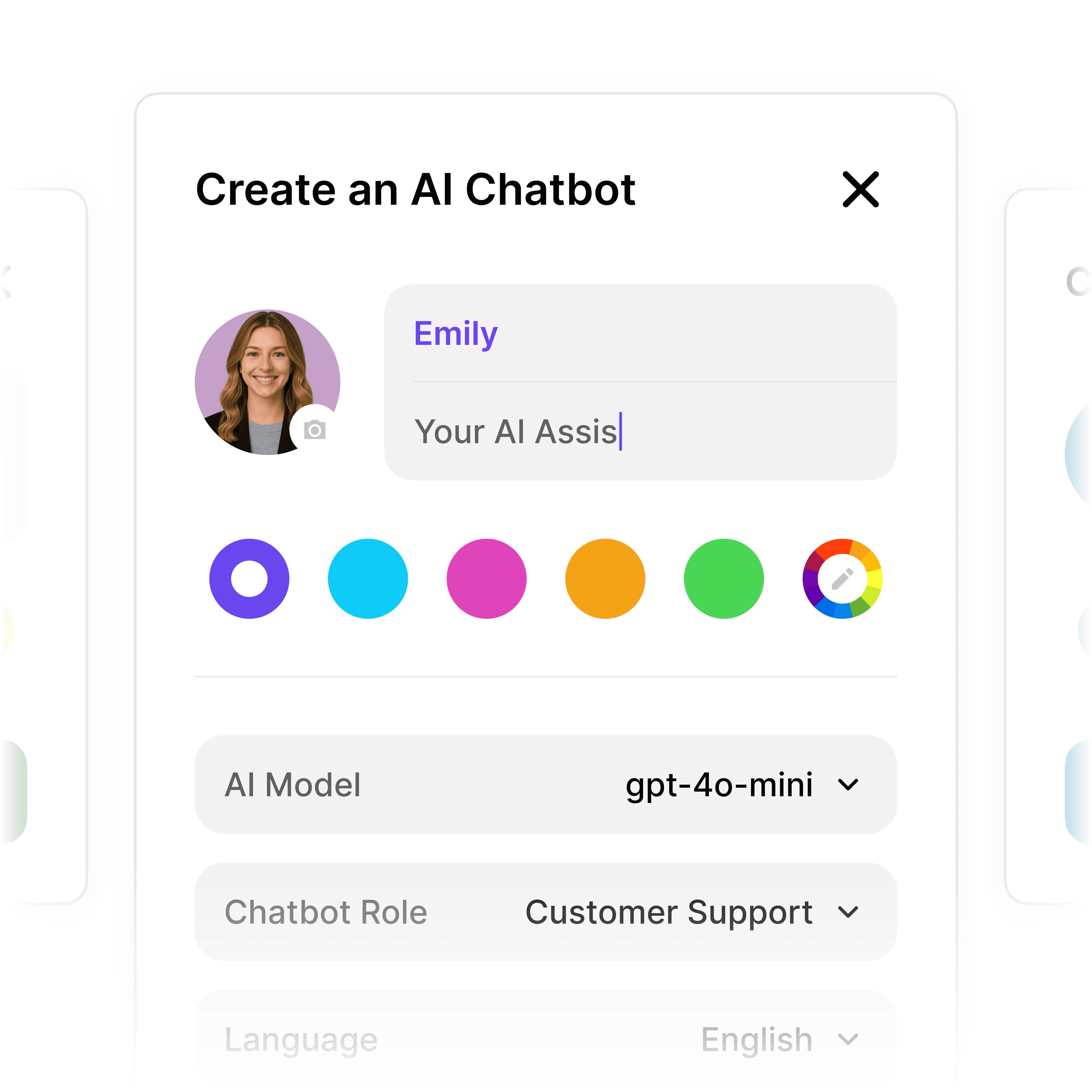
Fully Customizable to Fit Your Brand

Your Webflow site has a distinct look and feel. Wonderchat lets you match the chatbot's colors, tone, and greeting style so it feels like a native part of your site experience, not a third-party widget bolted on.

Custom colors and logo

Tailored tone of voice

Seamless Webflow embed

5-minute set up with our native integration

Deploy Your AI Chatbot on Webflow in Minutes

1

Create your AI chatbot – Pick the perfect AI model fit for your support needs.

2

Train AI with Docs, FAQs & Policies – Upload knowledge base files and site links.

3

Customise Workflows & Escalation Rules – AI handles what it can, and escalates what it can’t.

4

Monitor & Optimise with Analytics – See where customers get stuck and fine-tune responses.
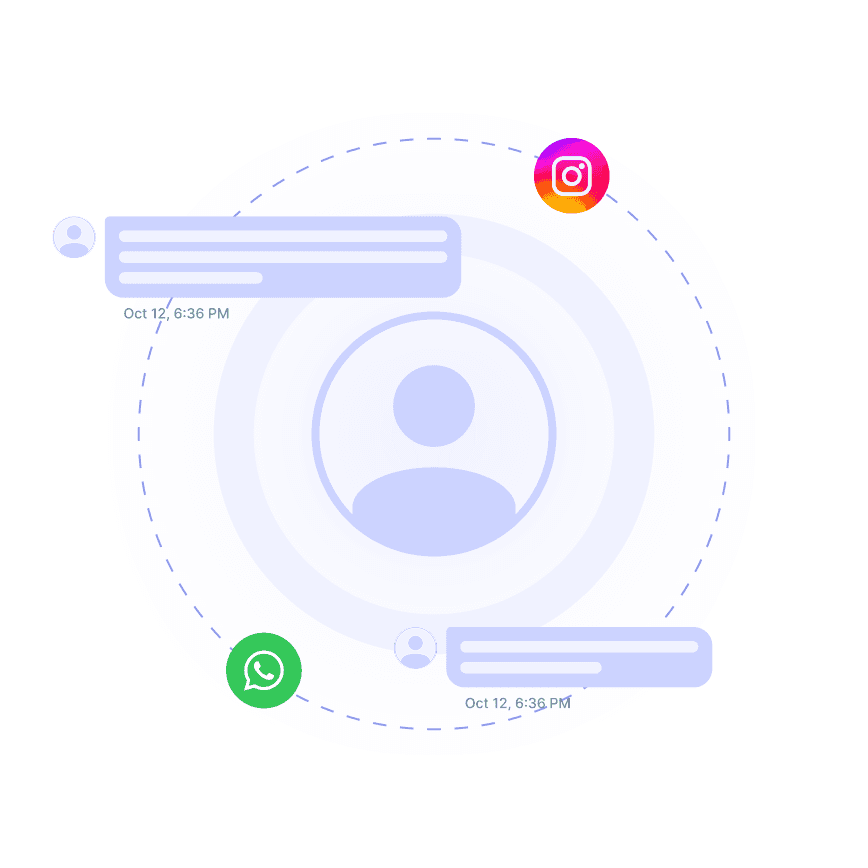
Instant Answers Around the Clock

Handle Every Repetitive Question With Precision

Stop losing Webflow visitors to unanswered questions. Wonderchat resolves common and complex queries instantly across time zones, reducing support load and keeping every visitor engaged with accurate, consistent answers 24/7.

24/7 autonomous resolution

Consistent accurate responses

Reduces Tier 1 ticket volume
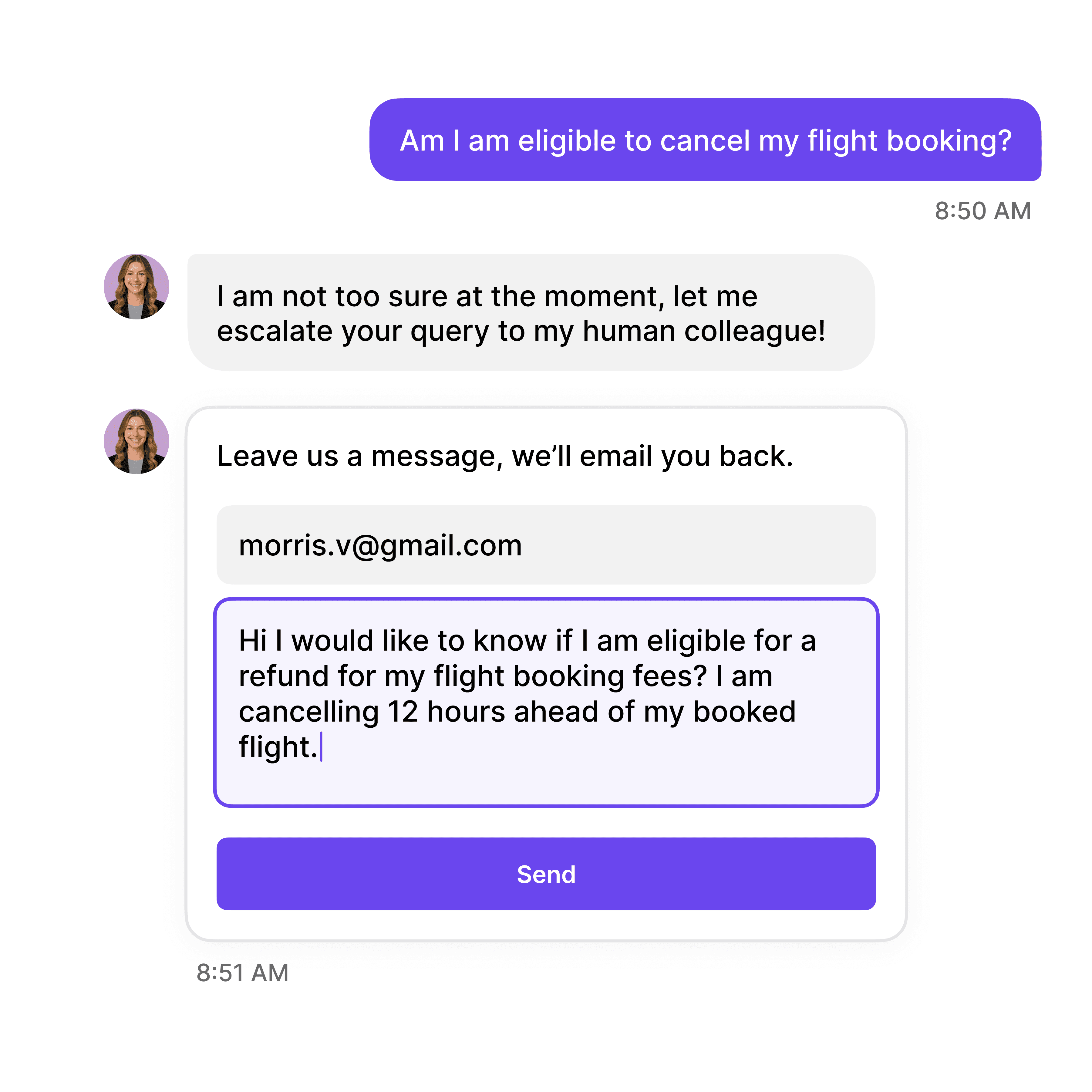
AI Plus Human When It Matters

Smooth Handoff to Your Support Team

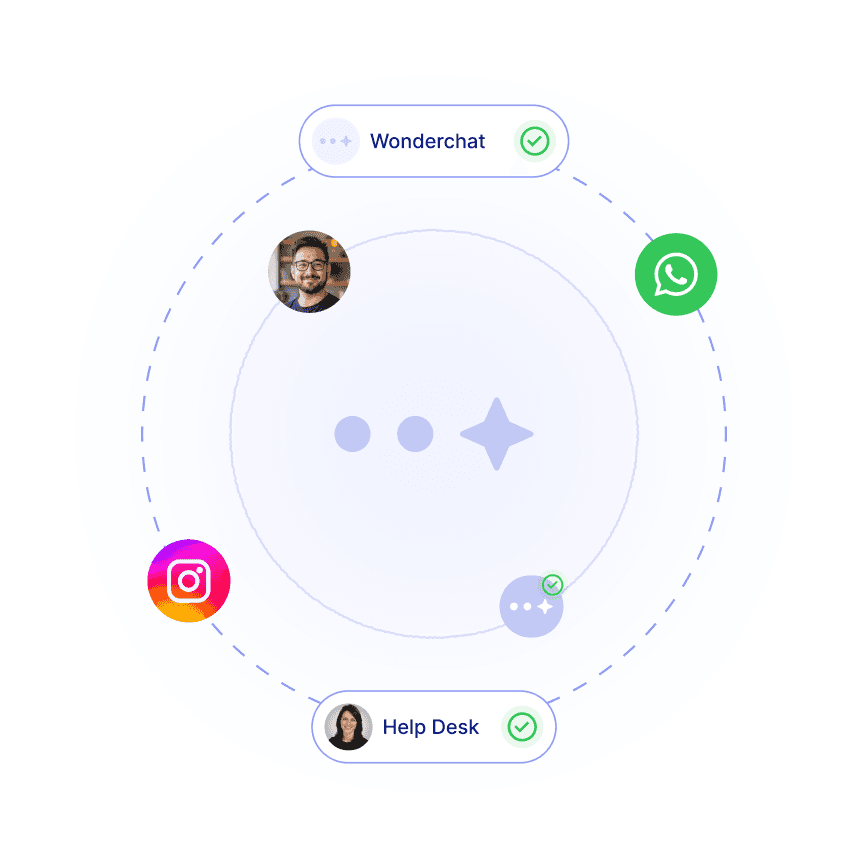
When a conversation needs a human, Wonderchat escalates seamlessly via email, Zendesk, Freshdesk, or built-in live chat. Human agents receive full conversation context so nothing gets repeated and no lead is ever lost.

Zendesk and Freshdesk integration

Full context on handover

Built-in live chat option

40+ Languages

Starts at $0.02/message

Available 24/7

Add an AI Chatbot to Your Webflow Site

14-day free trial. No credit card required

Testimonials

Businesses with successful customer service start

with Wonderchat

Industry Grade Compliance

Wonderchat is GDPR compliant and AICPA SOC 2 Certified.

FAQ

How do I add an AI chatbot to my Webflow site?

Wonderchat generates an embed code that you paste directly into your Webflow project. There is no custom development required. Once embedded, the chatbot is live on your site and ready to handle visitor conversations using your trained knowledge base.

Can the chatbot be trained on my Webflow site content?

Yes. Wonderchat automatically crawls your Webflow site and ingests its content as part of the AI's knowledge base. You can also supplement this with uploaded files such as PDFs, DOCX documents, and help desk articles to ensure the AI has complete and accurate information.

Will the chatbot match my Webflow site's design?

Wonderchat is fully customizable. You can configure the chatbot's colors, logo, greeting message, and conversational tone to align with your brand identity, making it feel like a native element of your Webflow site rather than a third-party tool.

Can the AI chatbot capture leads from my Webflow site?

Yes. Wonderchat can proactively engage visitors, collect contact information, run qualifying question sequences, and sync captured leads directly into CRMs including HubSpot, Salesforce, and Pipedrive. It can also book meetings via Calendly without the visitor leaving the chat.

Does Wonderchat integrate with my existing helpdesk?

Wonderchat integrates with Zendesk, Freshdesk, and other popular helpdesks. When the AI cannot resolve a query or a visitor requests human help, it escalates the conversation by creating a helpdesk ticket or connecting to a live agent, passing along full conversation context.

How accurate are the AI chatbot answers for technical documentation?

Wonderchat is specifically designed for complex, technical content. Every response cites its source, eliminating AI hallucination. The platform handles knowledge bases of 20,000 or more pages, making it suitable for detailed product documentation, SaaS help centers, and policy-heavy content on your Webflow site.

FAQ

How do I add an AI chatbot to my Webflow site?

Wonderchat generates an embed code that you paste directly into your Webflow project. There is no custom development required. Once embedded, the chatbot is live on your site and ready to handle visitor conversations using your trained knowledge base.

Can the chatbot be trained on my Webflow site content?

Yes. Wonderchat automatically crawls your Webflow site and ingests its content as part of the AI's knowledge base. You can also supplement this with uploaded files such as PDFs, DOCX documents, and help desk articles to ensure the AI has complete and accurate information.

Will the chatbot match my Webflow site's design?

Wonderchat is fully customizable. You can configure the chatbot's colors, logo, greeting message, and conversational tone to align with your brand identity, making it feel like a native element of your Webflow site rather than a third-party tool.

Can the AI chatbot capture leads from my Webflow site?

Yes. Wonderchat can proactively engage visitors, collect contact information, run qualifying question sequences, and sync captured leads directly into CRMs including HubSpot, Salesforce, and Pipedrive. It can also book meetings via Calendly without the visitor leaving the chat.

Does Wonderchat integrate with my existing helpdesk?

Wonderchat integrates with Zendesk, Freshdesk, and other popular helpdesks. When the AI cannot resolve a query or a visitor requests human help, it escalates the conversation by creating a helpdesk ticket or connecting to a live agent, passing along full conversation context.

How accurate are the AI chatbot answers for technical documentation?

Wonderchat is specifically designed for complex, technical content. Every response cites its source, eliminating AI hallucination. The platform handles knowledge bases of 20,000 or more pages, making it suitable for detailed product documentation, SaaS help centers, and policy-heavy content on your Webflow site.

40+ Languages

Starts at $0.02/message

Available 24/7

Add an AI Chatbot to Your Webflow Site

14-day free trial. No credit card required