AI Knowledge Management Tools to Unify Your Workspace

Stop searching across 10 disconnected tools. Wonderchat Workspace gives every employee one AI-powered search bar for instant, source-cited answers from SharePoint, Google Drive, and more.
One Search Bar for All Company Knowledge

AI Search Across All Knowledge

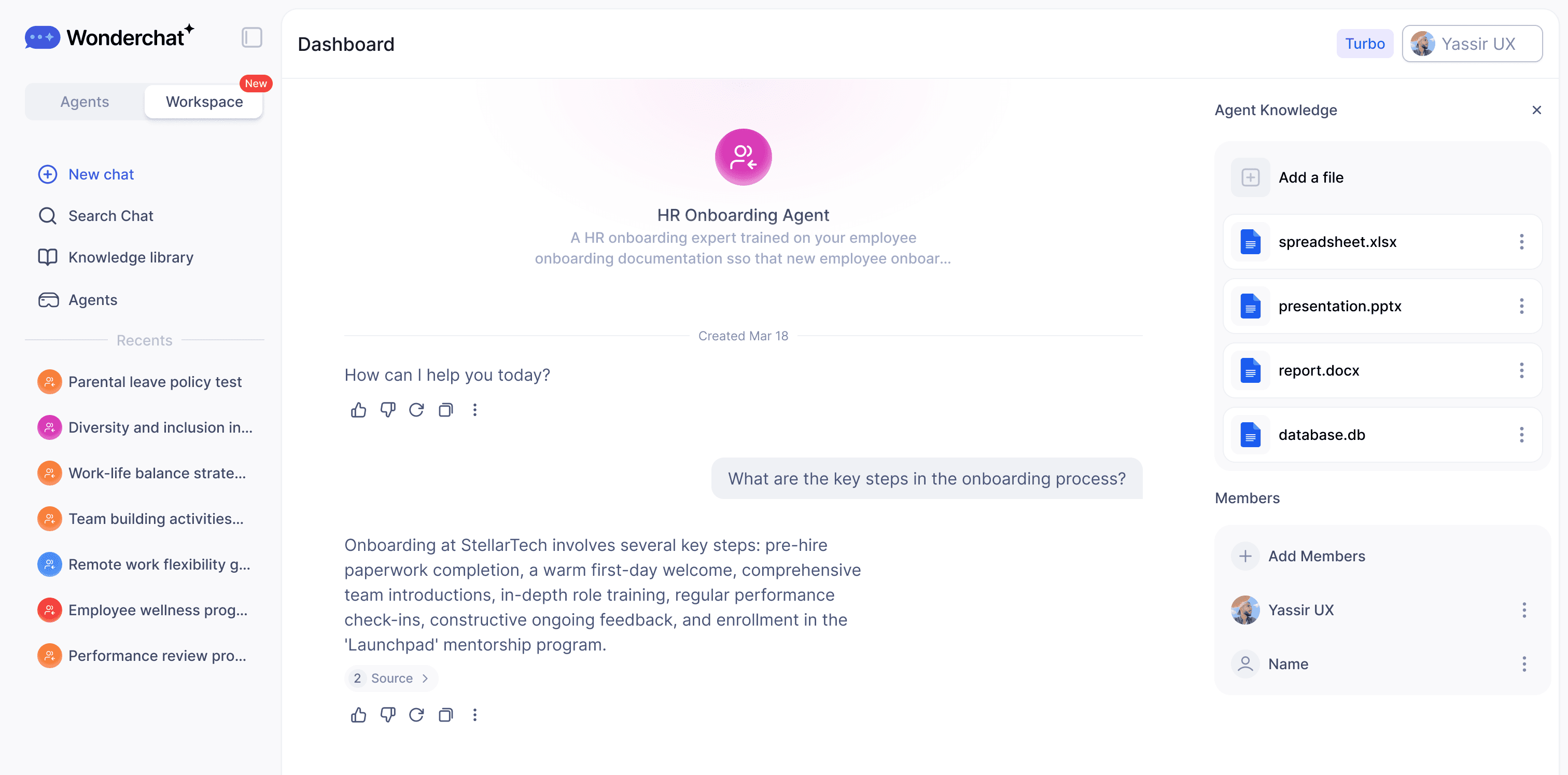
Employees ask questions in natural language and get instant, source-cited answers from every connected knowledge source — SharePoint, Google Drive, PDFs, websites, and more. No more switching between tools or guessing which folder holds the right document.

Source-cited every answer

Natural language queries

All formats, one interface

AI Search Across All Knowledge

One Search Bar for All Company Knowledge

Employees ask questions in natural language and get instant, source-cited answers from every connected knowledge source — SharePoint, Google Drive, PDFs, websites, and more. No more switching between tools or guessing which folder holds the right document.

Source-cited every answer

Natural language queries

All formats, one interface

Native SharePoint and Drive Sync

Sync SharePoint and Google Drive Automatically

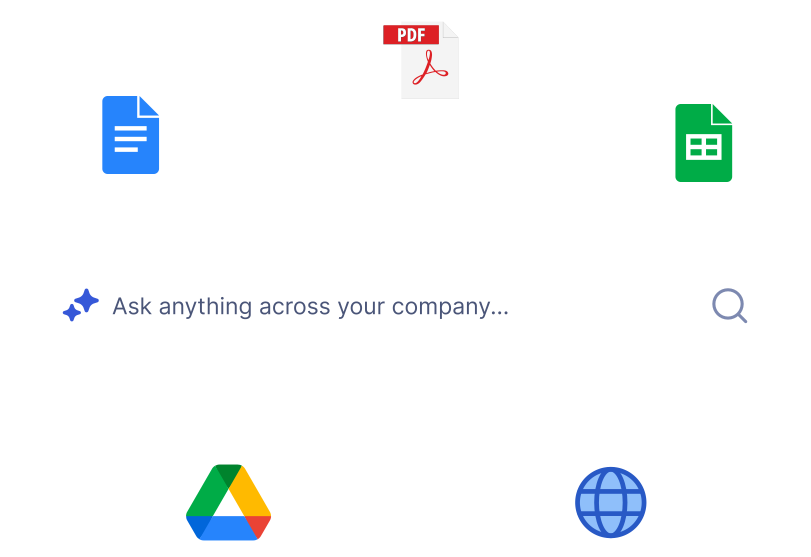
Connect your existing SharePoint libraries and Google Drive folders directly to Workspace. Documents sync automatically so the AI always has the current version. No manual re-uploading when files change — the knowledge base stays current without extra effort from your team.

Always current documents

No manual re-uploading

Works with existing folders
Purpose-Built AI Agents

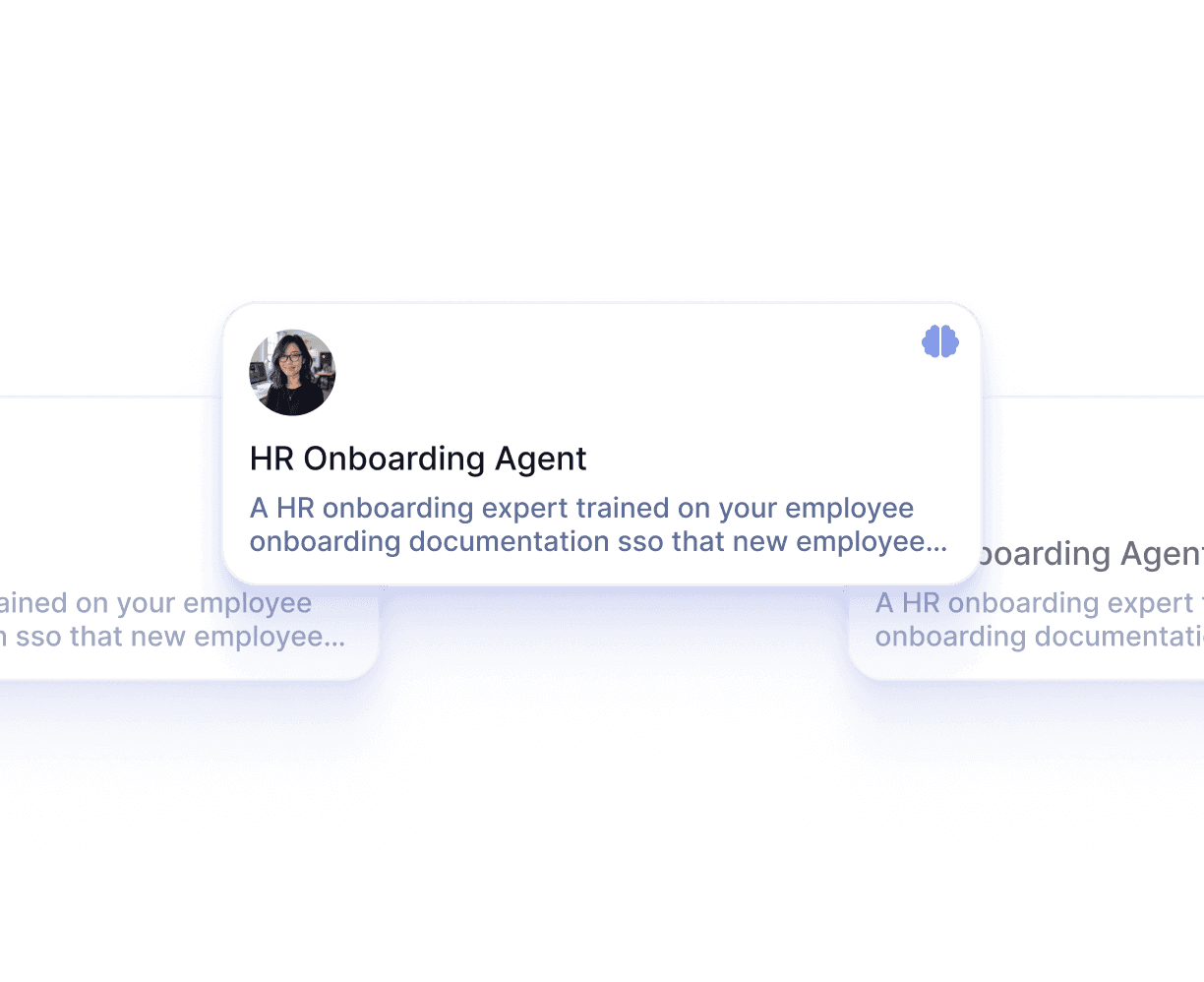
Deploy Specialized Agents for Every Team

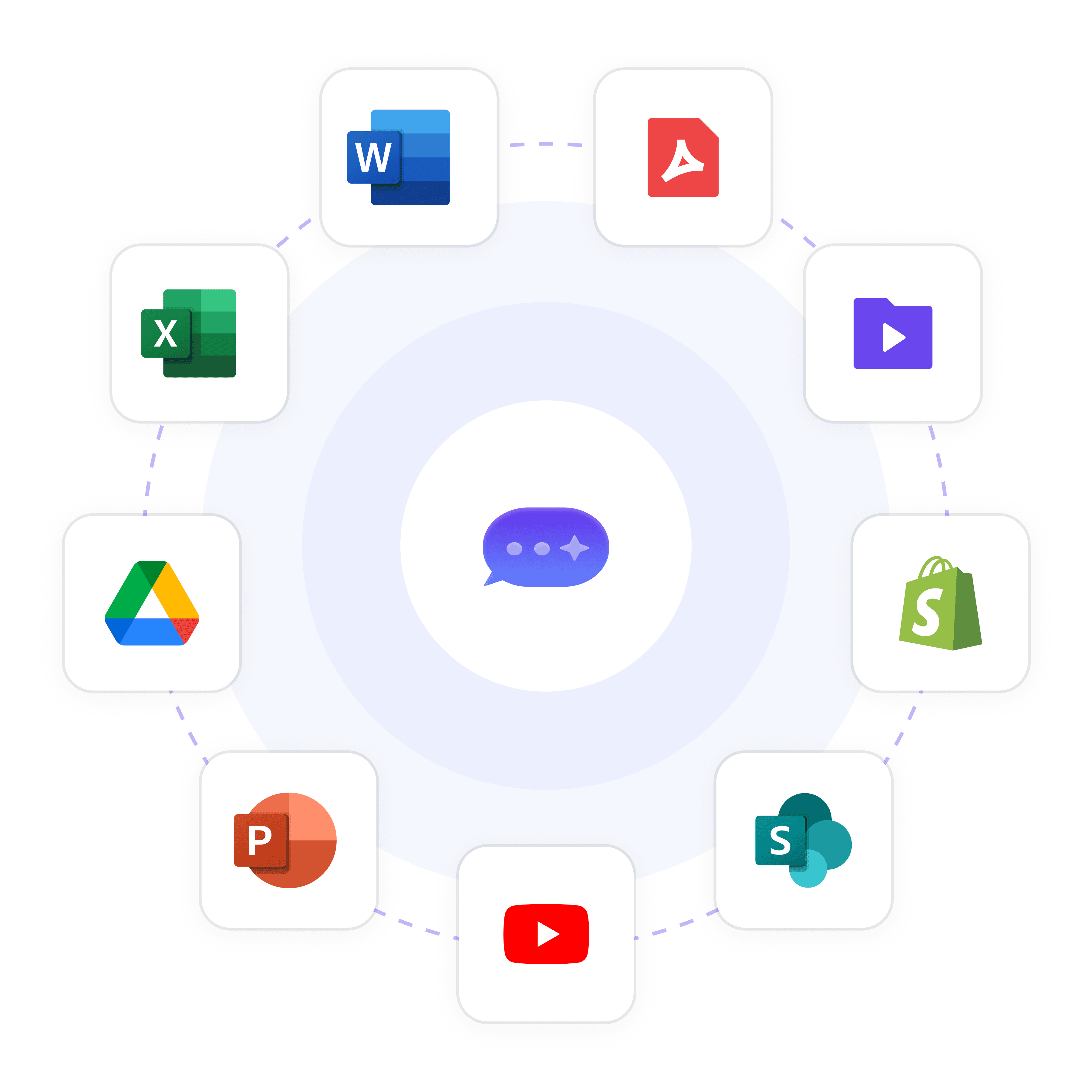
Create dedicated AI agents for HR policies, IT troubleshooting, sales playbooks, onboarding, and compliance — each trained on specific documentation and shared company-wide. Role-based access ensures employees only see knowledge relevant and appropriate to their role.

HR, IT, sales agents

Role-based access control

Shared company-wide instantly
Key Features

Built for Team Collaboration

Work alongside your teammates in shared AI workspaces. See what's been built, build on top of it, and keep everyone aligned — all in real time.

Access Every Major LLM — In One Place

Stop choosing between AI models. With Wonderchat Workspaces, your team can switch between the best large language models in seconds.

AI That Works the Way Your Team Does

Workspaces isn't just a chat tool, it's a platform for AI-powered work. Train chatbots on your own data and embed AI into your existing workflows.

Visibility Across Your Entire Team

See how AI is being used across your organization and continuously improve your team's workflows.

Key Features

Built for Team Collaboration

Work alongside your teammates in shared AI workspaces. See what's been built, build on top of it, and keep everyone aligned — all in real time.

Access Every Major LLM — In One Place

Stop choosing between AI models. With Wonderchat Workspaces, your team can switch between the best large language models in seconds.

AI That Works the Way Your Team Does

Workspaces isn't just a chat tool, it's a platform for AI-powered work. Train chatbots on your own data and embed AI into your existing workflows.

Visibility Across Your Entire Team

See how AI is being used across your organization and continuously improve your team's workflows.

Documentation Quality Management

Surface Knowledge Gaps Before They Cause Problems

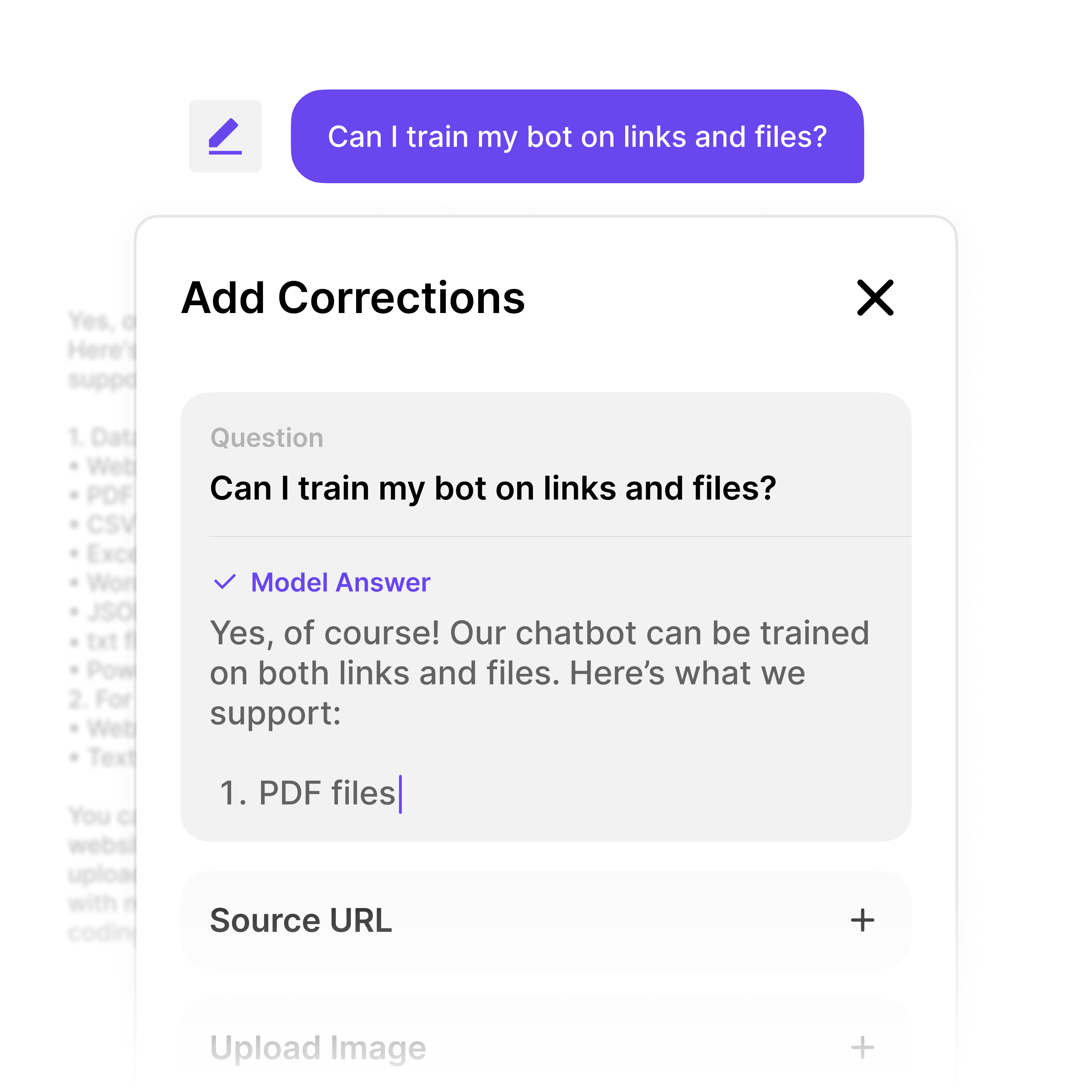
When employees flag unhelpful answers, Workspace automatically surfaces exactly where documentation is missing or outdated. Admins see a prioritized list of gaps so they can fix the right content first — turning employee frustration into measurable documentation improvements.

Thumbs-down gap detection

Prioritized gap reports

Continuous knowledge improvement

Enterprise Security and Governance

Control Who Accesses Which Knowledge

Admin and member roles with folder and agent-level permissions give you precise control over sensitive knowledge. Restrict HR, legal, or finance documentation to authorized personnel. Enterprise tier adds SSO, SAML, and SCIM for centralized identity management across your organization.

Folder-level permissions

SSO and SAML support

Grade-based access control

"Femke, our wonderchat AI, now resolves 92% of inquiries, leaving only 8% for our human team. the result? Huge savings in manpower and costs, and the remaining support work is far more intersting."

Hilco De Roo

Founder of Jortt.nl

Who It's For

HR Teams

Build an internal AI policy bot your employees can actually ask questions to — no more digging through handbooks or waiting on HR to reply.

Procurement Teams

Give your team an AI that knows your vendors, contracts, and approval processes — so every request moves faster.

IT & Service Management

Deploy an internal AI agent that handles tier-1 tickets, answers common IT questions, and routes issues — before they hit your helpdesk.

Why Wonderchat Workspaces?

Why Wonderchat Workspaces?

Without Workspaces

With Workspaces

Every team member uses different AI tools

One unified platform for the whole team

Knowledge and prompts get lost

Shared libraries everyone can access

No visibility into team AI usage

Full analytics and reporting

AI lives outside your workflow

AI embedded into how your team works

FAQ

What exactly are AI knowledge management tools and how does Workspace fit?

AI knowledge management tools use artificial intelligence to index, search, and retrieve information from your organization's documents and systems. Wonderchat Workspace is an AI knowledge layer that sits on top of your existing tools — SharePoint, Google Drive, ERPs, PDFs, and more — giving employees one natural-language search interface for instant, source-cited answers. It does not replace your document storage; it makes everything in it actually findable.

How is Workspace different from just using Microsoft Copilot or SharePoint search?

SharePoint search struggles with natural language queries and fails to surface answers from non-Microsoft sources. Microsoft Copilot is similarly limited to the Microsoft ecosystem. Workspace indexes content across SharePoint, Google Drive, PDFs, websites, ERPs, and custom knowledge bases simultaneously. Every answer cites its source document, and you can create specialized agents for specific teams or functions — something neither SharePoint search nor Copilot provides out of the box.

What file formats and data sources does Workspace support?

Workspace ingests PDF, CSV, PPT, DOCX, TXT, HTML, JSON, Markdown, MP4, and webpages. It natively syncs with SharePoint libraries and Google Drive folders, keeping the AI's knowledge automatically current when documents change. For enterprise environments, custom integrations with ERPs, HR software, and proprietary databases are available. The platform handles knowledge bases with 20,000+ pages.

Is Wonderchat Workspace secure enough for sensitive internal documentation?

Yes. Workspace is SOC 2 and GDPR compliant. Role-based access control lets administrators restrict sensitive knowledge — HR policies, legal documents, financial data — to authorized personnel only, with folder-level and agent-level permission settings. The enterprise tier adds SSO, SAML, and SCIM for centralized identity management, plus audit logs and dedicated support. Your data is used only to power your private Workspace — it is not used to train shared models.

How long does it take to set up Workspace and get employees using it?

Setup is designed to be fast. Connect your SharePoint or Google Drive, upload your documents, and the AI indexes everything automatically. You can create your first specialized agent — an HR agent, an IT troubleshooting agent, or a universal search interface — and share it company-wide without lengthy implementation projects. The free plan lets you start immediately with up to 5 members at no cost.

What does Workspace cost and is there a free option?

Workspace offers three tiers. The **Free plan** ($0/mo) supports 5 members with 30 queries per member per month, up to 1,000 pages, and 3 agents — enough to validate the use case. The **Premium plan** ($99/mo) supports 5 members with 300 queries each, 10,000 pages, unlimited agents, and analytics (additional seats at $25/seat/mo). **Enterprise** pricing is custom and includes unlimited everything, SSO/SAML/SCIM, audit logs, SLA, and a dedicated customer success manager.

FAQ

What exactly are AI knowledge management tools and how does Workspace fit?

AI knowledge management tools use artificial intelligence to index, search, and retrieve information from your organization's documents and systems. Wonderchat Workspace is an AI knowledge layer that sits on top of your existing tools — SharePoint, Google Drive, ERPs, PDFs, and more — giving employees one natural-language search interface for instant, source-cited answers. It does not replace your document storage; it makes everything in it actually findable.

How is Workspace different from just using Microsoft Copilot or SharePoint search?

SharePoint search struggles with natural language queries and fails to surface answers from non-Microsoft sources. Microsoft Copilot is similarly limited to the Microsoft ecosystem. Workspace indexes content across SharePoint, Google Drive, PDFs, websites, ERPs, and custom knowledge bases simultaneously. Every answer cites its source document, and you can create specialized agents for specific teams or functions — something neither SharePoint search nor Copilot provides out of the box.

What file formats and data sources does Workspace support?

Workspace ingests PDF, CSV, PPT, DOCX, TXT, HTML, JSON, Markdown, MP4, and webpages. It natively syncs with SharePoint libraries and Google Drive folders, keeping the AI's knowledge automatically current when documents change. For enterprise environments, custom integrations with ERPs, HR software, and proprietary databases are available. The platform handles knowledge bases with 20,000+ pages.

Is Wonderchat Workspace secure enough for sensitive internal documentation?

Yes. Workspace is SOC 2 and GDPR compliant. Role-based access control lets administrators restrict sensitive knowledge — HR policies, legal documents, financial data — to authorized personnel only, with folder-level and agent-level permission settings. The enterprise tier adds SSO, SAML, and SCIM for centralized identity management, plus audit logs and dedicated support. Your data is used only to power your private Workspace — it is not used to train shared models.

How long does it take to set up Workspace and get employees using it?

Setup is designed to be fast. Connect your SharePoint or Google Drive, upload your documents, and the AI indexes everything automatically. You can create your first specialized agent — an HR agent, an IT troubleshooting agent, or a universal search interface — and share it company-wide without lengthy implementation projects. The free plan lets you start immediately with up to 5 members at no cost.

What does Workspace cost and is there a free option?

Workspace offers three tiers. The **Free plan** ($0/mo) supports 5 members with 30 queries per member per month, up to 1,000 pages, and 3 agents — enough to validate the use case. The **Premium plan** ($99/mo) supports 5 members with 300 queries each, 10,000 pages, unlimited agents, and analytics (additional seats at $25/seat/mo). **Enterprise** pricing is custom and includes unlimited everything, SSO/SAML/SCIM, audit logs, SLA, and a dedicated customer success manager.

Unify Your Knowledge with AI Today