Employee Knowledge Base Powered by AI Search

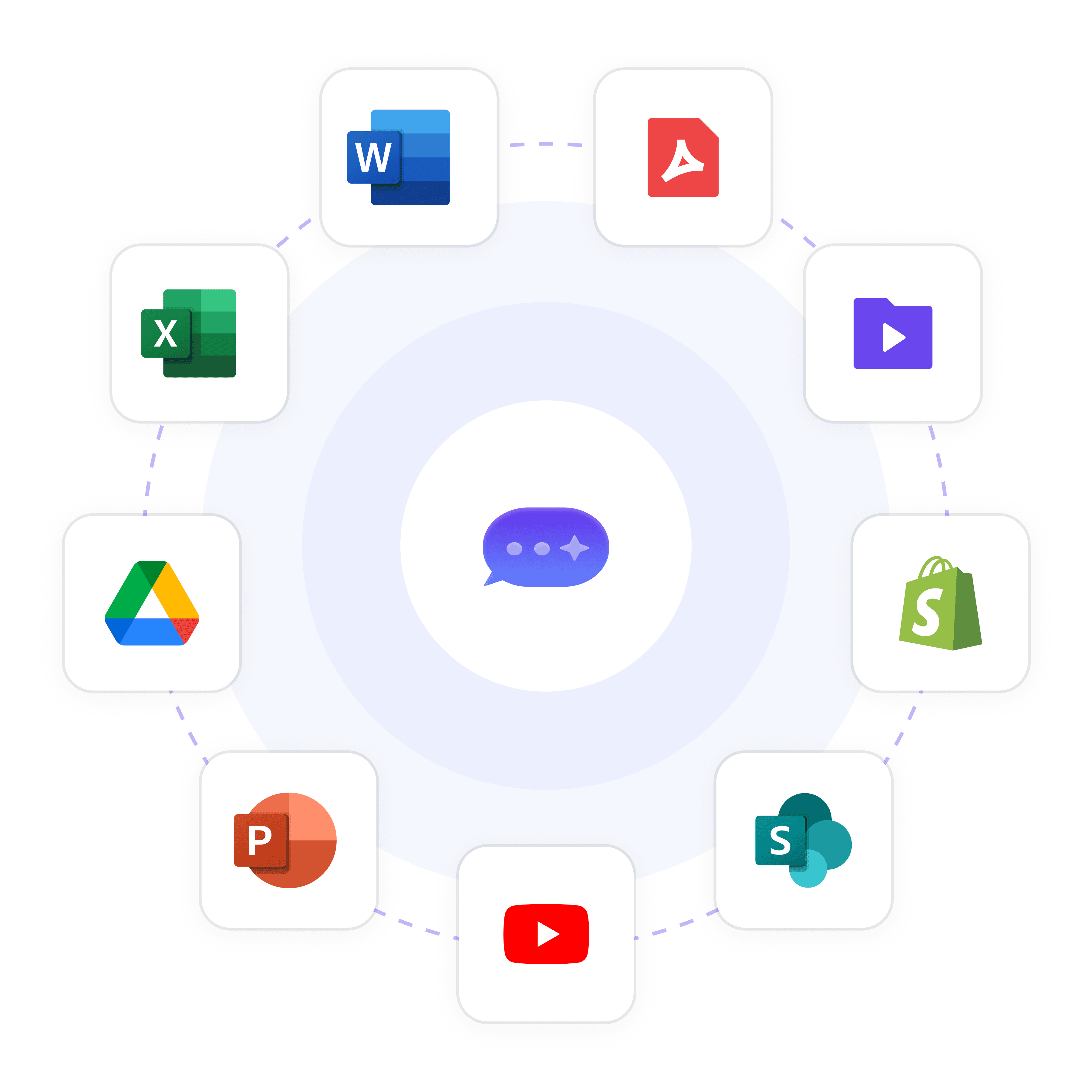
Give every employee instant, source-cited answers from your company's knowledge base. Wonderchat Workspace connects SharePoint, Google Drive, PDFs, and more into one AI search bar.
One AI Search Across All Company Knowledge

One Search Bar for Everything

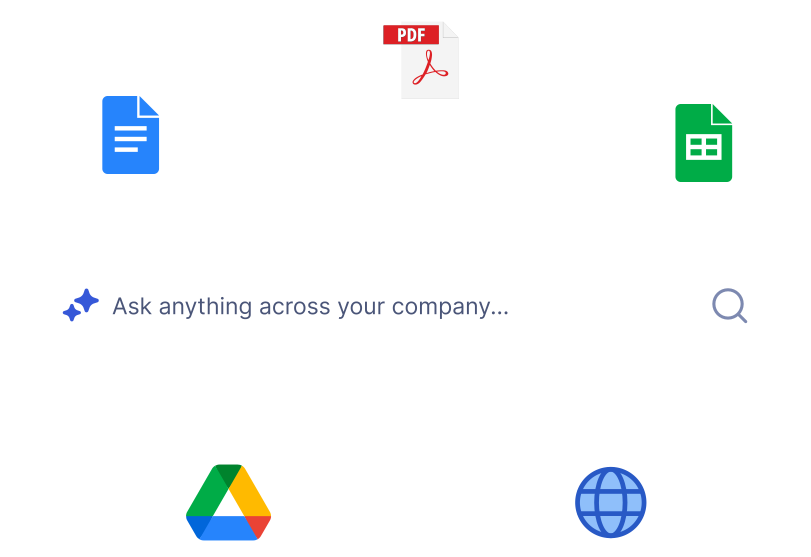
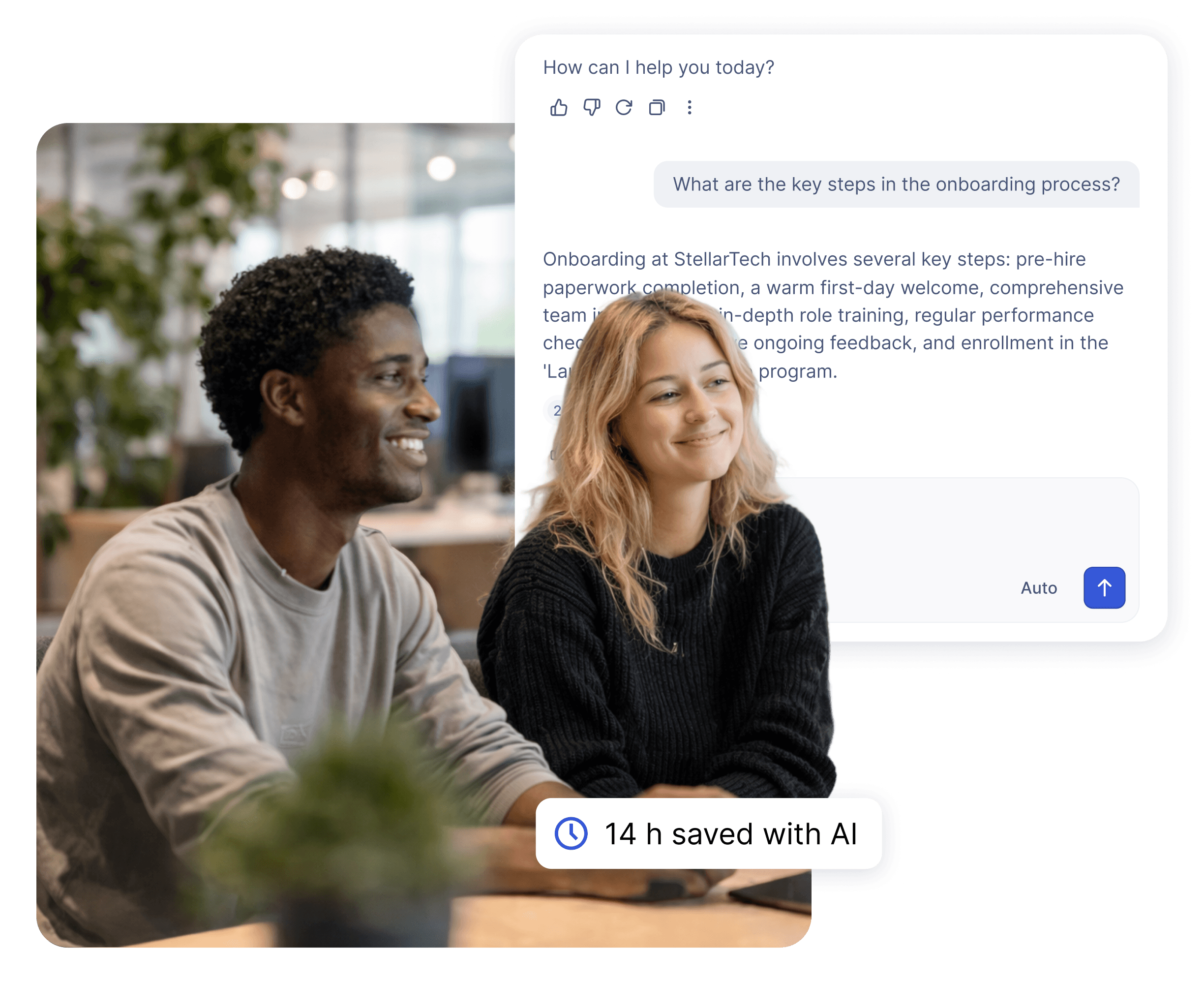
Stop sending employees to dig through SharePoint, shared drives, and email threads. Workspace gives every team member a single natural language search bar that returns instant, source-cited answers from every connected knowledge source in your organization.

Source-cited every answer

Natural language queries

All systems, one search

One Search Bar for Everything

One AI Search Across All Company Knowledge

Stop sending employees to dig through SharePoint, shared drives, and email threads. Workspace gives every team member a single natural language search bar that returns instant, source-cited answers from every connected knowledge source in your organization.

Source-cited every answer

Natural language queries

All systems, one search

Centralized Knowledge Repository

Ingest Every Format Into One Knowledge Base

Upload PDFs, PowerPoints, CSVs, webpages, HTML, JSON, Markdown, and MP4s into a single indexed knowledge library. Workspace handles knowledge bases of 20,000+ pages and automatically makes every document searchable the moment it is added.

20,000+ pages supported

PDF, PPT, CSV, MP4

Auto-indexed instantly
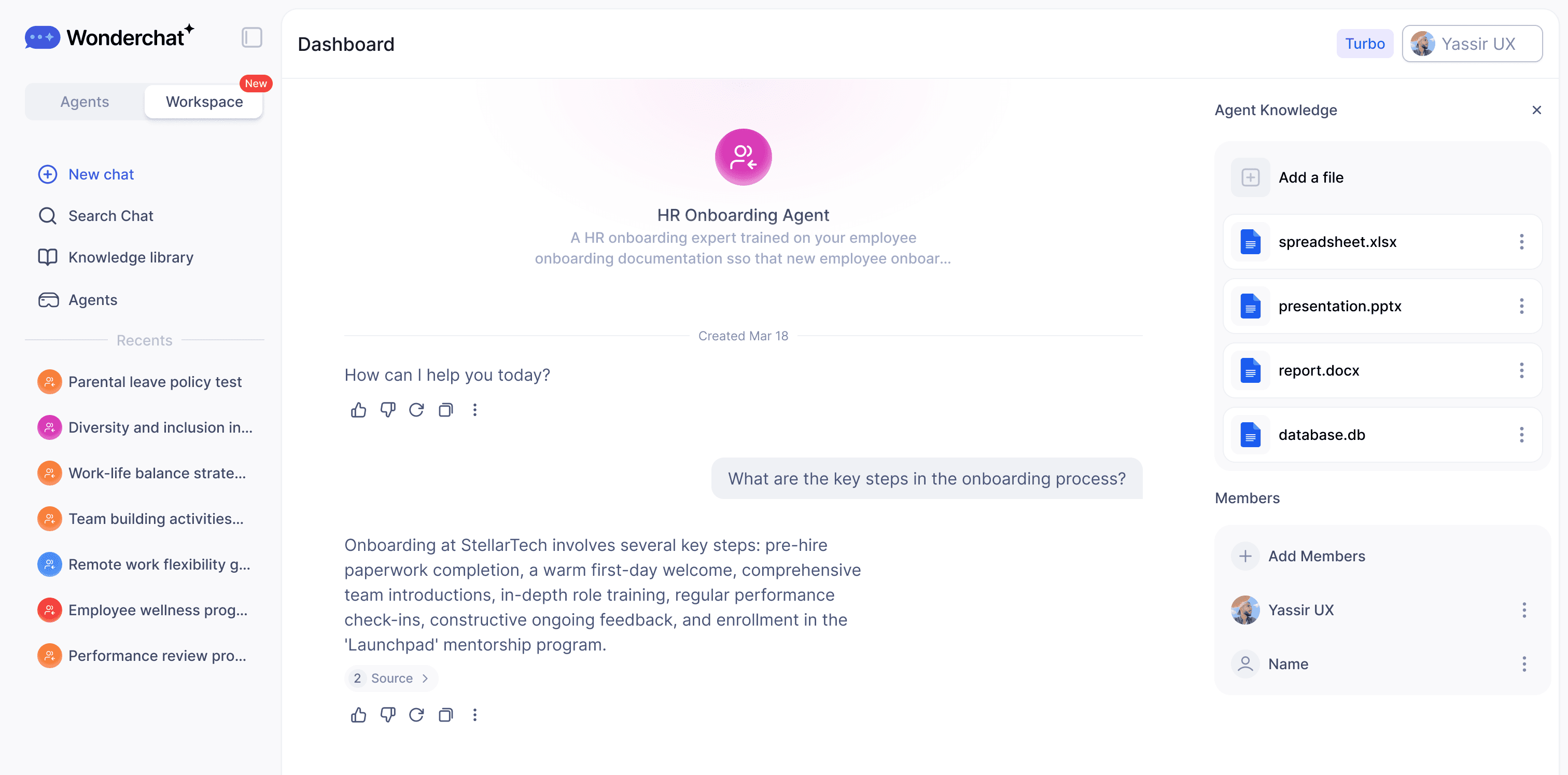
Purpose-Built Department Agents

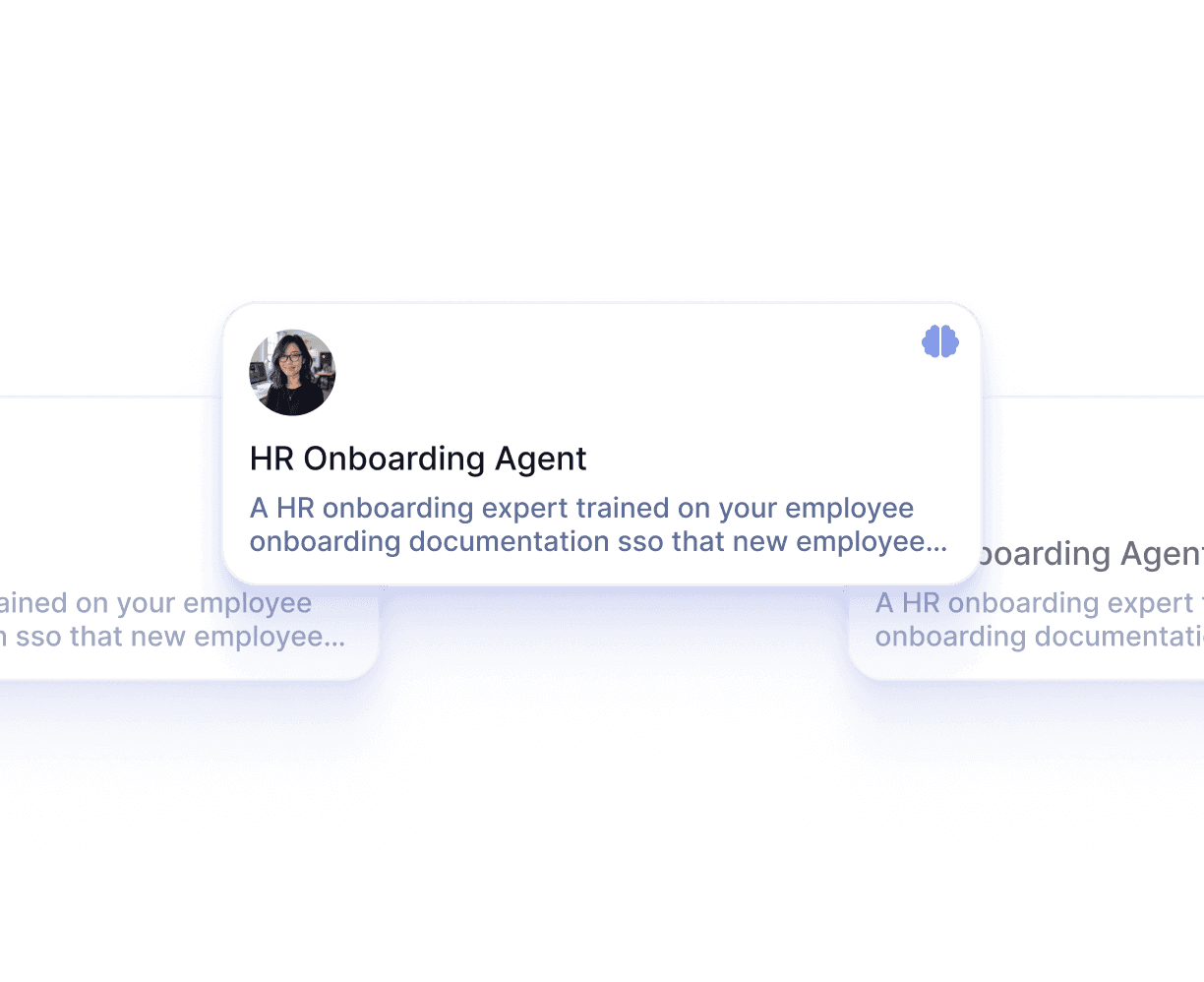
Specialized AI Agents for Every Team

Build dedicated AI agents for HR policies, IT troubleshooting, sales playbooks, employee onboarding, and procurement compliance. Each agent is trained on its own specific knowledge set and shared company-wide with role-based access so the right people always get the right answers.

HR, IT, Sales, Procurement

Role-based agent access

Shared company-wide
Key Features

Built for Team Collaboration

Work alongside your teammates in shared AI workspaces. See what's been built, build on top of it, and keep everyone aligned — all in real time.

Access Every Major LLM — In One Place

Stop choosing between AI models. With Wonderchat Workspaces, your team can switch between the best large language models in seconds.

AI That Works the Way Your Team Does

Workspaces isn't just a chat tool, it's a platform for AI-powered work. Train chatbots on your own data and embed AI into your existing workflows.

Visibility Across Your Entire Team

See how AI is being used across your organization and continuously improve your team's workflows.

Key Features

Built for Team Collaboration

Work alongside your teammates in shared AI workspaces. See what's been built, build on top of it, and keep everyone aligned — all in real time.

Access Every Major LLM — In One Place

Stop choosing between AI models. With Wonderchat Workspaces, your team can switch between the best large language models in seconds.

AI That Works the Way Your Team Does

Workspaces isn't just a chat tool, it's a platform for AI-powered work. Train chatbots on your own data and embed AI into your existing workflows.

Visibility Across Your Entire Team

See how AI is being used across your organization and continuously improve your team's workflows.

Native SharePoint and Drive Sync

Sync SharePoint and Google Drive Automatically

Connect your existing SharePoint libraries and Google Drive folders directly to Workspace. Documents sync automatically so the AI always surfaces the latest version. No manual re-uploading, no stale content — the same files your team already maintains, now actually findable.

Auto-sync on file changes

No manual re-uploading

Works with existing folders

Enterprise Security and Permissions

Control Who Sees Which Knowledge

Assign Admin and Member roles with folder and agent-level permissions. Restrict sensitive HR, legal, or finance knowledge to authorized personnel only. Enterprise tier includes SSO, SAML, and SCIM for centralized identity management across your entire organization.

Folder-level permissions

Grade-based access control

SSO and SAML support

"Femke, our wonderchat AI, now resolves 92% of inquiries, leaving only 8% for our human team. the result? Huge savings in manpower and costs, and the remaining support work is far more intersting."

Hilco De Roo

Founder of Jortt.nl

Who It's For

HR Teams

Build an internal AI policy bot your employees can actually ask questions to — no more digging through handbooks or waiting on HR to reply.

Procurement Teams

Give your team an AI that knows your vendors, contracts, and approval processes — so every request moves faster.

IT & Service Management

Deploy an internal AI agent that handles tier-1 tickets, answers common IT questions, and routes issues — before they hit your helpdesk.

Why Wonderchat Workspaces?

Why Wonderchat Workspaces?

Without Workspaces

With Workspaces

Every team member uses different AI tools

One unified platform for the whole team

Knowledge and prompts get lost

Shared libraries everyone can access

No visibility into team AI usage

Full analytics and reporting

AI lives outside your workflow

AI embedded into how your team works

FAQ

What is an employee knowledge base and why does my team need one?

An employee knowledge base is a centralized, searchable repository of your organization's internal knowledge — policies, procedures, product documentation, training materials, and more. Most companies already have this content, but it is spread across SharePoint, Google Drive, PDFs, and email. Employees waste significant time hunting for answers or asking colleagues who may not have the most current version. Wonderchat Workspace acts as the AI search layer on top of your existing systems, so employees get instant, source-cited answers without switching between tools.

How is Wonderchat Workspace different from our existing SharePoint search?

SharePoint's native search is built around keyword matching and file metadata — it frequently fails to surface the right document even when you search for its exact name. Workspace uses AI to understand the intent behind a question and pulls the relevant answer directly from the content of your documents, not just their titles. Employees ask a natural language question and receive a specific, cited answer. They do not need to know which file the information is in.

What file types and sources can Workspace connect to?

Workspace ingests PDF, CSV, PPT, HTML, JSON, Markdown, MP4, and standard webpages. It has native sync connectors for Microsoft SharePoint and Google Drive, which update automatically when files change. For enterprise deployments, custom integrations with ERPs, HR systems, and internal databases are also available. Any document you connect is automatically indexed and becomes searchable through the AI.

How does Workspace handle sensitive HR or finance documents?

Workspace includes role-based access control at the folder and agent level. Admins can restrict specific knowledge bases — HR policies, compensation bands, legal documents — to authorized personnel only. Grade-based access allows you to control visibility by seniority level. The Enterprise tier adds SSO, SAML, and SCIM so access is managed through your existing identity provider. Wonderchat is SOC 2 and GDPR compliant.

How much does Wonderchat Workspace cost?

Workspace has three tiers. The **Free plan** is $0/month and includes 5 members, 30 queries per member per month, up to 1,000 pages, and 3 agents — no credit card required. The **Premium plan** is $99/month for 5 members (with additional seats at $25 each), 300 queries per member per month, up to 10,000 pages, unlimited agents, and analytics. **Enterprise** pricing is custom and includes unlimited everything, SSO/SAML/SCIM, audit logs, an SLA, and a dedicated customer success manager.

How long does it take to set up an employee knowledge base in Workspace?

Most teams can connect their first knowledge source and start querying within minutes. You connect SharePoint or Google Drive, upload existing documents, and the AI indexes everything automatically. There is no model training in the traditional sense — Workspace reads your content and makes it searchable immediately. Purpose-built agents for HR, IT, and other departments can be configured and shared company-wide without any coding.

FAQ

What is an employee knowledge base and why does my team need one?

An employee knowledge base is a centralized, searchable repository of your organization's internal knowledge — policies, procedures, product documentation, training materials, and more. Most companies already have this content, but it is spread across SharePoint, Google Drive, PDFs, and email. Employees waste significant time hunting for answers or asking colleagues who may not have the most current version. Wonderchat Workspace acts as the AI search layer on top of your existing systems, so employees get instant, source-cited answers without switching between tools.

How is Wonderchat Workspace different from our existing SharePoint search?

SharePoint's native search is built around keyword matching and file metadata — it frequently fails to surface the right document even when you search for its exact name. Workspace uses AI to understand the intent behind a question and pulls the relevant answer directly from the content of your documents, not just their titles. Employees ask a natural language question and receive a specific, cited answer. They do not need to know which file the information is in.

What file types and sources can Workspace connect to?

Workspace ingests PDF, CSV, PPT, HTML, JSON, Markdown, MP4, and standard webpages. It has native sync connectors for Microsoft SharePoint and Google Drive, which update automatically when files change. For enterprise deployments, custom integrations with ERPs, HR systems, and internal databases are also available. Any document you connect is automatically indexed and becomes searchable through the AI.

How does Workspace handle sensitive HR or finance documents?

Workspace includes role-based access control at the folder and agent level. Admins can restrict specific knowledge bases — HR policies, compensation bands, legal documents — to authorized personnel only. Grade-based access allows you to control visibility by seniority level. The Enterprise tier adds SSO, SAML, and SCIM so access is managed through your existing identity provider. Wonderchat is SOC 2 and GDPR compliant.

How much does Wonderchat Workspace cost?

Workspace has three tiers. The **Free plan** is $0/month and includes 5 members, 30 queries per member per month, up to 1,000 pages, and 3 agents — no credit card required. The **Premium plan** is $99/month for 5 members (with additional seats at $25 each), 300 queries per member per month, up to 10,000 pages, unlimited agents, and analytics. **Enterprise** pricing is custom and includes unlimited everything, SSO/SAML/SCIM, audit logs, an SLA, and a dedicated customer success manager.

How long does it take to set up an employee knowledge base in Workspace?

Most teams can connect their first knowledge source and start querying within minutes. You connect SharePoint or Google Drive, upload existing documents, and the AI indexes everything automatically. There is no model training in the traditional sense — Workspace reads your content and makes it searchable immediately. Purpose-built agents for HR, IT, and other departments can be configured and shared company-wide without any coding.

Start Your Employee Knowledge Base Free