Policy Compliance Software That Ends Audit Anxiety

Wonderchat Workspace ingests your complex regulations and policy manuals so every employee gets instant, source-cited answers. Reduce compliance risk and eliminate costly human error.
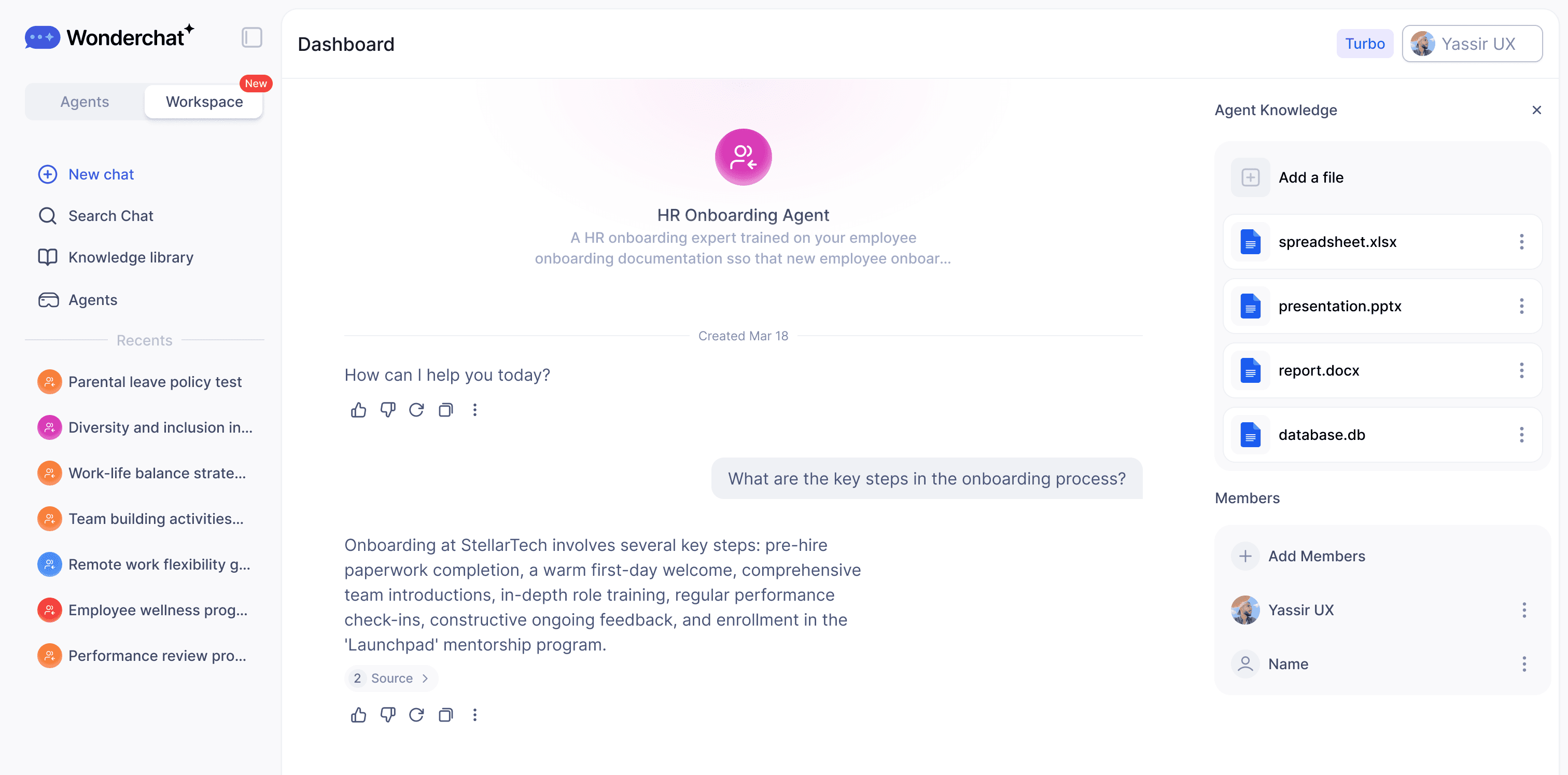
Most teams use AI every day, but everyone's doing it differently, on different tools, with no shared knowledge.

Most teams use AI every day, but everyone's doing it differently, on different tools, with no shared knowledge.

That means duplicated effort, inconsistent results, and AI that never quite fits the way your team actually works.

That means duplicated effort, inconsistent results, and AI that never quite fits the way your team actually works.

Wonderchat Workspaces changes that.

Wonderchat Workspaces changes that.

Always Current Policy Knowledge

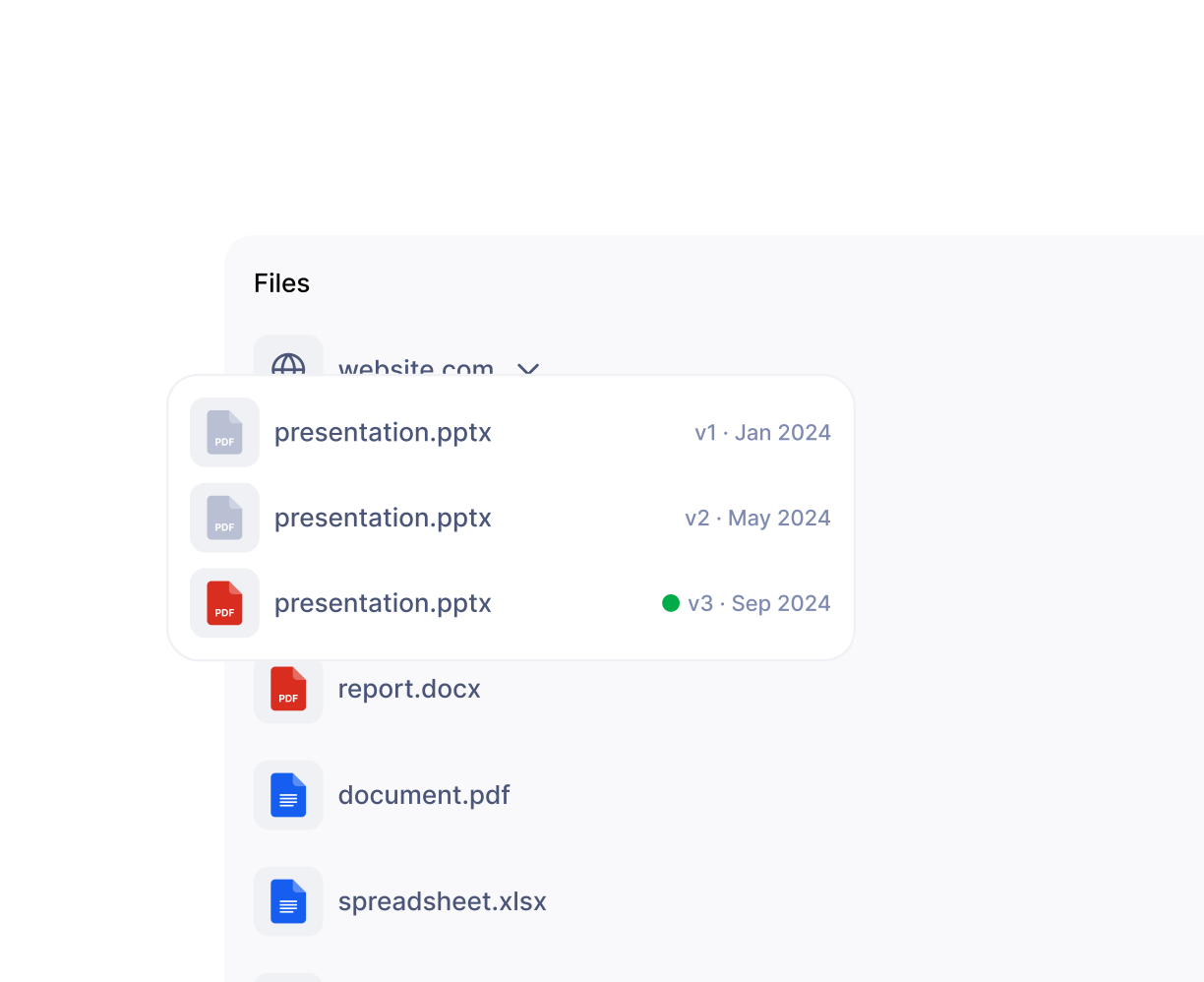
AI That Knows Which Policy Is Current

When compliance circulars, regulatory directives, or internal policies are updated, Workspace automatically surfaces the current version and overrides the old one. Employees and auditors always reference the latest approved document — never an outdated policy that creates audit risk.

Outdated policies auto-replaced

Audit-ready at all times

No manual version tracking

Compliance Grade Answer Accuracy

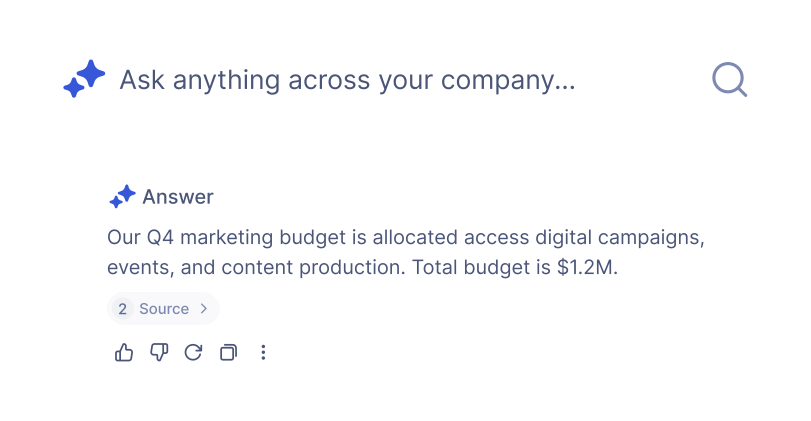
Every Compliance Answer Cites Its Source

Workspace cites the exact source document for every answer it delivers — so compliance officers, auditors, and employees can trace any response back to the original policy or regulation. Eliminates AI hallucination concerns in regulated environments where accuracy is non-negotiable.

Source cited every answer

Zero AI hallucination risk

Audit trail on every query
Purpose Built Compliance Agents

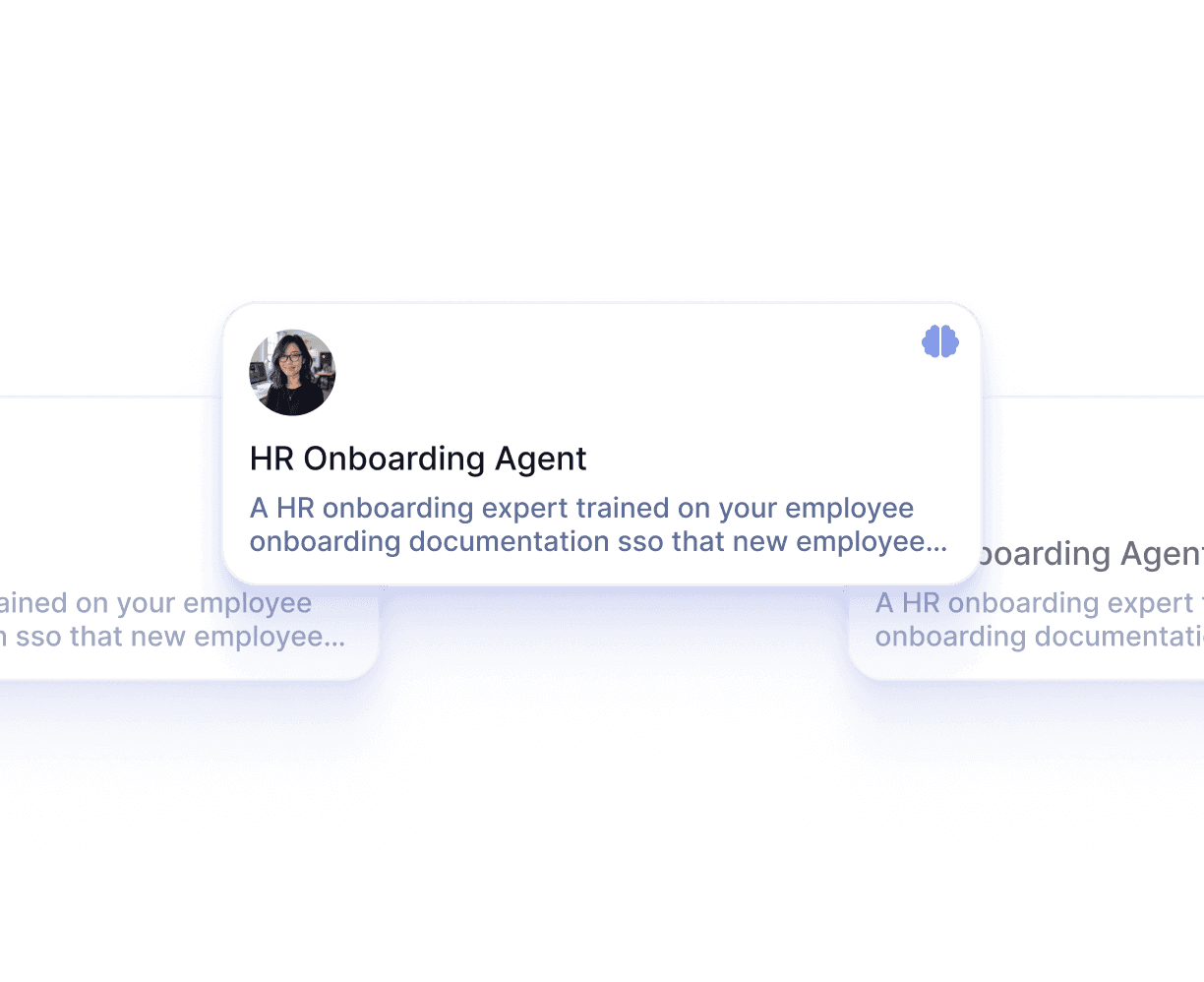
Deploy a Dedicated Compliance Policy Agent

Build a specialized compliance AI agent trained exclusively on your regulatory policies, labor laws, safety standards, and internal procedures. Share it company-wide with role-based access so only authorized teams interact with sensitive compliance materials.

Scoped to compliance docs only

Role-based agent access

Shared company-wide instantly
Key Features

Built for Team Collaboration

Work alongside your teammates in shared AI workspaces. See what's been built, build on top of it, and keep everyone aligned — all in real time.

Access Every Major LLM — In One Place

Stop choosing between AI models. With Wonderchat Workspaces, your team can switch between the best large language models in seconds.

AI That Works the Way Your Team Does

Workspaces isn't just a chat tool, it's a platform for AI-powered work. Train chatbots on your own data and embed AI into your existing workflows.

Visibility Across Your Entire Team

See how AI is being used across your organization and continuously improve your team's workflows.

Enterprise Security and Permissions

Control Who Accesses Which Compliance Knowledge

Restrict sensitive compliance materials — HR policies, legal guidelines, financial regulations — to authorized personnel only. Admin and member roles, folder-level permissions, and grade-based access ensure the right people see the right documents. Enterprise tier includes SSO, SAML, and SCIM.

Folder level permissions

Grade based access control

SSO and SAML supported

Proactive Compliance Documentation

Surface Gaps Before Auditors Find Them

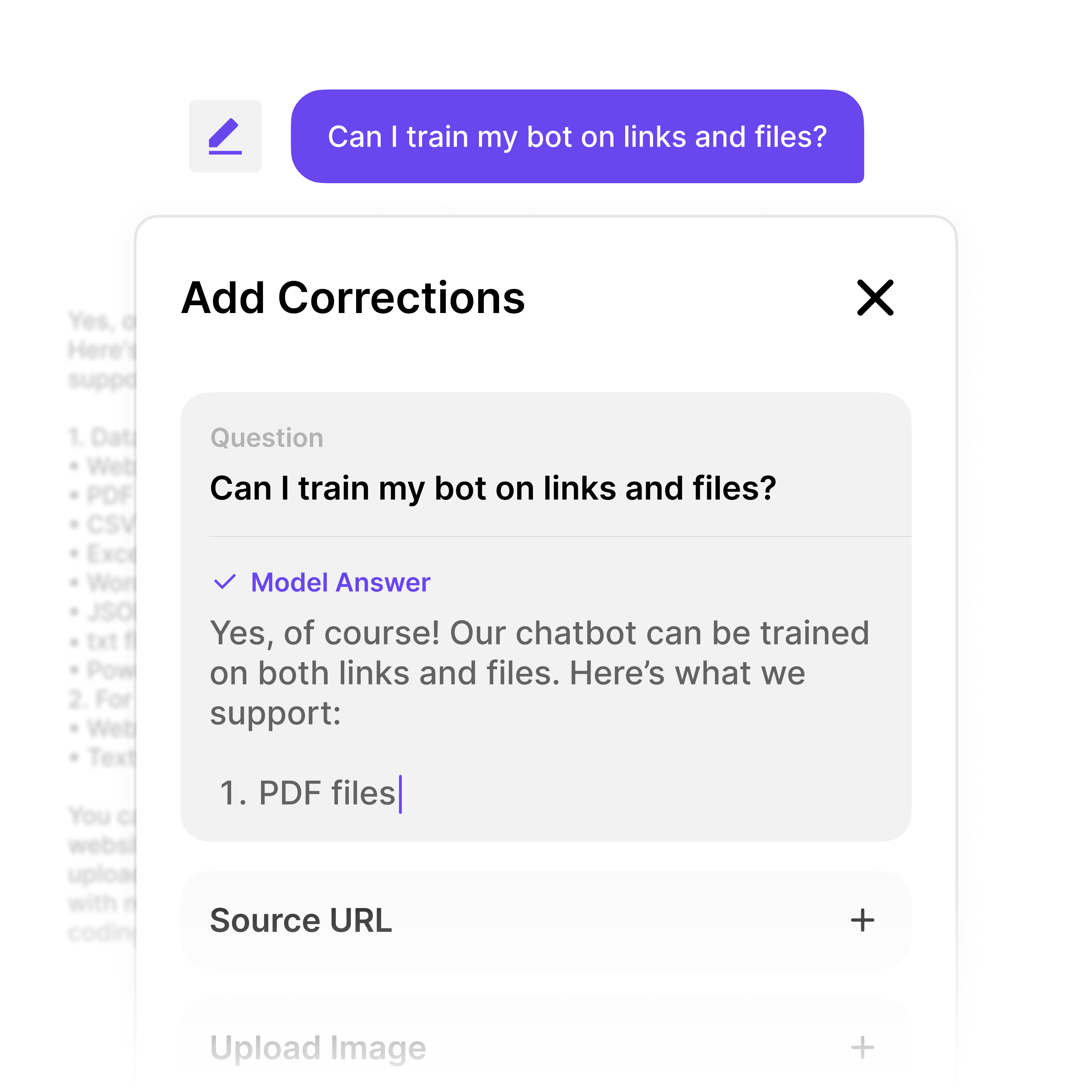
When employees flag an unhelpful compliance answer, Workspace surfaces exactly which policy area lacks clear documentation. Admins get a prioritized list of knowledge gaps so compliance teams can address missing or ambiguous policies before they become audit findings.

Flags missing policy coverage

Prioritized gap reporting

Turn feedback into improvements
Why Wonderchat Workspaces?

Why Wonderchat Workspaces?

Without Workspaces

With Workspaces

Every team member uses different AI tools

One unified platform for the whole team

Knowledge and prompts get lost

Shared libraries everyone can access

No visibility into team AI usage

Full analytics and reporting

AI lives outside your workflow

AI embedded into how your team works

FAQ

How does Workspace handle constantly changing compliance regulations and policies?

Workspace includes document invalidation — when you upload a new policy circular or updated regulation, the AI automatically surfaces the current version and overrides the outdated one. This means employees and auditors always reference the latest approved document without any manual version tracking. For compliance environments where directives change frequently, this removes a critical source of human error.

Can Workspace cite sources so auditors can verify compliance answers?

Yes. Every answer Workspace delivers includes a citation pointing back to the exact source document — the specific policy, regulation, or compliance manual the answer came from. This eliminates AI hallucination risk and gives auditors a verifiable paper trail. Employees can confirm any answer against its original source, which is essential in regulated industries like banking, legal, and manufacturing.

How do we restrict access to sensitive compliance and HR policy documents?

Workspace provides role-based access control at the folder and agent level. You can restrict sensitive compliance materials — HR policies, legal guidelines, financial regulations — to specific teams or seniority levels. Enterprise deployments support SSO, SAML, and SCIM for centralized identity management, ensuring your compliance knowledge base integrates with your existing security infrastructure.

Is Wonderchat Workspace secure enough for regulated industries like banking or legal?

Wonderchat Workspace is SOC 2 and GDPR compliant. Role-based access control, folder-level permissions, and enterprise authentication options (SSO, SAML, SCIM) ensure compliance materials are only accessible to authorized personnel. The platform is used by financial institutions and legal organizations that require strict data governance and audit-ready security controls.

What document formats can we upload for our compliance knowledge base?

Workspace ingests PDF, CSV, PPT, webpages, HTML, JSON, Markdown, and MP4 — covering the full range of formats compliance teams typically work with, from policy PDFs and regulatory spreadsheets to training videos. The platform handles knowledge bases of 20,000+ pages. Native SharePoint and Google Drive sync means your existing compliance repositories connect automatically without manual re-uploading.

How does Workspace help identify gaps in our compliance documentation?

When an employee flags an unhelpful answer using the thumbs-down feedback, Workspace surfaces that topic as a knowledge gap in the admin dashboard. Compliance managers get a prioritized view of which policy areas lack clear documentation coverage — turning employee frustration into actionable improvements. This helps organizations address documentation weaknesses proactively, before they become audit findings.

FAQ

How does Workspace handle constantly changing compliance regulations and policies?

Workspace includes document invalidation — when you upload a new policy circular or updated regulation, the AI automatically surfaces the current version and overrides the outdated one. This means employees and auditors always reference the latest approved document without any manual version tracking. For compliance environments where directives change frequently, this removes a critical source of human error.

Can Workspace cite sources so auditors can verify compliance answers?

Yes. Every answer Workspace delivers includes a citation pointing back to the exact source document — the specific policy, regulation, or compliance manual the answer came from. This eliminates AI hallucination risk and gives auditors a verifiable paper trail. Employees can confirm any answer against its original source, which is essential in regulated industries like banking, legal, and manufacturing.

How do we restrict access to sensitive compliance and HR policy documents?

Workspace provides role-based access control at the folder and agent level. You can restrict sensitive compliance materials — HR policies, legal guidelines, financial regulations — to specific teams or seniority levels. Enterprise deployments support SSO, SAML, and SCIM for centralized identity management, ensuring your compliance knowledge base integrates with your existing security infrastructure.

Is Wonderchat Workspace secure enough for regulated industries like banking or legal?

Wonderchat Workspace is SOC 2 and GDPR compliant. Role-based access control, folder-level permissions, and enterprise authentication options (SSO, SAML, SCIM) ensure compliance materials are only accessible to authorized personnel. The platform is used by financial institutions and legal organizations that require strict data governance and audit-ready security controls.

What document formats can we upload for our compliance knowledge base?

Workspace ingests PDF, CSV, PPT, webpages, HTML, JSON, Markdown, and MP4 — covering the full range of formats compliance teams typically work with, from policy PDFs and regulatory spreadsheets to training videos. The platform handles knowledge bases of 20,000+ pages. Native SharePoint and Google Drive sync means your existing compliance repositories connect automatically without manual re-uploading.

How does Workspace help identify gaps in our compliance documentation?

When an employee flags an unhelpful answer using the thumbs-down feedback, Workspace surfaces that topic as a knowledge gap in the admin dashboard. Compliance managers get a prioritized view of which policy areas lack clear documentation coverage — turning employee frustration into actionable improvements. This helps organizations address documentation weaknesses proactively, before they become audit findings.

Get Compliant Answers Across Your Organization