SharePoint Knowledge Base Powered by AI
Connect your SharePoint sites and give every employee instant, source-cited answers. Wonderchat Workspace replaces broken SharePoint search with one AI interface across all your organizational knowledge.
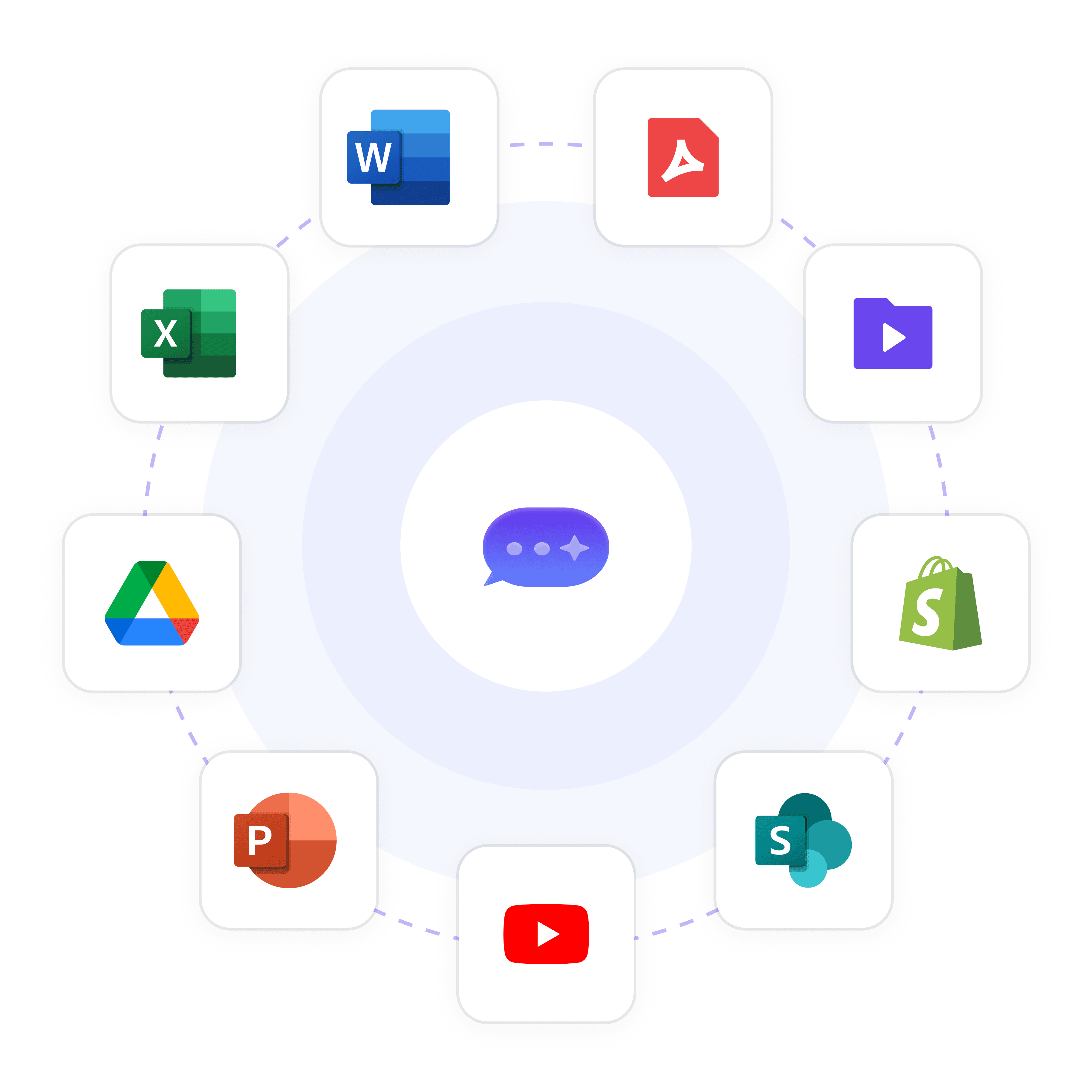
AI Search Across SharePoint Documents
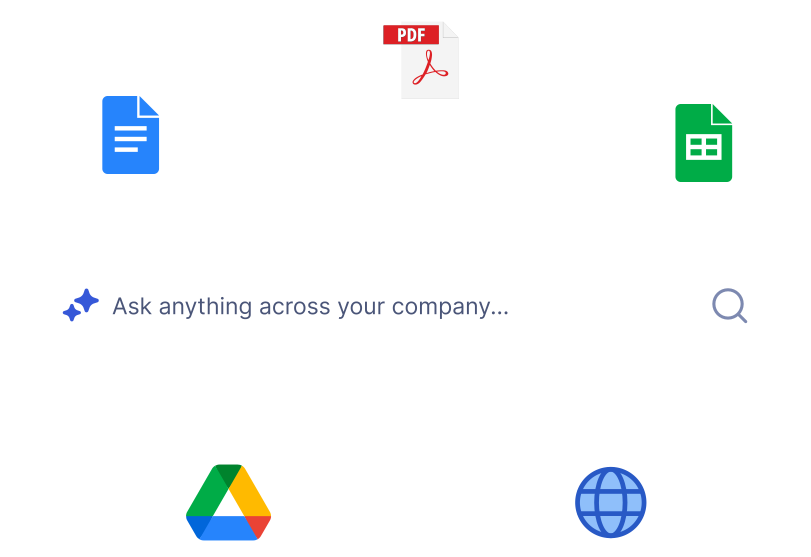
One Search Bar for All Company Knowledge
Instead of hunting through SharePoint folders or remembering exact file names, employees ask a plain-language question and get a precise, source-cited answer in seconds. The Everything Agent searches your entire connected knowledge base simultaneously — SharePoint, PDFs, and more.
Plain language queries
Source-cited every answer
Instant results every time
SharePoint Document Source Attribution
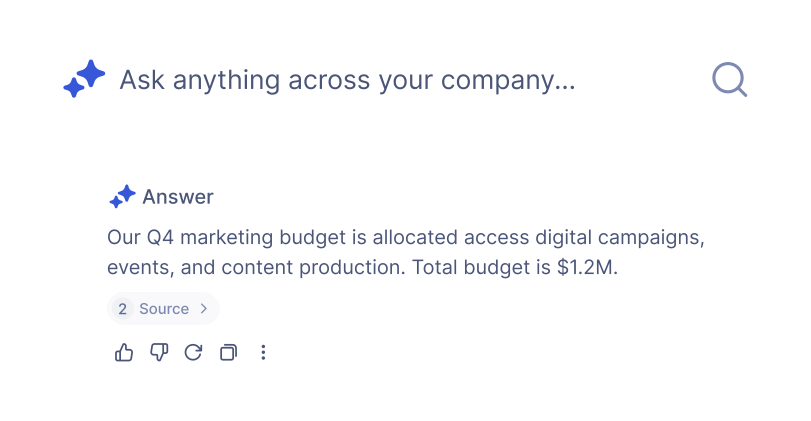
Every Answer Cites the Source Document
Every response from Workspace links back to the exact SharePoint document it drew from. Employees can click through to verify the original source and get full context. This eliminates AI hallucination and builds trust — critical for compliance-sensitive policies stored in SharePoint.
Click-through to source
Zero hallucination risk
Audit-ready answers






SharePoint Knowledge Base Permissions
Role Based Access for SharePoint Content
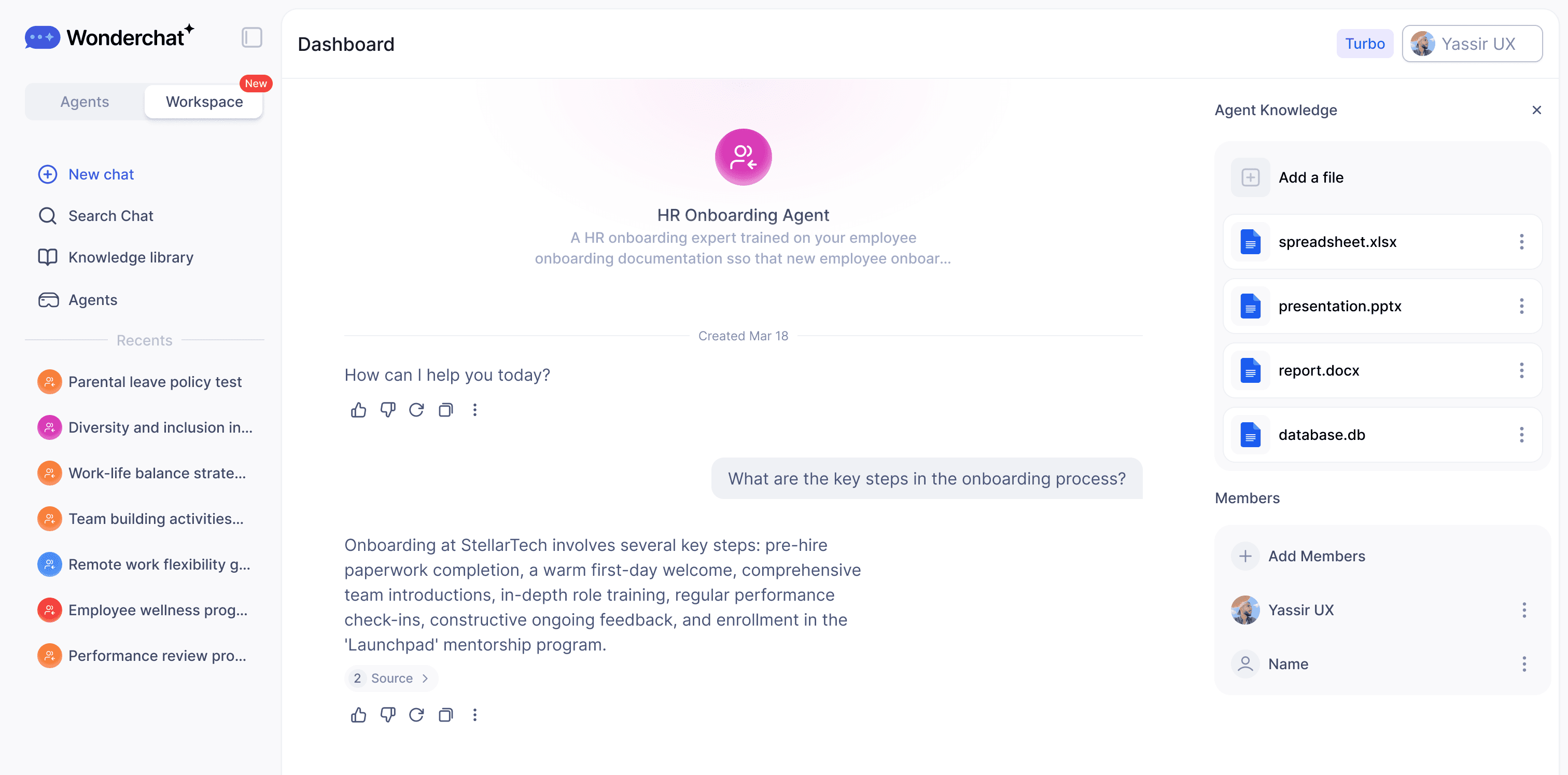
Not every employee should see every document. Workspace mirrors your existing access logic with folder-level and agent-level permissions, grade-based visibility, and Admin vs Member roles. Enterprise deployments add SSO, SAML, and SCIM for seamless company-wide authentication.
Folder-level permissions
Grade-based access control
SSO and SAML supported

SharePoint Knowledge Gap Detection
Surface Where Your SharePoint Docs Fall Short
When employees flag an unhelpful answer with a thumbs-down, Workspace logs it as a knowledge gap. Admins see a prioritized list of exactly where SharePoint documentation is missing, outdated, or unclear — turning employee frustration into actionable documentation improvements.
Thumbs-down gap tracking
Prioritized gap reports
Data-driven doc improvements
"Femke, our wonderchat AI, now resolves 92% of inquiries, leaving only 8% for our human team. the result? Huge savings in manpower and costs, and the remaining support work is far more intersting."

Hilco De Roo
Founder of Jortt.nl
Who It's For

HR Teams
Build an internal AI policy bot your employees can actually ask questions to — no more digging through handbooks or waiting on HR to reply.

Procurement Teams
Give your team an AI that knows your vendors, contracts, and approval processes — so every request moves faster.

IT & Service Management
Deploy an internal AI agent that handles tier-1 tickets, answers common IT questions, and routes issues — before they hit your helpdesk.

Without Workspaces

With Workspaces
Every team member uses different AI tools
One unified platform for the whole team
Knowledge and prompts get lost
Shared libraries everyone can access
No visibility into team AI usage
Full analytics and reporting
AI lives outside your workflow
AI embedded into how your team works