
Summary
The best AI tools for answering repeat tickets at SaaS support teams are Wonderchat for source-cited answers with its own help desk or on top of Zendesk or Freshdesk, Forethought and Ada for automation that takes actions, Zendesk AI agents for teams staying native, Fin (formerly Intercom) for the deepest ecosystem, CoSupport AI for flexible billing, and Pylon for B2B technical investigations.
AI ticket deflection rate is the share of eligible support contacts that never reach a human queue, but it does not prove the customer received the right answer.
Two vendors can both report 60%. One may count 60 resolved cases from 100 conversations, while the other excludes unsupported topics, human requests, and abandoned sessions before calculating its rate.
The Wonderchat AI Customer Service Agent answers from your approved sources, cites the source on every reply and hands over to a person, in its own help desk or the one you already use.
A ticket can leave your queue but stay on your customer’s to-do list. AI may solve it, or the customer may give up and return through email. A dashboard that checks only for handoff can count both endings as deflection.
The denominator decides how useful that rate is.
Depending on the vendor, the denominator may include every support session, tickets that would have been raised, or only conversations the AI was allowed to handle.
The highest deflection rate looks like it should settle a comparison like this. It doesn't. Across the product, pricing, and support material for all seven tools, there are five different labels for the finish line: deflection, containment, Automated Resolution, Confirmed Resolution, and Assumed Resolution.
So the largest percentage is not the most useful number. The vendors worth more attention are the ones that explain the denominator, the exclusions, and what happens when a customer returns with the same issue. Deflection rate is the number a vendor reports when resolution rate would be embarrassing.
This list of seven AI support tools is for SaaS founders and first support hires who need AI to take real work off the queue without leaving customers to reopen the same issue by email.
What AI Ticket Deflection Rates Measure
On paper, AI ticket deflection rate is a simple calculation.
Deflection rate = eligible contacts kept from the human queue ÷ all eligible contacts × 100
The denominator changes what the result means. Containment counts conversations that remain with automation, while automated resolution counts conversations identified as solved without a human.
A benchmark is useful only when it explains which contacts qualified and which were excluded.
That definition does more than shape the benchmark. It can also shape the invoice.
Across the seven vendors, there are eight ways the bill can grow: seats, AI replies, platform access, service outcomes, resolved tickets, responses, conversations, and usage allowances.
The same 1,000 support contacts can produce very different invoices. Fin may charge for service outcomes, CoSupport AI can count replies or resolved tickets, Zendesk can add Automated Resolution overage after the included allowance, and Pylon plans to combine seats with usage-based billing. In one model, handling more questions lowers the average cost. In another, every extra resolution becomes another line item.
That’s why these tools are not ranked on deflection rate alone. Each was checked for what its agent could learn from, what it counted as solved, what reached the human queue, and which event created a charge.
1. Wonderchat
Best for: SaaS support teams that want source-cited answers from technical content while keeping their current help desk.
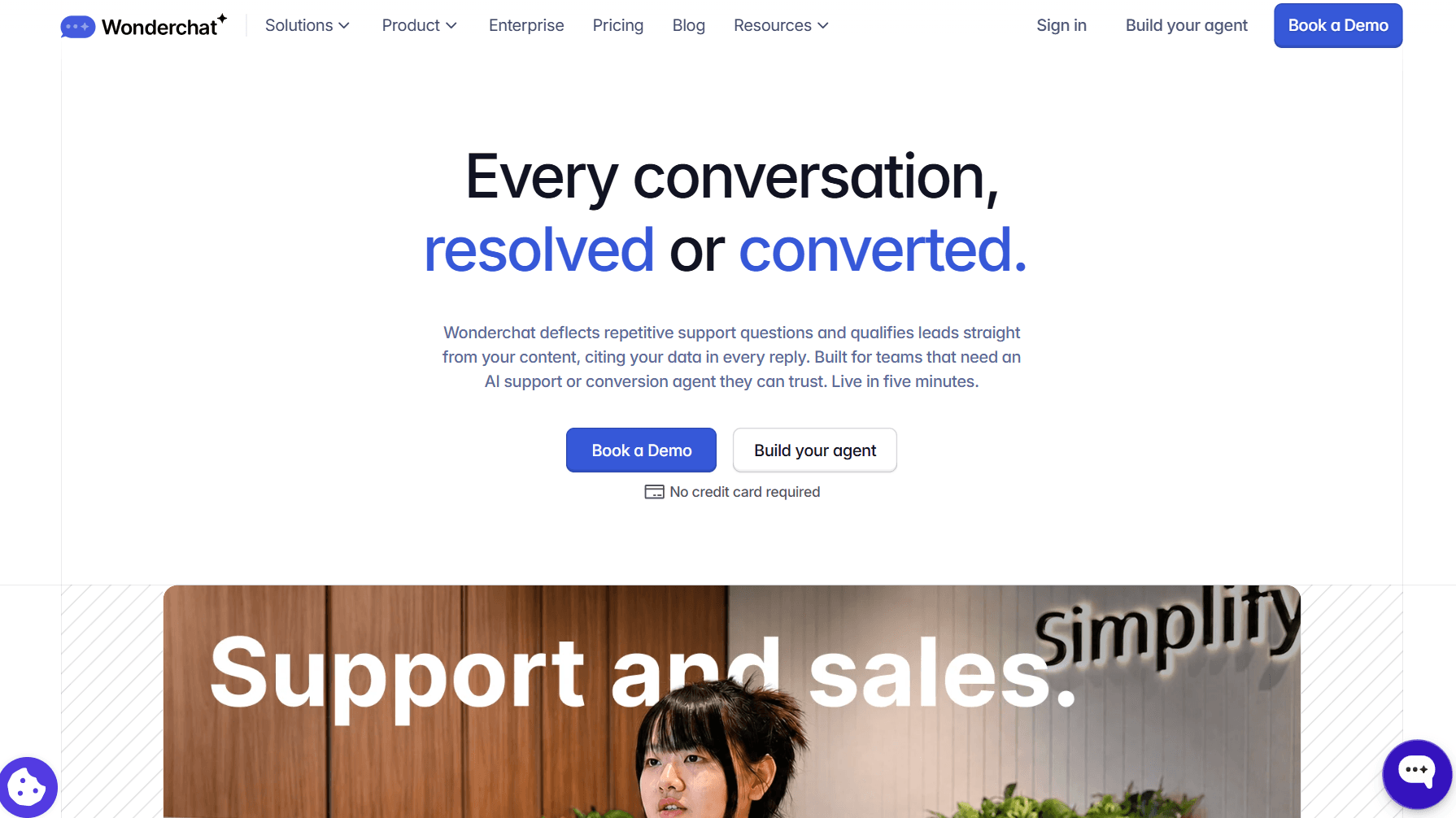
Wonderchat offers three agents that answer from your approved content: the AI Customer Service Agent, the AI Sales Agent and the Internal AI Agent.
What It Does Well
With the AI Customer Service Agent, success does not mean counting every chat that stays away from your team. It starts with giving the agent the right material. You can crawl a whole domain, limit the crawl to one documentation folder, add a single page, and exclude URLs that should not shape an answer.
Technical knowledge can also come from PDFs, Word documents, PowerPoint files, Excel spreadsheets, CSV files and plain text, alongside your help center.
When a customer asks a question, the agent retrieves the relevant content and cites the source in its reply. If the available material cannot support a reliable answer, fallback detection stops the agent from filling the gap with a guess, and it says so.
With the Zendesk integration, you cover both knowledge and escalation. Your help center articles and docs are the only source the agent answers from, so you decide what it can say. Anything it cannot finish returns to Zendesk with the transcript and handover-form details attached.
Correction flags help you fix weak answers, while the review inbox shows which questions need better documentation. Jortt resolves about 92% of roughly 30,000 monthly inquiries without a person on Wonderchat. Across all accounts, about 75% of evaluated conversations are resolved without a person (long-run average).
Where It Stops
Plainly: the AI Customer Service Agent includes a help desk for its handovers, but it is not built to replace Zendesk or Freshdesk. It answers questions before they become tickets and sends unresolved conversations into your help desk with the customer details and chat history attached. When a case needs a bug investigation, a billing decision, or an account change that requires approval, your team finishes the work.
If Zendesk or Freshdesk must remain your system of record, this is where Wonderchat fits. Connect one help center collection, build your agent, and test it with 20 to 30 real customer questions.
It took a short trial period to fine-tune our role prompts to get the exact tone we wanted, but once tuned, it runs smoothly on autopilot. - Ivan V., G2
Pricing
Free: $0, 50 AI replies a month, no card
Starter: 500 AI replies a month
Basic: 3,000 AI replies a month
Scale: 9,000 AI replies a month
Enterprise: Custom, contact sales
Full plan details are on the Wonderchat pricing page.
Build an AI Agent from your help center, docs, and past tickets for free today.
2. Forethought
Best for: High-volume teams that need resolution, triage, QA, and knowledge-gap reporting.
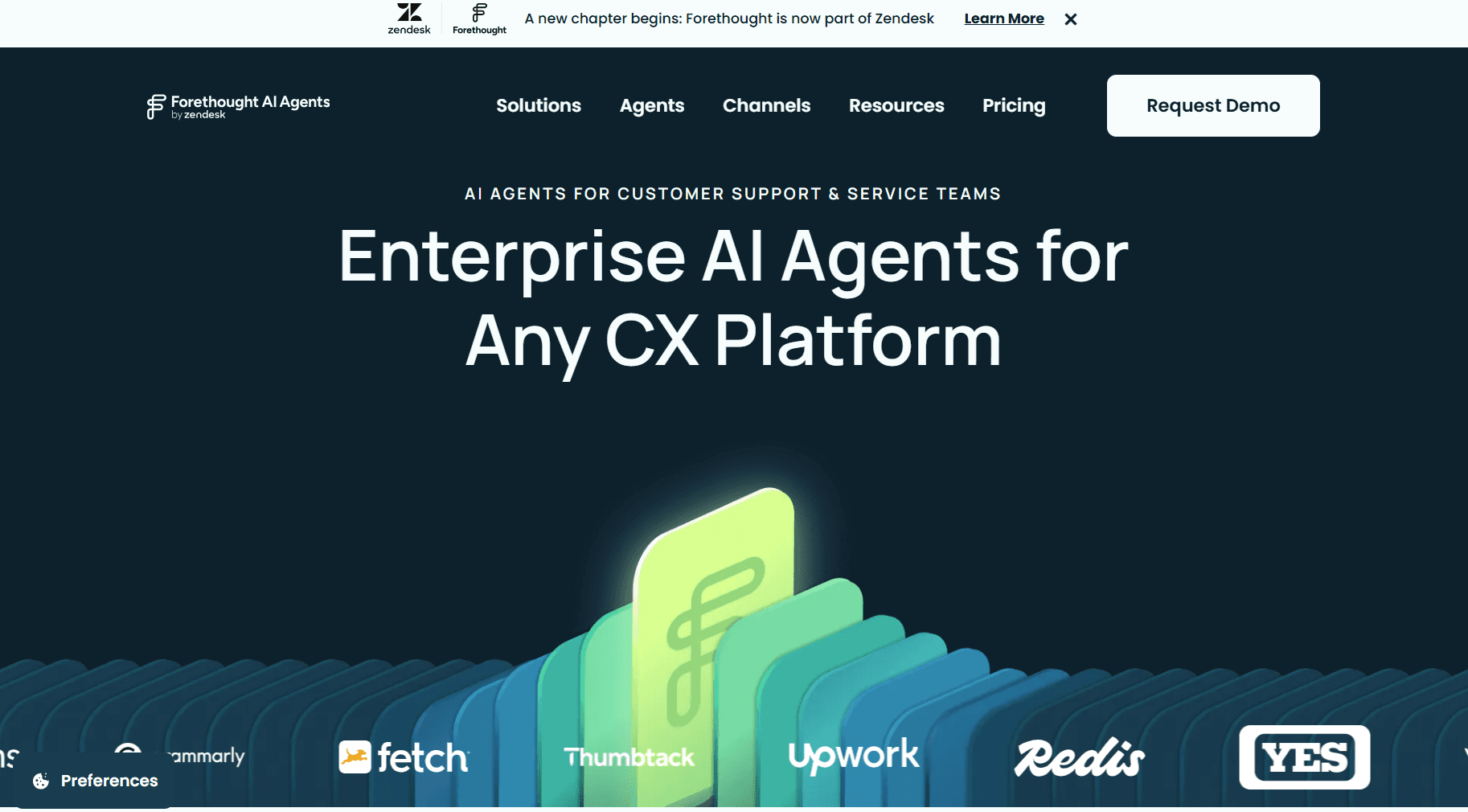
With Forethought, you get several specialized AI agents across the support workflow. Solve answers customers, Triage classifies tickets, QA scores human-agent tickets, and Discover finds content gaps.
What It Does Well
Autoflows turns written instructions into action-based workflows, while custom actions connect APIs for refunds or account updates. Ko-fi reports reducing its ticket volume by about 400 tickets per month after adding Wonderchat.
Where It Stops
If answering questions on your website is all you need, Forethought may be more software than you need. Team covers chat and mobile, while Professional adds email, voice, and Slack. Knowledge-gap detection and AI articles require Enterprise or the Discover add-on.
Shortlist Forethought when AI must take action across a high-volume queue, not when you only need answers on a website.
Pricing
Team: Custom
Professional: Custom
Enterprise: Custom
Billing: Platform fee plus outcome-based charges
3. CoSupport AI
Best for: Teams that want autonomous support or agent assistance with three billing models.
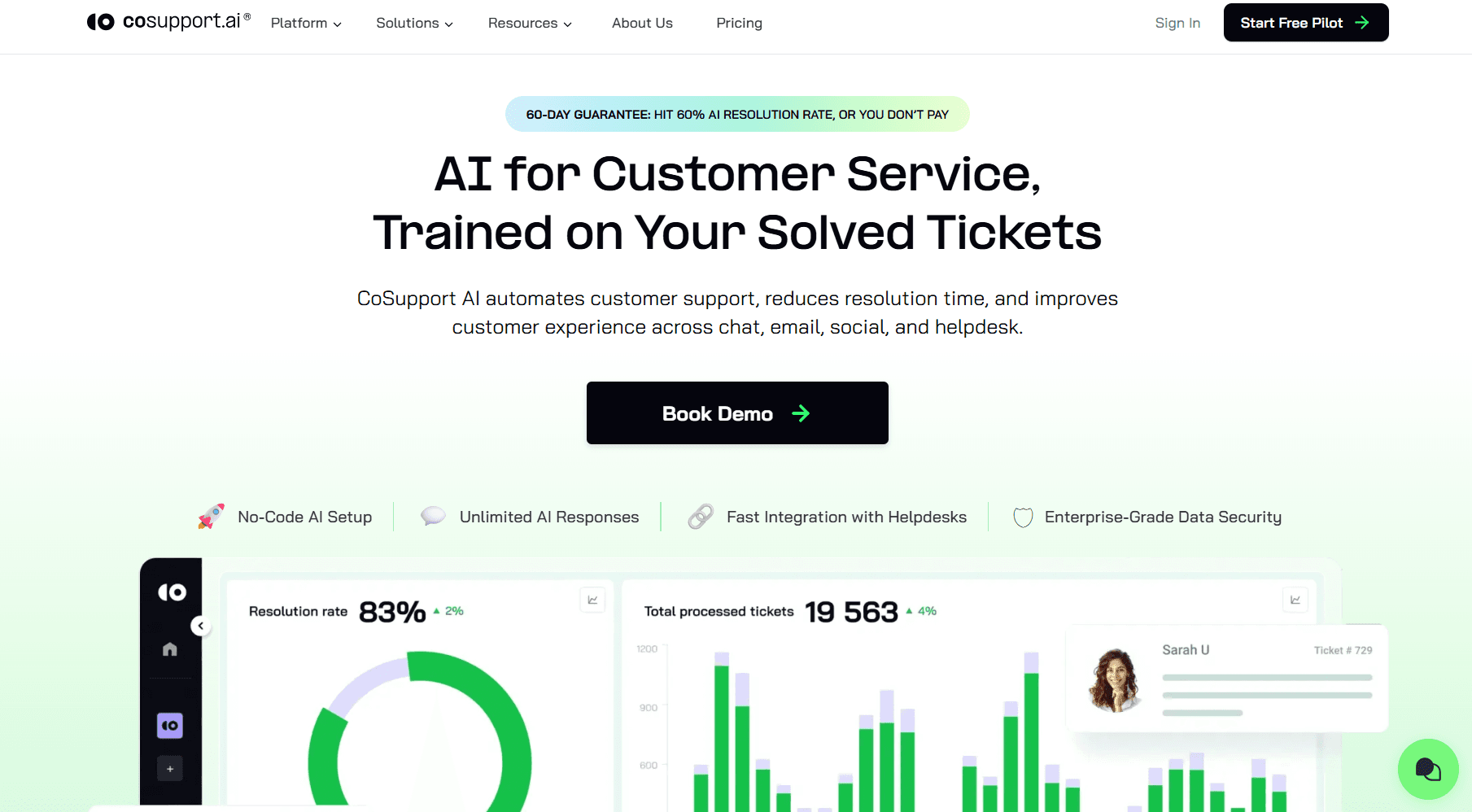
CoSupport AI works in two Zendesk modes. AI Agent resolves repetitive tickets, while AI Assistant drafts replies for review. Both train on resolved tickets, macros, and help center articles.
What It Does Well
All three meters use one platform, including integrations and 40-plus languages. CoSupport's 30-day pilot includes 1,000 responses on real tickets. Shelterluv reported 73% chat resolution by month three.
Where It Stops
CoSupport AI looks like the easiest tool here to price because it publishes three billing models. The choice gets harder once each meter is applied to the same support queue.
A long conversation can make response billing expensive, while resolution billing depends on a success definition CoSupport does not publish.
The server plan may suit steady volume, but it shifts the question from outcomes to capacity. Price the same ticket sample under all three models before choosing one.
Pricing
Resolution-based: per resolved ticket
Response-based: per AI reply
Server-based: flat monthly fee
For current rates, see CoSupport AI's site.
4. Ada
Best for: Enterprise teams building structured self-service across messaging, voice, and email.
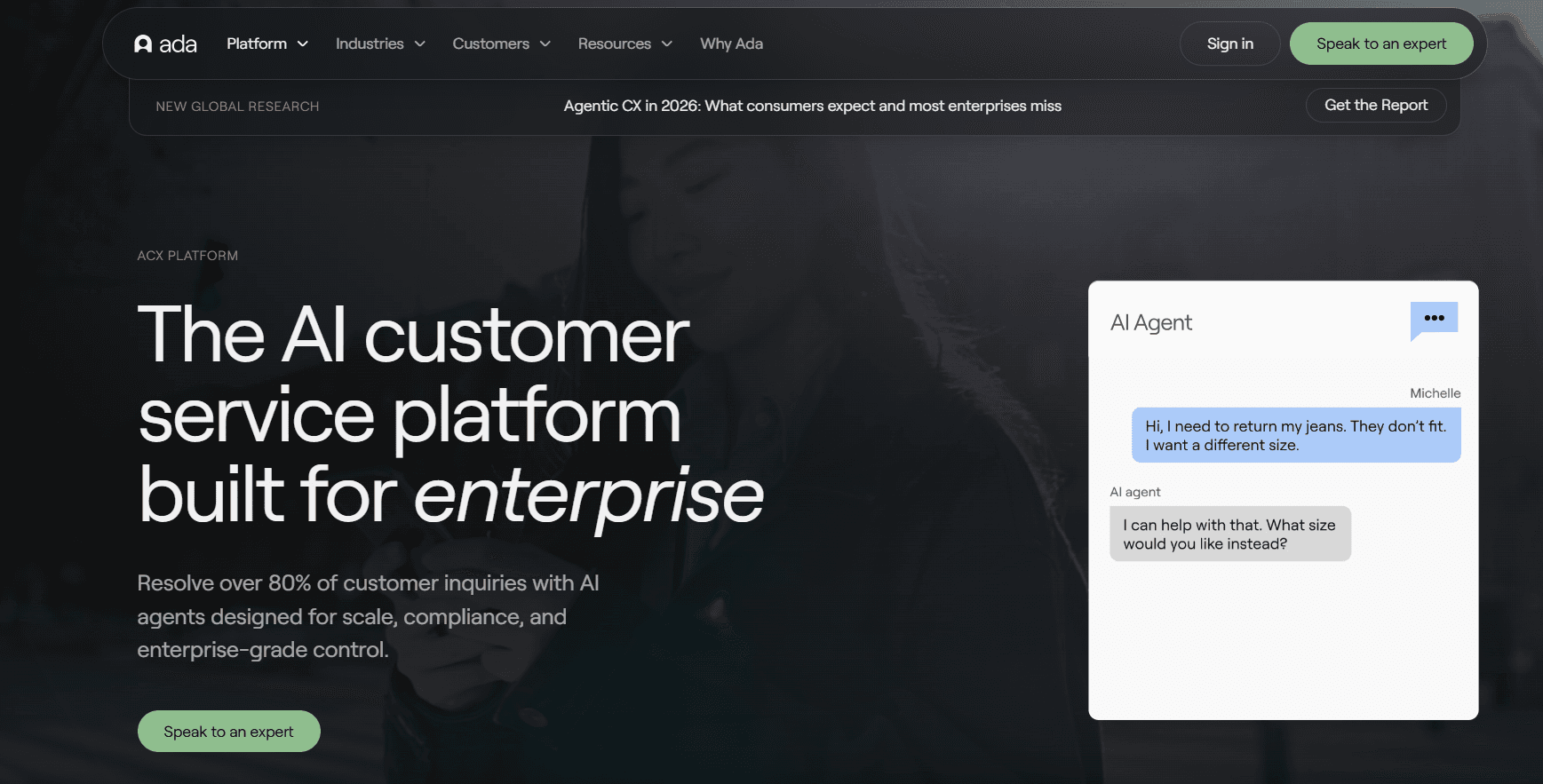
Ada uses one Reasoning Engine across channels, then adds Playbooks for multi-step SOPs, Actions for outside systems, and Coaching from past conversations.
What It Does Well
Ada is unusually clear about Automated Resolution. A conversation must be relevant, accurate, safe, and contained before the classifier marks it resolved. You can inspect why and submit feedback when you disagree. Where a journey needs multi-step actions, Ada does more than an answer-first tool.
Where It Stops
One limit is easy to miss. You can keep only five handoffs active at once. That can get tight when you route by region, product, customer tier, and channel. Some Zendesk paths also need separate email and chat flows or an SMTP Connector.
If your support spans multiple channels and repeat SOPs, Ada is worth testing. With no public price, model three years and confirm whether a higher Automated Resolution rate raises your bill.
Pricing
Conversation-based: Custom
Resolution-based: Custom
5. Zendesk AI Agents
Best for: Zendesk teams that want AI answers, routing, and reporting all in one.
Zendesk AI agents work inside the support system your team already uses, beside tickets, knowledge, routing rules, and Explore reports. If Zendesk is already installed, that is a real advantage.
What It Does Well
Zendesk separates Assisted Escalation, Contained Resolution, and Verified Resolution. Only Verified Resolution spends your allowance, after 72 hours without customer follow-up and an LLM review confirms success.
Where It Stops
The channel setup is less unified than it looks. Each AI agent serves one channel type, so messaging and email need separate agents. Overage billing continues after your allowance unless your account supports the pause option, and usage data is not real-time.
Zendesk looks like the safest choice because AI, tickets, knowledge, and reporting stay in one suite. The pricing model complicates that.
Seats are only one part of the bill, and Automated Resolution overage can make the cost rise as AI handles more work. Price the seats, included allowance, and expected overage together before calling the native option cheaper.
Pricing
Support Team, Suite Team, Suite Professional: per agent, per month
Automated resolutions: included allowance, then overage
Enterprise: Custom quote
For current per-agent rates, see Zendesk's AI agents page and its pricing page.
6. Fin (Formerly Intercom)
Best for: teams already on Fin, formerly Intercom, and buyers who want Fin on top of a supported help desk.
Fin, formerly Intercom, runs on Apex models and works with its own help desk or with Salesforce, Freshdesk, HubSpot, and other help desks without moving your queue. Procedures allow it to read or write data through APIs, Data Connectors, and MCP. Salesforce completed its acquisition of Fin on 10 September 2026.
What It Does Well
Salesforce reported an average of 76% of support volume resolved end-to-end. Fin also returns the customer context when your team takes over, and it has the deepest ecosystem on this list.
Where It Stops
Read the word outcome carefully. Silence after an answer can become an Assumed Resolution, while a configured Procedure handoff can also become a billable outcome.
A flat per-outcome price looks easier to forecast than a custom quote. The definition of an outcome changes that.
Confirmed Resolutions, Assumed Resolutions, and planned Procedure handoffs can appear on the same bill even though they describe different customer outcomes.
Audit them separately before using the 76% figure in a cost forecast. If that billing model does not suit your queue, compare the available Fin alternatives.
Pricing
Fin service outcome: per outcome, charged at most once per conversation
Essential, Advanced, Expert: per seat, per month
For current rates, see Fin's outcome billing documentation and Fin's pricing page.
7. Pylon
Best for: B2B support teams investigating technical issues across customer and engineering systems.
Pylon organizes support around B2B accounts rather than isolated tickets. Agentic Support lets your team direct agents that investigate issues, draft replies, and prepare evidence for engineering.
What It Does Well
Support, Account, and Product Intelligence bring together related issues, account setup, product usage, CRM records, Linear, logs, and code context. Natural-language Skills tell agents which systems to check and which actions to take.
Where It Stops
Pylon comes with a timing problem. Agentic Support remains in beta, with access released by customer cohort. Pylon expects general availability later in 2026 under pricing that combines seats and usage-based billing.
It goes further than a help-center answer tool when tickets need technical investigation, but that also makes it a broader support purchase. Test one queue and count every agent action before signing.
Pricing
Current access: No public pricing
Beta: Customer cohort access
Planned GA model: Seats plus usage-based billing
AI Ticket Deflection Tools for 2026 Compared
If you need the short version, start here. The table shows how each tool handles complex knowledge, autonomous work, answer checks, and human handoff.
Tool | Best For | Documentation Complexity | Resolves Without a Person | Accuracy Controls | Human Handover |
Complex SaaS content | High | ⭐⭐⭐⭐ | ⭐⭐⭐⭐⭐ | Excellent | |
High-volume automation | Medium-High | ⭐⭐⭐⭐ | ⭐⭐⭐⭐ | Good | |
Flexible usage billing | Medium | ⭐⭐⭐⭐ | ⭐⭐⭐ | Good | |
Enterprise self-service | Medium-High | ⭐⭐⭐⭐ | ⭐⭐⭐⭐ | Good | |
Zendesk support operations | Medium-High | ⭐⭐⭐⭐ | ⭐⭐⭐⭐ | Excellent | |
Mature AI agent workflows | High | ⭐⭐⭐⭐⭐ | ⭐⭐⭐⭐ | Excellent | |
B2B technical investigations | High | ⭐⭐⭐ | ⭐⭐⭐ | Good |
Documentation Complexity reflects the depth and variety of knowledge sources each tool can handle. Star ratings are Wonderchat's comparison of documented capabilities, not independently verified resolution or accuracy rates.
The scores split the shortlist in a way the headline percentages do not.
Fin has the strongest score for resolving without a person, but Confirmed Resolutions, Assumed Resolutions, and configured Procedure handoffs can all affect the bill.
Wonderchat scores five stars on answer controls in this table, and it publishes its resolution figure with the method: about 75% of evaluated conversations resolved without a person (all accounts, long-run average).
Pylon can investigate with support, account, product, and code context, yet Agentic Support remains in beta.
That leaves a more useful buying test. Do not ask only which vendor reports the highest rate. Ask what enters the denominator, who decides the request was solved, what your customer experiences when AI stops, and which event creates a charge.
These five questions surface those differences before they appear in your invoice or support queue.
Five Questions to Ask Before Accepting a Resolution Rate
If a salesperson gives you a resolution percentage, keep these five questions open beside the quote.
What starts the meter? Fin charges per service outcome, Agentforce charges per conversation whether resolved or not, and Chatbase deducts a variable amount per reply depending on the model.
Can one request hit several meters? Gorgias charges for a resolved conversation on top of ticket billing, Fin can add per-seat charges, and Tidio meters chat, Lyro, and Flows separately.
What happens at the limit? Chatbase stops the agent when the allowance runs out. Zendesk can auto-bill per-resolution overage, so confirm your account’s cap, pause, warning, and pay-as-you-go terms.
Who decides the request was solved? Fin counts Confirmed and Assumed Resolutions, Zendesk waits 72 hours before an LLM review, and Ada checks relevance, accuracy, safety, and human involvement before recording an Automated Resolution.
What is the minimum commitment? Ada has no public price, while Decagon and Sierra sell quote-only contracts. Request the annual minimum, implementation fees, included usage, overage rate, and renewal terms.
Pricing is where most buyers get hurt. Across 1,309 complaints in reviews of 18 vendors that Wonderchat analysed, pricing was the biggest theme (211), then setup (197), then UI and bugs (166), then trust (128), then stale knowledge (38).
Per-resolution pricing can cost less when ticket volume is low; Featurebase, which bills per resolution, beats flat pricing in that case. Once volume grows, the meter works differently. Wonderchat meters AI replies and has no resolution charge, so you pay for replies, not for every outcome a vendor chooses to classify as resolved.
Try Wonderchat and Test an AI Agent on Your Own Ticket Queue
A clean FAQ proves very little. Start with one repetitive queue and pull 20 conversations that gave your team trouble. Include a customer quoting an outdated policy, two documents that disagree, a refund that needs approval, and a question the available sources cannot answer.
Connect the help center, docs, and resolved tickets your team trusts. The AI Customer Service Agent answers only from that content, and because the AI model is a setting, you can compare how different models answer the same question.
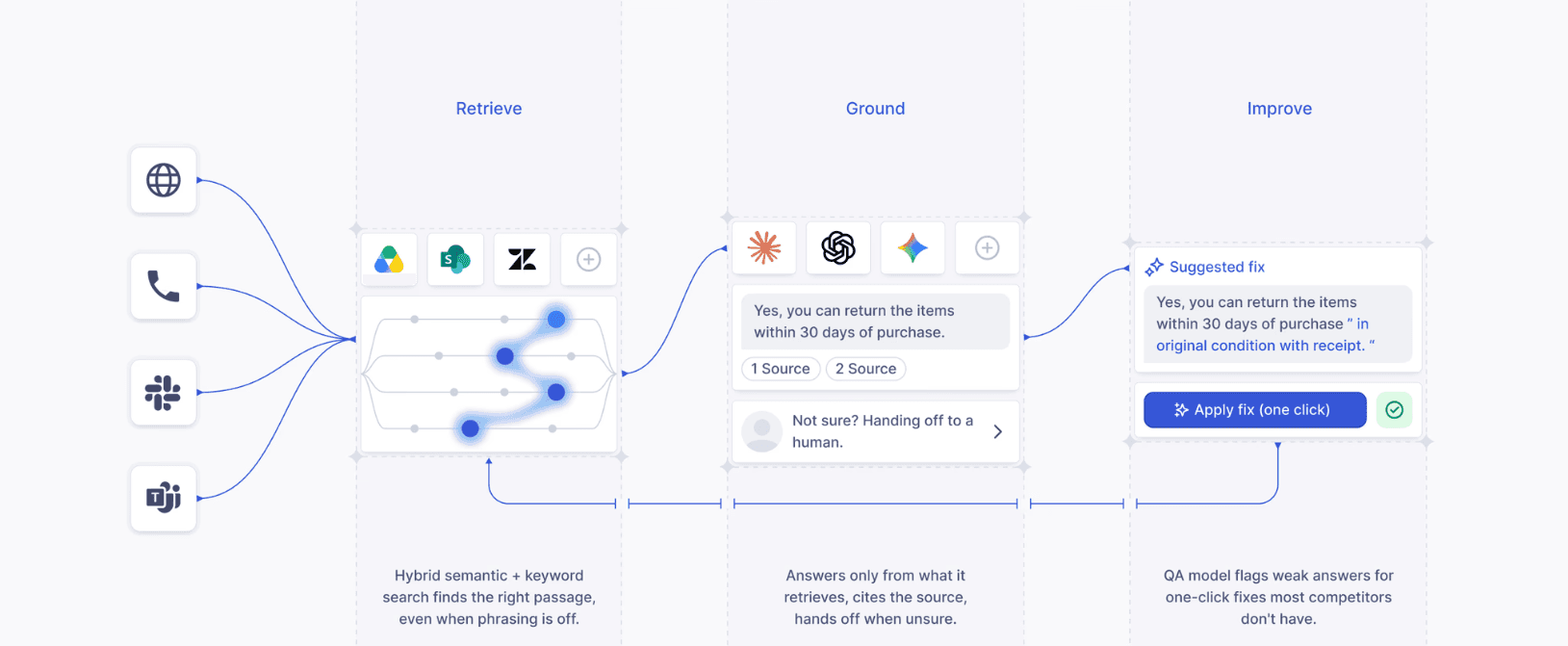
For every response, check whether the cited passage supports the full answer. When the evidence conflicts or runs out, the agent should stop instead of filling the gap.
The transcript and customer details should then reach live chat, email, Zendesk, or Freshdesk without making the customer explain everything again.
Fix the weak sources, add corrections, and rerun the same 20 questions before sending live traffic.
Build an AI Agent to run the test yourself, or book a demo to map the knowledge sources and handoff path with the Wonderchat team.
Frequently Asked Questions
What is the difference between ticket deflection and ticket resolution?
Ticket deflection means a support contact does not reach a human queue, while ticket resolution means the customer’s problem was solved. Containment only confirms that automation kept control, not that the customer received a useful answer.
Why do most AI agents fail in a SaaS support environment?
Mostly content: according to Wonderchat's support team, the failure seen most often is not invention; it is retrieval pulling an archived policy and answering from it correctly. Effective AI agents for SaaS support need current sources and a clear path to a person.
How can you ensure an AI support tool gives accurate, verifiable answers?
Use approved sources, citations, confidence and fallback rules, real-question testing, and a reviewed correction log. The Wonderchat AI Customer Service Agent brings these together through source citations, fallback detection when no page covers a question, and corrections in the review inbox.
What is a good autonomous resolution rate for an AI support tool?
One that lowers human workload without raising repeat contacts, abandonment, or poor CSAT. Compare AI customer support benchmarks only when the denominator, exclusions, period, and definition match.
Which AI tool is best for handling complex technical documentation?
An AI chatbot for technical documentation should crawl public and private sites, ingest files and past tickets, resync changed content, and cite the relevant passage. Test version-specific and permission-sensitive questions before buying.
How do these AI tools handle situations that require a human agent?
They hand off when no source covers the question, a sensitive topic appears, a conversation hits its message limit, or the customer asks for a person. A complete AI agent human handoff sends the transcript, cited sources, and form details into live chat, email, Zendesk, or Freshdesk.

