AI Chatbot for IT Incident Reporting & Detection

Accelerate incident detection and reporting with an intelligent AI assistant that guides users through structured incident intake 24/7.

Trusted by businesses worldwide

Why Incident Reporting Needs Automation

IT incidents go unreported or underreported because employees don't know how to describe issues, where to report them, or what information to provide. Delayed or incomplete incident reports slow response times, obscure incident severity, and allow problems to escalate. Wonderchat's incident reporting chatbot automates detection and intake by asking clarifying questions, assessing impact, collecting system details, classifying severity, and creating complete incident records instantly. Users report issues conversationally—"The website is down" or "I can't access email"—and the AI guides them through structured intake, determines urgency, and notifies response teams. Train it on incident taxonomies, severity definitions, response procedures, and system inventories in 5 minutes. The AI handles reporting in 100+ languages, reducing time-to-report by up to 70%. IT operations and service desk teams gain faster incident detection, complete intake documentation, and accurate severity classification. The AI handles routine incident intake while escalating major incidents, security concerns, or widespread outages to incident managers immediately. Transform incident reporting from vague, delayed reports into instant, structured, actionable intelligence.

Emily

AI Agent

Wonderbot

Welcome to Wonderchat! How can I help you today?

hey i’d like to upgrade to enterprise please

Wonderbot

Sure, please hold on for a second.

Retrieving account details...

Please confirm that you would like to upgrade to Wonderchat Enterprise. Your Visa card ending in 1234 will be charged $480.00 a year.

Cancel

Upgrade

Message...

Easy 5 minute set-up

How Wonderchat Works

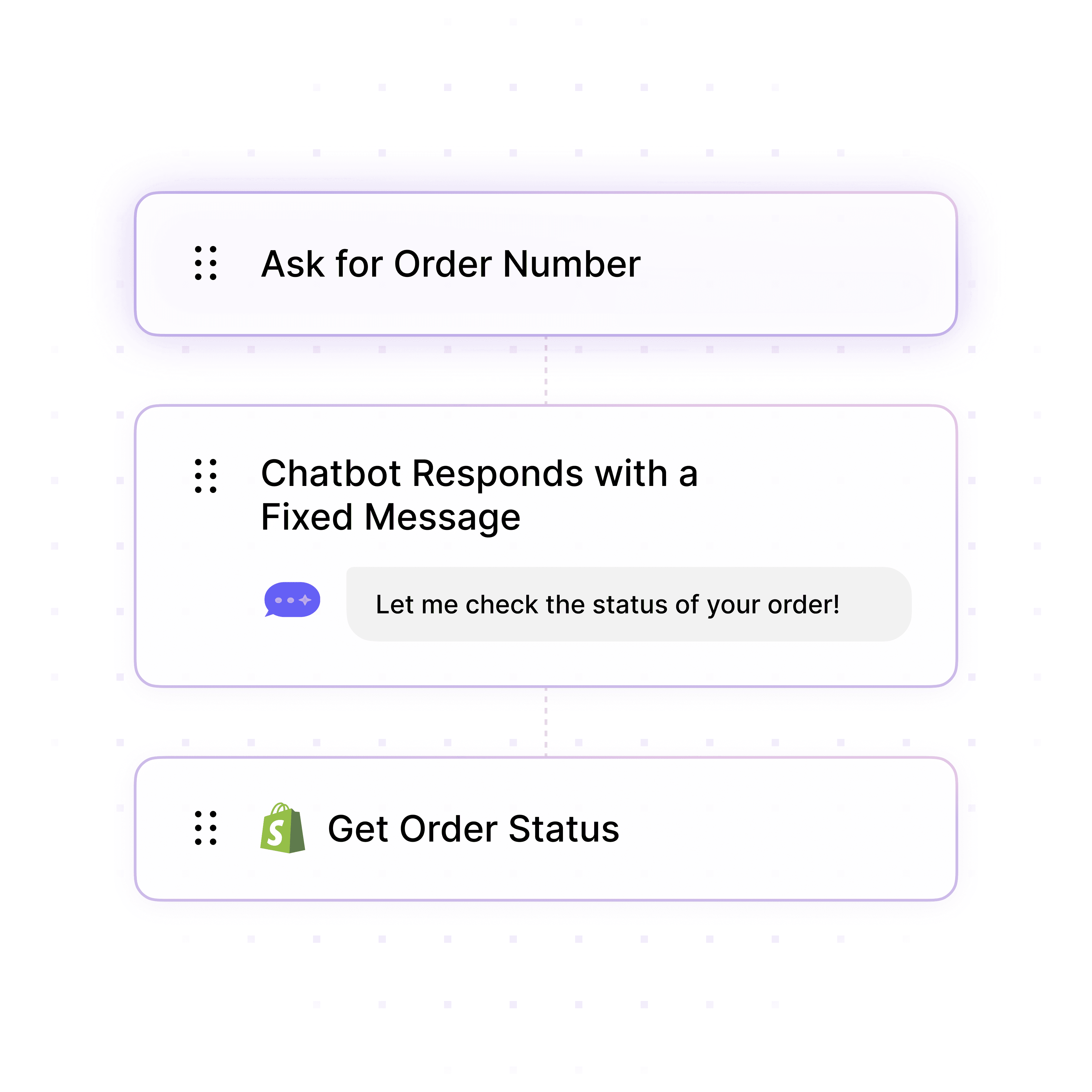
Guided Incident Intake

Structured Reporting with Clarifying Questions

Guide users through incident reporting by asking clarifying questions ("Which system is affected?" "When did it start?" "How many users impacted?"), collecting error messages, assessing business impact, and creating complete incident records with all necessary context.

System identification and error message collection

Impact assessment and affected user count

Timeline documentation and reproduction steps
Guided Incident Intake

Structured Reporting with Clarifying Questions

Guide users through incident reporting by asking clarifying questions ("Which system is affected?" "When did it start?" "How many users impacted?"), collecting error messages, assessing business impact, and creating complete incident records with all necessary context.

System identification and error message collection

Impact assessment and affected user count

Timeline documentation and reproduction steps

Guided Incident Intake

Structured Reporting with Clarifying Questions

Guide users through incident reporting by asking clarifying questions ("Which system is affected?" "When did it start?" "How many users impacted?"), collecting error messages, assessing business impact, and creating complete incident records with all necessary context.

System identification and error message collection

Impact assessment and affected user count

Timeline documentation and reproduction steps

Self-Service Diagnostics

Resolve Issues Before Reporting Incidents

Deflect up to 70% of reported "incidents" by providing instant troubleshooting for common issues. When users report problems, the AI first attempts self-service resolution—VPN reconnection steps, cache clearing, service status checks—creating incidents only when issues persist.

Instant troubleshooting for common problems

Service status and known issue lookups

Self-service resolution before incident creation
Self-Service Diagnostics

Resolve Issues Before Reporting Incidents

Deflect up to 70% of reported "incidents" by providing instant troubleshooting for common issues. When users report problems, the AI first attempts self-service resolution—VPN reconnection steps, cache clearing, service status checks—creating incidents only when issues persist.

Instant troubleshooting for common problems

Service status and known issue lookups

Self-service resolution before incident creation

Self-Service Diagnostics

Resolve Issues Before Reporting Incidents

Deflect up to 70% of reported "incidents" by providing instant troubleshooting for common issues. When users report problems, the AI first attempts self-service resolution—VPN reconnection steps, cache clearing, service status checks—creating incidents only when issues persist.

Instant troubleshooting for common problems

Service status and known issue lookups

Self-service resolution before incident creation

System Knowledge Integration

Train on IT Architecture & Service Catalog

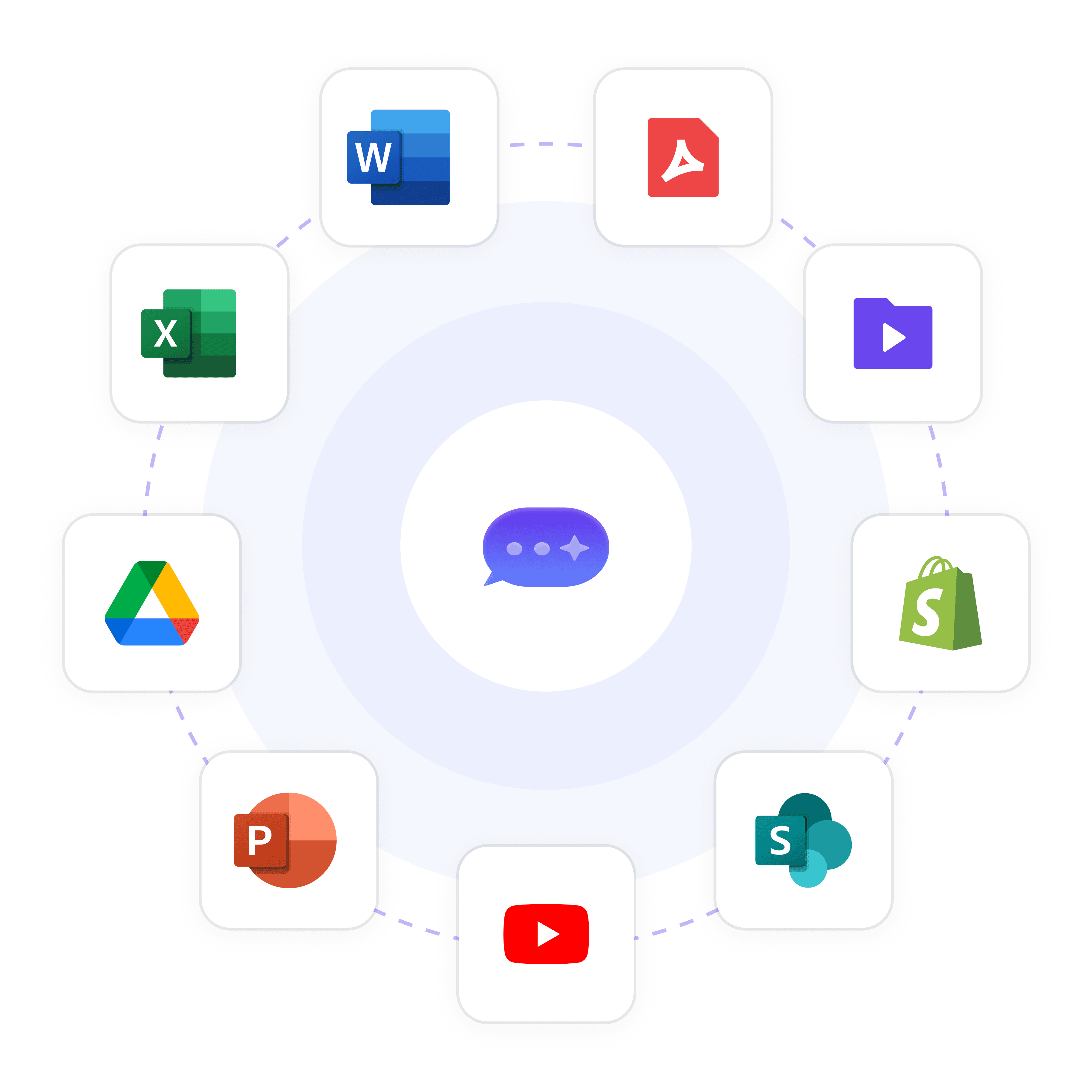
Upload system inventories, service catalogs, application dependencies, known issues, on-call schedules, and escalation matrices so the AI accurately identifies affected systems, assesses downstream impacts, and routes incidents to appropriate response teams.

System inventory and application dependencies

Known issues and common failure modes

On-call schedules and escalation matrices

System Knowledge Integration

Train on IT Architecture & Service Catalog

Upload system inventories, service catalogs, application dependencies, known issues, on-call schedules, and escalation matrices so the AI accurately identifies affected systems, assesses downstream impacts, and routes incidents to appropriate response teams.

System inventory and application dependencies

Known issues and common failure modes

On-call schedules and escalation matrices

System Knowledge Integration

Train on IT Architecture & Service Catalog

Upload system inventories, service catalogs, application dependencies, known issues, on-call schedules, and escalation matrices so the AI accurately identifies affected systems, assesses downstream impacts, and routes incidents to appropriate response teams.

System inventory and application dependencies

Known issues and common failure modes

On-call schedules and escalation matrices

5-minute set up with our native integration

Automate Incident Reporting in 5 Minutes

1

Create your AI chatbot – Pick the perfect AI model fit for your support needs.

2

Train AI with Docs, FAQs & Policies – Upload knowledge base files and site links.

3

Customise Workflows & Escalation Rules – AI handles what it can, and escalates what it can’t.

4

Monitor & Optimise with Analytics – See where customers get stuck and fine-tune responses.
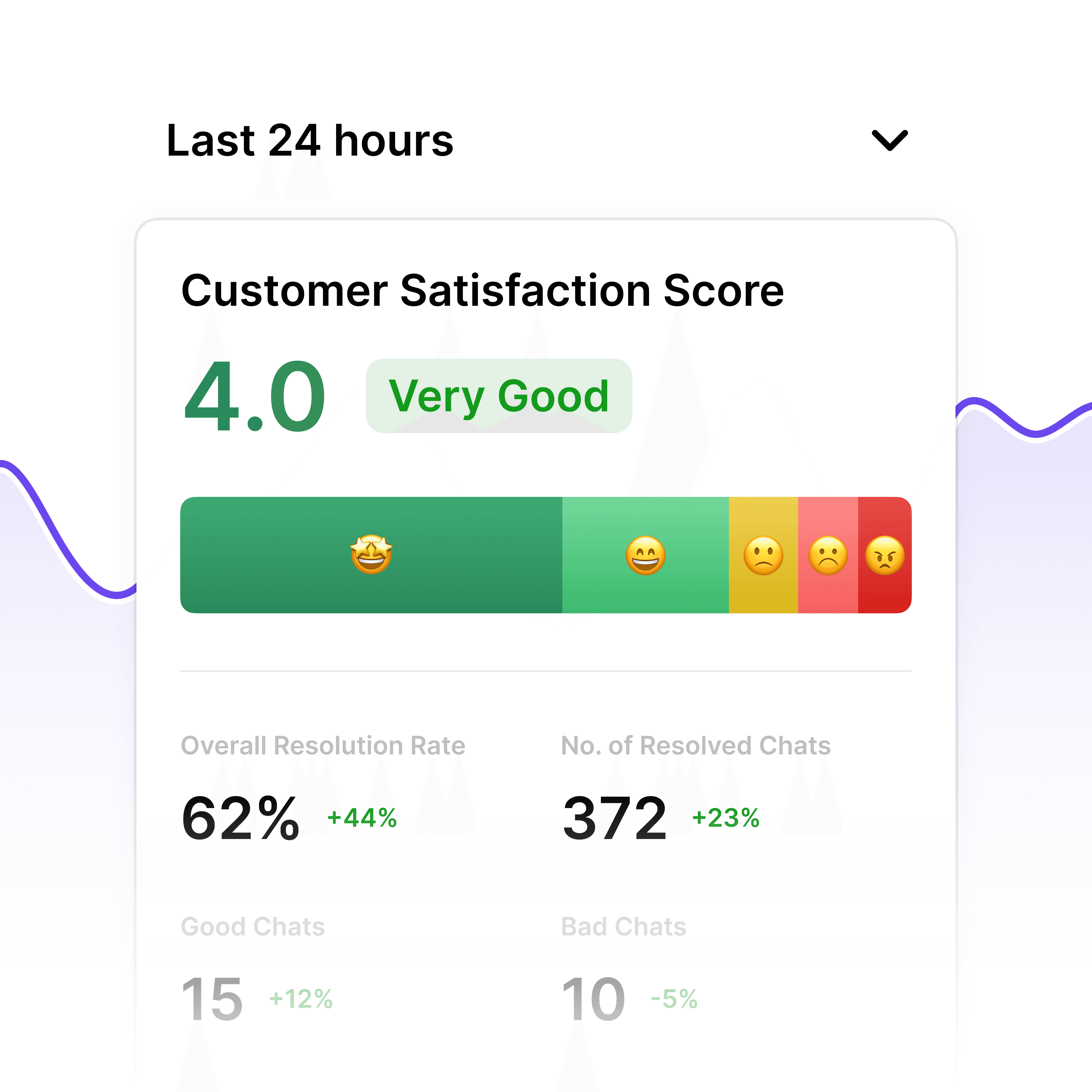
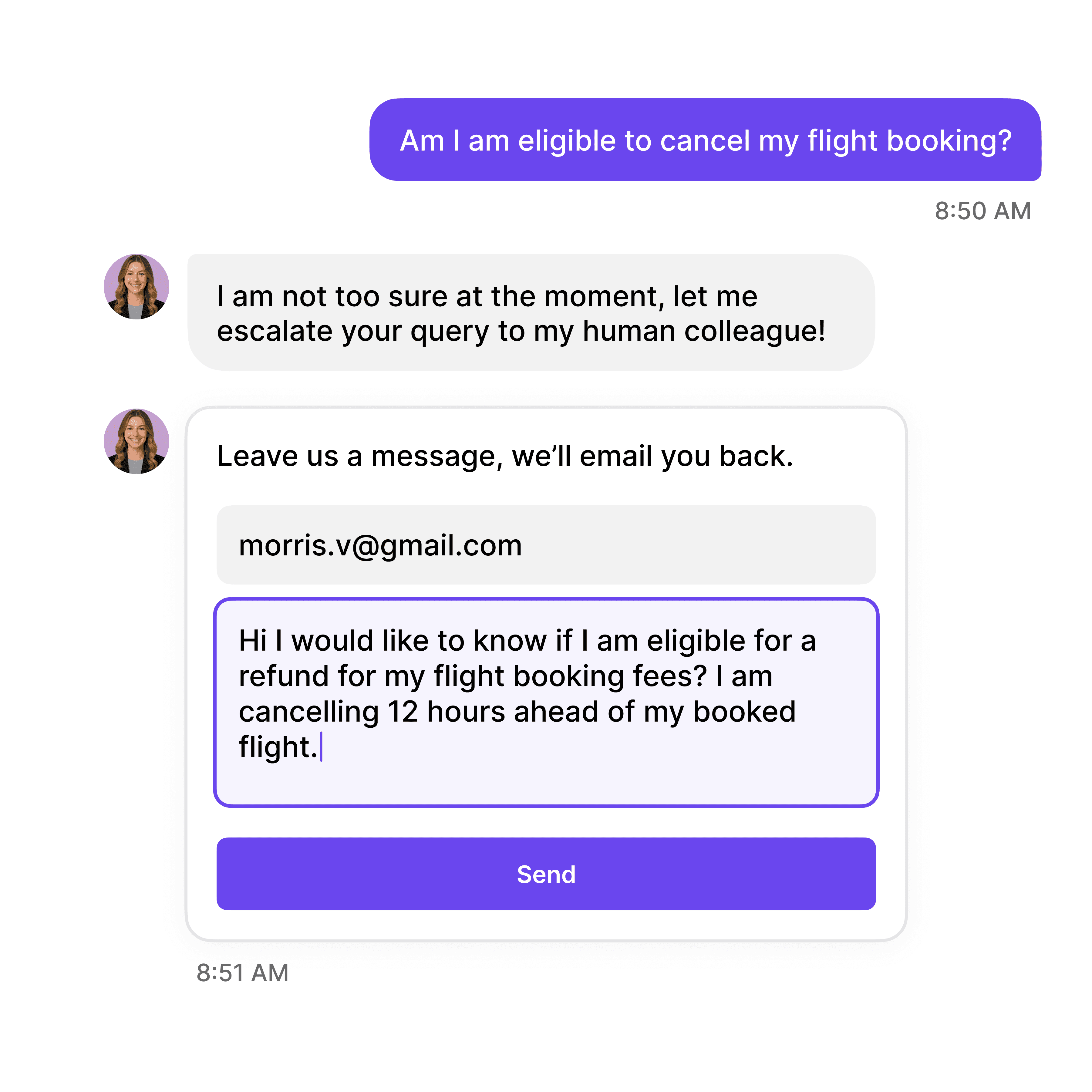
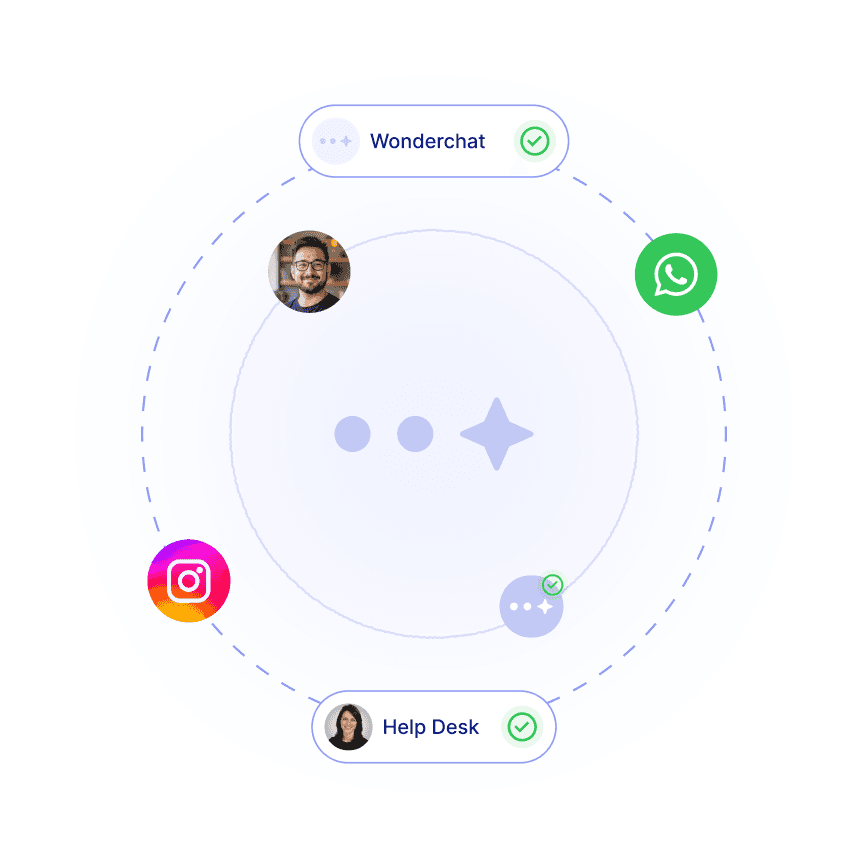
Incident Detection Analytics

Track Reporting Speed & Issue Trends

Built-in analytics show mean time to report (MTTR), incident volume by system, most frequently reported issues, early detection patterns, and reporting quality metrics to optimize incident response and proactive monitoring.

Mean time to report and detection speed

Incident volume by system and category

Reporting completeness and quality scores
Incident Detection Analytics

Track Reporting Speed & Issue Trends

Built-in analytics show mean time to report (MTTR), incident volume by system, most frequently reported issues, early detection patterns, and reporting quality metrics to optimize incident response and proactive monitoring.

Mean time to report and detection speed

Incident volume by system and category

Reporting completeness and quality scores
Incident Detection Analytics

Track Reporting Speed & Issue Trends

Built-in analytics show mean time to report (MTTR), incident volume by system, most frequently reported issues, early detection patterns, and reporting quality metrics to optimize incident response and proactive monitoring.

Mean time to report and detection speed

Incident volume by system and category

Reporting completeness and quality scores

Major Incident Escalation

Alert Response Teams for Critical Issues

Escalate major incidents—system outages, security breaches, widespread service disruptions—to incident managers and response teams immediately with full context including impact scope, affected systems, user count, and business criticality.

System-wide outages affecting all users

Security incidents and potential breaches

Critical business service disruptions

Major Incident Escalation

Alert Response Teams for Critical Issues

Escalate major incidents—system outages, security breaches, widespread service disruptions—to incident managers and response teams immediately with full context including impact scope, affected systems, user count, and business criticality.

System-wide outages affecting all users

Security incidents and potential breaches

Critical business service disruptions

Major Incident Escalation

Alert Response Teams for Critical Issues

Escalate major incidents—system outages, security breaches, widespread service disruptions—to incident managers and response teams immediately with full context including impact scope, affected systems, user count, and business criticality.

System-wide outages affecting all users

Security incidents and potential breaches

Critical business service disruptions

40+ Languages

Starts at $0.02/message

Available 24/7

Start Free Trial

Testimonials

Businesses with successful customer service start

with Wonderchat

Industry Grade Compliance

Wonderchat is GDPR compliant and AICPA SOC 2 Certified.

FAQ

How does the AI chatbot guide users through incident reporting?

Wonderchat asks clarifying questions to build complete incident reports: "Which system or application is affected?" "What error message do you see?" "When did this start?" "How many people are affected?" The AI identifies affected services, assesses business impact, classifies severity, and creates structured incident records in your ITSM system with all necessary context for rapid response.

Can the chatbot detect major incidents before they're widely reported?

Yes, Wonderchat identifies patterns indicating major incidents. If multiple users report email issues within minutes, the AI recognizes a potential widespread outage, aggregates reports, escalates to incident managers immediately, and prevents duplicate incident creation. This accelerates detection and response to critical service disruptions.

Does the AI attempt to resolve issues before creating incident reports?

Absolutely. When users report problems, Wonderchat first provides troubleshooting steps—VPN reconnection procedures, cache clearing, app restarts—and checks service status for known issues. If self-service resolves the problem, no incident is created. Only persistent issues become incidents, reducing false alarms and unnecessary escalations.

How does the chatbot assess incident severity and impact?

The AI trains on your severity definitions and SLA criteria to classify incidents. It assesses factors like number of affected users, business criticality (production vs. test), system availability, workaround availability, and urgency language ("urgent," "down," "can't access"). A single user's non-critical issue becomes P3; a production outage affecting 100+ users triggers P1.

Can the AI route incidents to appropriate response teams?

Yes, Wonderchat identifies affected systems from user descriptions and routes incidents to specialized teams based on your escalation matrix. Network issues go to network operations, application bugs to development teams, security concerns to InfoSec. The AI considers on-call schedules, team availability, and skill specialization for optimal routing.

How does the chatbot improve incident reporting quality?

By guiding users through structured intake, Wonderchat ensures incidents contain all necessary information—affected systems, error messages, reproduction steps, impact scope, timeline. This eliminates back-and-forth clarification requests from technicians, accelerating time-to-resolution by 30-50% compared to vague, incomplete manual reports.

FAQ

How does the AI chatbot guide users through incident reporting?

Wonderchat asks clarifying questions to build complete incident reports: "Which system or application is affected?" "What error message do you see?" "When did this start?" "How many people are affected?" The AI identifies affected services, assesses business impact, classifies severity, and creates structured incident records in your ITSM system with all necessary context for rapid response.

Can the chatbot detect major incidents before they're widely reported?

Yes, Wonderchat identifies patterns indicating major incidents. If multiple users report email issues within minutes, the AI recognizes a potential widespread outage, aggregates reports, escalates to incident managers immediately, and prevents duplicate incident creation. This accelerates detection and response to critical service disruptions.

Does the AI attempt to resolve issues before creating incident reports?

Absolutely. When users report problems, Wonderchat first provides troubleshooting steps—VPN reconnection procedures, cache clearing, app restarts—and checks service status for known issues. If self-service resolves the problem, no incident is created. Only persistent issues become incidents, reducing false alarms and unnecessary escalations.

How does the chatbot assess incident severity and impact?

The AI trains on your severity definitions and SLA criteria to classify incidents. It assesses factors like number of affected users, business criticality (production vs. test), system availability, workaround availability, and urgency language ("urgent," "down," "can't access"). A single user's non-critical issue becomes P3; a production outage affecting 100+ users triggers P1.

Can the AI route incidents to appropriate response teams?

Yes, Wonderchat identifies affected systems from user descriptions and routes incidents to specialized teams based on your escalation matrix. Network issues go to network operations, application bugs to development teams, security concerns to InfoSec. The AI considers on-call schedules, team availability, and skill specialization for optimal routing.

How does the chatbot improve incident reporting quality?

By guiding users through structured intake, Wonderchat ensures incidents contain all necessary information—affected systems, error messages, reproduction steps, impact scope, timeline. This eliminates back-and-forth clarification requests from technicians, accelerating time-to-resolution by 30-50% compared to vague, incomplete manual reports.

FAQ

How does the AI chatbot guide users through incident reporting?

Wonderchat asks clarifying questions to build complete incident reports: "Which system or application is affected?" "What error message do you see?" "When did this start?" "How many people are affected?" The AI identifies affected services, assesses business impact, classifies severity, and creates structured incident records in your ITSM system with all necessary context for rapid response.

Can the chatbot detect major incidents before they're widely reported?

Yes, Wonderchat identifies patterns indicating major incidents. If multiple users report email issues within minutes, the AI recognizes a potential widespread outage, aggregates reports, escalates to incident managers immediately, and prevents duplicate incident creation. This accelerates detection and response to critical service disruptions.

Does the AI attempt to resolve issues before creating incident reports?

Absolutely. When users report problems, Wonderchat first provides troubleshooting steps—VPN reconnection procedures, cache clearing, app restarts—and checks service status for known issues. If self-service resolves the problem, no incident is created. Only persistent issues become incidents, reducing false alarms and unnecessary escalations.

How does the chatbot assess incident severity and impact?

The AI trains on your severity definitions and SLA criteria to classify incidents. It assesses factors like number of affected users, business criticality (production vs. test), system availability, workaround availability, and urgency language ("urgent," "down," "can't access"). A single user's non-critical issue becomes P3; a production outage affecting 100+ users triggers P1.

Can the AI route incidents to appropriate response teams?

Yes, Wonderchat identifies affected systems from user descriptions and routes incidents to specialized teams based on your escalation matrix. Network issues go to network operations, application bugs to development teams, security concerns to InfoSec. The AI considers on-call schedules, team availability, and skill specialization for optimal routing.

How does the chatbot improve incident reporting quality?

By guiding users through structured intake, Wonderchat ensures incidents contain all necessary information—affected systems, error messages, reproduction steps, impact scope, timeline. This eliminates back-and-forth clarification requests from technicians, accelerating time-to-resolution by 30-50% compared to vague, incomplete manual reports.

40+ Languages

Starts at $0.02/message

Available 24/7

Start Free Trial

The platform to build AI agents that feel human

© 2025 Wonderchat Private Limited