AI Chatbot for IT Ticket Triage & Priority Assessment

Automate ticket triage, priority assessment, and intelligent routing with an AI assistant that classifies and routes IT requests instantly.

Trusted by businesses worldwide

Why IT Ticket Triage Needs Automation

IT helpdesks receive hundreds of tickets daily—password resets, software bugs, network outages, hardware failures, and access requests. Manual triage delays resolution, misroutes tickets, and overwhelms technicians with low-priority requests while critical incidents wait in queue. Wonderchat's IT triage chatbot automates ticket classification by assessing urgency, categorizing issue types, determining priority levels, and routing requests to appropriate support teams. Train it on ITIL procedures, ticket routing rules, SLA definitions, and historical ticket data in 5 minutes. The AI delivers accurate triage in 100+ languages, reducing manual ticket sorting by up to 70%. IT teams gain instant ticket prioritization, faster critical incident response, and balanced workload distribution. The AI handles routine triage decisions—identifying P1 outages versus P3 password resets—while escalating ambiguous or complex cases to service desk managers. Transform ticket management from reactive queue sorting into proactive, intelligent routing.

Emily

AI Agent

Wonderbot

Welcome to Wonderchat! How can I help you today?

hey i’d like to upgrade to enterprise please

Wonderbot

Sure, please hold on for a second.

Retrieving account details...

Please confirm that you would like to upgrade to Wonderchat Enterprise. Your Visa card ending in 1234 will be charged $480.00 a year.

Cancel

Upgrade

Message...

Easy 5 minute set-up

How Wonderchat Works

Automated Triage Workflows

Intelligent Priority Assessment & Routing

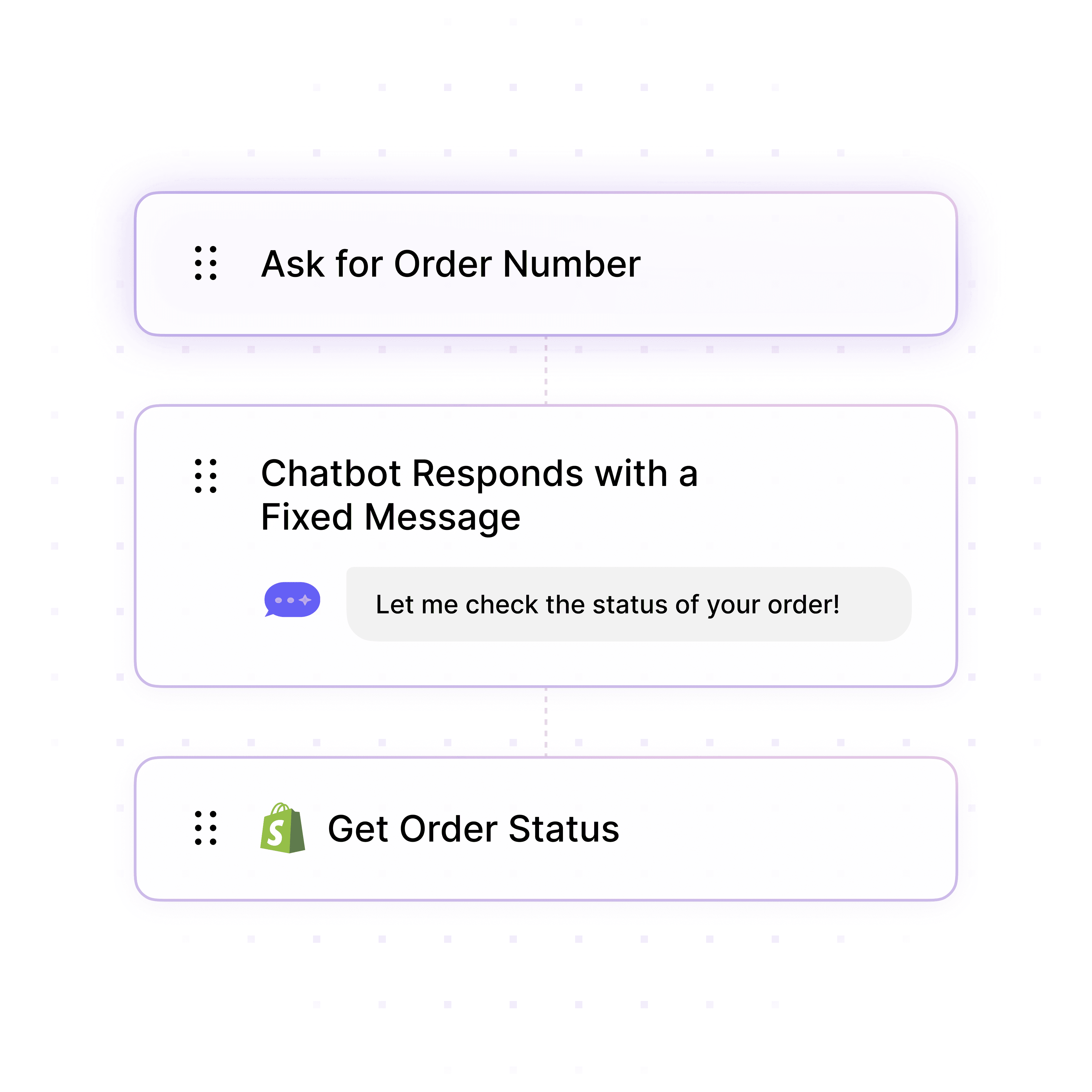
Automate ticket triage by assessing urgency indicators (system down, multiple users affected, business impact), categorizing issue types (incident, request, problem), assigning priority levels (P1-P4), and routing to specialized teams based on skills and availability.

Urgency assessment and business impact analysis

Issue categorization (incident vs. request vs. problem)

Priority assignment and SLA-based routing
Automated Triage Workflows

Intelligent Priority Assessment & Routing

Automate ticket triage by assessing urgency indicators (system down, multiple users affected, business impact), categorizing issue types (incident, request, problem), assigning priority levels (P1-P4), and routing to specialized teams based on skills and availability.

Urgency assessment and business impact analysis

Issue categorization (incident vs. request vs. problem)

Priority assignment and SLA-based routing

Automated Triage Workflows

Intelligent Priority Assessment & Routing

Automate ticket triage by assessing urgency indicators (system down, multiple users affected, business impact), categorizing issue types (incident, request, problem), assigning priority levels (P1-P4), and routing to specialized teams based on skills and availability.

Urgency assessment and business impact analysis

Issue categorization (incident vs. request vs. problem)

Priority assignment and SLA-based routing

Deflect Low-Priority Requests

Resolve Common Issues Without Tickets

Deflect up to 70% of routine requests like password resets, VPN troubleshooting, software installation guides, and account unlocks with instant self-service solutions, freeing technicians to focus on complex incidents.

Password reset automation and account unlocks

VPN and connectivity troubleshooting guides

Software installation and configuration instructions
Deflect Low-Priority Requests

Resolve Common Issues Without Tickets

Deflect up to 70% of routine requests like password resets, VPN troubleshooting, software installation guides, and account unlocks with instant self-service solutions, freeing technicians to focus on complex incidents.

Password reset automation and account unlocks

VPN and connectivity troubleshooting guides

Software installation and configuration instructions

Deflect Low-Priority Requests

Resolve Common Issues Without Tickets

Deflect up to 70% of routine requests like password resets, VPN troubleshooting, software installation guides, and account unlocks with instant self-service solutions, freeing technicians to focus on complex incidents.

Password reset automation and account unlocks

VPN and connectivity troubleshooting guides

Software installation and configuration instructions

ITSM Integration

Train on Ticket Data & ITIL Procedures

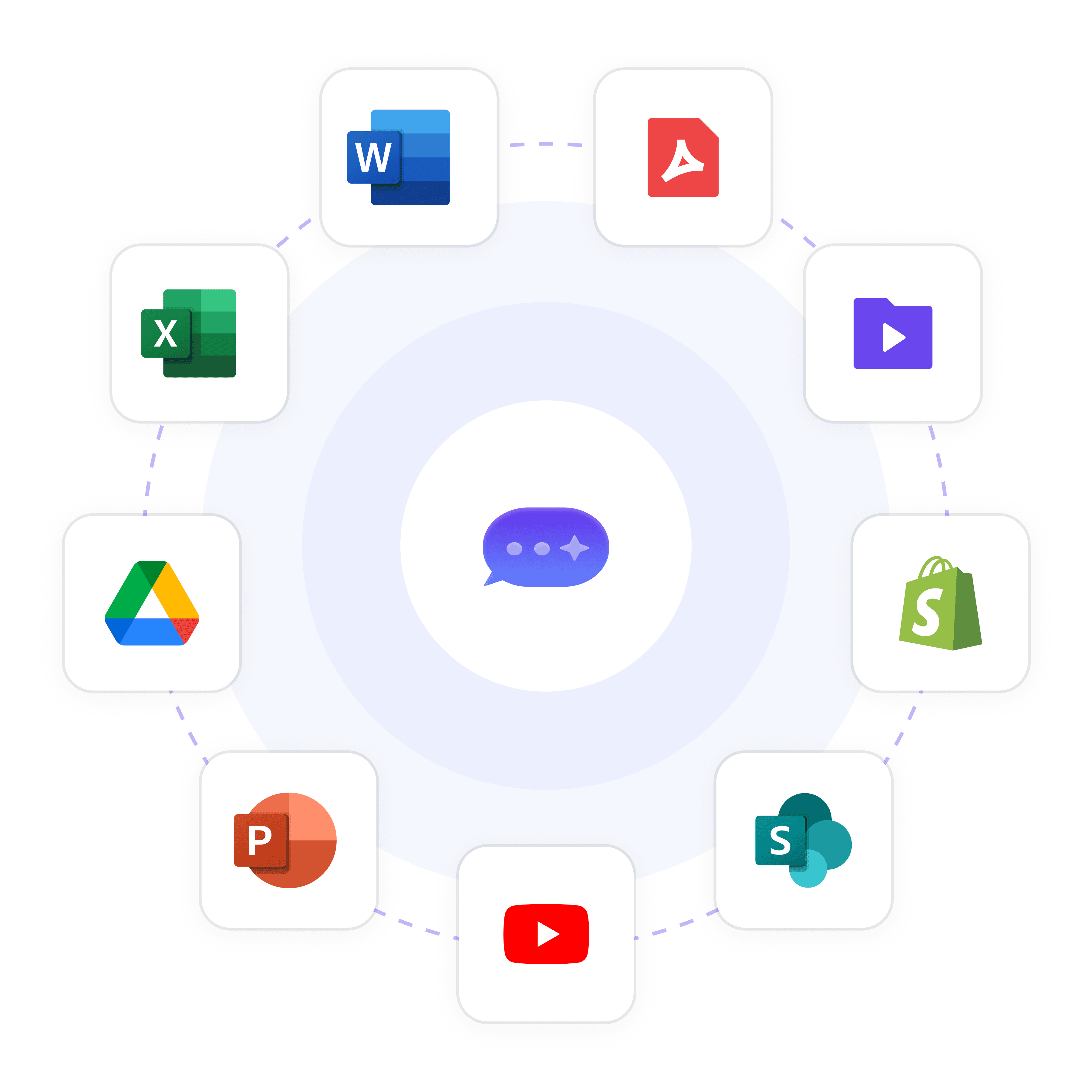
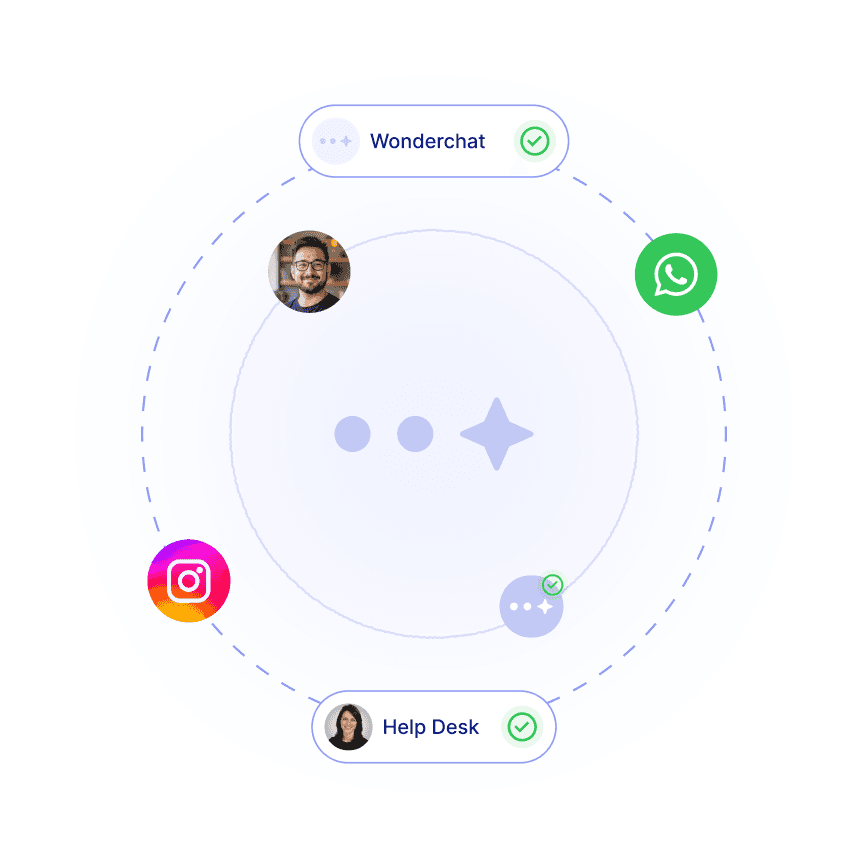
Connect to ServiceNow, Zendesk, Freshdesk, or Jira Service Management to analyze historical ticket patterns, routing rules, SLA definitions, and ITIL-based triage criteria for accurate, consistent ticket classification.

Historical ticket data and resolution patterns

ITIL procedures and triage criteria

SLA definitions and priority matrices

ITSM Integration

Train on Ticket Data & ITIL Procedures

Connect to ServiceNow, Zendesk, Freshdesk, or Jira Service Management to analyze historical ticket patterns, routing rules, SLA definitions, and ITIL-based triage criteria for accurate, consistent ticket classification.

Historical ticket data and resolution patterns

ITIL procedures and triage criteria

SLA definitions and priority matrices

ITSM Integration

Train on Ticket Data & ITIL Procedures

Connect to ServiceNow, Zendesk, Freshdesk, or Jira Service Management to analyze historical ticket patterns, routing rules, SLA definitions, and ITIL-based triage criteria for accurate, consistent ticket classification.

Historical ticket data and resolution patterns

ITIL procedures and triage criteria

SLA definitions and priority matrices

5-minute set up with our native integration

Automate IT Ticket Triage in 5 Minutes

1

Create your AI chatbot – Pick the perfect AI model fit for your support needs.

2

Train AI with Docs, FAQs & Policies – Upload knowledge base files and site links.

3

Customise Workflows & Escalation Rules – AI handles what it can, and escalates what it can’t.

4

Monitor & Optimise with Analytics – See where customers get stuck and fine-tune responses.
Ticket Analytics

Track Triage Accuracy & Queue Health

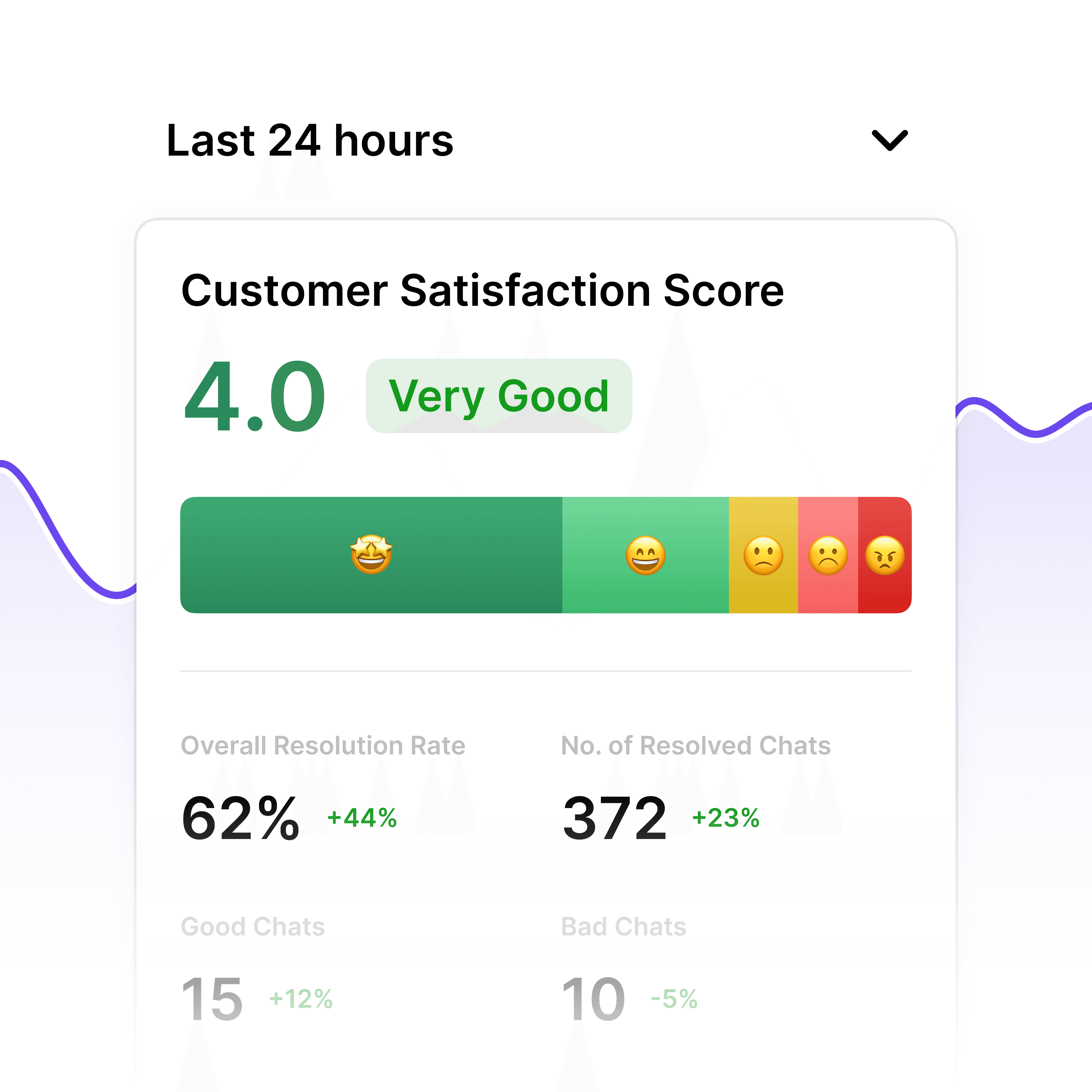
Built-in analytics show triage accuracy rates, average time-to-assignment, queue backlogs by priority, first-response SLA compliance, and most common issue types to optimize helpdesk operations.

Triage accuracy and routing efficiency

SLA compliance by priority level

Queue depth and backlog by team
Ticket Analytics

Track Triage Accuracy & Queue Health

Built-in analytics show triage accuracy rates, average time-to-assignment, queue backlogs by priority, first-response SLA compliance, and most common issue types to optimize helpdesk operations.

Triage accuracy and routing efficiency

SLA compliance by priority level

Queue depth and backlog by team
Ticket Analytics

Track Triage Accuracy & Queue Health

Built-in analytics show triage accuracy rates, average time-to-assignment, queue backlogs by priority, first-response SLA compliance, and most common issue types to optimize helpdesk operations.

Triage accuracy and routing efficiency

SLA compliance by priority level

Queue depth and backlog by team

Service Desk Escalation

Route Ambiguous Cases to Analysts

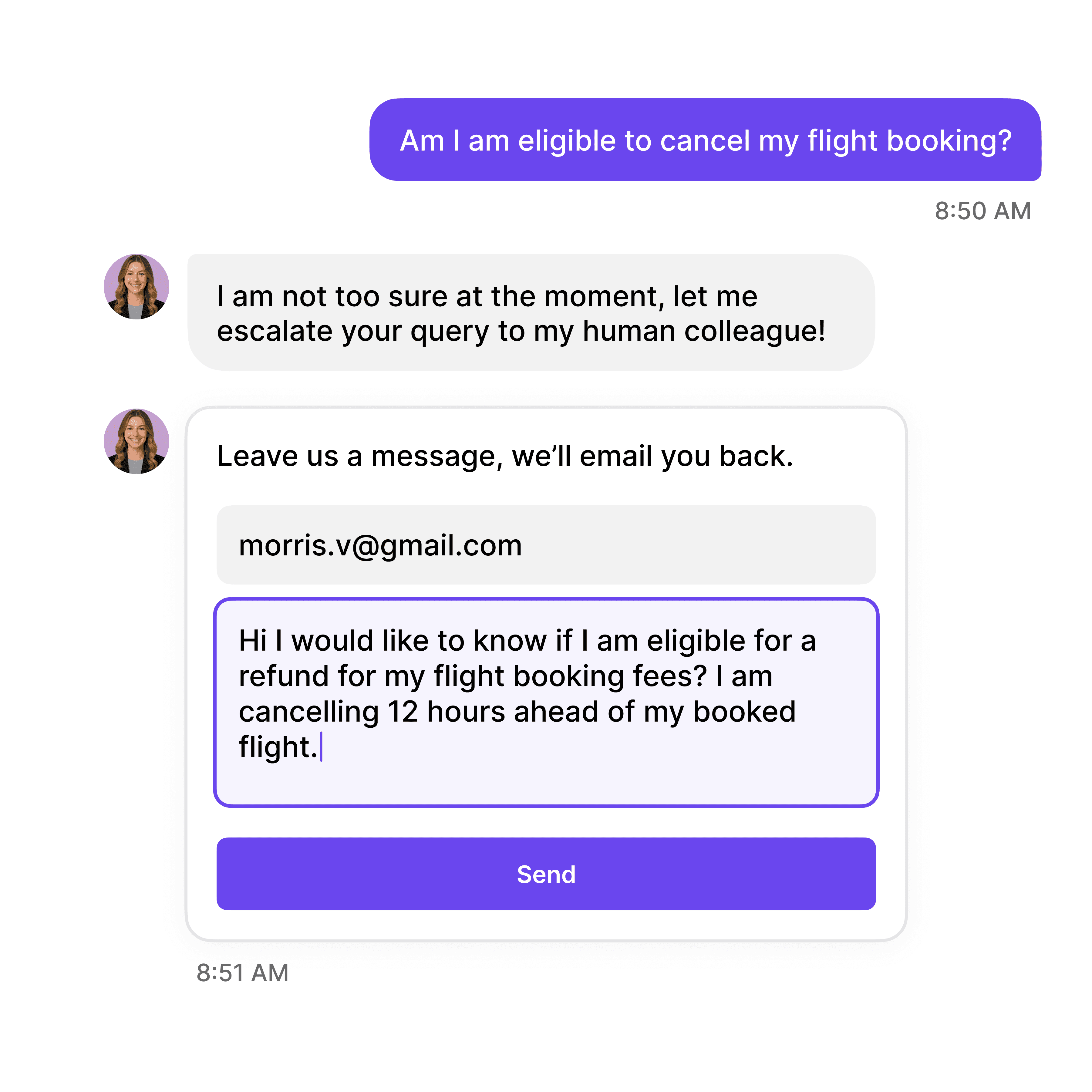
Escalate complex or ambiguous tickets requiring human judgment—vague descriptions, multi-system issues, or potential major incidents—to service desk analysts with full context, user details, and preliminary triage assessment.

Vague or incomplete issue descriptions

Multi-system incidents requiring coordination

Potential P1 major incidents requiring validation

Service Desk Escalation

Route Ambiguous Cases to Analysts

Escalate complex or ambiguous tickets requiring human judgment—vague descriptions, multi-system issues, or potential major incidents—to service desk analysts with full context, user details, and preliminary triage assessment.

Vague or incomplete issue descriptions

Multi-system incidents requiring coordination

Potential P1 major incidents requiring validation

Service Desk Escalation

Route Ambiguous Cases to Analysts

Escalate complex or ambiguous tickets requiring human judgment—vague descriptions, multi-system issues, or potential major incidents—to service desk analysts with full context, user details, and preliminary triage assessment.

Vague or incomplete issue descriptions

Multi-system incidents requiring coordination

Potential P1 major incidents requiring validation

40+ Languages

Starts at $0.02/message

Available 24/7

Start Free Trial

Testimonials

Businesses with successful customer service start

with Wonderchat

Industry Grade Compliance

Wonderchat is GDPR compliant and AICPA SOC 2 Certified.

FAQ

How does the AI chatbot triage IT tickets automatically?

Wonderchat analyzes incoming requests using natural language processing to identify urgency indicators ("system down," "can't access," "affecting all users"), categorize issue types (password reset, software bug, network outage), assess business impact, and assign priority levels (P1-P4) based on your ITIL procedures and SLA definitions. Tickets are then routed to specialized teams—network, applications, hardware—based on skills and availability.

Can the chatbot resolve simple requests without creating tickets?

Yes, Wonderchat deflects up to 70% of routine requests by providing instant self-service solutions. When users report password issues, VPN problems, or software installation questions, the AI delivers step-by-step troubleshooting guides, password reset links, or configuration instructions. Only requests requiring technician intervention create tickets, reducing queue volume significantly.

Does the AI integrate with our existing ITSM platform?

Absolutely. Wonderchat integrates with ServiceNow, Zendesk, Freshdesk, Jira Service Management, and other helpdesk systems to automatically create, categorize, prioritize, and route tickets. It also learns from historical ticket data to improve triage accuracy by recognizing patterns in issue descriptions, resolution times, and routing decisions.

How does the chatbot determine ticket priority levels?

The AI trains on your SLA definitions, priority matrices, and business impact criteria. It assesses factors like number of users affected, business criticality (production vs. development), system availability, and urgency language to assign priority. For example, "email server down for entire sales team" triggers P1, while "request software license" becomes P3.

Can the AI handle multilingual ticket submissions?

Yes, Wonderchat supports 100+ languages, essential for global IT support. An employee in Japan can submit a ticket in Japanese, a colleague in Germany in German, and the AI accurately triages, translates if needed, and routes tickets appropriately. This eliminates language barriers and ensures consistent support quality worldwide.

What happens when the AI encounters ambiguous ticket descriptions?

When ticket descriptions are vague ("system not working"), involve multiple systems, or suggest potential major incidents, the chatbot escalates to service desk analysts for human review. It provides preliminary triage assessment, user details, and available context to help analysts quickly validate priority and routing decisions.

FAQ

How does the AI chatbot triage IT tickets automatically?

Wonderchat analyzes incoming requests using natural language processing to identify urgency indicators ("system down," "can't access," "affecting all users"), categorize issue types (password reset, software bug, network outage), assess business impact, and assign priority levels (P1-P4) based on your ITIL procedures and SLA definitions. Tickets are then routed to specialized teams—network, applications, hardware—based on skills and availability.

Can the chatbot resolve simple requests without creating tickets?

Yes, Wonderchat deflects up to 70% of routine requests by providing instant self-service solutions. When users report password issues, VPN problems, or software installation questions, the AI delivers step-by-step troubleshooting guides, password reset links, or configuration instructions. Only requests requiring technician intervention create tickets, reducing queue volume significantly.

Does the AI integrate with our existing ITSM platform?

Absolutely. Wonderchat integrates with ServiceNow, Zendesk, Freshdesk, Jira Service Management, and other helpdesk systems to automatically create, categorize, prioritize, and route tickets. It also learns from historical ticket data to improve triage accuracy by recognizing patterns in issue descriptions, resolution times, and routing decisions.

How does the chatbot determine ticket priority levels?

The AI trains on your SLA definitions, priority matrices, and business impact criteria. It assesses factors like number of users affected, business criticality (production vs. development), system availability, and urgency language to assign priority. For example, "email server down for entire sales team" triggers P1, while "request software license" becomes P3.

Can the AI handle multilingual ticket submissions?

Yes, Wonderchat supports 100+ languages, essential for global IT support. An employee in Japan can submit a ticket in Japanese, a colleague in Germany in German, and the AI accurately triages, translates if needed, and routes tickets appropriately. This eliminates language barriers and ensures consistent support quality worldwide.

What happens when the AI encounters ambiguous ticket descriptions?

When ticket descriptions are vague ("system not working"), involve multiple systems, or suggest potential major incidents, the chatbot escalates to service desk analysts for human review. It provides preliminary triage assessment, user details, and available context to help analysts quickly validate priority and routing decisions.

FAQ

How does the AI chatbot triage IT tickets automatically?

Wonderchat analyzes incoming requests using natural language processing to identify urgency indicators ("system down," "can't access," "affecting all users"), categorize issue types (password reset, software bug, network outage), assess business impact, and assign priority levels (P1-P4) based on your ITIL procedures and SLA definitions. Tickets are then routed to specialized teams—network, applications, hardware—based on skills and availability.

Can the chatbot resolve simple requests without creating tickets?

Yes, Wonderchat deflects up to 70% of routine requests by providing instant self-service solutions. When users report password issues, VPN problems, or software installation questions, the AI delivers step-by-step troubleshooting guides, password reset links, or configuration instructions. Only requests requiring technician intervention create tickets, reducing queue volume significantly.

Does the AI integrate with our existing ITSM platform?

Absolutely. Wonderchat integrates with ServiceNow, Zendesk, Freshdesk, Jira Service Management, and other helpdesk systems to automatically create, categorize, prioritize, and route tickets. It also learns from historical ticket data to improve triage accuracy by recognizing patterns in issue descriptions, resolution times, and routing decisions.

How does the chatbot determine ticket priority levels?

The AI trains on your SLA definitions, priority matrices, and business impact criteria. It assesses factors like number of users affected, business criticality (production vs. development), system availability, and urgency language to assign priority. For example, "email server down for entire sales team" triggers P1, while "request software license" becomes P3.

Can the AI handle multilingual ticket submissions?

Yes, Wonderchat supports 100+ languages, essential for global IT support. An employee in Japan can submit a ticket in Japanese, a colleague in Germany in German, and the AI accurately triages, translates if needed, and routes tickets appropriately. This eliminates language barriers and ensures consistent support quality worldwide.

What happens when the AI encounters ambiguous ticket descriptions?

When ticket descriptions are vague ("system not working"), involve multiple systems, or suggest potential major incidents, the chatbot escalates to service desk analysts for human review. It provides preliminary triage assessment, user details, and available context to help analysts quickly validate priority and routing decisions.

40+ Languages

Starts at $0.02/message

Available 24/7

Start Free Trial

The platform to build AI agents that feel human

© 2025 Wonderchat Private Limited