AI Chatbot for IT Asset Management

Staff keep asking who has a spare laptop and how to request one. Wonderchat answers from your IT docs, shows the source and hands over to IT with the full chat.

Trusted by businesses worldwide

  • ESAB logo
  • ALLOut Security logo
  • Keytrade Bank logo
  • FileWave logo
  • Aramco logo
  • Yale University logo
  • Armanino logo
  • Trend Micro logo

An Internal AI Agent for the Hardware Questions IT Gets Every Week

A small IT team answers the same asset questions from Slack, email and memory: is there a spare laptop, what are the specs, how do I request a monitor, who approves it, what is the replacement process. The answers already live in your asset spreadsheets, hardware guides, procurement policy and licensing notes. Wonderchat's Internal AI Agent answers from those documents only. Add PDF and Office files, spreadsheets exported from your asset tool, your wiki or a Google Drive folder, and every reply shows the source. When the documents do not cover the question, the agent says so and hands over to IT with the full conversation. It does not place equipment orders or change records in other systems. It shares your request form link instead. You also see which questions your documents could not answer, so you know what to document next. The free plan refills 50 AI replies every month, with no credit card, and 40+ languages are supported for staff in other countries.

AI agent avatar of a smiling woman with wavy hair on a lilac background

Emily

AI Agent

Wonderbot

Welcome to Wonderchat! How can I help you today?

hey iโ€™d like to upgrade to enterprise please

Wonderbot

Sure, please hold on for a second.

Retrieving account details...

Please confirm that you would like to upgrade to Wonderchat Enterprise. Your Visa card ending in 1234 will be charged $480.00 a year.

Cancel

Upgrade

Message...

Easy 5 minute set-up

How Wonderchat Works

Wonderchat chat bubble icon
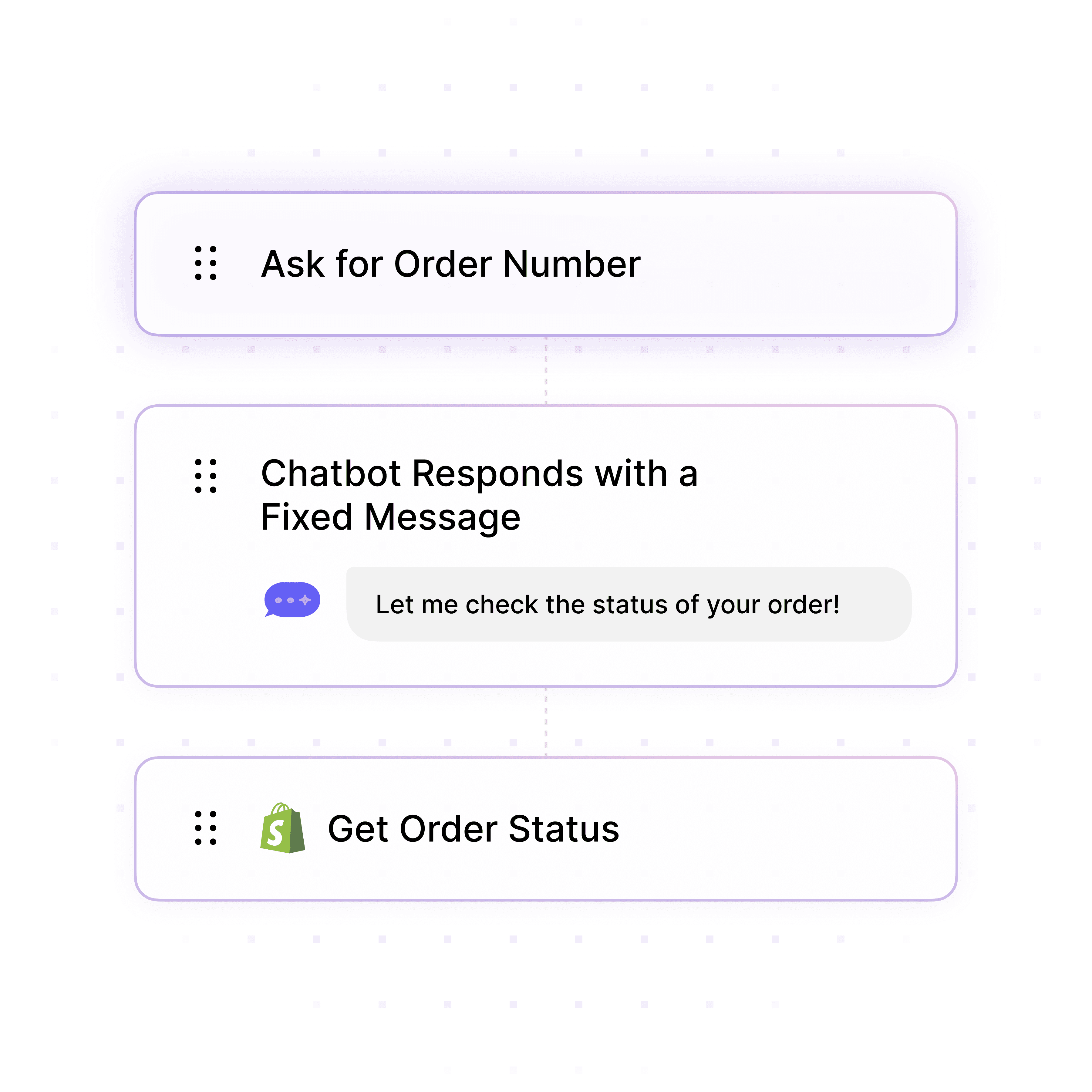
Workflow builder with steps to ask for an order number, send a fixed message and get the order status from Shopify

Requests

Point Staff to the Right Request Form

Wonderchat explains who is eligible, who approves and what to submit, from your procurement policy, then shares your request form link.

Eligibility rules explained

Approval steps from your policy

Link to your request form

Wonderchat chat bubble icon
Magnifying glass over a website, showing the AI agent searching site content

Hardware Answers

Hardware Specs From Your Own Docs

Staff ask about specs, models and compatibility in plain language and get answers from your hardware guides and asset sheets.

Device specs from your docs

Model comparisons you document

Source shown on every reply
Wonderchat chat bubble icon
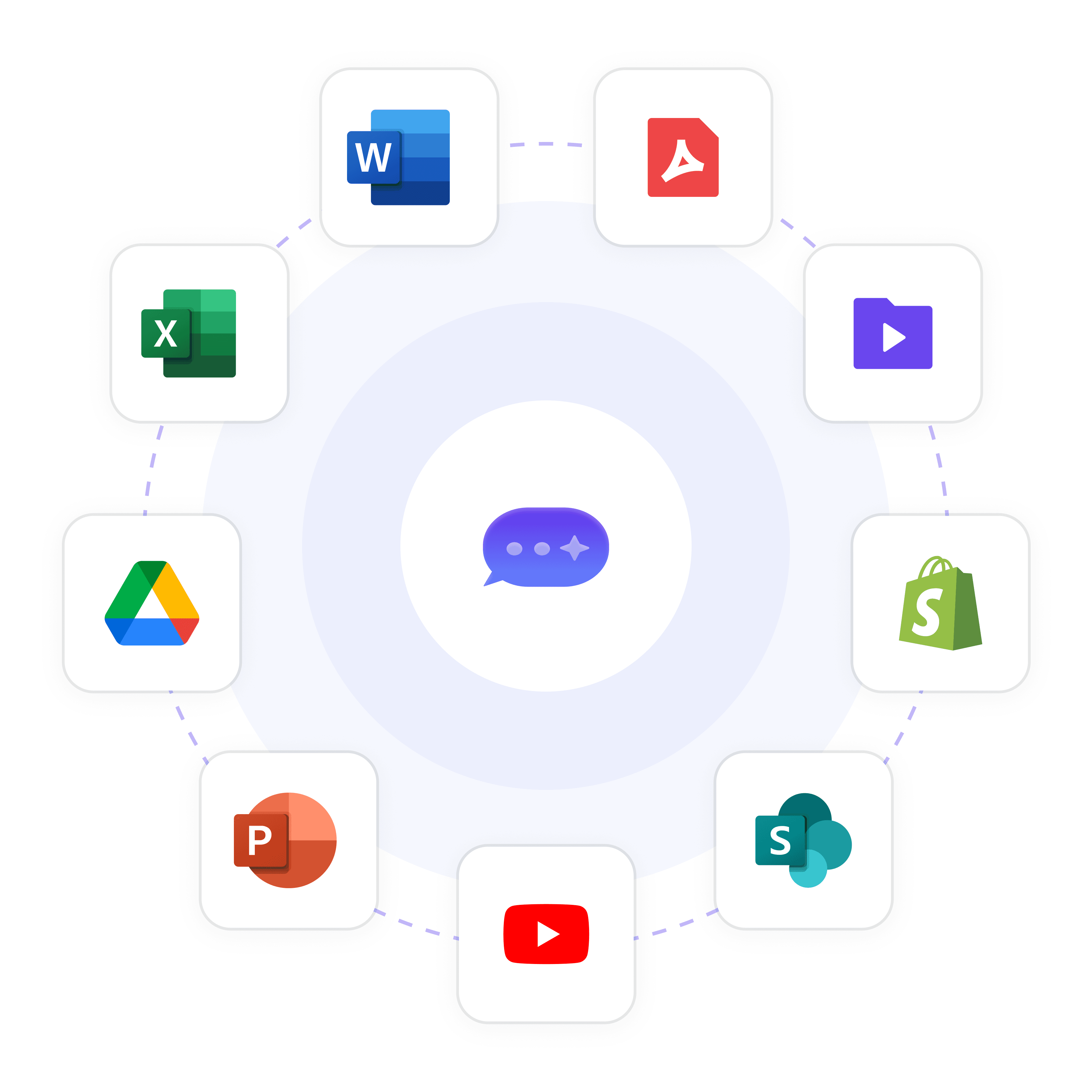
Wonderchat connects to Word, PDF, video files, Shopify, SharePoint, YouTube, PowerPoint, Google Drive and Excel to train your AI agent

Your Content

Train on Asset Sheets and Policies

Add spreadsheets and PDFs exported from your asset tool, Office files or a Google Drive folder. SharePoint is available from Scale.

Spreadsheet and PDF files

Google Drive folders

Policies and licensing notes

5-minute set up with our native integration

Start for Free With Your Own IT Docs

1

Create your AI chatbot โ€“ Pick the perfect AI model fit for your support needs.

2

Train AI with Docs, FAQs & Policies โ€“ Upload knowledge base files and site links.

3

Customise Workflows & Escalation Rules โ€“ AI handles what it can, and escalates what it canโ€™t.

4

Monitor & Optimise with Analytics โ€“ See where customers get stuck and fine-tune responses.
Wonderchat chat bubble icon
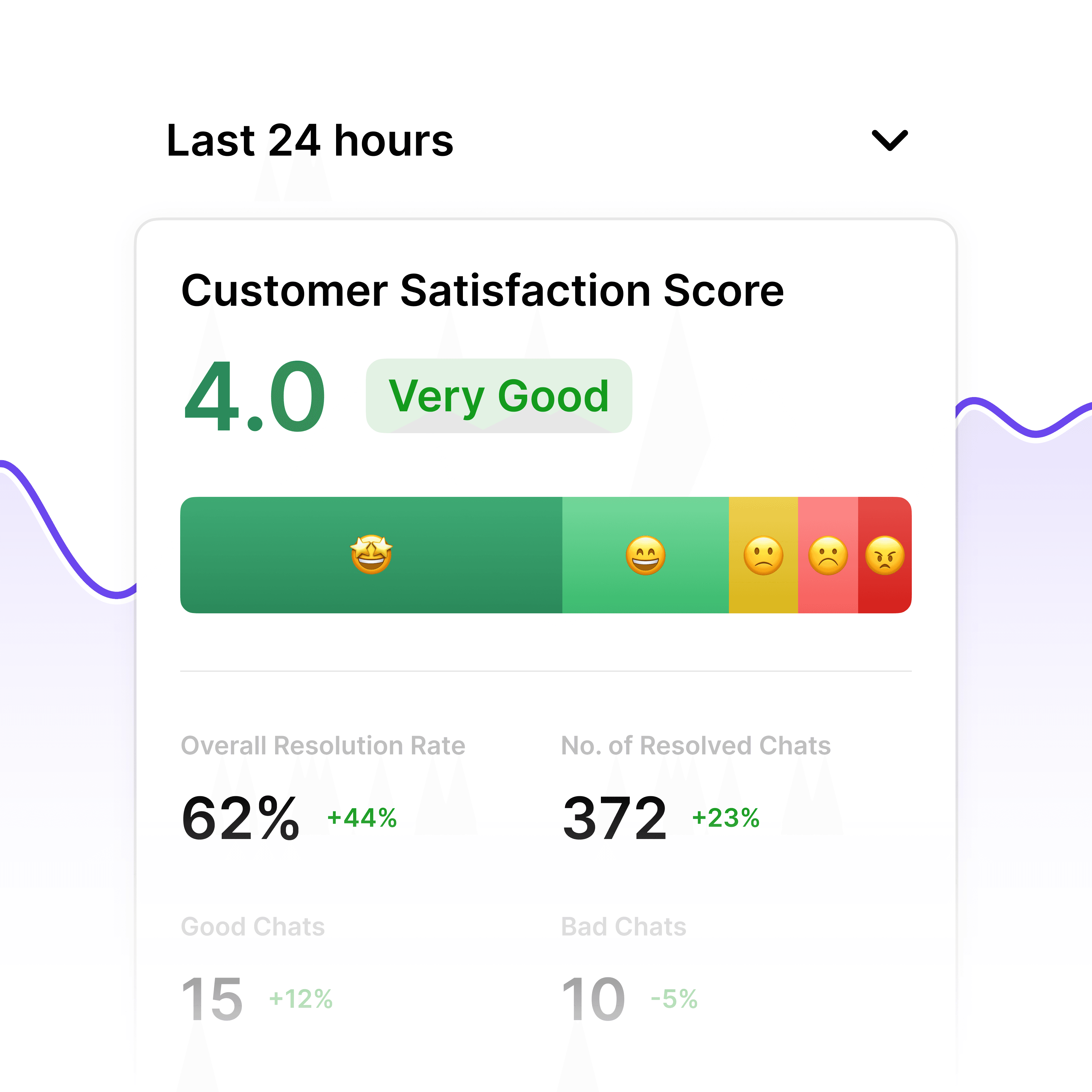
Analytics dashboard showing customer satisfaction score, resolution rate and resolved chats

Gaps

See What Your Docs Cannot Answer

Wonderchat lists the questions it could not answer, so you see the missing hardware and procurement documentation.

Most asked hardware questions

Missing documentation

Question volume over time
Wonderchat chat bubble icon
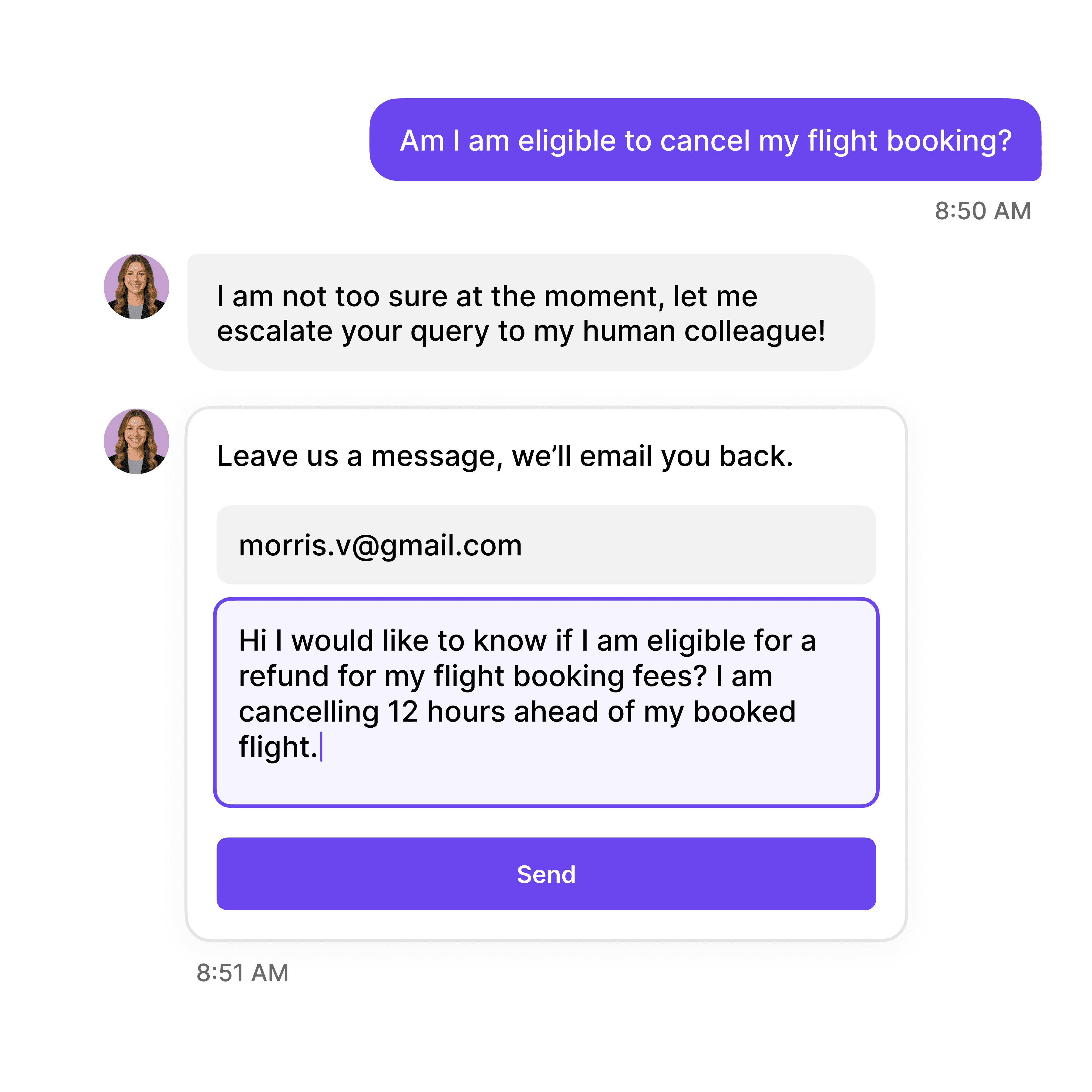
AI agent escalating a flight cancellation question to a human colleague with an email follow-up form
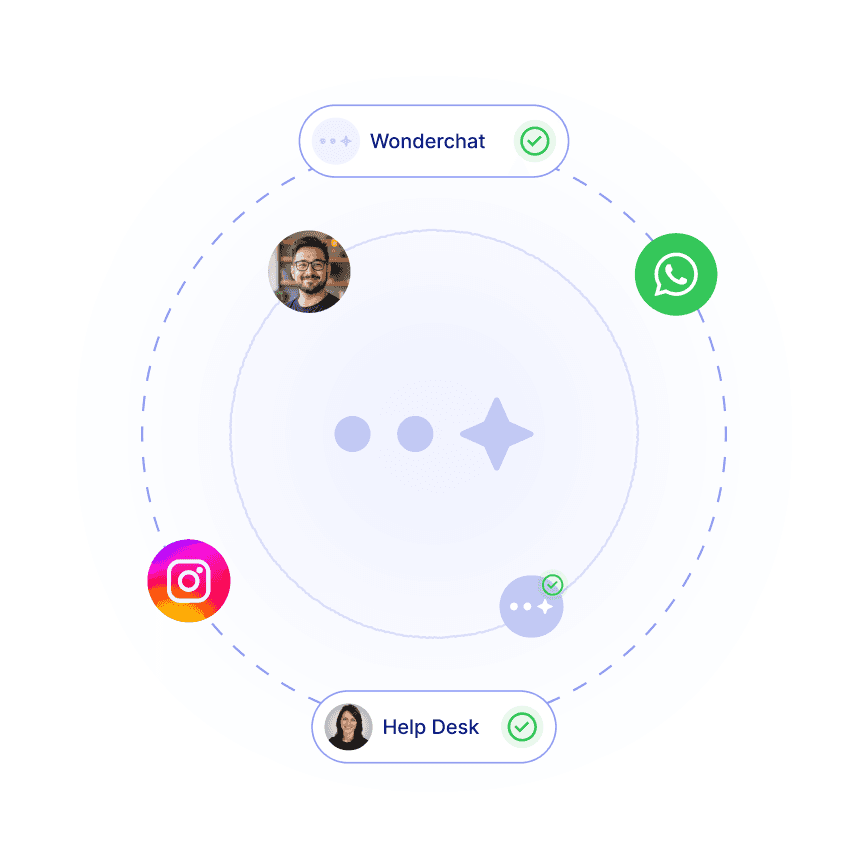
AI agent handing conversations from WhatsApp and Instagram over to a human in the help desk

Handoff

Hand Over to IT With the Full Chat

When a request needs a person, the chat goes to IT with the whole conversation, so staff do not repeat themselves. Every plan includes a help desk and unified inbox.

Full chat passed over

Zendesk and Freshdesk sync from Basic

Slack and Teams from Starter

40+ Languages

Starts at $0.02/message

Available 24/7

Start for free

14-day free trial. No credit card required

Testimonials

Businesses with successful customer service start

with Wonderchat

Industry Grade Compliance

Wonderchat is GDPR compliant and AICPA SOC 2 Certified.

Wonderchat GDPR compliance badge
Wonderchat AICPA SOC 2 compliance badge

FAQ

What IT asset questions can staff ask?

Spare laptop and equipment availability as listed in your files, specs, software license rules, warranty and replacement procedures, asset tag conventions and who approves a request, as long as the answer is in your documents. If it is not, the agent says so and hands over to IT.

How quickly can you put an IT asset chatbot live?

80% of Wonderchat agents that go live do so the same day. Add your asset sheets, hardware guides and procurement policy, then share the chat with staff. The free plan needs no credit card.

Does the chatbot support multi-language asset questions?

Yes. Wonderchat supports 40+ languages, so staff in other countries can ask in their own language even when your IT documents are in English. The source is shown on each reply.

What happens when the chatbot can't answer an asset question?

It says it could not find the answer and hands over to IT with the full conversation. Slack and Microsoft Teams are available from Starter, and Zendesk or Freshdesk ticket sync from Basic. Every plan includes a help desk and unified inbox.

FAQ

What IT asset questions can staff ask?

Spare laptop and equipment availability as listed in your files, specs, software license rules, warranty and replacement procedures, asset tag conventions and who approves a request, as long as the answer is in your documents. If it is not, the agent says so and hands over to IT.

How quickly can you put an IT asset chatbot live?

80% of Wonderchat agents that go live do so the same day. Add your asset sheets, hardware guides and procurement policy, then share the chat with staff. The free plan needs no credit card.

Does the chatbot support multi-language asset questions?

Yes. Wonderchat supports 40+ languages, so staff in other countries can ask in their own language even when your IT documents are in English. The source is shown on each reply.

What happens when the chatbot can't answer an asset question?

It says it could not find the answer and hands over to IT with the full conversation. Slack and Microsoft Teams are available from Starter, and Zendesk or Freshdesk ticket sync from Basic. Every plan includes a help desk and unified inbox.

40+ Languages

Starts at $0.02/message

Available 24/7

Start for free

14-day free trial. No credit card required