AI Chatbot With Memory

Customers shouldn't have to repeat themselves. Wonderchat keeps the whole chat in context, answers only from your own docs, and hands over to a person with the full conversation.

Trusted by businesses worldwide

  • ESAB logo
  • ALLOut Security logo
  • Keytrade Bank logo
  • FileWave logo
  • Aramco logo
  • Yale University logo
  • Armanino logo
  • Trend Micro logo

Why Memory Matters in Support

Nothing annoys a customer more than explaining the problem twice, once to the chatbot and again to a person. Wonderchat keeps what was said earlier in the chat in view, so a follow-up question gets an answer that fits. Every answer comes from your own help center and docs, with the source shown. When the agent can't find the answer, it says so and hands over to your team with the full conversation. You also see what your docs couldn't answer, so the same gap doesn't come up again next week.

AI agent avatar of a smiling woman with wavy hair on a lilac background

Emily

AI Agent

Wonderbot

Welcome to Wonderchat! How can I help you today?

hey iโ€™d like to upgrade to enterprise please

Wonderbot

Sure, please hold on for a second.

Retrieving account details...

Please confirm that you would like to upgrade to Wonderchat Enterprise. Your Visa card ending in 1234 will be charged $480.00 a year.

Cancel

Upgrade

Message...

Easy 5 minute set-up

How Wonderchat Works
Wonderchat chat bubble icon
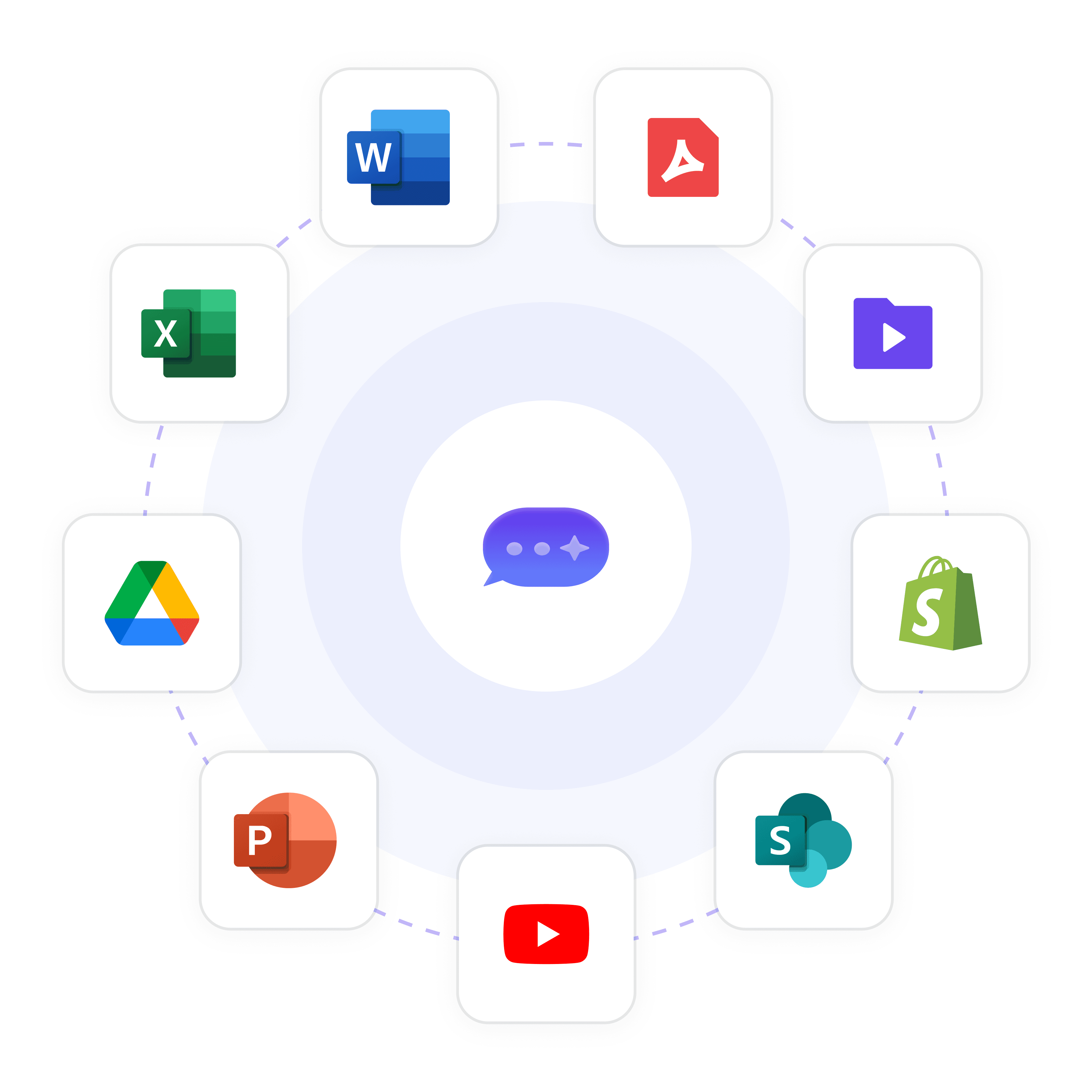
Wonderchat connects to Word, PDF, video files, Shopify, SharePoint, YouTube, PowerPoint, Google Drive and Excel to train your AI agent

Answers From Your Content

Train It on Your Own Docs

Build the agent from your website and help center, PDF and Office files, and Google Drive. It answers from that content only and shows the source on every reply, so a remembered detail never turns into an invented answer.

Website and help center

PDF and Office files

Google Drive
Wonderchat chat bubble icon
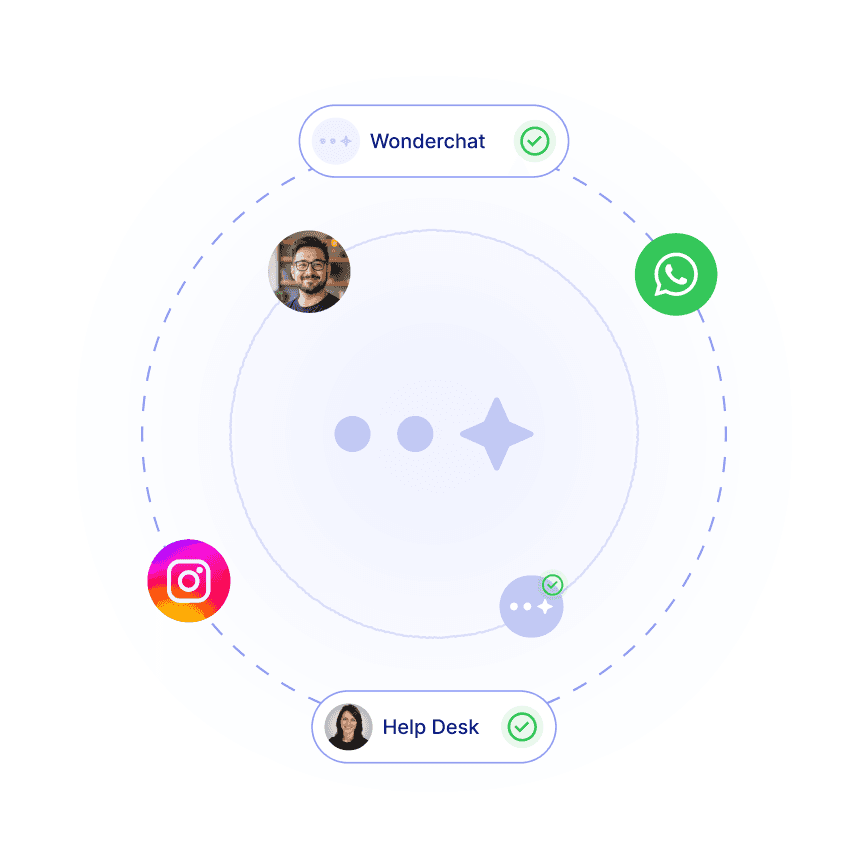
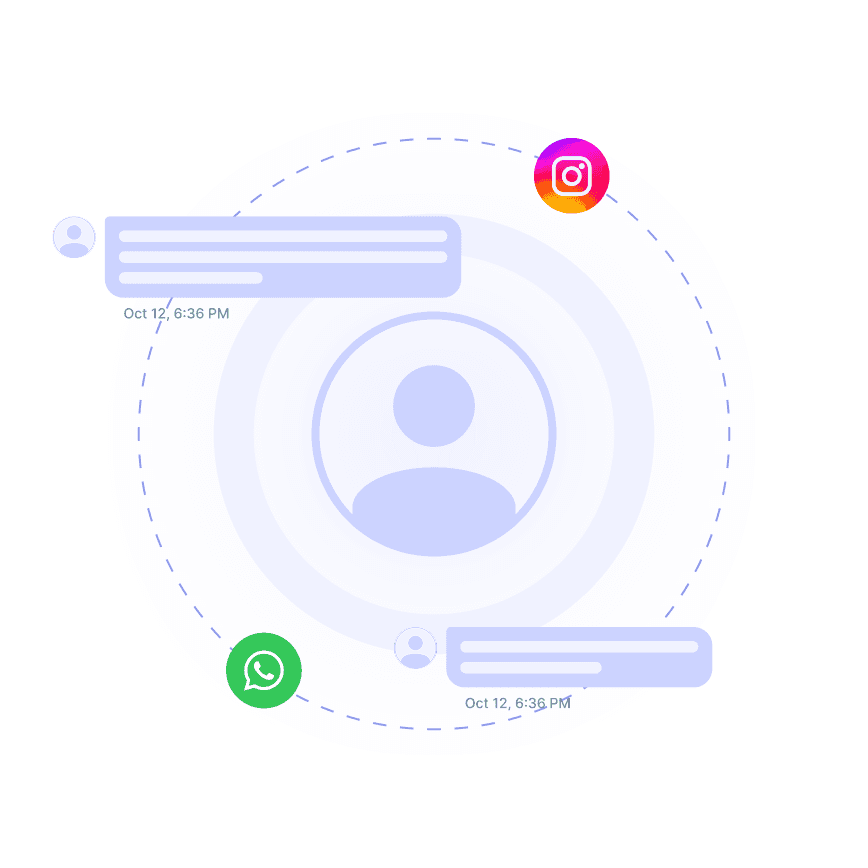
Customer conversations from WhatsApp and Instagram handled in one place

Context Within the Chat

Follow-Up Questions Keep Their Context

Within a conversation, the agent keeps track of what the customer already said, so a follow-up doesn't send them back to the start. Answers stay tied to your docs, with the source shown.

Whole chat kept in context

Source shown on every reply

40+ languages
Wonderchat chat bubble icon
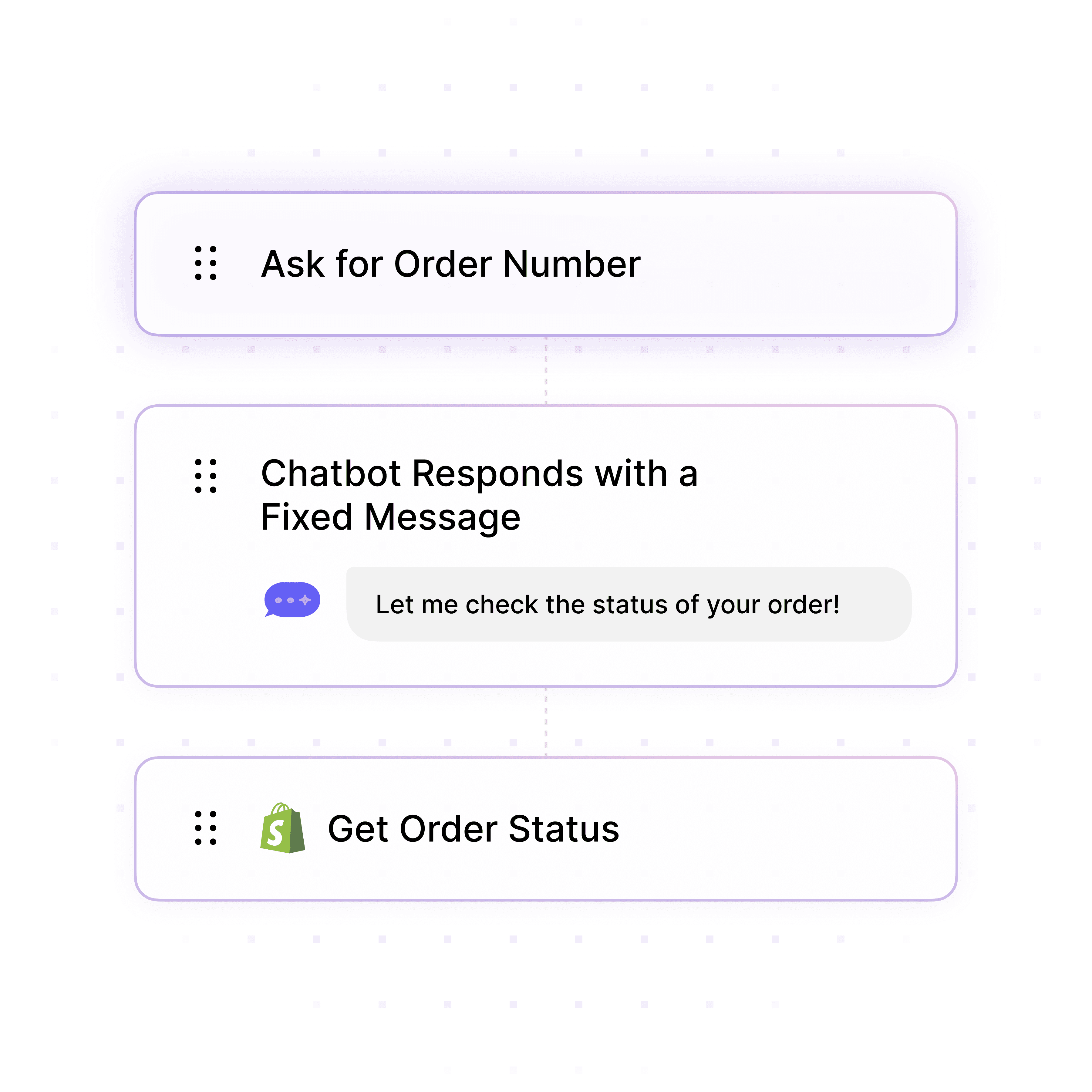
Workflow builder with steps to ask for an order number, send a fixed message and get the order status from Shopify

What It Couldn't Answer

See the Questions Your Docs Missed

Wonderchat tells you which questions your docs couldn't answer. Add the answer to your documentation once, and the agent has it for every customer after that.

Unanswered questions listed

Fix the gap in your docs

Every conversation in one inbox

5-minute set up with our native integration

Start for Free: Try It on Your Own Docs

1

Create your AI chatbot โ€“ Pick the perfect AI model fit for your support needs.

2

Train AI with Docs, FAQs & Policies โ€“ Upload knowledge base files and site links.

3

Customise Workflows & Escalation Rules โ€“ AI handles what it can, and escalates what it canโ€™t.

4

Monitor & Optimise with Analytics โ€“ See where customers get stuck and fine-tune responses.
Wonderchat chat bubble icon
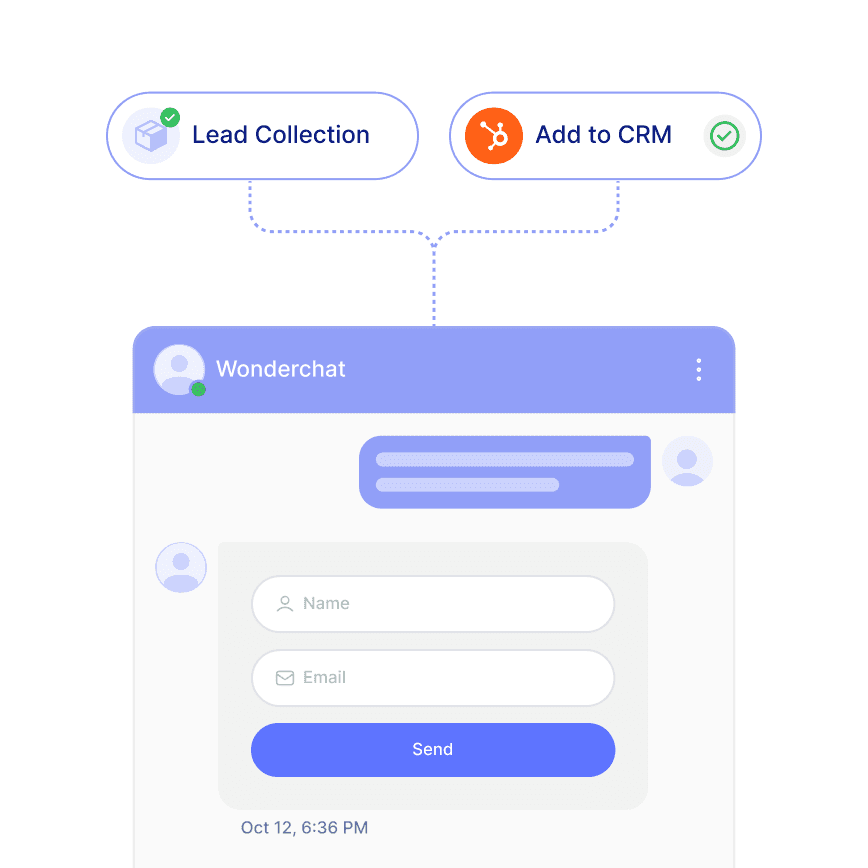
Chat widget collecting a visitor name and email and adding the lead to HubSpot CRM

Your Contacts

Keep Contact Details in HubSpot

From Basic, Wonderchat syncs contacts to HubSpot, so the details a visitor shared in chat are where your team already works. When someone wants to talk to you, the agent shares your booking link, for example Calendly.

HubSpot contact sync from Basic

Shares your booking link

Unified inbox on every plan
Wonderchat chat bubble icon
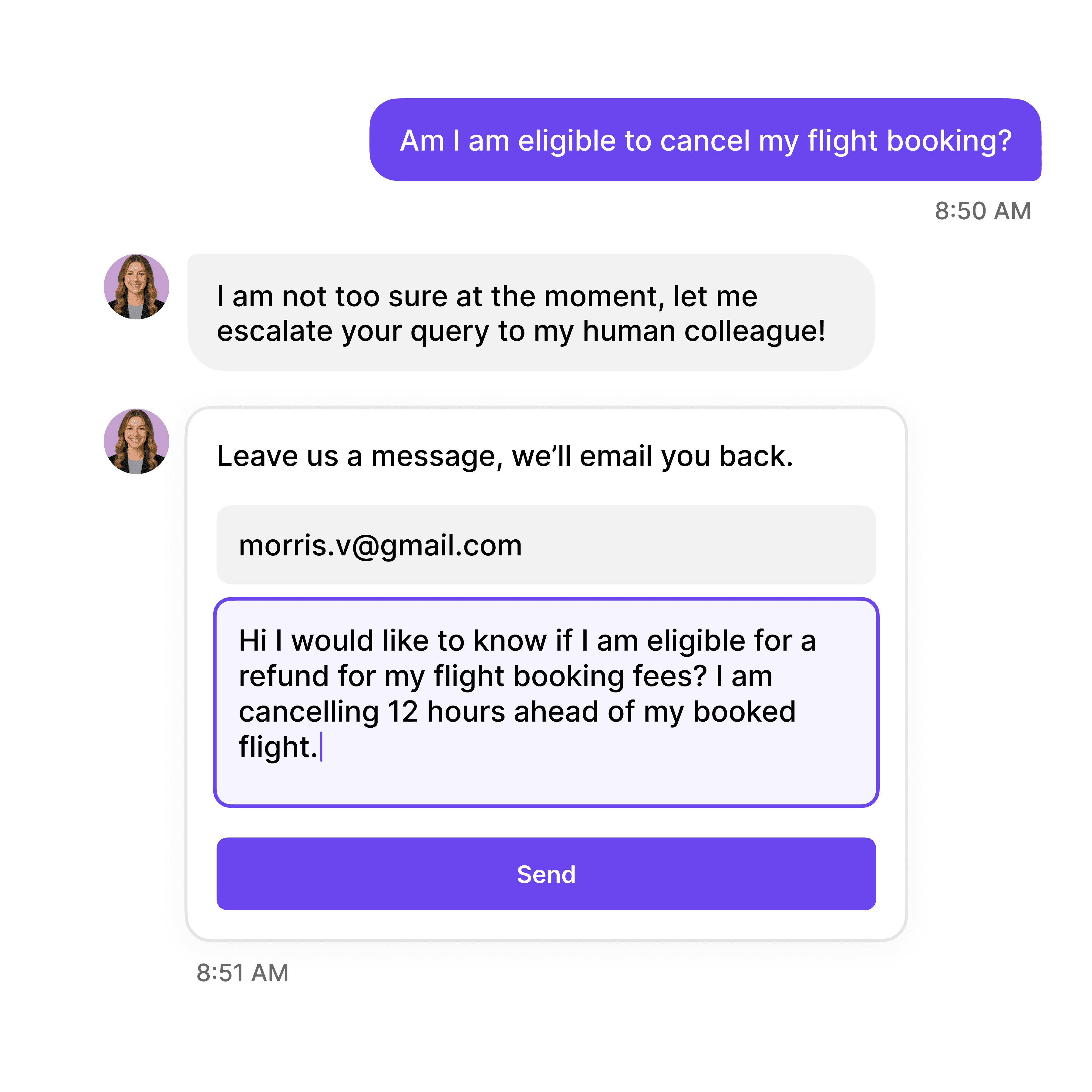
AI agent escalating a flight cancellation question to a human colleague with an email follow-up form
AI agent handing conversations from WhatsApp and Instagram over to a human in the help desk

Handover

Handover With the Full Conversation

When a question needs a person, the agent says so and hands over with the whole chat attached. Your team picks up where the agent stopped, and the customer doesn't repeat a word.

Full conversation passed on

Help desk on every plan

Live chat on every plan

40+ Languages

Starts at $0.02/message

Available 24/7

Start for free

14-day free trial. No credit card required

Testimonials

Businesses with successful customer service start

with Wonderchat

Industry Grade Compliance

Wonderchat is GDPR compliant and AICPA SOC 2 Certified.

Wonderchat GDPR compliance badge
Wonderchat AICPA SOC 2 compliance badge

FAQ

How does Wonderchat prevent AI hallucination in responses?

Wonderchat answers only from content you provide, shows the source on every reply and says when it can't find the answer. That limits wrong answers but doesn't make them impossible, so you review conversations, see which questions your docs couldn't answer and fix the gap in your documentation.

What types of data can I use to train my AI chatbot?

You can train Wonderchat on: - Your website and help center - PDF and Office files - Google Drive - SharePoint and audio files, from Scale Update your docs and re-sync, and the agent answers from the current version.

How does the chatbot transition from AI to human support?

When a conversation needs a person, the agent says it can't find the answer and hands over with the full conversation attached. Your team reads the whole chat in the unified inbox and replies there, so the customer doesn't start again. Slack, Microsoft Teams and WhatsApp are available from Starter.

Can I integrate the AI chatbot with my existing CRM system?

HubSpot contact sync and Zendesk or Freshdesk ticket sync are available from Basic. Slack, Microsoft Teams and WhatsApp start on Starter. Shopify is supported for order lookup and product search. Wonderchat answers questions and hands over, it doesn't take actions in other systems.

FAQ

How does Wonderchat prevent AI hallucination in responses?

Wonderchat answers only from content you provide, shows the source on every reply and says when it can't find the answer. That limits wrong answers but doesn't make them impossible, so you review conversations, see which questions your docs couldn't answer and fix the gap in your documentation.

What types of data can I use to train my AI chatbot?

You can train Wonderchat on: - Your website and help center - PDF and Office files - Google Drive - SharePoint and audio files, from Scale Update your docs and re-sync, and the agent answers from the current version.

How does the chatbot transition from AI to human support?

When a conversation needs a person, the agent says it can't find the answer and hands over with the full conversation attached. Your team reads the whole chat in the unified inbox and replies there, so the customer doesn't start again. Slack, Microsoft Teams and WhatsApp are available from Starter.

Can I integrate the AI chatbot with my existing CRM system?

HubSpot contact sync and Zendesk or Freshdesk ticket sync are available from Basic. Slack, Microsoft Teams and WhatsApp start on Starter. Shopify is supported for order lookup and product search. Wonderchat answers questions and hands over, it doesn't take actions in other systems.

40+ Languages

Starts at $0.02/message

Available 24/7

Start for free

14-day free trial. No credit card required