Free AI Chatbot Builder

Build a free AI chatbot on your own website and docs. It answers only from your content, shows the source on every reply, and hands over to a person with the full conversation. No credit card.

Trusted by businesses worldwide
Why Small Teams Build Their Chatbot on Wonderchat

If you're a small team, customer questions probably land in Gmail, a Slack channel and someone's head. You already wrote the answers in your docs. They just aren't in front of the customer when the question comes. Wonderchat is a free AI chatbot builder that answers from the content you already have. It shows the source on every reply, tells you which questions your docs couldn't answer, and hands over to a person when it can't find the answer. You decide what it says by deciding what it reads. Start on the free plan, no credit card. 80% of Wonderchat agents that go live do so the same day.

Emily

AI Agent

Wonderbot

Welcome to Wonderchat! How can I help you today?

hey iโ€™d like to upgrade to enterprise please

Wonderbot

Sure, please hold on for a second.

Retrieving account details...

Please confirm that you would like to upgrade to Wonderchat Enterprise. Your Visa card ending in 1234 will be charged $480.00 a year.

Cancel

Upgrade

Message...

Easy 5 minute set-up

How Wonderchat Works
Your Docs, Not a Guess

Train It on Your Own Content

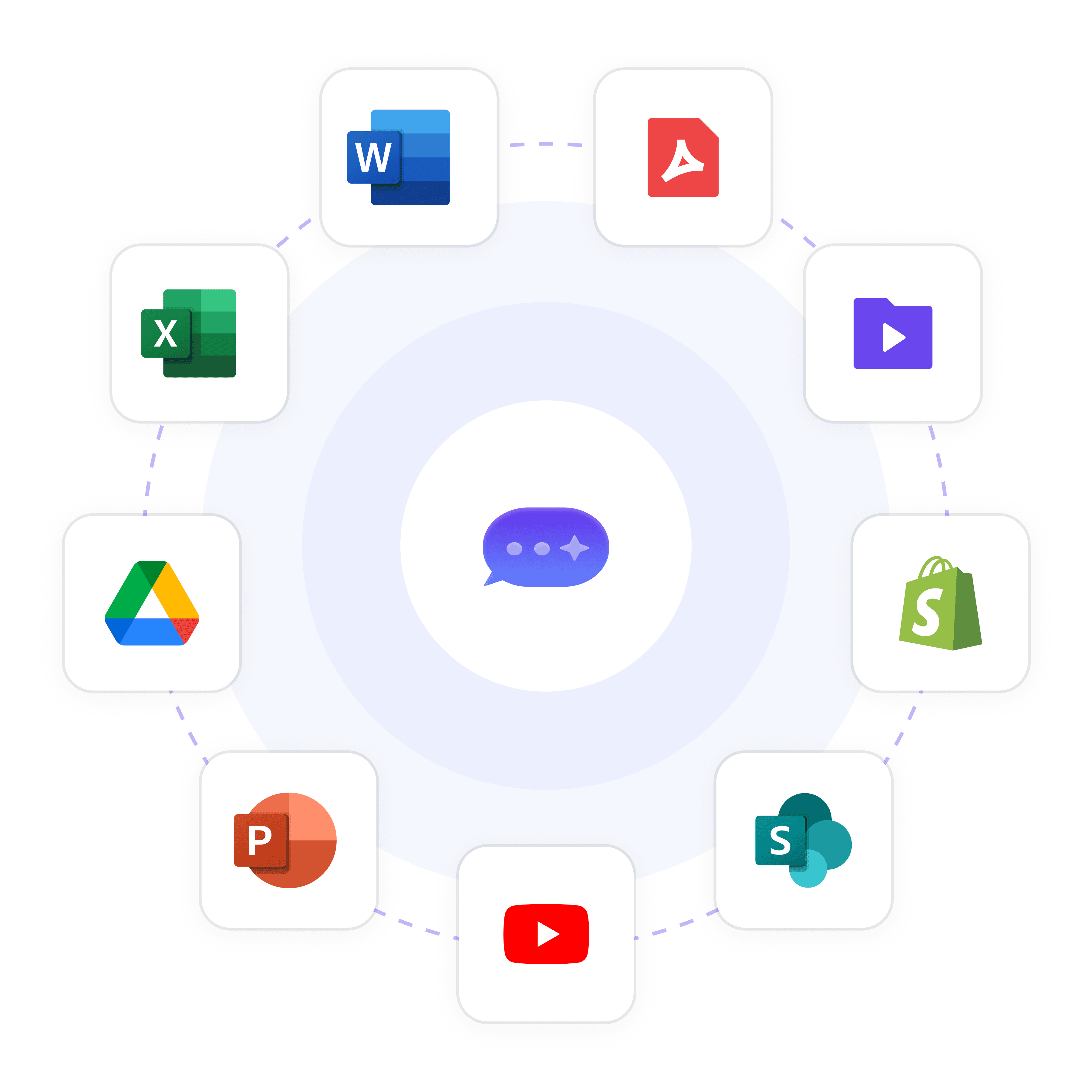
Connect your website and help center, upload PDF and Office files, or connect Google Drive. The agent answers only from what you connect, in 40+ languages. No code needed.

Website and help center

PDF and Office files

Google Drive
Answers You Can Check

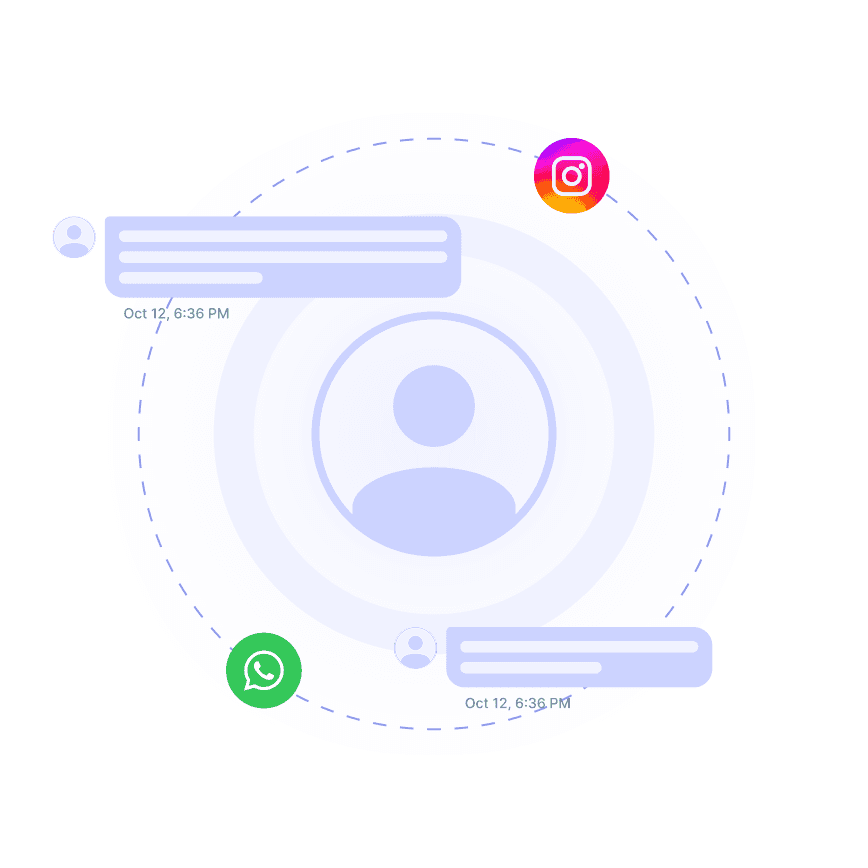
See the Source on Every Reply

Every answer shows the page or file it came from, so you can see exactly what your customers are told. If the answer isn't in your content, the chatbot says so instead of guessing.

Source shown on every reply

Answers only from your content

Says when it can't find the answer
Your Brand

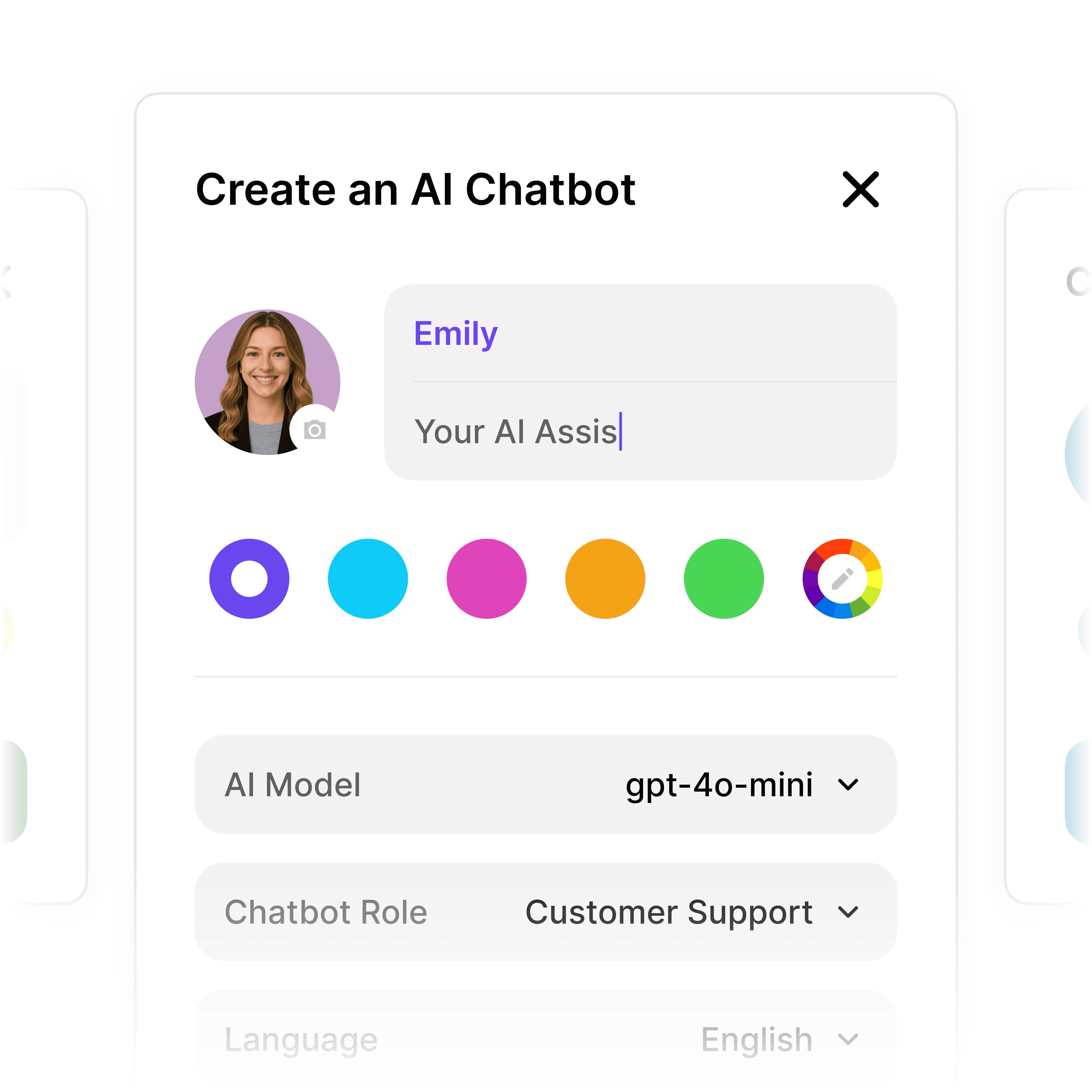
Make the Chatbot Look Like Your Site

Set the colors, the look of the chat widget and the greeting so the chatbot fits your website. The widget is included on every plan, including the free one.

Brand colors and look

Custom greeting message

Chat widget on every plan

5-minute set up with our native integration

Start for Free: Build Your AI Chatbot on Your Own Docs

1

Create your AI chatbot โ€“ Pick the perfect AI model fit for your support needs.

2

Train AI with Docs, FAQs & Policies โ€“ Upload knowledge base files and site links.

3

Customise Workflows & Escalation Rules โ€“ AI handles what it can, and escalates what it canโ€™t.

4

Monitor & Optimise with Analytics โ€“ See where customers get stuck and fine-tune responses.
Visitors Who Want a Person

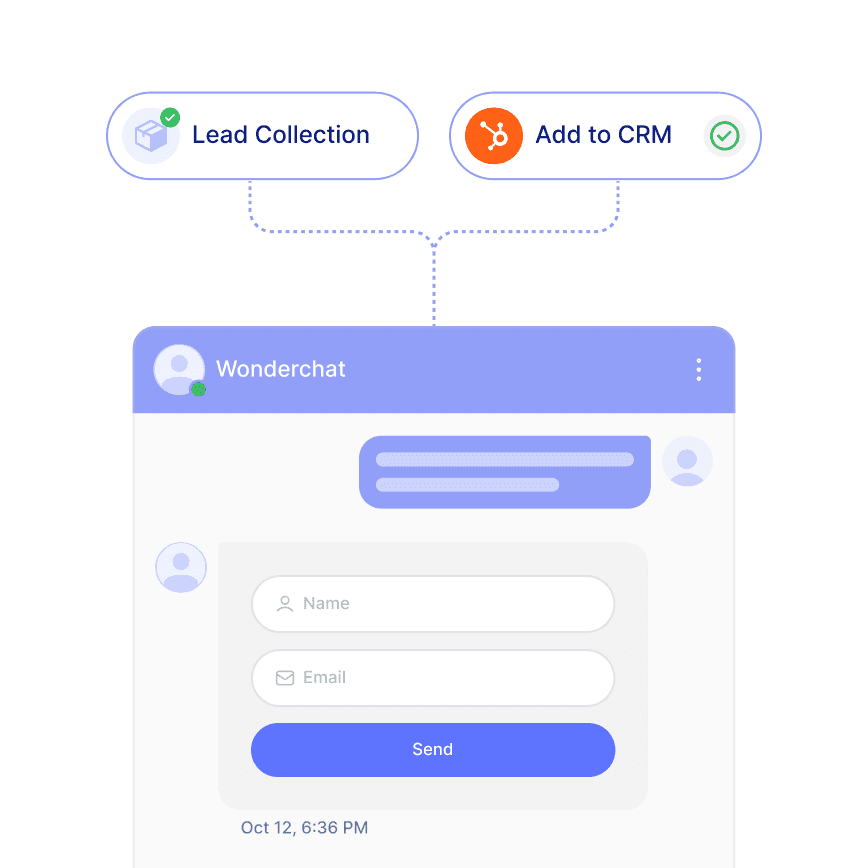
Share Your Booking Link in the Chat

When a visitor wants to talk to someone, the chatbot can share your booking link, such as your Calendly. It does not book the meeting itself. On Basic and above, contacts sync to HubSpot.

Your Calendly link shared in chat

Contact details collected

HubSpot contact sync from Basic
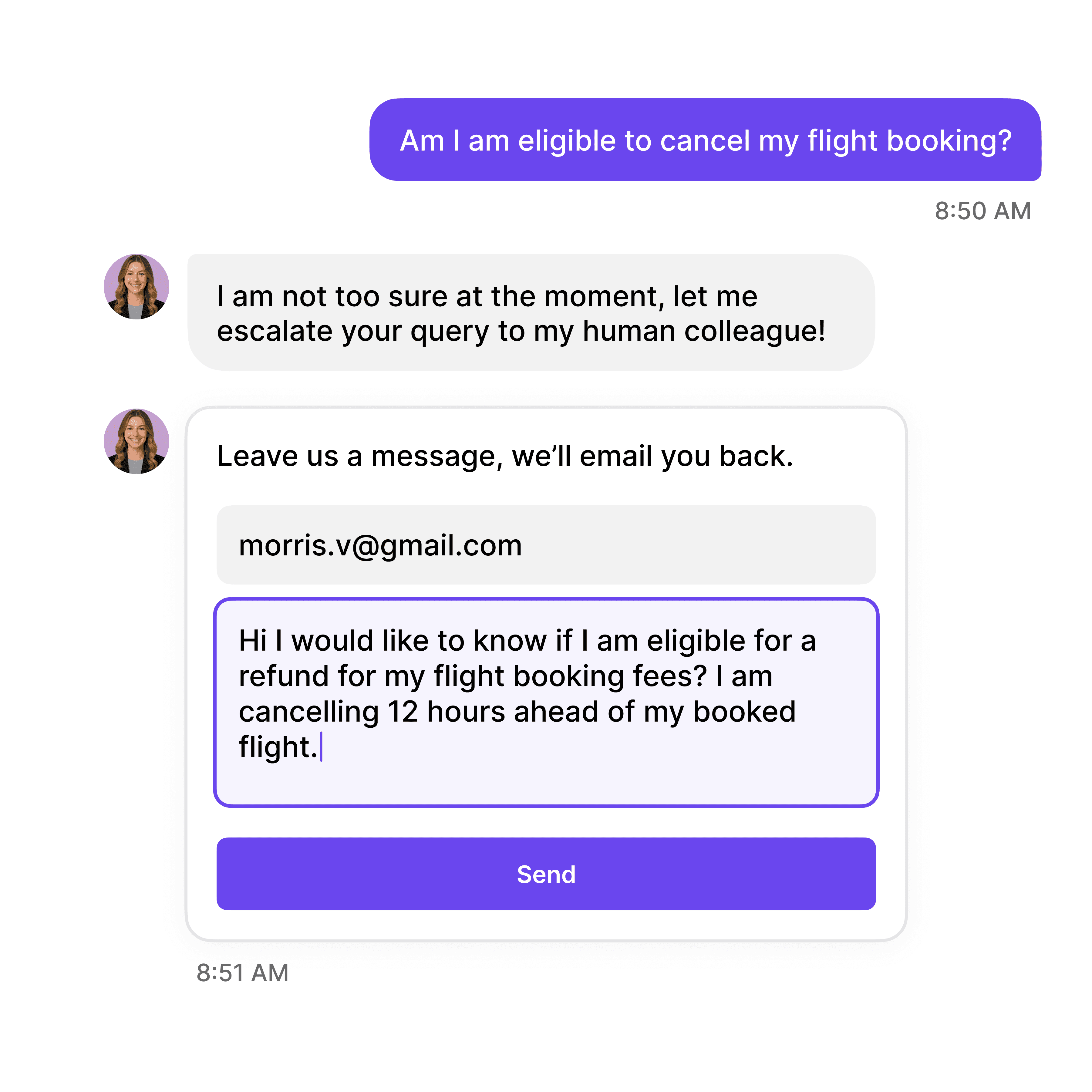
When It Can't Answer

Hand Over to a Person With the Full Chat

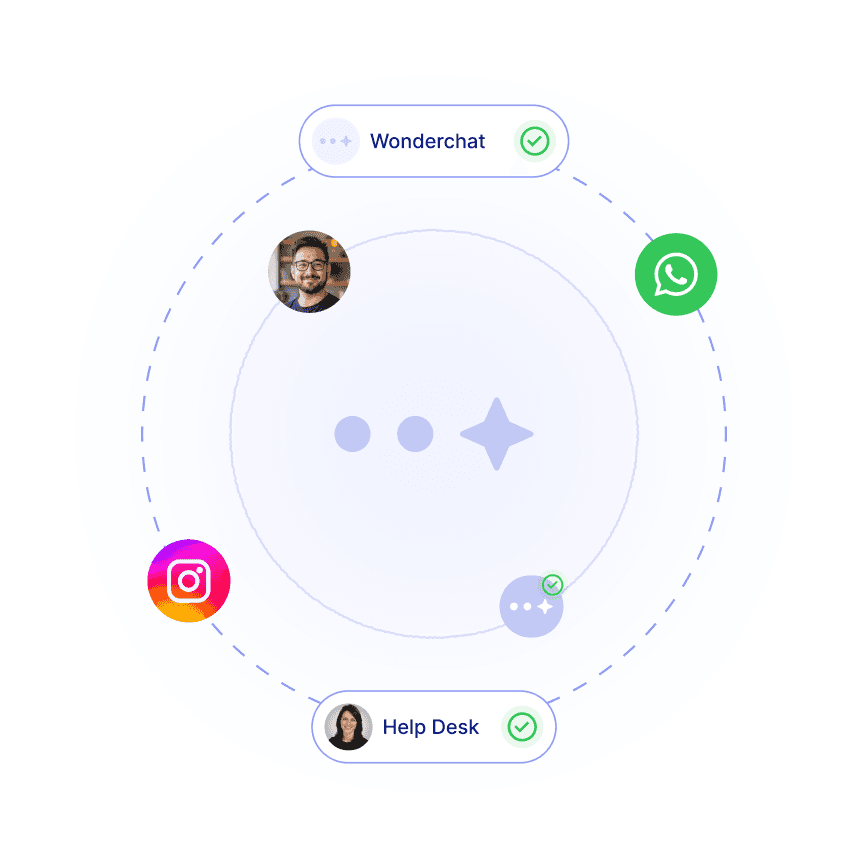
When your docs don't have the answer, the chatbot hands the conversation to your team with everything the customer already said. The help desk, unified inbox and live chat are on every plan.

Help desk and unified inbox

Live chat with your team

Full conversation passed on

40+ Languages

Starts at $0.02/message

Available 24/7

Start for free

14-day free trial. No credit card required

Testimonials

Businesses with successful customer service start

with Wonderchat

Industry Grade Compliance

Wonderchat is GDPR compliant and AICPA SOC 2 Certified.

FAQ

Is this AI chatbot builder really free?

Yes. The free plan refills 50 AI replies every month, with no credit card. It includes 1 agent, 100 webpages and 2 team seats, and you can train the chatbot on your website, files and help center. When you need more, paid plans (Starter, Basic, Scale) are there, with no per-seat cost on any plan.

How long does it take to build an AI chatbot?

80% of Wonderchat agents that go live do so the same day. You connect your website or upload files, Wonderchat reads them, and you test the answers before the chatbot goes on your site. No code is needed, and the time mostly goes into checking that the answers say what you want.

What kind of content can I train my chatbot on?

You can combine several sources in one agent: - Your website and help center - PDF and Office files - Google Drive SharePoint and audio files are available from the Scale plan. The chatbot answers only from these sources, so your docs decide what customers hear.

Can I customize how the chatbot looks and responds?

Yes. You can set the colors and look of the chat widget and the greeting message so it fits your site. What the chatbot says comes from your content, so to change an answer you change the page or file it reads. Every reply shows its source, so you can see where to fix it.

What happens when the chatbot can't answer a question?

It says it couldn't find the answer instead of guessing, and hands over to a person with the full conversation. Your team picks it up in the help desk and unified inbox, which are on every plan. Wonderchat also shows you the questions your docs couldn't answer, so you can add the missing content.

Can my chatbot help generate leads for my business?

It can collect contact details and share your booking link, such as your Calendly, when a visitor wants to talk to someone. It does not book meetings itself. Contacts sync to HubSpot from the Basic plan. If lead handling is your main goal, the AI Sales Agent is built for it.

FAQ

Is this AI chatbot builder really free?

Yes. The free plan refills 50 AI replies every month, with no credit card. It includes 1 agent, 100 webpages and 2 team seats, and you can train the chatbot on your website, files and help center. When you need more, paid plans (Starter, Basic, Scale) are there, with no per-seat cost on any plan.

How long does it take to build an AI chatbot?

80% of Wonderchat agents that go live do so the same day. You connect your website or upload files, Wonderchat reads them, and you test the answers before the chatbot goes on your site. No code is needed, and the time mostly goes into checking that the answers say what you want.

What kind of content can I train my chatbot on?

You can combine several sources in one agent: - Your website and help center - PDF and Office files - Google Drive SharePoint and audio files are available from the Scale plan. The chatbot answers only from these sources, so your docs decide what customers hear.

Can I customize how the chatbot looks and responds?

Yes. You can set the colors and look of the chat widget and the greeting message so it fits your site. What the chatbot says comes from your content, so to change an answer you change the page or file it reads. Every reply shows its source, so you can see where to fix it.

What happens when the chatbot can't answer a question?

It says it couldn't find the answer instead of guessing, and hands over to a person with the full conversation. Your team picks it up in the help desk and unified inbox, which are on every plan. Wonderchat also shows you the questions your docs couldn't answer, so you can add the missing content.

Can my chatbot help generate leads for my business?

It can collect contact details and share your booking link, such as your Calendly, when a visitor wants to talk to someone. It does not book meetings itself. Contacts sync to HubSpot from the Basic plan. If lead handling is your main goal, the AI Sales Agent is built for it.

40+ Languages

Starts at $0.02/message

Available 24/7

Start for free

14-day free trial. No credit card required