Free Website Chat App

A chat app for your website that answers visitor questions from your own docs, shows the source on every reply and hands over to you with the full chat. The free plan needs no credit card.

Trusted by businesses worldwide

Why Free Chat Apps Fall Short

A basic free chat app gives you a box where visitors type and you reply, usually from a phone or an inbox you have to keep watching. It can't answer anything by itself. Wonderchat answers from your own content: your website, documents and files. Every reply shows the source, so you can see what visitors were told. When it can't find the answer in your content, it says so and hands the chat to a person with the full conversation. The free plan refills 50 AI replies every month and includes 1 agent, 100 webpages and 2 team seats. Paid plans are there when you need more.

Emily

AI Agent

Wonderbot

Welcome to Wonderchat! How can I help you today?

hey iโ€™d like to upgrade to enterprise please

Wonderbot

Sure, please hold on for a second.

Retrieving account details...

Please confirm that you would like to upgrade to Wonderchat Enterprise. Your Visa card ending in 1234 will be charged $480.00 a year.

Cancel

Upgrade

Message...

Easy 5 minute set-up

How Wonderchat Works

Contact Details and Booking Link

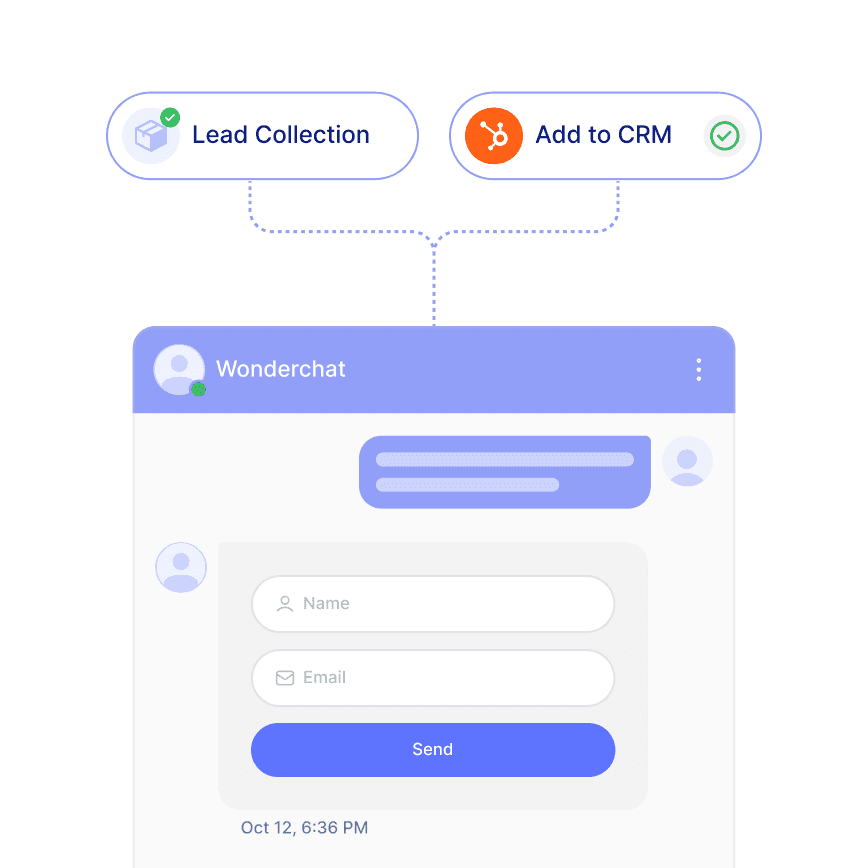
Collect Contact Details From Interested Visitors

When a visitor wants to talk to you, the agent can collect their contact details and share your booking link, such as Calendly. Contacts can sync to HubSpot from the Basic plan.

Shares your booking link

HubSpot contact sync from Basic

Unified inbox on every plan
Answers From Your Content

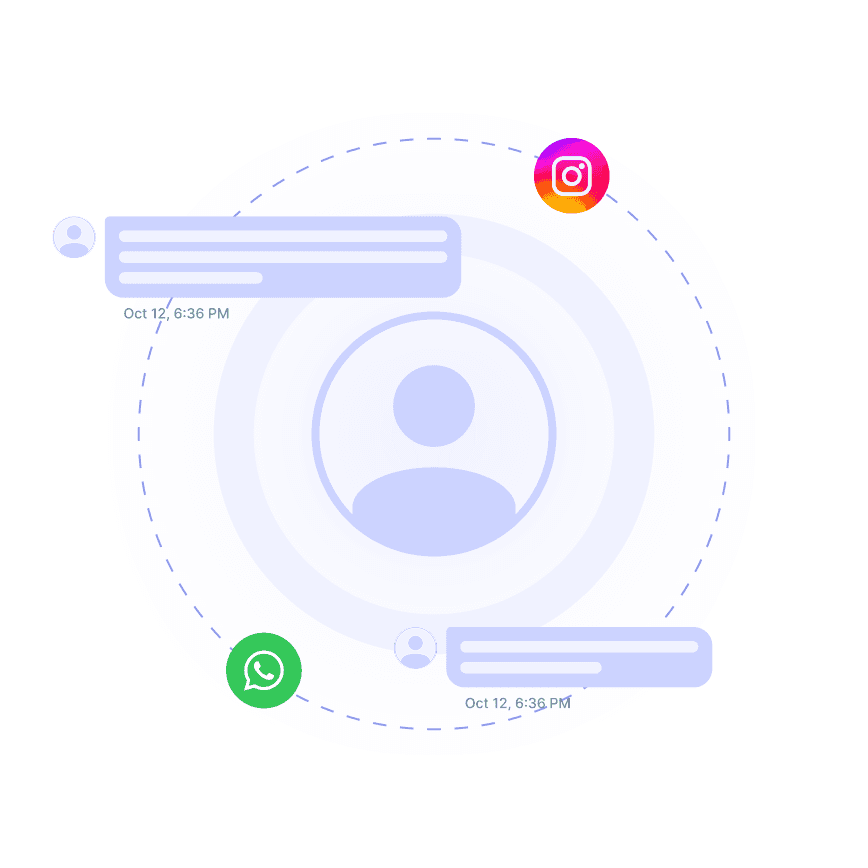
Answer the Questions You Get Again and Again

Visitors ask the same things: pricing, setup, policies, how something works. Wonderchat answers from your docs and shows the source, so you can check each reply.

Source shown on every reply

Says when it can't find the answer

Answers in 40+ languages
Matches Your Brand

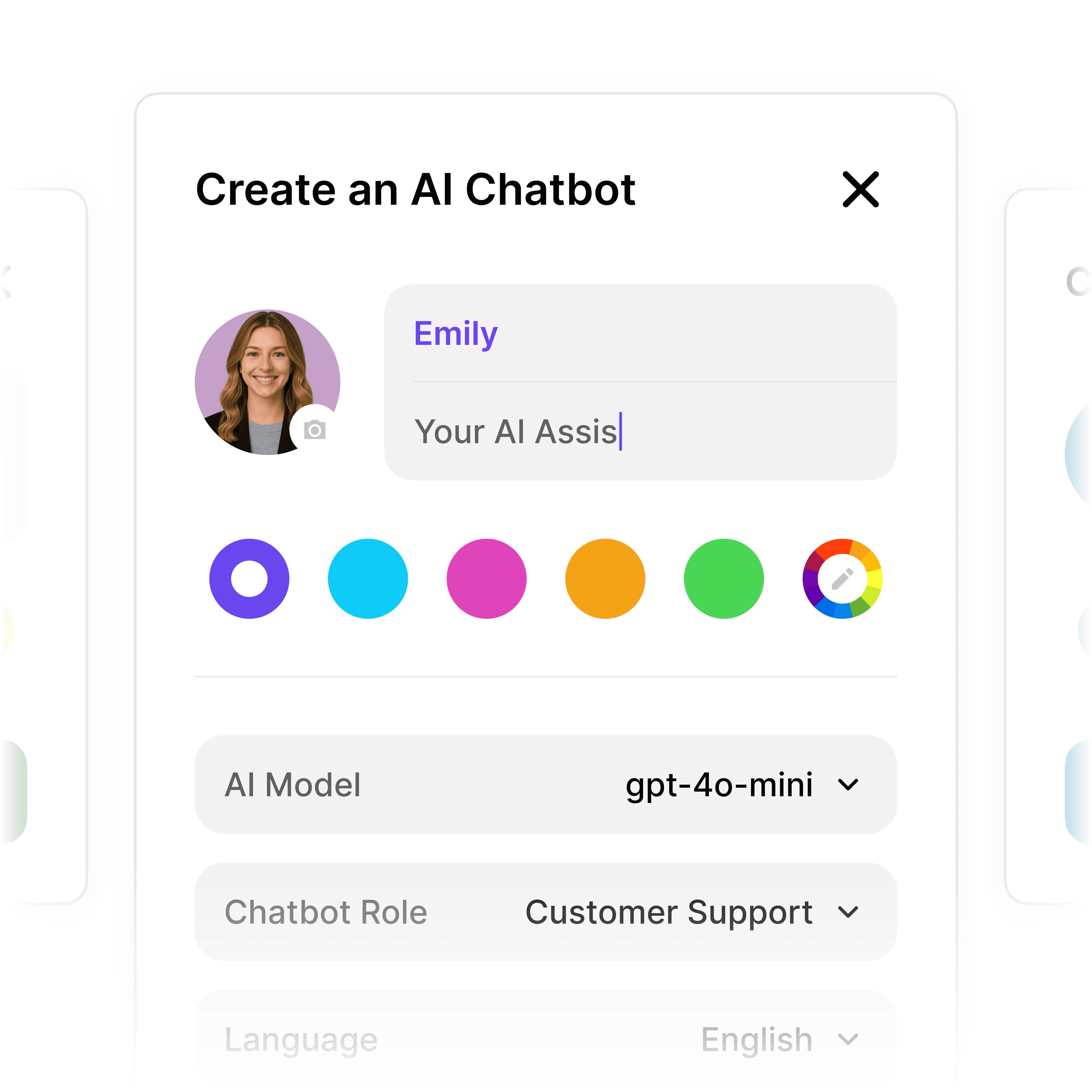
A Chat Widget That Looks Like Your Site

Set the colors, logo and welcome message so the chat widget looks like part of your site. The chat widget is on every plan, including the free one.

Brand-matched appearance

Custom welcome message

Chat widget on every plan

5-minute set up with our native integration

Start for Free and Add the Chat App to Your Site Today

1

Create your AI chatbot โ€“ Pick the perfect AI model fit for your support needs.

2

Train AI with Docs, FAQs & Policies โ€“ Upload knowledge base files and site links.

3

Customise Workflows & Escalation Rules โ€“ AI handles what it can, and escalates what it canโ€™t.

4

Monitor & Optimise with Analytics โ€“ See where customers get stuck and fine-tune responses.
Beyond Basic Chat

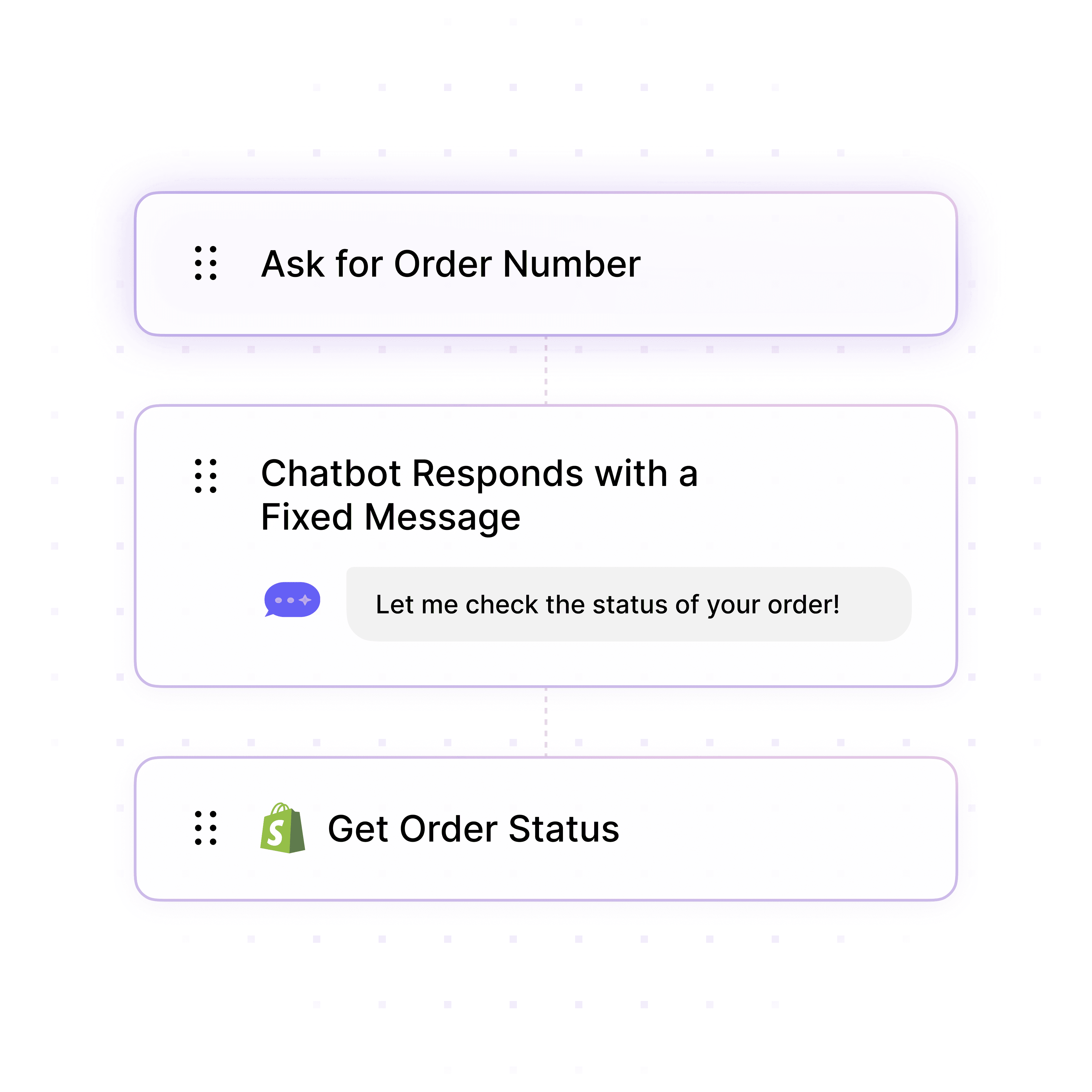
Live Chat and Help Desk in the Same Place

When a visitor needs a person, your team takes over in live chat with the whole conversation in front of them. The help desk, unified inbox and live chat are on every plan.

Handover with the full chat

Live chat on every plan

Slack, Teams, WhatsApp from Starter
Powered By Your Content

Train the Agent on Docs You Already Have

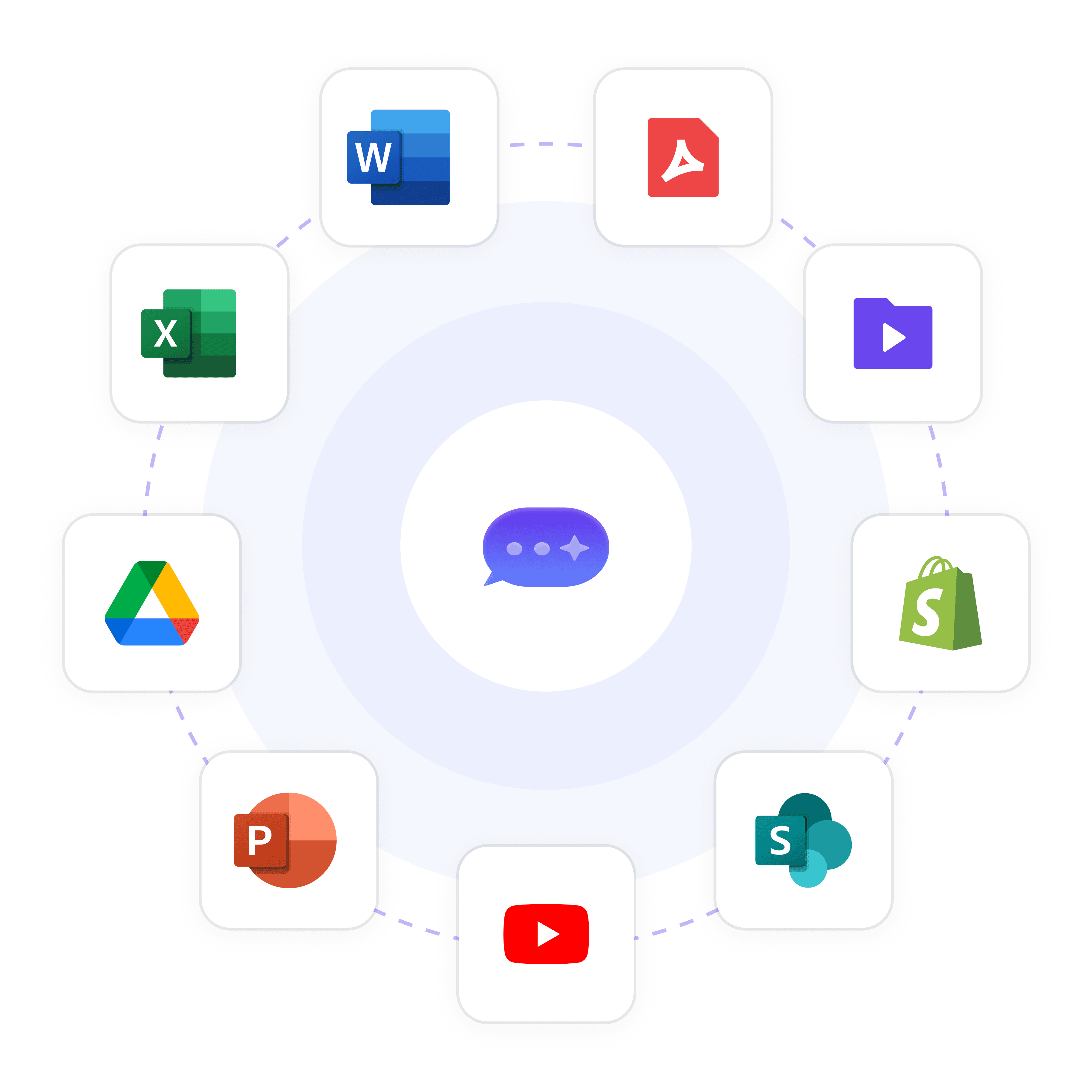
Wonderchat learns from your website, help center, PDF and Office files and Google Drive, and answers only from what you add. You can also see which questions it couldn't answer.

Website and help center

PDF, Office files, Google Drive

Unanswered questions listed

40+ Languages

Starts at $0.02/message

Available 24/7

Start for free

14-day free trial. No credit card required

Testimonials

Businesses with successful customer service start

with Wonderchat

Industry Grade Compliance

Wonderchat is GDPR compliant and AICPA SOC 2 Certified.

FAQ

Are there really free chat apps for websites?

Yes, many exist, but most are limited to simple messaging where you have to reply yourself. Wonderchat has a free plan that refills 50 AI replies every month, needs no credit card and includes 1 agent, 100 webpages and 2 team seats. It answers from your own content and shows the source on every reply.

How does Wonderchat compare to other free website chat apps?

A basic free chat app relays messages. Wonderchat reads your content and answers from it: - Answers visitor questions from your website, documents and help center - Shows the source on every reply - Says when it can't find the answer and hands over to a person with the full chat - Lists the questions it couldn't answer, so you know what to write - Collects contact details and shares your booking link The help desk, unified inbox, chat widget and live chat are on every plan.

How quickly can I set up a chat app on my website?

80% of Wonderchat agents that go live do so the same day. You add your website or upload files such as PDF and Office documents, test the agent on your own questions, then paste a short code snippet into your site, similar to installing Google Analytics.

Will a chat app work with my existing CRM or help desk?

Contact details collected in chat can sync to HubSpot from the Basic plan. Zendesk and Freshdesk ticket sync is also available from the Basic plan, so chats that need a person can reach your help desk. Slack, Microsoft Teams and WhatsApp are available from the Starter plan.

How can a website chat app help me collect leads?

When a visitor asks about talking to you, the agent can: - Ask for their name and email - Share your booking link, such as Calendly, so they pick a time themselves - Pass the full chat to you in the unified inbox - Sync the contact to HubSpot from the Basic plan It does not book meetings itself, and it answers only from your own content.

Do I need coding knowledge to use a website chat app?

No. You add your content, check the answers and paste one short code snippet into your site. Your team can then reply from the help desk or unified inbox, with no code involved.

FAQ

Are there really free chat apps for websites?

Yes, many exist, but most are limited to simple messaging where you have to reply yourself. Wonderchat has a free plan that refills 50 AI replies every month, needs no credit card and includes 1 agent, 100 webpages and 2 team seats. It answers from your own content and shows the source on every reply.

How does Wonderchat compare to other free website chat apps?

A basic free chat app relays messages. Wonderchat reads your content and answers from it: - Answers visitor questions from your website, documents and help center - Shows the source on every reply - Says when it can't find the answer and hands over to a person with the full chat - Lists the questions it couldn't answer, so you know what to write - Collects contact details and shares your booking link The help desk, unified inbox, chat widget and live chat are on every plan.

How quickly can I set up a chat app on my website?

80% of Wonderchat agents that go live do so the same day. You add your website or upload files such as PDF and Office documents, test the agent on your own questions, then paste a short code snippet into your site, similar to installing Google Analytics.

Will a chat app work with my existing CRM or help desk?

Contact details collected in chat can sync to HubSpot from the Basic plan. Zendesk and Freshdesk ticket sync is also available from the Basic plan, so chats that need a person can reach your help desk. Slack, Microsoft Teams and WhatsApp are available from the Starter plan.

How can a website chat app help me collect leads?

When a visitor asks about talking to you, the agent can: - Ask for their name and email - Share your booking link, such as Calendly, so they pick a time themselves - Pass the full chat to you in the unified inbox - Sync the contact to HubSpot from the Basic plan It does not book meetings itself, and it answers only from your own content.

Do I need coding knowledge to use a website chat app?

No. You add your content, check the answers and paste one short code snippet into your site. Your team can then reply from the help desk or unified inbox, with no code involved.

40+ Languages

Starts at $0.02/message

Available 24/7

Start for free

14-day free trial. No credit card required