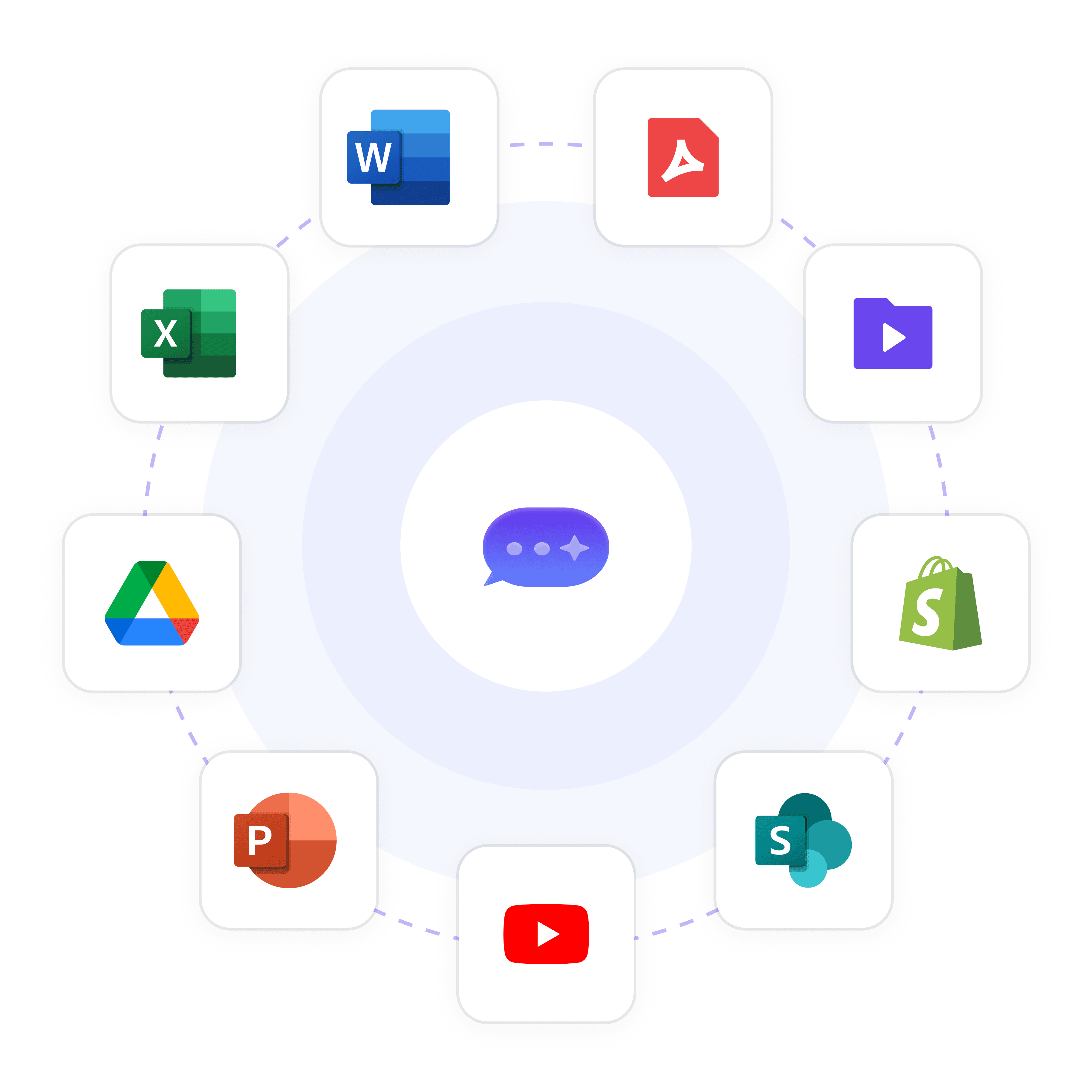
Chatbot Google Drive Integration for Instant Knowledge Access

Connect your AI chatbot directly to Google Drive documents for seamless, up-to-date customer support. Wonderchat automatically syncs with file changes, ensuring your chatbot always provides accurate, instant answers from your latest content.

Trusted by businesses worldwide
Why Integrate Chatbots with Google Drive?

Businesses struggle with keeping customer support information current across multiple Google Drive documents. When product manuals, FAQs, and knowledge bases constantly evolve, support teams can't keep up. Wonderchat's Google Drive integration eliminates this challenge by automatically syncing your chatbot with your document changes. This ensures your customers always receive the most accurate, up-to-date information without manual updates or maintenance. Deploy in minutes with our no-code platform and watch as your support efficiency improves while maintaining complete source attribution for every answer.

Emily

AI Agent

Wonderbot

Welcome to Wonderchat! How can I help you today?

hey i’d like to upgrade to enterprise please

Wonderbot

Sure, please hold on for a second.

Retrieving account details...

Please confirm that you would like to upgrade to Wonderchat Enterprise. Your Visa card ending in 1234 will be charged $480.00 a year.

Cancel

Upgrade

Message...

Easy 5 minute set-up

How Wonderchat Works
Sync Google Drive Documents Instantly

Train AI on Your Google Drive Content

Seamlessly connect your Google Drive files to Wonderchat. Our platform ingests PDFs, DOCXs, and TXT files to create an intelligent chatbot that answers questions directly from your documents.

Automatic file syncing

Multiple file format support

Continuous learning capability
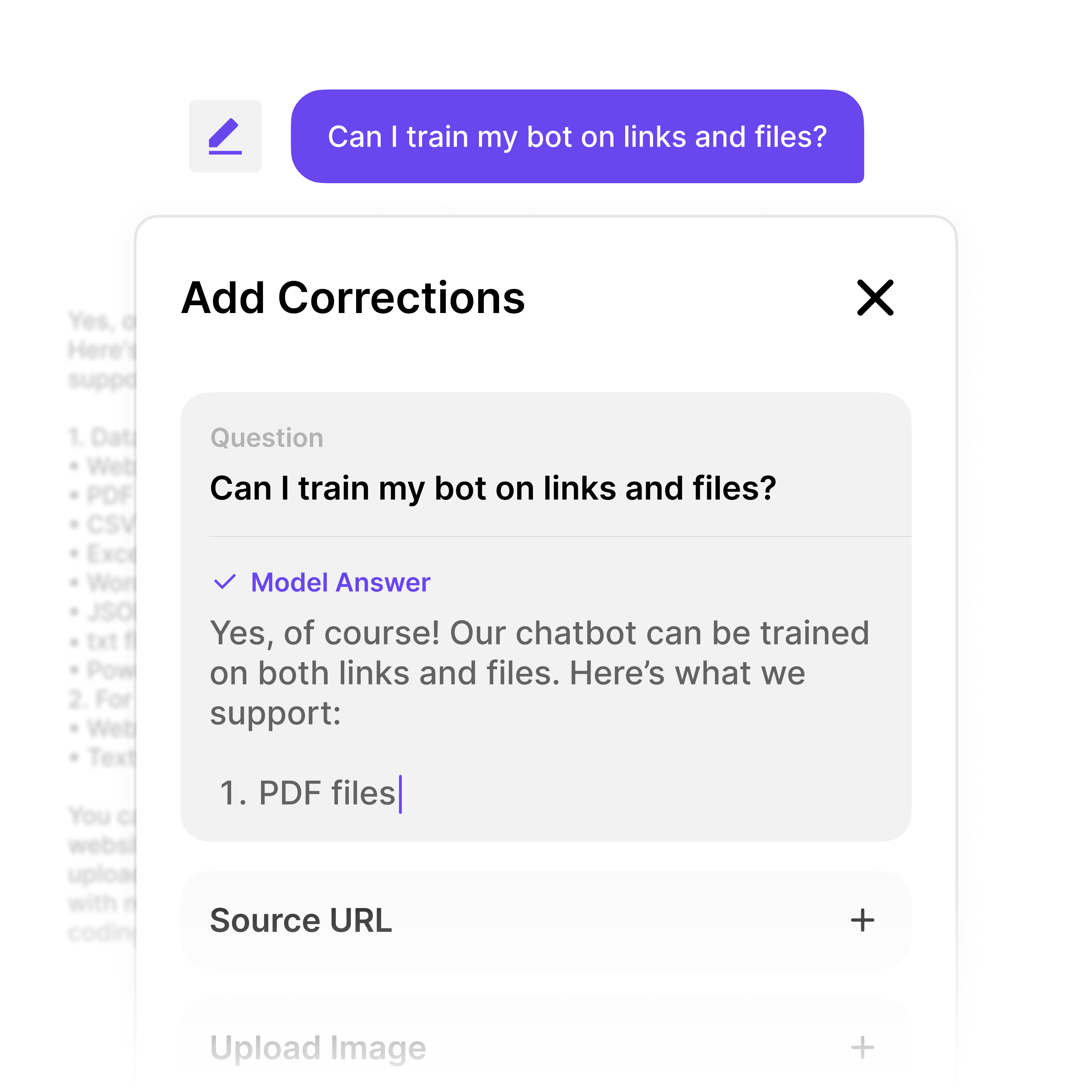
Sync Google Drive Documents Instantly

Train AI on Your Google Drive Content

Seamlessly connect your Google Drive files to Wonderchat. Our platform ingests PDFs, DOCXs, and TXT files to create an intelligent chatbot that answers questions directly from your documents.

Automatic file syncing

Multiple file format support

Continuous learning capability

Sync Google Drive Documents Instantly

Train AI on Your Google Drive Content

Seamlessly connect your Google Drive files to Wonderchat. Our platform ingests PDFs, DOCXs, and TXT files to create an intelligent chatbot that answers questions directly from your documents.

Automatic file syncing

Multiple file format support

Continuous learning capability

Always Accurate Information

Eliminate AI Hallucinations with Sources

Ensure your chatbot only provides verified information from your Google Drive documents. Each answer is attributed to its source, eliminating AI hallucinations when responding to customer queries.

Source attribution

Real-time corrections

Verifiable responses
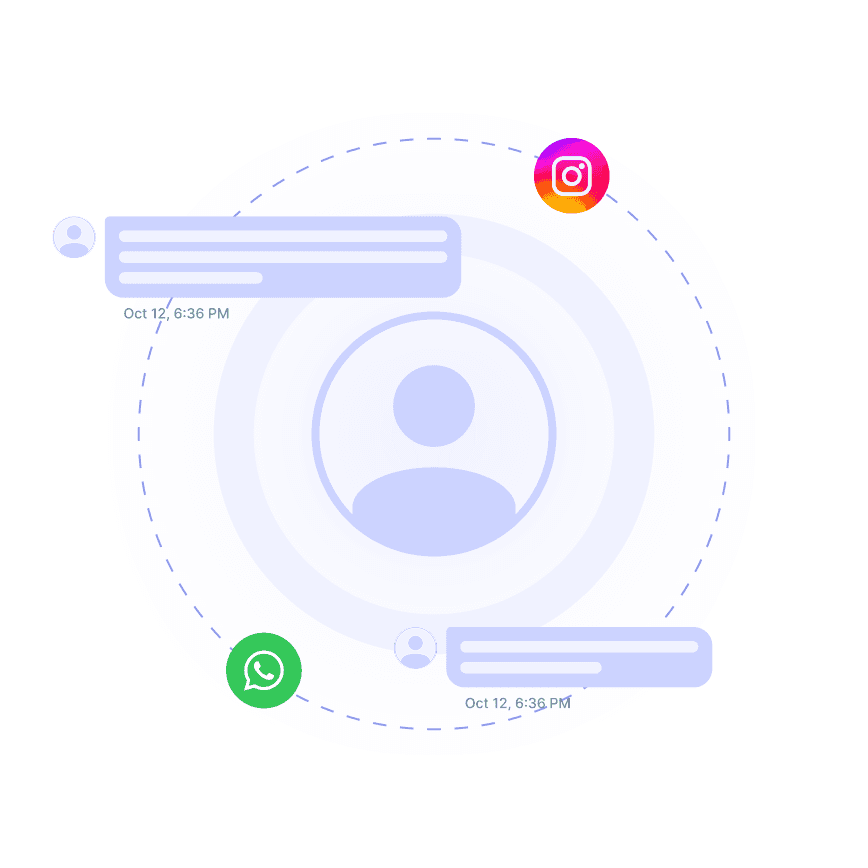
Always Accurate Information

Eliminate AI Hallucinations with Sources

Ensure your chatbot only provides verified information from your Google Drive documents. Each answer is attributed to its source, eliminating AI hallucinations when responding to customer queries.

Source attribution

Real-time corrections

Verifiable responses

Always Accurate Information

Eliminate AI Hallucinations with Sources

Ensure your chatbot only provides verified information from your Google Drive documents. Each answer is attributed to its source, eliminating AI hallucinations when responding to customer queries.

Source attribution

Real-time corrections

Verifiable responses

24/7 Document-Based Support

Handle Document Queries Automatically

Let your chatbot answer repetitive questions about your Google Drive documents with precision. Deflect up to 70% of common support queries while maintaining high accuracy based on your files.

24/7 instant answers

Reduced support tickets

Consistent responses

24/7 Document-Based Support

Handle Document Queries Automatically

Let your chatbot answer repetitive questions about your Google Drive documents with precision. Deflect up to 70% of common support queries while maintaining high accuracy based on your files.

24/7 instant answers

Reduced support tickets

Consistent responses

24/7 Document-Based Support

Handle Document Queries Automatically

Let your chatbot answer repetitive questions about your Google Drive documents with precision. Deflect up to 70% of common support queries while maintaining high accuracy based on your files.

24/7 instant answers

Reduced support tickets

Consistent responses

5-minute set up

Set Up Your Google Drive Integration in Minutes

1

Select the Right AI Model – Pick the perfect fit for your support needs.

2

Train AI with Docs, FAQs & Policies – Upload knowledge base files and site links.

3

Customise Workflows & Escalation Rules – AI handles what it can, and escalates what it can’t.

4

Monitor & Optimise with Analytics – See where customers get stuck and fine-tune responses.
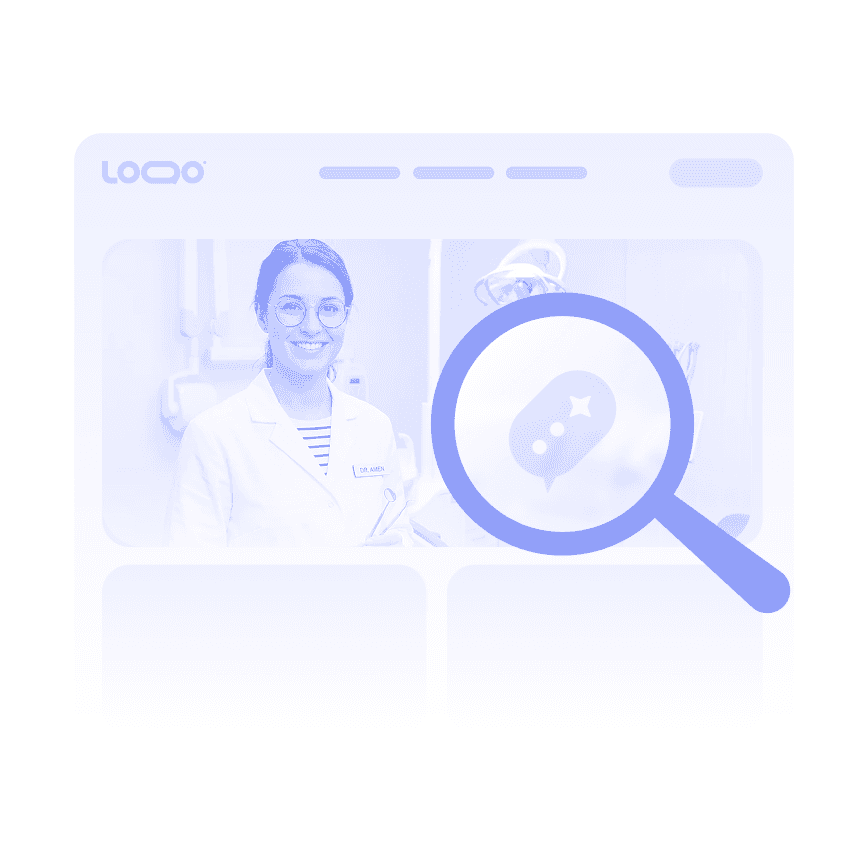
Intelligent Document Retrieval

Search Across All Your Drive Files

Transform your Google Drive documents into a searchable knowledge base. Wonderchat's AI understands context to find the right information across multiple files, delivering precise answers to complex questions.

Context-aware search

Multi-document retrieval

Natural language understanding
Intelligent Document Retrieval

Search Across All Your Drive Files

Transform your Google Drive documents into a searchable knowledge base. Wonderchat's AI understands context to find the right information across multiple files, delivering precise answers to complex questions.

Context-aware search

Multi-document retrieval

Natural language understanding

Intelligent Document Retrieval

Search Across All Your Drive Files

Transform your Google Drive documents into a searchable knowledge base. Wonderchat's AI understands context to find the right information across multiple files, delivering precise answers to complex questions.

Context-aware search

Multi-document retrieval

Natural language understanding

Beyond Basic Document Q&A

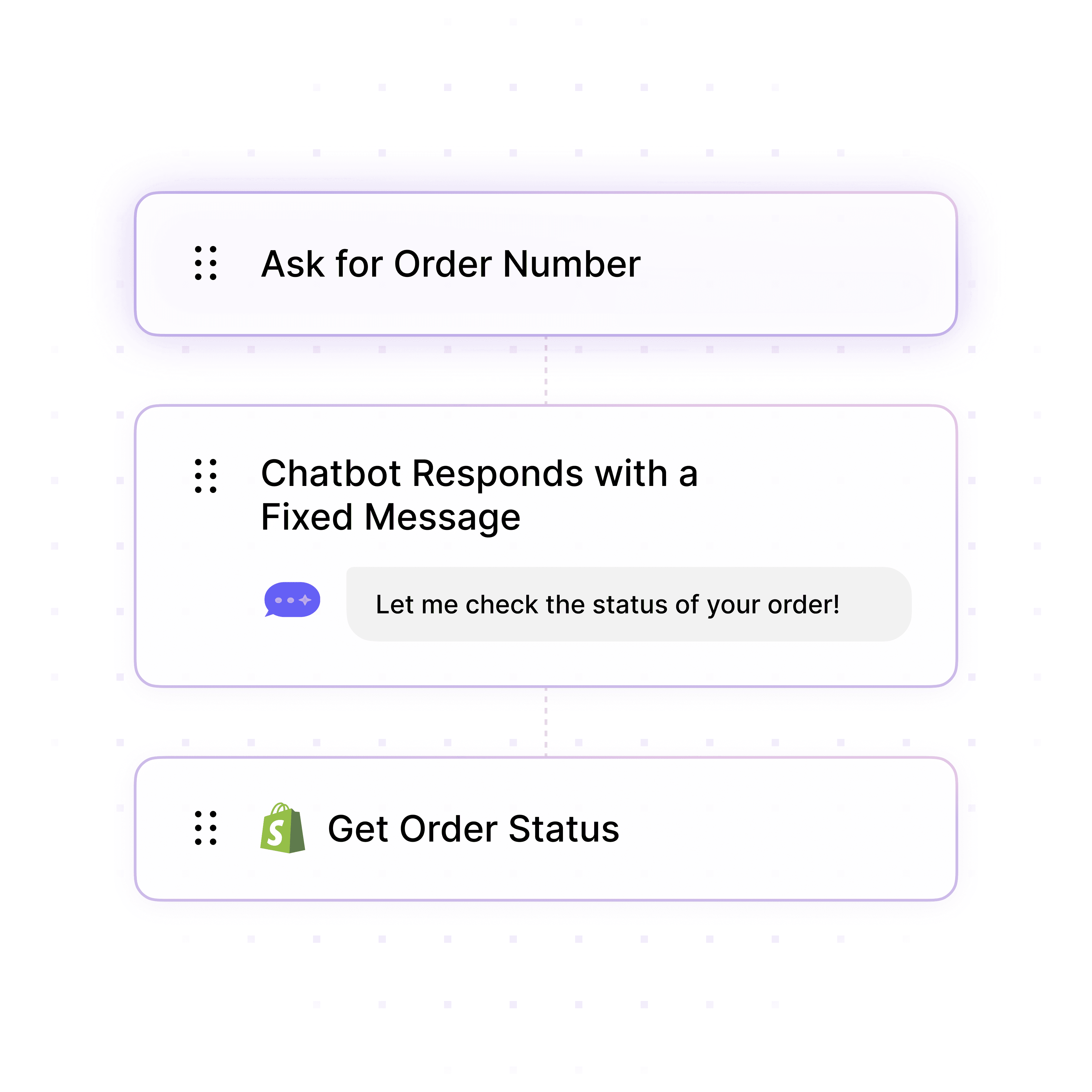
Create Custom Document Workflows

Build intelligent workflows based on your Google Drive content. Guide users through complex processes, collect information, and provide step-by-step assistance using the knowledge in your documents.

Guided user journeys

Conditional responses

Process automation

Beyond Basic Document Q&A

Create Custom Document Workflows

Build intelligent workflows based on your Google Drive content. Guide users through complex processes, collect information, and provide step-by-step assistance using the knowledge in your documents.

Guided user journeys

Conditional responses

Process automation

Beyond Basic Document Q&A

Create Custom Document Workflows

Build intelligent workflows based on your Google Drive content. Guide users through complex processes, collect information, and provide step-by-step assistance using the knowledge in your documents.

Guided user journeys

Conditional responses

Process automation

40+ Languages

Starts at $0.02/message

Available 24/7

Connect Your Google Drive Documents Now

Testimonials

Businesses with successful customer service start

with Wonderchat

Industry Grade Compliance

Wonderchat is GDPR compliant and AICPA SOC 2 Certified.

FAQ

How does the Google Drive integration with Wonderchat work?

Wonderchat connects to your Google Drive account through a secure authorization process. Once connected, you can select specific folders or files to train your AI chatbot. Our platform automatically processes these documents, extracting the knowledge to create an intelligent chatbot that can answer questions based on your content. The integration continuously monitors for changes, ensuring your chatbot always has the most current information. When documents are updated in Google Drive, Wonderchat can automatically re-sync, eliminating the need for manual updates.

What types of Google Drive files can Wonderchat process?

Wonderchat can process multiple file formats stored in Google Drive, including: - PDF documents - Microsoft Word files (DOCX) - Text files (TXT) - Google Docs (through conversion) This versatility allows you to maintain your existing document structure while making the information accessible through your AI chatbot.

How often does the chatbot sync with Google Drive changes?

Wonderchat offers both automatic and manual re-crawling options to keep your chatbot's knowledge current with your Google Drive documents. You can set up automatic syncing at regular intervals, or manually trigger updates after significant content changes. This flexibility ensures your chatbot always provides the most up-to-date information from your Google Drive files.

Can I control which Google Drive documents the chatbot uses?

Yes, you have complete control over which Google Drive documents are used to train your chatbot. You can select specific folders, individual files, or a combination of both. This granular permission system ensures your chatbot only accesses and shares the information you explicitly approve, maintaining security and relevance.

Does the chatbot provide source references for answers from Google Drive?

Absolutely. Wonderchat ensures all answers provided by your chatbot include source attribution to the specific Google Drive document and section where the information was found. This verification system eliminates AI hallucination and builds trust with users by providing transparent, traceable sources for every response.

Can I integrate the Google Drive chatbot with my existing systems?

Yes, Wonderchat offers seamless integration with your existing tech stack. The Google Drive-powered chatbot can connect with CRMs, helpdesks, communication tools, and more through our native integrations or Zapier connection. We also provide a robust API and SDK for custom implementations, ensuring your Google Drive knowledge can be accessed wherever your team and customers need it.

FAQ

How does the Google Drive integration with Wonderchat work?

Wonderchat connects to your Google Drive account through a secure authorization process. Once connected, you can select specific folders or files to train your AI chatbot. Our platform automatically processes these documents, extracting the knowledge to create an intelligent chatbot that can answer questions based on your content. The integration continuously monitors for changes, ensuring your chatbot always has the most current information. When documents are updated in Google Drive, Wonderchat can automatically re-sync, eliminating the need for manual updates.

What types of Google Drive files can Wonderchat process?

Wonderchat can process multiple file formats stored in Google Drive, including: - PDF documents - Microsoft Word files (DOCX) - Text files (TXT) - Google Docs (through conversion) This versatility allows you to maintain your existing document structure while making the information accessible through your AI chatbot.

How often does the chatbot sync with Google Drive changes?

Wonderchat offers both automatic and manual re-crawling options to keep your chatbot's knowledge current with your Google Drive documents. You can set up automatic syncing at regular intervals, or manually trigger updates after significant content changes. This flexibility ensures your chatbot always provides the most up-to-date information from your Google Drive files.

Can I control which Google Drive documents the chatbot uses?

Yes, you have complete control over which Google Drive documents are used to train your chatbot. You can select specific folders, individual files, or a combination of both. This granular permission system ensures your chatbot only accesses and shares the information you explicitly approve, maintaining security and relevance.

Does the chatbot provide source references for answers from Google Drive?

Absolutely. Wonderchat ensures all answers provided by your chatbot include source attribution to the specific Google Drive document and section where the information was found. This verification system eliminates AI hallucination and builds trust with users by providing transparent, traceable sources for every response.

Can I integrate the Google Drive chatbot with my existing systems?

Yes, Wonderchat offers seamless integration with your existing tech stack. The Google Drive-powered chatbot can connect with CRMs, helpdesks, communication tools, and more through our native integrations or Zapier connection. We also provide a robust API and SDK for custom implementations, ensuring your Google Drive knowledge can be accessed wherever your team and customers need it.

FAQ

How does the Google Drive integration with Wonderchat work?

Wonderchat connects to your Google Drive account through a secure authorization process. Once connected, you can select specific folders or files to train your AI chatbot. Our platform automatically processes these documents, extracting the knowledge to create an intelligent chatbot that can answer questions based on your content. The integration continuously monitors for changes, ensuring your chatbot always has the most current information. When documents are updated in Google Drive, Wonderchat can automatically re-sync, eliminating the need for manual updates.

What types of Google Drive files can Wonderchat process?

Wonderchat can process multiple file formats stored in Google Drive, including: - PDF documents - Microsoft Word files (DOCX) - Text files (TXT) - Google Docs (through conversion) This versatility allows you to maintain your existing document structure while making the information accessible through your AI chatbot.

How often does the chatbot sync with Google Drive changes?

Wonderchat offers both automatic and manual re-crawling options to keep your chatbot's knowledge current with your Google Drive documents. You can set up automatic syncing at regular intervals, or manually trigger updates after significant content changes. This flexibility ensures your chatbot always provides the most up-to-date information from your Google Drive files.

Can I control which Google Drive documents the chatbot uses?

Yes, you have complete control over which Google Drive documents are used to train your chatbot. You can select specific folders, individual files, or a combination of both. This granular permission system ensures your chatbot only accesses and shares the information you explicitly approve, maintaining security and relevance.

Does the chatbot provide source references for answers from Google Drive?

Absolutely. Wonderchat ensures all answers provided by your chatbot include source attribution to the specific Google Drive document and section where the information was found. This verification system eliminates AI hallucination and builds trust with users by providing transparent, traceable sources for every response.

Can I integrate the Google Drive chatbot with my existing systems?

Yes, Wonderchat offers seamless integration with your existing tech stack. The Google Drive-powered chatbot can connect with CRMs, helpdesks, communication tools, and more through our native integrations or Zapier connection. We also provide a robust API and SDK for custom implementations, ensuring your Google Drive knowledge can be accessed wherever your team and customers need it.

40+ Languages

Starts at $0.02/message

Available 24/7

Connect Your Google Drive Documents Now

The platform to build AI agents that feel human

© 2025 Wonderchat Private Limited