AI for IT Ticket Routing Automation & Intelligent Assignment

Eliminate manual ticket assignment with intelligent AI that routes tickets to the right teams and technicians based on skills, availability, and workload.

Trusted by businesses worldwide

Why Ticket Routing Needs Automation

Manual ticket routing wastes supervisor time, creates assignment delays, and results in misrouted tickets sent to the wrong teams. Unbalanced workloads overwhelm some technicians while others sit idle, and skill mismatches lead to ticket reassignments that extend resolution times. Wonderchat's ticket routing automation assigns tickets instantly based on issue type, technician skills, current workload, on-call schedules, and priority levels. Network issues route to network engineers, hardware requests to desktop support, security concerns to InfoSec—all automatically. Train it on skill matrices, team structures, routing rules, and workload data in 5 minutes. The AI routes tickets consistently in 100+ languages, eliminating manual assignment decisions. IT service desk and operations managers gain instant, optimal ticket assignment, balanced team workloads, and reduced resolution times. The AI handles routine routing decisions while flagging complex cross-functional issues or VIP requests for supervisor review. Transform ticket assignment from manual bottleneck into instant, intelligent automation.

Emily

AI Agent

Wonderbot

Welcome to Wonderchat! How can I help you today?

hey i’d like to upgrade to enterprise please

Wonderbot

Sure, please hold on for a second.

Retrieving account details...

Please confirm that you would like to upgrade to Wonderchat Enterprise. Your Visa card ending in 1234 will be charged $480.00 a year.

Cancel

Upgrade

Message...

Easy 5 minute set-up

How Wonderchat Works

Intelligent Routing Rules

Multi-Criteria Assignment Automation

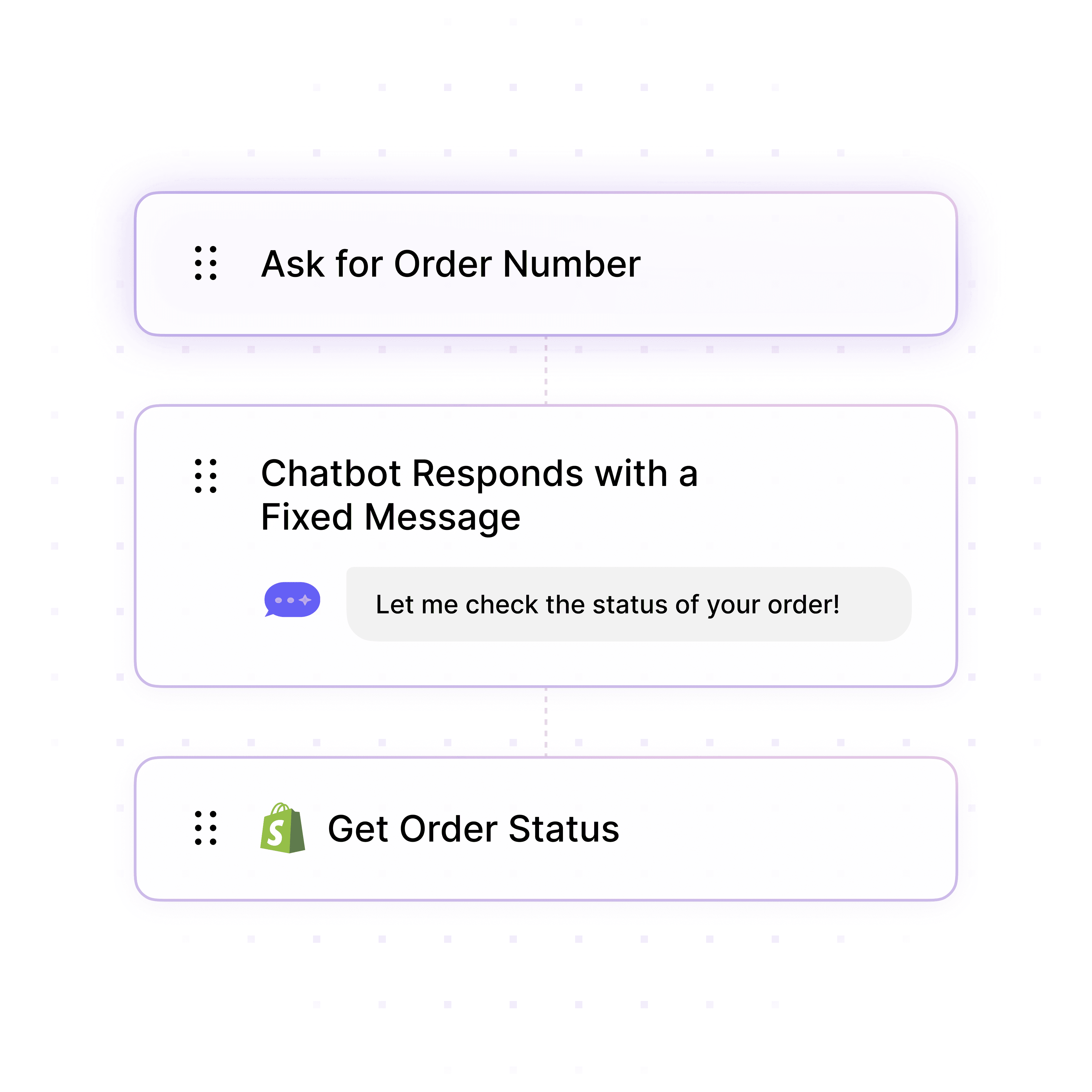
Automatically route tickets based on issue category (hardware, software, network), technician skills and certifications, current queue depth, priority levels, on-call schedules, geographic location, and SLA urgency for optimal assignment.

Skill-based routing to specialized technicians

Workload balancing across teams and individuals

Priority and SLA-based urgent assignment
Intelligent Routing Rules

Multi-Criteria Assignment Automation

Automatically route tickets based on issue category (hardware, software, network), technician skills and certifications, current queue depth, priority levels, on-call schedules, geographic location, and SLA urgency for optimal assignment.

Skill-based routing to specialized technicians

Workload balancing across teams and individuals

Priority and SLA-based urgent assignment

Intelligent Routing Rules

Multi-Criteria Assignment Automation

Automatically route tickets based on issue category (hardware, software, network), technician skills and certifications, current queue depth, priority levels, on-call schedules, geographic location, and SLA urgency for optimal assignment.

Skill-based routing to specialized technicians

Workload balancing across teams and individuals

Priority and SLA-based urgent assignment

Load Balancing

Even Workload Distribution Across Teams

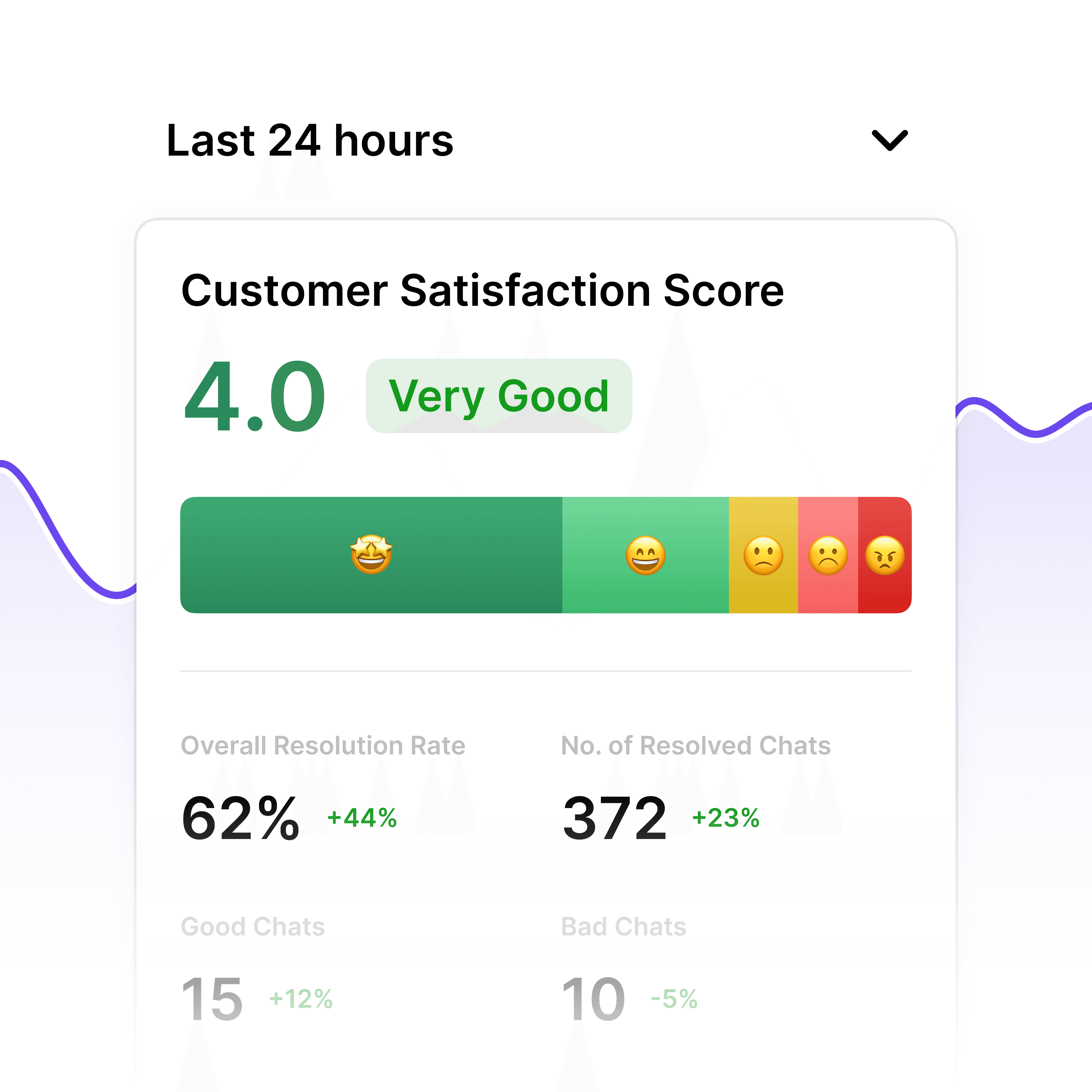
Monitor real-time queue depth and workload across technicians and teams. The AI distributes tickets evenly, prevents overload on high-performers, ensures fair assignment, and maintains consistent resolution times across the helpdesk.

Real-time queue monitoring by technician and team

Even distribution preventing overload

Workload rebalancing during peak periods
Load Balancing

Even Workload Distribution Across Teams

Monitor real-time queue depth and workload across technicians and teams. The AI distributes tickets evenly, prevents overload on high-performers, ensures fair assignment, and maintains consistent resolution times across the helpdesk.

Real-time queue monitoring by technician and team

Even distribution preventing overload

Workload rebalancing during peak periods

Load Balancing

Even Workload Distribution Across Teams

Monitor real-time queue depth and workload across technicians and teams. The AI distributes tickets evenly, prevents overload on high-performers, ensures fair assignment, and maintains consistent resolution times across the helpdesk.

Real-time queue monitoring by technician and team

Even distribution preventing overload

Workload rebalancing during peak periods

Skills Matrix Integration

Train on Technician Expertise & Certifications

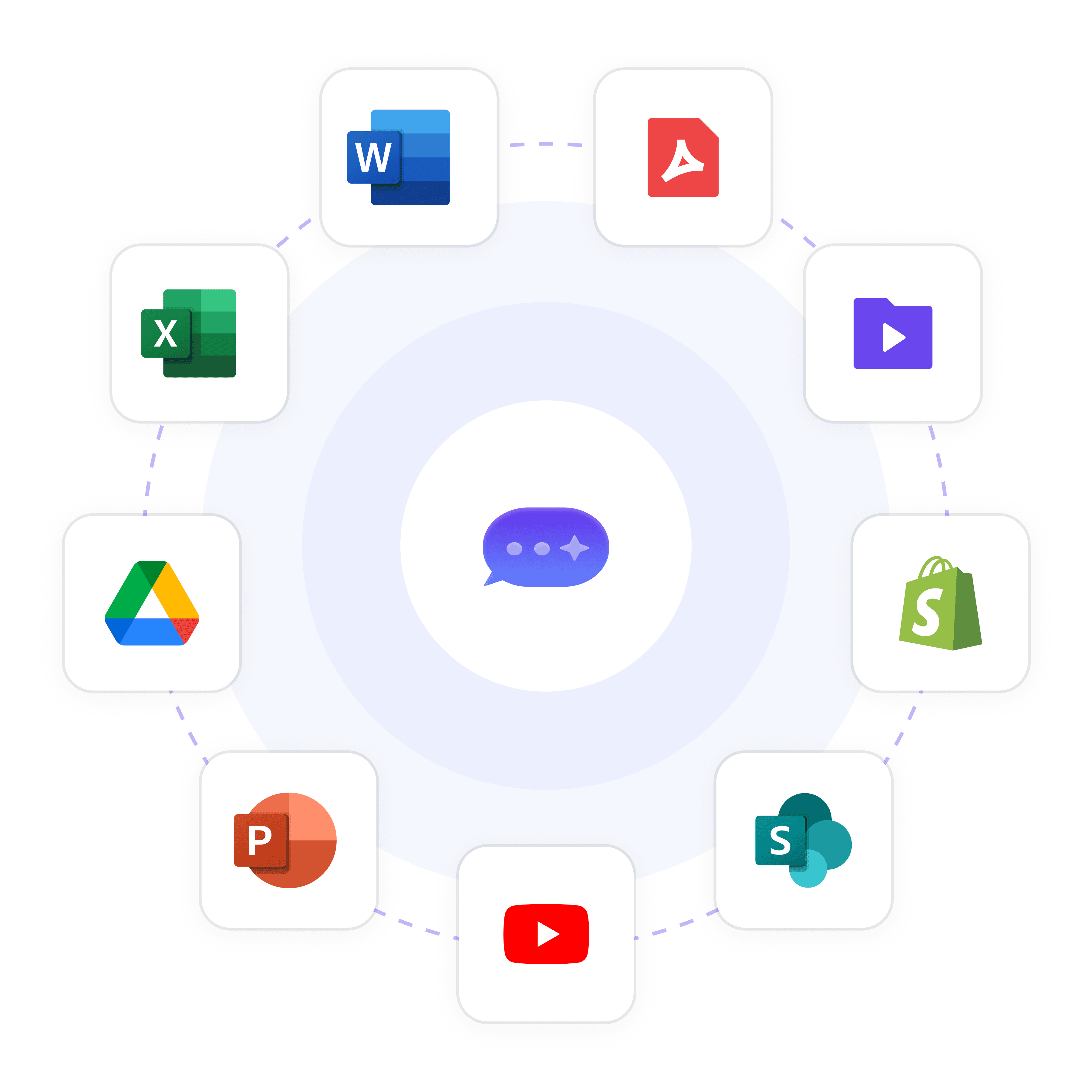
Upload technician skill profiles, certifications (CCNA, MCSE, Security+), specializations (networking, cloud, security), historical resolution data, and training records so the AI routes tickets to technicians with proven expertise in specific issue types.

Technician skills and certification profiles

Historical resolution success rates by issue type

Specializations and subject matter expertise

Skills Matrix Integration

Train on Technician Expertise & Certifications

Upload technician skill profiles, certifications (CCNA, MCSE, Security+), specializations (networking, cloud, security), historical resolution data, and training records so the AI routes tickets to technicians with proven expertise in specific issue types.

Technician skills and certification profiles

Historical resolution success rates by issue type

Specializations and subject matter expertise

Skills Matrix Integration

Train on Technician Expertise & Certifications

Upload technician skill profiles, certifications (CCNA, MCSE, Security+), specializations (networking, cloud, security), historical resolution data, and training records so the AI routes tickets to technicians with proven expertise in specific issue types.

Technician skills and certification profiles

Historical resolution success rates by issue type

Specializations and subject matter expertise

5-minute set up with our native integration

Automate Ticket Routing in 5 Minutes

1

Create your AI chatbot – Pick the perfect AI model fit for your support needs.

2

Train AI with Docs, FAQs & Policies – Upload knowledge base files and site links.

3

Customise Workflows & Escalation Rules – AI handles what it can, and escalates what it can’t.

4

Monitor & Optimise with Analytics – See where customers get stuck and fine-tune responses.

SLA & Priority Routing

Ensure Critical Tickets Get Immediate Attention

Prioritize P1 major incidents and VIP user tickets for immediate assignment to senior technicians or on-call specialists. The AI ensures SLA-critical tickets are routed first, preventing breaches caused by delayed assignment.

P1 major incident immediate escalation

VIP user priority routing to senior staff

SLA deadline tracking and breach prevention
SLA & Priority Routing

Ensure Critical Tickets Get Immediate Attention

Prioritize P1 major incidents and VIP user tickets for immediate assignment to senior technicians or on-call specialists. The AI ensures SLA-critical tickets are routed first, preventing breaches caused by delayed assignment.

P1 major incident immediate escalation

VIP user priority routing to senior staff

SLA deadline tracking and breach prevention
SLA & Priority Routing

Ensure Critical Tickets Get Immediate Attention

Prioritize P1 major incidents and VIP user tickets for immediate assignment to senior technicians or on-call specialists. The AI ensures SLA-critical tickets are routed first, preventing breaches caused by delayed assignment.

P1 major incident immediate escalation

VIP user priority routing to senior staff

SLA deadline tracking and breach prevention

Supervisor Override

Flag Complex Assignments for Manager Review

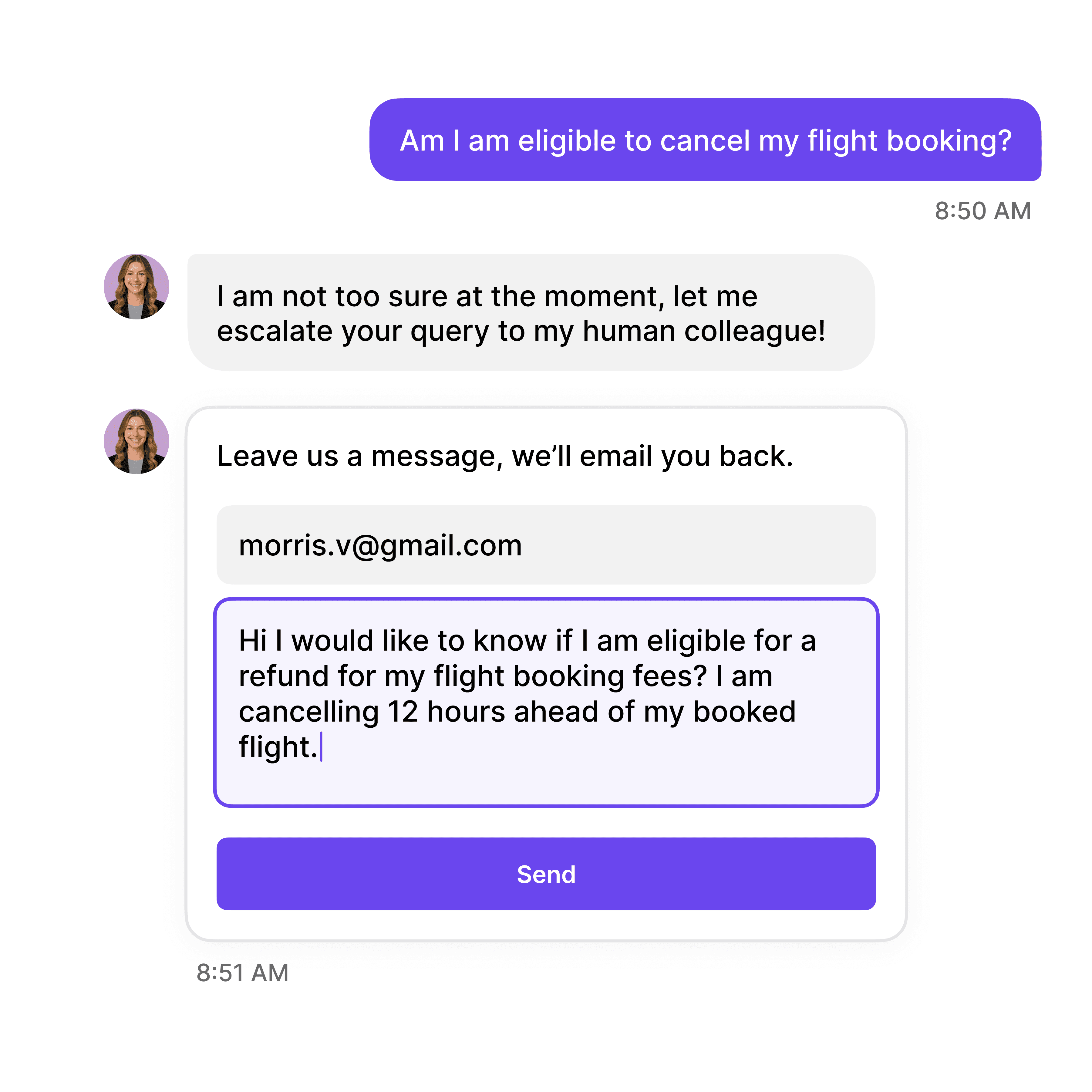
Route complex cross-functional issues, politically sensitive tickets (executive IT requests), or ambiguous problems requiring supervisor judgment with AI-suggested routing recommendations to accelerate manual review.

Cross-functional issues requiring multiple teams

VIP or executive service requests

Ambiguous tickets needing supervisor triage

Supervisor Override

Flag Complex Assignments for Manager Review

Route complex cross-functional issues, politically sensitive tickets (executive IT requests), or ambiguous problems requiring supervisor judgment with AI-suggested routing recommendations to accelerate manual review.

Cross-functional issues requiring multiple teams

VIP or executive service requests

Ambiguous tickets needing supervisor triage

Supervisor Override

Flag Complex Assignments for Manager Review

Route complex cross-functional issues, politically sensitive tickets (executive IT requests), or ambiguous problems requiring supervisor judgment with AI-suggested routing recommendations to accelerate manual review.

Cross-functional issues requiring multiple teams

VIP or executive service requests

Ambiguous tickets needing supervisor triage

40+ Languages

Starts at $0.02/message

Available 24/7

Start Free Trial

Testimonials

Businesses with successful customer service start

with Wonderchat

Industry Grade Compliance

Wonderchat is GDPR compliant and AICPA SOC 2 Certified.

FAQ

How does AI ticket routing automation work?

Wonderchat analyzes ticket content, category, priority, and user details to determine optimal assignment. Network connectivity issues route to network engineers; laptop hardware requests go to desktop support; security alerts escalate to InfoSec. The AI considers technician skills, current workload, on-call schedules, and priority levels to assign tickets instantly without supervisor intervention.

Can the AI balance workload across technicians to prevent overload?

Yes, Wonderchat monitors real-time queue depth and workload across all technicians and teams. When Jane has 8 open tickets and Bob has 2, the AI routes new tickets to Bob. During peak periods, the system redistributes workload to prevent burnout, ensure fair assignment, and maintain consistent resolution times across the helpdesk.

Does ticket routing consider technician skills and expertise?

Absolutely. Wonderchat trains on technician skill matrices, certifications (CCNA, MCSE, AWS), specializations, and historical resolution rates. Network issues route to CCNA-certified engineers; cloud problems to AWS-trained staff; security incidents to InfoSec specialists. Skills-based routing reduces misassignments, rework, and escalations.

How does the AI prioritize critical or VIP tickets?

The AI enforces priority-based routing rules. P1 major incidents and VIP user tickets (executives, key stakeholders) are assigned immediately to senior technicians or on-call specialists, bypassing normal queues. This ensures critical issues get immediate attention and prevents SLA breaches on high-priority requests.

Can the system handle multi-team or cross-functional tickets?

Yes, when tickets involve multiple systems (e.g., network + application issue), Wonderchat identifies the primary assignment team and flags secondary teams for collaboration. For ambiguous or cross-functional issues requiring coordination, the AI escalates to supervisors with suggested routing to accelerate manual review.

How quickly can I implement automated ticket routing?

Setup takes just 5 minutes. Upload technician skill profiles, team structures, routing rules, and current workload data. Connect to your ITSM system (ServiceNow, Zendesk, Freshdesk), define priority and SLA rules, and activate automated routing. Tickets are instantly assigned based on skills, availability, and priority without manual dispatcher intervention.

FAQ

How does AI ticket routing automation work?

Wonderchat analyzes ticket content, category, priority, and user details to determine optimal assignment. Network connectivity issues route to network engineers; laptop hardware requests go to desktop support; security alerts escalate to InfoSec. The AI considers technician skills, current workload, on-call schedules, and priority levels to assign tickets instantly without supervisor intervention.

Can the AI balance workload across technicians to prevent overload?

Yes, Wonderchat monitors real-time queue depth and workload across all technicians and teams. When Jane has 8 open tickets and Bob has 2, the AI routes new tickets to Bob. During peak periods, the system redistributes workload to prevent burnout, ensure fair assignment, and maintain consistent resolution times across the helpdesk.

Does ticket routing consider technician skills and expertise?

Absolutely. Wonderchat trains on technician skill matrices, certifications (CCNA, MCSE, AWS), specializations, and historical resolution rates. Network issues route to CCNA-certified engineers; cloud problems to AWS-trained staff; security incidents to InfoSec specialists. Skills-based routing reduces misassignments, rework, and escalations.

How does the AI prioritize critical or VIP tickets?

The AI enforces priority-based routing rules. P1 major incidents and VIP user tickets (executives, key stakeholders) are assigned immediately to senior technicians or on-call specialists, bypassing normal queues. This ensures critical issues get immediate attention and prevents SLA breaches on high-priority requests.

Can the system handle multi-team or cross-functional tickets?

Yes, when tickets involve multiple systems (e.g., network + application issue), Wonderchat identifies the primary assignment team and flags secondary teams for collaboration. For ambiguous or cross-functional issues requiring coordination, the AI escalates to supervisors with suggested routing to accelerate manual review.

How quickly can I implement automated ticket routing?

Setup takes just 5 minutes. Upload technician skill profiles, team structures, routing rules, and current workload data. Connect to your ITSM system (ServiceNow, Zendesk, Freshdesk), define priority and SLA rules, and activate automated routing. Tickets are instantly assigned based on skills, availability, and priority without manual dispatcher intervention.

FAQ

How does AI ticket routing automation work?

Wonderchat analyzes ticket content, category, priority, and user details to determine optimal assignment. Network connectivity issues route to network engineers; laptop hardware requests go to desktop support; security alerts escalate to InfoSec. The AI considers technician skills, current workload, on-call schedules, and priority levels to assign tickets instantly without supervisor intervention.

Can the AI balance workload across technicians to prevent overload?

Yes, Wonderchat monitors real-time queue depth and workload across all technicians and teams. When Jane has 8 open tickets and Bob has 2, the AI routes new tickets to Bob. During peak periods, the system redistributes workload to prevent burnout, ensure fair assignment, and maintain consistent resolution times across the helpdesk.

Does ticket routing consider technician skills and expertise?

Absolutely. Wonderchat trains on technician skill matrices, certifications (CCNA, MCSE, AWS), specializations, and historical resolution rates. Network issues route to CCNA-certified engineers; cloud problems to AWS-trained staff; security incidents to InfoSec specialists. Skills-based routing reduces misassignments, rework, and escalations.

How does the AI prioritize critical or VIP tickets?

The AI enforces priority-based routing rules. P1 major incidents and VIP user tickets (executives, key stakeholders) are assigned immediately to senior technicians or on-call specialists, bypassing normal queues. This ensures critical issues get immediate attention and prevents SLA breaches on high-priority requests.

Can the system handle multi-team or cross-functional tickets?

Yes, when tickets involve multiple systems (e.g., network + application issue), Wonderchat identifies the primary assignment team and flags secondary teams for collaboration. For ambiguous or cross-functional issues requiring coordination, the AI escalates to supervisors with suggested routing to accelerate manual review.

How quickly can I implement automated ticket routing?

Setup takes just 5 minutes. Upload technician skill profiles, team structures, routing rules, and current workload data. Connect to your ITSM system (ServiceNow, Zendesk, Freshdesk), define priority and SLA rules, and activate automated routing. Tickets are instantly assigned based on skills, availability, and priority without manual dispatcher intervention.

40+ Languages

Starts at $0.02/message

Available 24/7

Start Free Trial

The platform to build AI agents that feel human

© 2025 Wonderchat Private Limited