SaaS Search Engine

Turn your help center and docs into a search engine that answers in plain language, shows the source on every reply and says so when it can't find the answer. Start free, no credit card.

Trusted by businesses worldwide

Why SaaS Teams Add Answer Search to Their Docs

Keyword search returns a list of articles and leaves the reading to your customer. When the answer sits in paragraph four of a page they never opened, the question lands in your inbox or Slack anyway. Wonderchat reads your help center, docs and files, then answers in plain language using only that content. Every reply shows the source it came from, so you can check what the agent said. When your docs don't cover a question, it says so and hands the chat to a person with the full conversation. You also see which questions your docs couldn't answer, which tells you exactly what to write next.

Emily

AI Agent

Wonderbot

Welcome to Wonderchat! How can I help you today?

hey iโ€™d like to upgrade to enterprise please

Wonderbot

Sure, please hold on for a second.

Retrieving account details...

Please confirm that you would like to upgrade to Wonderchat Enterprise. Your Visa card ending in 1234 will be charged $480.00 a year.

Cancel

Upgrade

Message...

Easy 5 minute set-up

How Wonderchat Works

Answers From Your Docs

Search That Gives an Answer, Not a List of Links

Wonderchat reads your website, help center and files, and answers customer questions using only that content. If the answer isn't in your docs, it doesn't guess.

Crawls your website and help center

Reads PDF and Office files

A source shown on every reply
Your Content, Your Rules

Point It at the Docs You Already Wrote

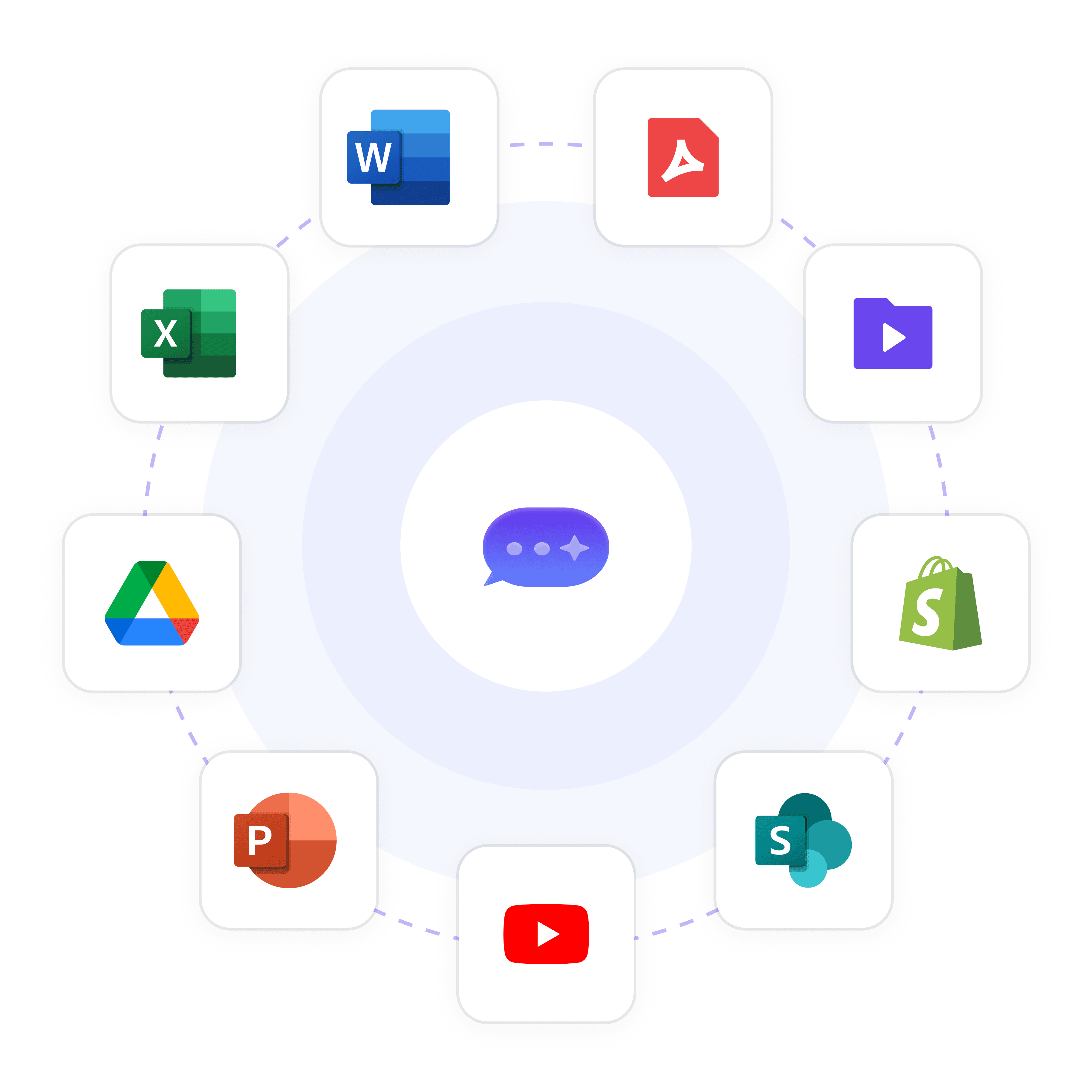
Connect your site, upload PDFs and Office files, or link a Google Drive folder. Nothing to rewrite: the agent works from the documentation you already maintain, in 40+ languages.

Website and help center

PDF and Office files

Google Drive on every plan

Security

Your Data Stays Where You Expect It

SOC 2 Type II, GDPR, EU-hosted in Frankfurt, HIPAA BAA available. Customers ask questions about your product, and the answers come only from content you chose to add.

SOC 2 Type II

GDPR, EU-hosted in Frankfurt

HIPAA BAA available

5-minute set up with our native integration

Start for Free and Put Answer Search on Your Docs Today

1

Create your AI chatbot โ€“ Pick the perfect AI model fit for your support needs.

2

Train AI with Docs, FAQs & Policies โ€“ Upload knowledge base files and site links.

3

Customise Workflows & Escalation Rules โ€“ AI handles what it can, and escalates what it canโ€™t.

4

Monitor & Optimise with Analytics โ€“ See where customers get stuck and fine-tune responses.
Control

Know What the Agent Says and What It Can't Answer

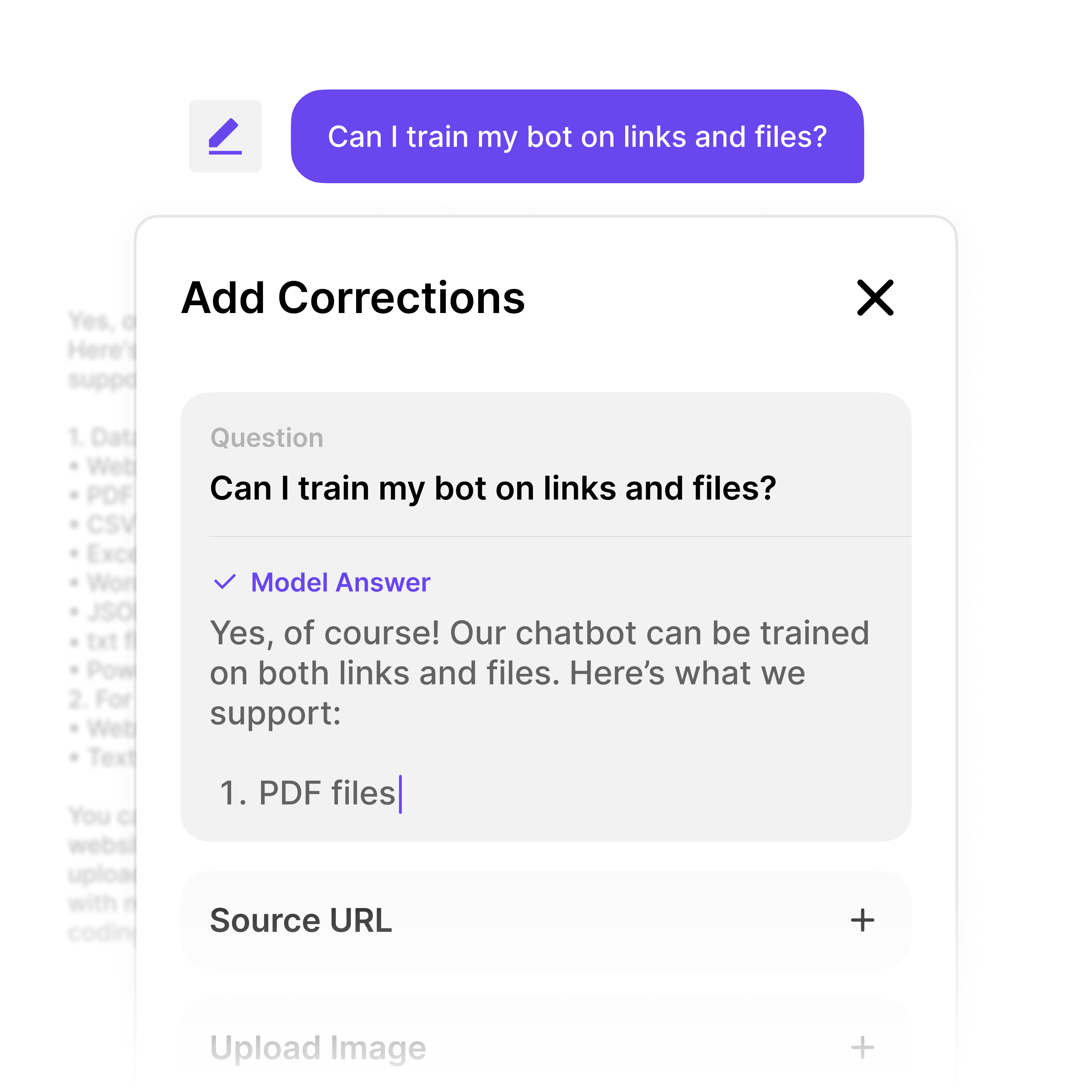
Every reply shows its source, so a wrong answer traces back to a page you can fix. When your docs have no answer, the agent says so and hands over to a person with the full chat.

Source shown on every reply

Says when it can't find the answer

Hands over with the full chat
Doc Gaps

See Which Questions Your Docs Missed

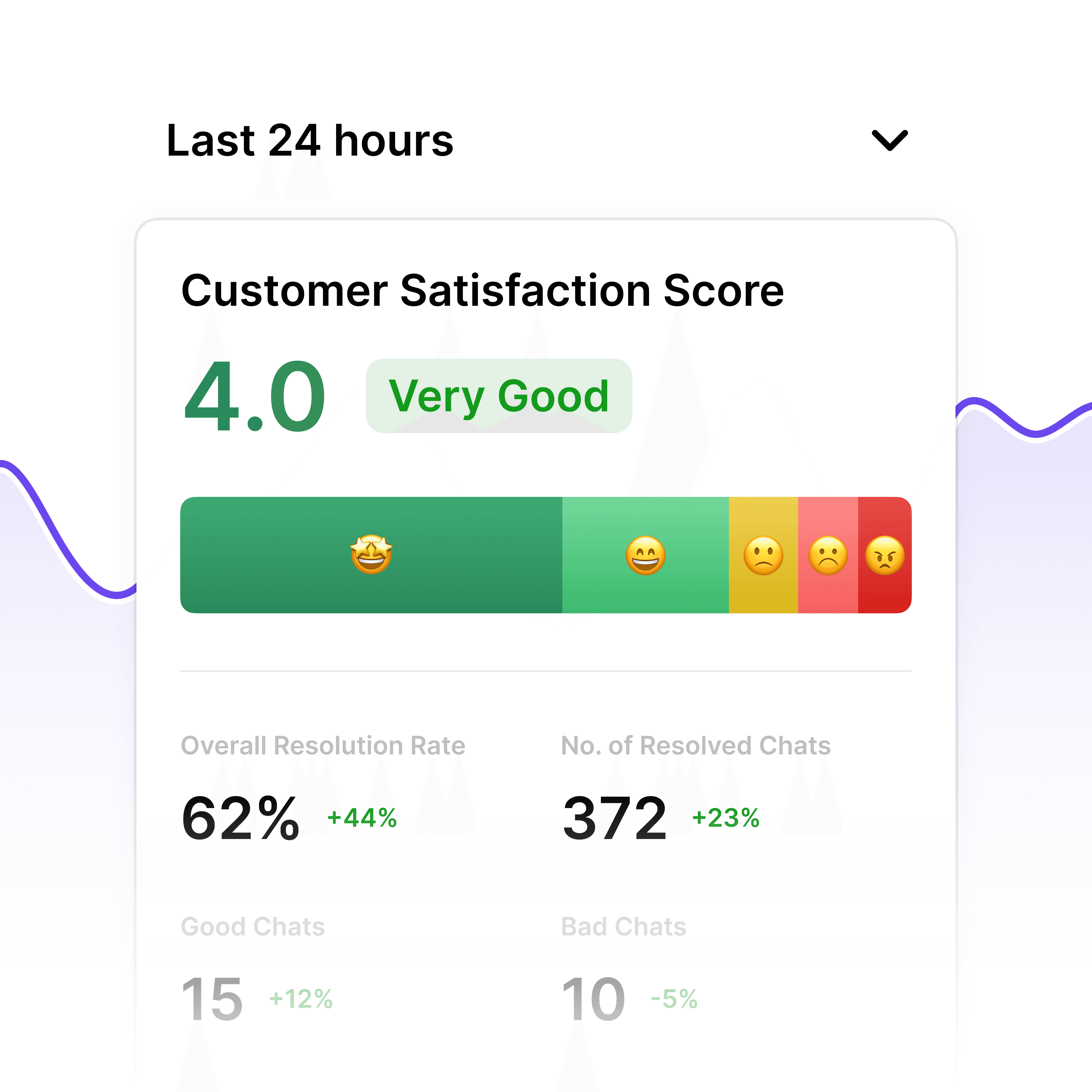
Wonderchat shows you the questions it couldn't answer from your content. Write those pages first and the same question stops coming back.

Questions customers actually ask

Unanswered questions listed

Fix the doc, fix the answer

40+ Languages

Starts at $0.02/message

Available 24/7

Start for free

14-day free trial. No credit card required

Testimonials

Businesses with successful customer service start

with Wonderchat

Industry Grade Compliance

Wonderchat is GDPR compliant and AICPA SOC 2 Certified.

FAQ

What makes Wonderchat different from traditional search engines?

A traditional search engine returns a list of links and leaves your customer to read them. Wonderchat reads your docs and writes a direct answer from them, with the source shown on every reply. If your content doesn't cover the question, it says it can't find an answer instead of guessing.

What types of data can Wonderchat's SaaS search engine process?

Your website and help center, PDF and Office files, and Google Drive on every plan. SharePoint and audio files are available from the Scale plan. It works in 40+ languages, so one set of docs can serve customers in many of them.

How does Wonderchat ensure search accuracy and prevent wrong answers?

The agent answers only from the content you add and shows the source on every reply, so you can check any answer in seconds. When it can't find the answer in your docs, it says so and hands over to a person. You also see the questions it couldn't answer, so you know which doc to fix.

Is Wonderchat's search engine secure enough for sensitive content?

Wonderchat holds SOC 2 Type II, is GDPR aligned, is EU-hosted in Frankfurt and offers a HIPAA BAA. The agent answers only from the content you add, so you decide what it can say.

How does Wonderchat connect with the tools my team already uses?

The help desk, unified inbox, chat widget and live chat are on every plan. Slack, Microsoft Teams and WhatsApp come from the Starter plan. HubSpot contact sync and Zendesk or Freshdesk ticket sync come from the Basic plan. You add the widget to your site with a short code snippet.

How long does it take to set up Wonderchat's SaaS search engine?

80% of Wonderchat agents that go live do so the same day. You add your site or files, test it on your own questions and put the widget on your site. The free plan refills 50 AI replies every month with no credit card, so you can try it on your own docs first.

FAQ

What makes Wonderchat different from traditional search engines?

A traditional search engine returns a list of links and leaves your customer to read them. Wonderchat reads your docs and writes a direct answer from them, with the source shown on every reply. If your content doesn't cover the question, it says it can't find an answer instead of guessing.

What types of data can Wonderchat's SaaS search engine process?

Your website and help center, PDF and Office files, and Google Drive on every plan. SharePoint and audio files are available from the Scale plan. It works in 40+ languages, so one set of docs can serve customers in many of them.

How does Wonderchat ensure search accuracy and prevent wrong answers?

The agent answers only from the content you add and shows the source on every reply, so you can check any answer in seconds. When it can't find the answer in your docs, it says so and hands over to a person. You also see the questions it couldn't answer, so you know which doc to fix.

Is Wonderchat's search engine secure enough for sensitive content?

Wonderchat holds SOC 2 Type II, is GDPR aligned, is EU-hosted in Frankfurt and offers a HIPAA BAA. The agent answers only from the content you add, so you decide what it can say.

How does Wonderchat connect with the tools my team already uses?

The help desk, unified inbox, chat widget and live chat are on every plan. Slack, Microsoft Teams and WhatsApp come from the Starter plan. HubSpot contact sync and Zendesk or Freshdesk ticket sync come from the Basic plan. You add the widget to your site with a short code snippet.

How long does it take to set up Wonderchat's SaaS search engine?

80% of Wonderchat agents that go live do so the same day. You add your site or files, test it on your own questions and put the widget on your site. The free plan refills 50 AI replies every month with no credit card, so you can try it on your own docs first.

40+ Languages

Starts at $0.02/message

Available 24/7

Start for free

14-day free trial. No credit card required