Self-Service IT Ticketing Chatbot for Employee Support

Empower employees to resolve IT issues instantly with an intelligent AI assistant that provides troubleshooting, password resets, and step-by-step guides.

Trusted by businesses worldwide

Why Self-Service IT Reduces Helpdesk Burden

IT helpdesks drown in repetitive, easily resolved requests—password resets, VPN issues, software installations, printer problems, and account unlocks. Every ticket requires technician time, creates wait times, and frustrates employees needing immediate solutions. Wonderchat's self-service IT chatbot deflects up to 70% of routine tickets by providing instant troubleshooting guides, automated password resets, configuration instructions, and knowledge base articles. Employees ask "Why can't I connect to VPN?" or "How do I install Microsoft Teams?" and receive step-by-step solutions without creating tickets. Train it on IT knowledge base, troubleshooting procedures, system guides, and FAQs in 5 minutes. The AI delivers self-service support in 100+ languages. Explore the findings in our 2026 Omnichannel AI Support Benchmark Report: https://wonderchat.io/blog/the-2026-omnichannel-ai-support-benchmark-report?utm_source=chatgpt.com

Emily

AI Agent

Wonderbot

Welcome to Wonderchat! How can I help you today?

hey i’d like to upgrade to enterprise please

Wonderbot

Sure, please hold on for a second.

Retrieving account details...

Please confirm that you would like to upgrade to Wonderchat Enterprise. Your Visa card ending in 1234 will be charged $480.00 a year.

Cancel

Upgrade

Message...

Easy 5 minute set-up

How Wonderchat Works

Instant Troubleshooting

Step-by-Step Problem Resolution Guides

Provide instant troubleshooting for common IT issues including VPN connectivity, email configuration, printer setup, software errors, network problems, and system performance issues with interactive, step-by-step resolution guides.

VPN and network connectivity troubleshooting

Email and calendar configuration guides

Printer setup and common software errors
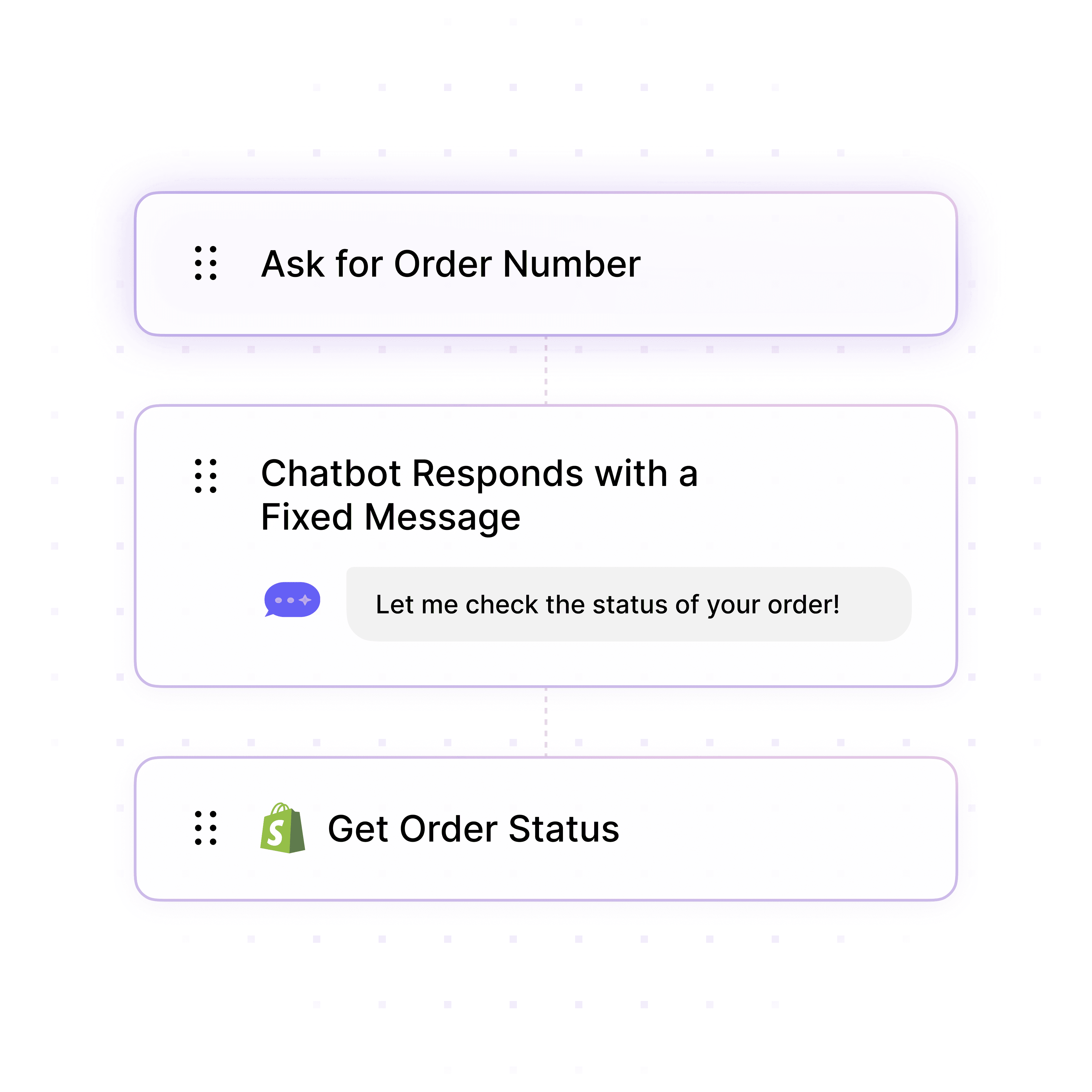
Instant Troubleshooting

Step-by-Step Problem Resolution Guides

Provide instant troubleshooting for common IT issues including VPN connectivity, email configuration, printer setup, software errors, network problems, and system performance issues with interactive, step-by-step resolution guides.

VPN and network connectivity troubleshooting

Email and calendar configuration guides

Printer setup and common software errors

Instant Troubleshooting

Step-by-Step Problem Resolution Guides

Provide instant troubleshooting for common IT issues including VPN connectivity, email configuration, printer setup, software errors, network problems, and system performance issues with interactive, step-by-step resolution guides.

VPN and network connectivity troubleshooting

Email and calendar configuration guides

Printer setup and common software errors

Automated Self-Service Actions

Password Resets & Account Unlocks Without Tickets

Enable automated self-service actions including password resets, account unlocks, software license provisioning, distribution list management, and basic access requests without creating tickets or waiting for technician intervention.

Password reset and account unlock automation

Software license self-provisioning

Distribution list and group membership requests
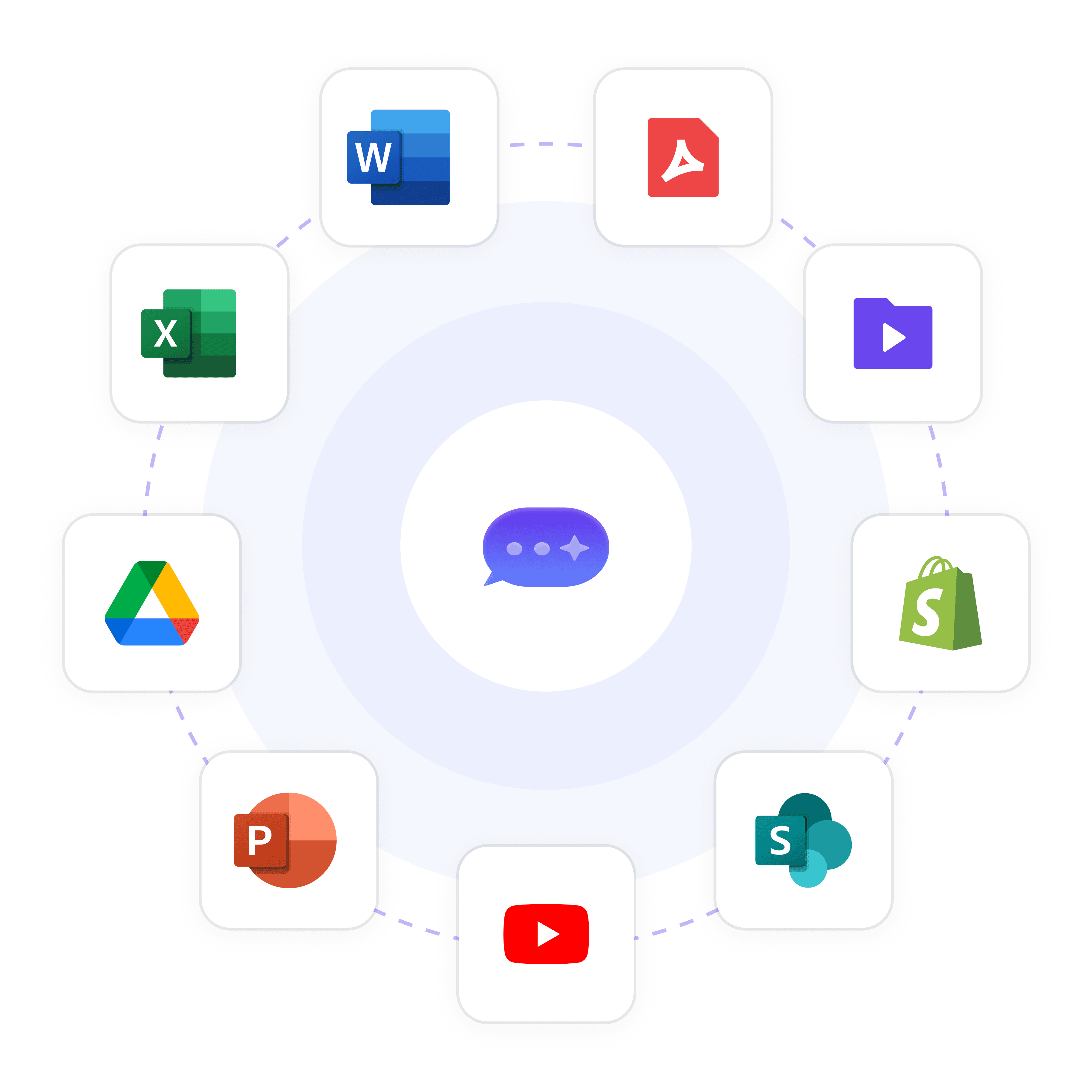
Automated Self-Service Actions

Password Resets & Account Unlocks Without Tickets

Enable automated self-service actions including password resets, account unlocks, software license provisioning, distribution list management, and basic access requests without creating tickets or waiting for technician intervention.

Password reset and account unlock automation

Software license self-provisioning

Distribution list and group membership requests

Automated Self-Service Actions

Password Resets & Account Unlocks Without Tickets

Enable automated self-service actions including password resets, account unlocks, software license provisioning, distribution list management, and basic access requests without creating tickets or waiting for technician intervention.

Password reset and account unlock automation

Software license self-provisioning

Distribution list and group membership requests

Knowledge Base Integration

Train on IT Documentation & Guides

Connect to your IT knowledge base, Confluence docs, SharePoint guides, training materials, system manuals, and troubleshooting procedures to deliver accurate, comprehensive self-service support based on your organization's specific IT environment.

IT knowledge base articles and FAQs

System guides and configuration procedures

Troubleshooting workflows and known issues

Knowledge Base Integration

Train on IT Documentation & Guides

Connect to your IT knowledge base, Confluence docs, SharePoint guides, training materials, system manuals, and troubleshooting procedures to deliver accurate, comprehensive self-service support based on your organization's specific IT environment.

IT knowledge base articles and FAQs

System guides and configuration procedures

Troubleshooting workflows and known issues

Knowledge Base Integration

Train on IT Documentation & Guides

Connect to your IT knowledge base, Confluence docs, SharePoint guides, training materials, system manuals, and troubleshooting procedures to deliver accurate, comprehensive self-service support based on your organization's specific IT environment.

IT knowledge base articles and FAQs

System guides and configuration procedures

Troubleshooting workflows and known issues

5-minute set up with our native integration

Automate Self-Service IT in 5 Minutes

1

Create your AI chatbot – Pick the perfect AI model fit for your support needs.

2

Train AI with Docs, FAQs & Policies – Upload knowledge base files and site links.

3

Customise Workflows & Escalation Rules – AI handles what it can, and escalates what it can’t.

4

Monitor & Optimise with Analytics – See where customers get stuck and fine-tune responses.
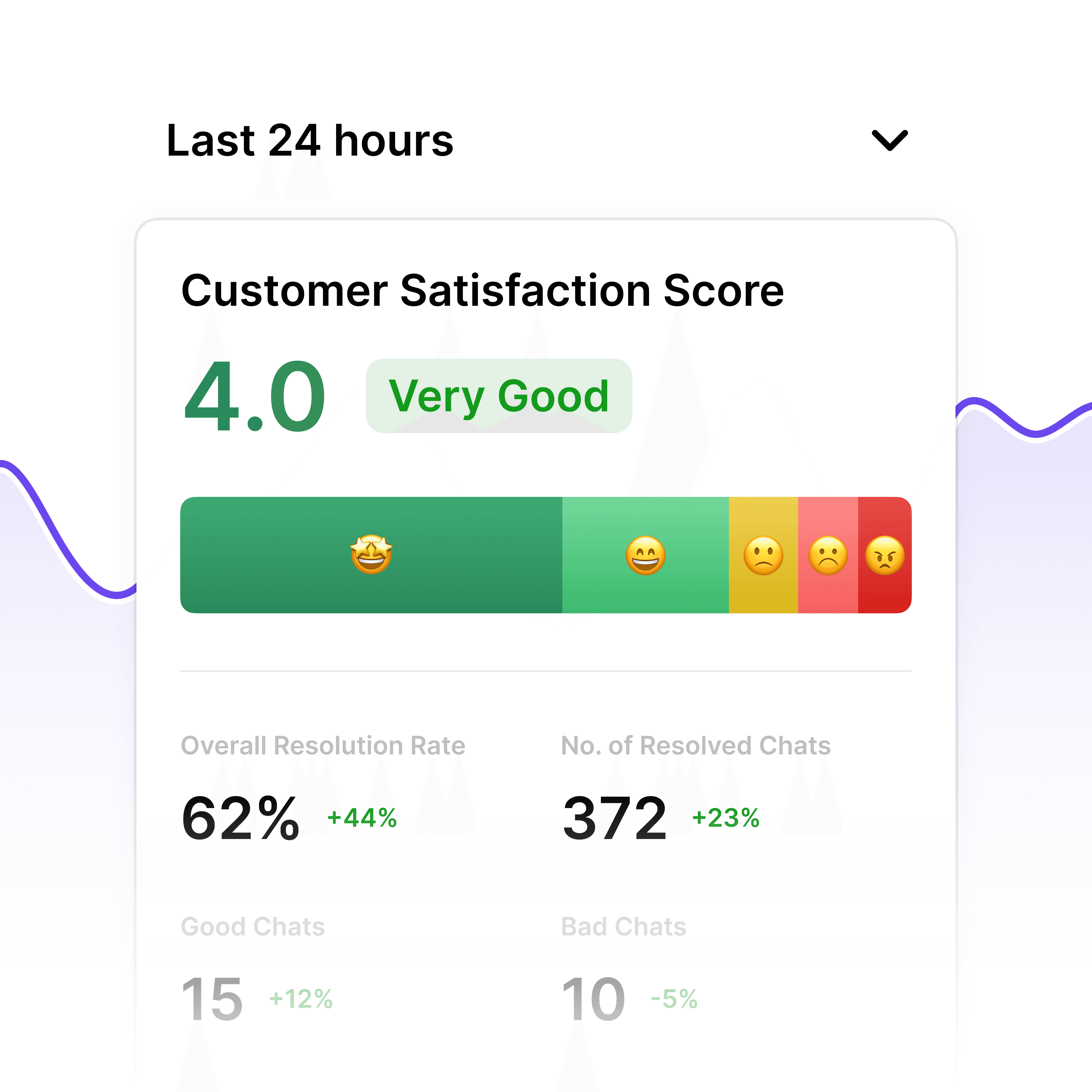
Deflection Analytics

Track Ticket Reduction & ROI

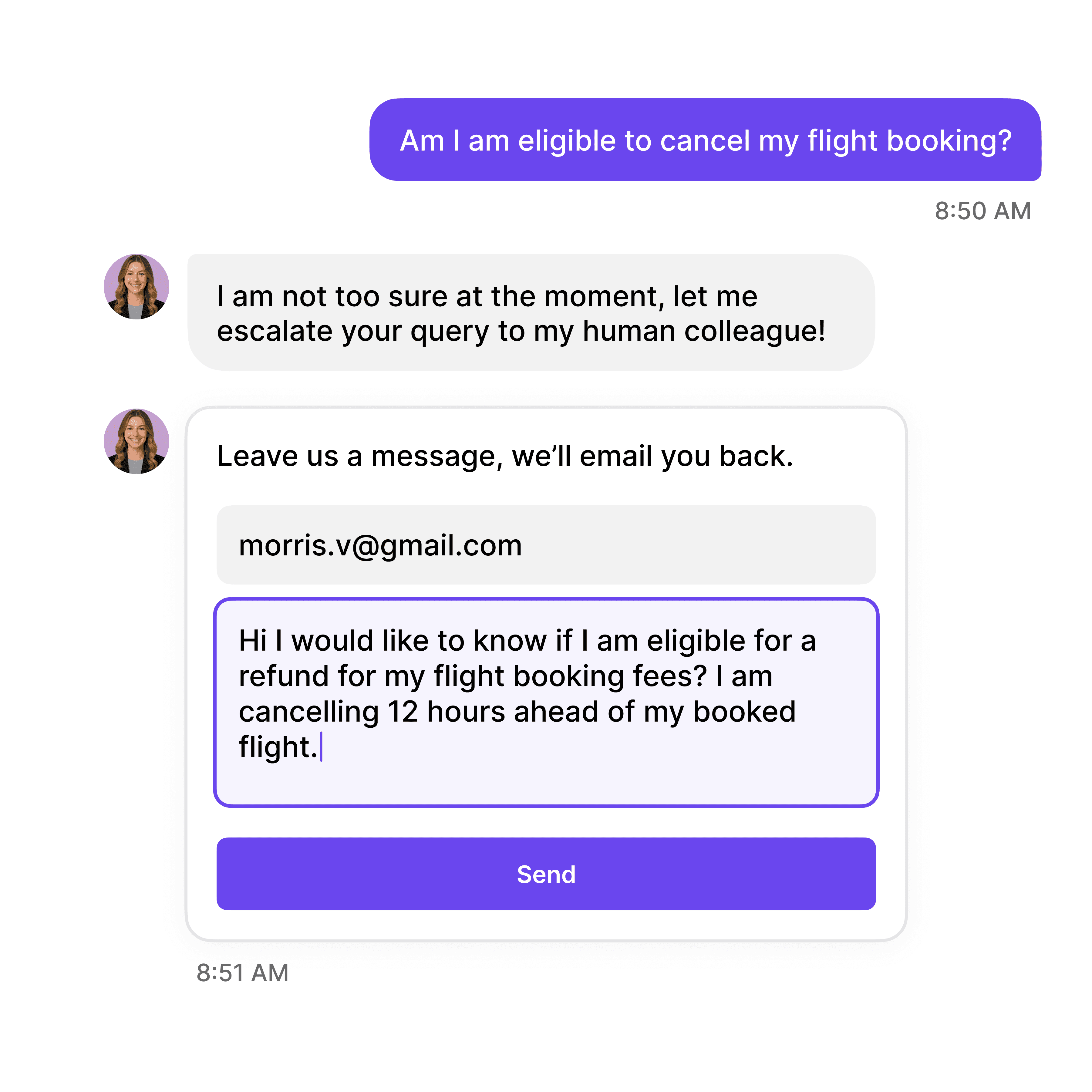
Built-in analytics show ticket deflection rates, most common self-service resolutions, knowledge gap identification, employee satisfaction metrics, and cost savings from reduced ticket volume to demonstrate helpdesk ROI.

Ticket deflection rate and volume reduction

Most resolved issues and top self-service topics

Cost savings and ROI calculations
Deflection Analytics

Track Ticket Reduction & ROI

Built-in analytics show ticket deflection rates, most common self-service resolutions, knowledge gap identification, employee satisfaction metrics, and cost savings from reduced ticket volume to demonstrate helpdesk ROI.

Ticket deflection rate and volume reduction

Most resolved issues and top self-service topics

Cost savings and ROI calculations
Deflection Analytics

Track Ticket Reduction & ROI

Built-in analytics show ticket deflection rates, most common self-service resolutions, knowledge gap identification, employee satisfaction metrics, and cost savings from reduced ticket volume to demonstrate helpdesk ROI.

Ticket deflection rate and volume reduction

Most resolved issues and top self-service topics

Cost savings and ROI calculations

Helpdesk Escalation

Create Tickets Only When Necessary

Automatically escalate unresolved issues to IT helpdesk only when self-service solutions fail. The AI collects troubleshooting steps already attempted, error details, and system context, creating well-documented tickets that accelerate technician resolution.

Complex issues requiring hands-on support

Hardware failures or system-level problems

Issues unresolved after self-service attempts

Helpdesk Escalation

Create Tickets Only When Necessary

Automatically escalate unresolved issues to IT helpdesk only when self-service solutions fail. The AI collects troubleshooting steps already attempted, error details, and system context, creating well-documented tickets that accelerate technician resolution.

Complex issues requiring hands-on support

Hardware failures or system-level problems

Issues unresolved after self-service attempts

Helpdesk Escalation

Create Tickets Only When Necessary

Automatically escalate unresolved issues to IT helpdesk only when self-service solutions fail. The AI collects troubleshooting steps already attempted, error details, and system context, creating well-documented tickets that accelerate technician resolution.

Complex issues requiring hands-on support

Hardware failures or system-level problems

Issues unresolved after self-service attempts

40+ Languages

Starts at $0.02/message

Available 24/7

Start Free Trial

Testimonials

Businesses with successful customer service start

with Wonderchat

Industry Grade Compliance

Wonderchat is GDPR compliant and AICPA SOC 2 Certified.

FAQ

How does the self-service chatbot reduce IT ticket volume?

Wonderchat deflects up to 70% of routine tickets by providing instant solutions. When employees report password issues, the AI sends secure password reset links; VPN problems trigger step-by-step troubleshooting guides; software questions deliver installation instructions and license provisioning. Only issues requiring technician intervention create tickets, dramatically reducing helpdesk workload.

Can the chatbot handle password resets and account unlocks automatically?

Yes, Wonderchat integrates with Active Directory, Azure AD, Okta, or identity management systems to enable self-service password resets and account unlocks. Employees verify identity through security questions, SMS codes, or email verification, then reset passwords or unlock accounts instantly without waiting for helpdesk assistance.

Does the AI provide troubleshooting for complex technical issues?

Absolutely. Wonderchat guides users through interactive troubleshooting workflows for common IT problems—network connectivity, email configuration errors, software crashes, printer issues, VPN failures. The AI asks diagnostic questions, provides step-by-step resolution steps, and collects error details. If issues persist, it escalates to technicians with full troubleshooting context.

How does the chatbot integrate with our IT knowledge base?

Wonderchat trains on your IT knowledge base, Confluence documentation, SharePoint guides, and support articles. When employees ask questions, the AI searches relevant docs and delivers specific answers or step-by-step procedures. For example, "How do I configure Outlook on Mac?" retrieves your organization's exact Outlook setup guide with screenshots and settings.

Can the AI track how much money it saves by deflecting tickets?

Yes, built-in analytics calculate cost savings by tracking deflection rates, average ticket cost, and resolved issues. If your helpdesk ticket costs $15 and Wonderchat deflects 1,000 tickets monthly, that's $15,000/month in savings. The dashboard shows ROI, ticket volume reduction, and most common self-service resolutions to optimize knowledge base coverage.

What happens when the chatbot can't resolve an issue?

When self-service solutions don't resolve the issue, Wonderchat creates a ticket in your ITSM system with full context—troubleshooting steps already attempted, error messages, system details, and user information. This accelerates technician resolution by eliminating redundant diagnostic questions, often reducing resolution time by 30-50%.

FAQ

How does the self-service chatbot reduce IT ticket volume?

Wonderchat deflects up to 70% of routine tickets by providing instant solutions. When employees report password issues, the AI sends secure password reset links; VPN problems trigger step-by-step troubleshooting guides; software questions deliver installation instructions and license provisioning. Only issues requiring technician intervention create tickets, dramatically reducing helpdesk workload.

Can the chatbot handle password resets and account unlocks automatically?

Yes, Wonderchat integrates with Active Directory, Azure AD, Okta, or identity management systems to enable self-service password resets and account unlocks. Employees verify identity through security questions, SMS codes, or email verification, then reset passwords or unlock accounts instantly without waiting for helpdesk assistance.

Does the AI provide troubleshooting for complex technical issues?

Absolutely. Wonderchat guides users through interactive troubleshooting workflows for common IT problems—network connectivity, email configuration errors, software crashes, printer issues, VPN failures. The AI asks diagnostic questions, provides step-by-step resolution steps, and collects error details. If issues persist, it escalates to technicians with full troubleshooting context.

How does the chatbot integrate with our IT knowledge base?

Wonderchat trains on your IT knowledge base, Confluence documentation, SharePoint guides, and support articles. When employees ask questions, the AI searches relevant docs and delivers specific answers or step-by-step procedures. For example, "How do I configure Outlook on Mac?" retrieves your organization's exact Outlook setup guide with screenshots and settings.

Can the AI track how much money it saves by deflecting tickets?

Yes, built-in analytics calculate cost savings by tracking deflection rates, average ticket cost, and resolved issues. If your helpdesk ticket costs $15 and Wonderchat deflects 1,000 tickets monthly, that's $15,000/month in savings. The dashboard shows ROI, ticket volume reduction, and most common self-service resolutions to optimize knowledge base coverage.

What happens when the chatbot can't resolve an issue?

When self-service solutions don't resolve the issue, Wonderchat creates a ticket in your ITSM system with full context—troubleshooting steps already attempted, error messages, system details, and user information. This accelerates technician resolution by eliminating redundant diagnostic questions, often reducing resolution time by 30-50%.

FAQ

How does the self-service chatbot reduce IT ticket volume?

Wonderchat deflects up to 70% of routine tickets by providing instant solutions. When employees report password issues, the AI sends secure password reset links; VPN problems trigger step-by-step troubleshooting guides; software questions deliver installation instructions and license provisioning. Only issues requiring technician intervention create tickets, dramatically reducing helpdesk workload.

Can the chatbot handle password resets and account unlocks automatically?

Yes, Wonderchat integrates with Active Directory, Azure AD, Okta, or identity management systems to enable self-service password resets and account unlocks. Employees verify identity through security questions, SMS codes, or email verification, then reset passwords or unlock accounts instantly without waiting for helpdesk assistance.

Does the AI provide troubleshooting for complex technical issues?

Absolutely. Wonderchat guides users through interactive troubleshooting workflows for common IT problems—network connectivity, email configuration errors, software crashes, printer issues, VPN failures. The AI asks diagnostic questions, provides step-by-step resolution steps, and collects error details. If issues persist, it escalates to technicians with full troubleshooting context.

How does the chatbot integrate with our IT knowledge base?

Wonderchat trains on your IT knowledge base, Confluence documentation, SharePoint guides, and support articles. When employees ask questions, the AI searches relevant docs and delivers specific answers or step-by-step procedures. For example, "How do I configure Outlook on Mac?" retrieves your organization's exact Outlook setup guide with screenshots and settings.

Can the AI track how much money it saves by deflecting tickets?

Yes, built-in analytics calculate cost savings by tracking deflection rates, average ticket cost, and resolved issues. If your helpdesk ticket costs $15 and Wonderchat deflects 1,000 tickets monthly, that's $15,000/month in savings. The dashboard shows ROI, ticket volume reduction, and most common self-service resolutions to optimize knowledge base coverage.

What happens when the chatbot can't resolve an issue?

When self-service solutions don't resolve the issue, Wonderchat creates a ticket in your ITSM system with full context—troubleshooting steps already attempted, error messages, system details, and user information. This accelerates technician resolution by eliminating redundant diagnostic questions, often reducing resolution time by 30-50%.

40+ Languages

Starts at $0.02/message

Available 24/7

Start Free Trial

The platform to build AI agents that feel human

© 2025 Wonderchat Private Limited