AI Chatbot for WordPress

Add 24/7 visitor support to your WordPress site in 5 minutes. No coding, no complicated setup—just paste a script and the AI trains on your content automatically.

Trusted by businesses worldwide

Why WordPress Site Owners Choose Wonderchat

Your WordPress site gets questions around the clock—but you can’t be online 24/7 to answer them. Visitors ask about your services, pricing, features, or content, and when answers aren’t immediately available, they leave, submit low-quality contact forms, or never convert at all. Wonderchat scans your WordPress posts, pages, and FAQs in minutes to create an AI-powered chatbot that answers visitor questions instantly. Instead of searching through pages or waiting for replies, visitors get clear, accurate answers the moment they ask—keeping them engaged and moving them closer to conversion. Beyond support, Wonderchat helps capture qualified leads, reduce contact form spam, and improve overall site performance without adding support staff. It works seamlessly with any WordPress theme or page builder, requires no coding, and can be deployed in minutes—turning your site into a 24/7 conversion and support engine.

Emily

AI Agent

Wonderbot

Welcome to Wonderchat! How can I help you today?

hey i’d like to upgrade to enterprise please

Wonderbot

Sure, please hold on for a second.

Retrieving account details...

Please confirm that you would like to upgrade to Wonderchat Enterprise. Your Visa card ending in 1234 will be charged $480.00 a year.

Cancel

Upgrade

Message...

Easy 5 minute set-up

How Wonderchat Works

Easy WordPress Setup

Set-up in 5 minutes, No Coding required

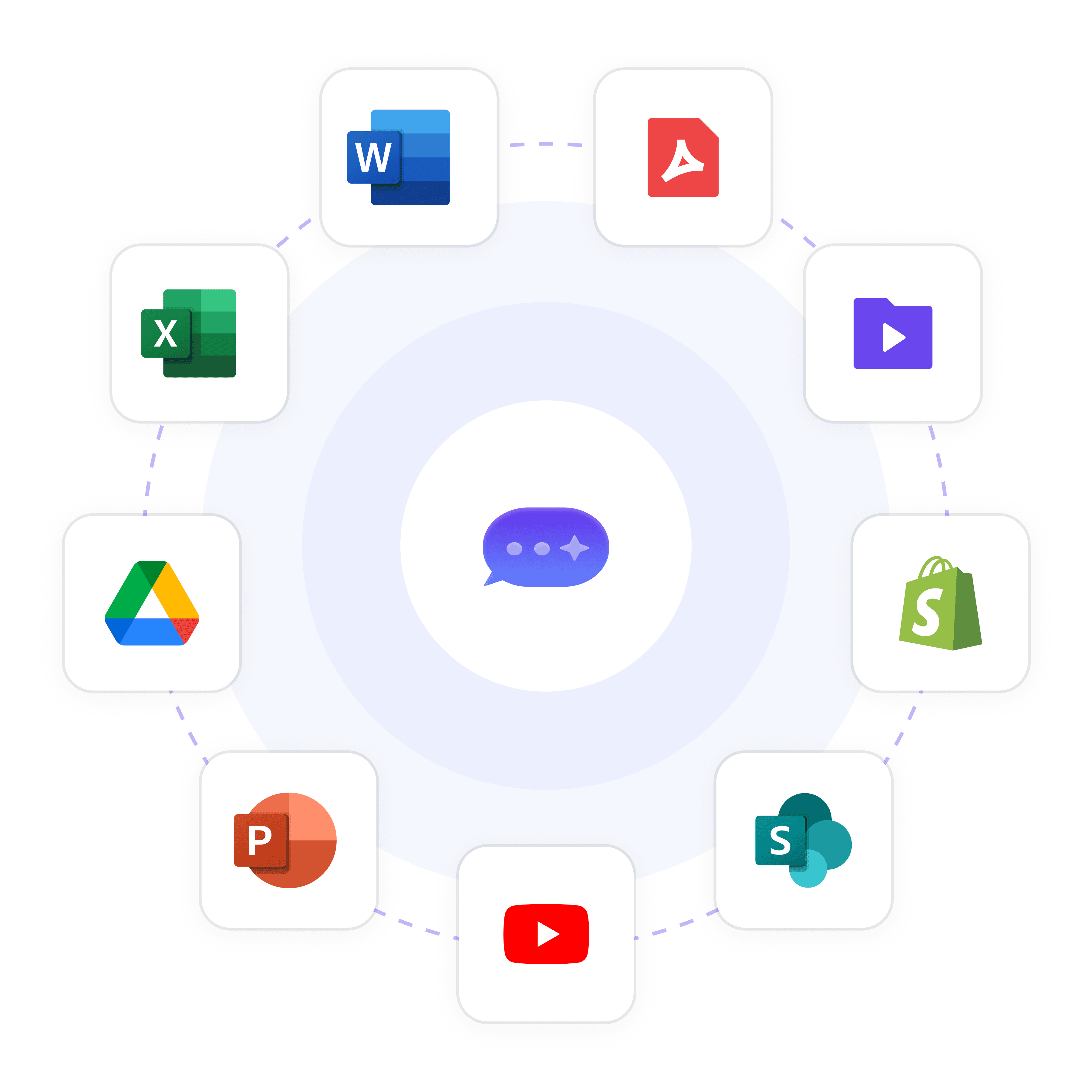
Copy the Wonderchat embed script and paste it into your WordPress theme footer (Appearance → Customize → Additional CSS/Scripts). The chatbot appears on all pages instantly. Works with Elementor, Divi, Gutenberg, and all themes.

No WordPress plugin required (just embed script)

Works with any theme: Astra, GeneratePress, Kadence, etc.

Compatible with Elementor, Divi, WPBakery, Gutenberg
Easy WordPress Setup

Set-up in 5 minutes, No Coding required

Copy the Wonderchat embed script and paste it into your WordPress theme footer (Appearance → Customize → Additional CSS/Scripts). The chatbot appears on all pages instantly. Works with Elementor, Divi, Gutenberg, and all themes.

No WordPress plugin required (just embed script)

Works with any theme: Astra, GeneratePress, Kadence, etc.

Compatible with Elementor, Divi, WPBakery, Gutenberg

Easy WordPress Setup

Set-up in 5 minutes, No Coding required

Copy the Wonderchat embed script and paste it into your WordPress theme footer (Appearance → Customize → Additional CSS/Scripts). The chatbot appears on all pages instantly. Works with Elementor, Divi, Gutenberg, and all themes.

No WordPress plugin required (just embed script)

Works with any theme: Astra, GeneratePress, Kadence, etc.

Compatible with Elementor, Divi, WPBakery, Gutenberg

Auto-Train on Your Content

AI Learns from Your Posts, Pages, and FAQs

Enter your WordPress site URL during setup. Wonderchat crawls your posts, pages, and FAQs automatically—training the AI on your content in under 5 minutes. No manual uploads.

Auto-crawls posts, pages, custom post types

Supports WooCommerce products (Basic+ for Shopify-style integration)

Monthly auto-sync keeps AI updated when you publish new content
Auto-Train on Your Content

AI Learns from Your Posts, Pages, and FAQs

Enter your WordPress site URL during setup. Wonderchat crawls your posts, pages, and FAQs automatically—training the AI on your content in under 5 minutes. No manual uploads.

Auto-crawls posts, pages, custom post types

Supports WooCommerce products (Basic+ for Shopify-style integration)

Monthly auto-sync keeps AI updated when you publish new content

Auto-Train on Your Content

AI Learns from Your Posts, Pages, and FAQs

Enter your WordPress site URL during setup. Wonderchat crawls your posts, pages, and FAQs automatically—training the AI on your content in under 5 minutes. No manual uploads.

Auto-crawls posts, pages, custom post types

Supports WooCommerce products (Basic+ for Shopify-style integration)

Monthly auto-sync keeps AI updated when you publish new content

Lead Capture

Collect Emails from Visitors Who Don't Convert

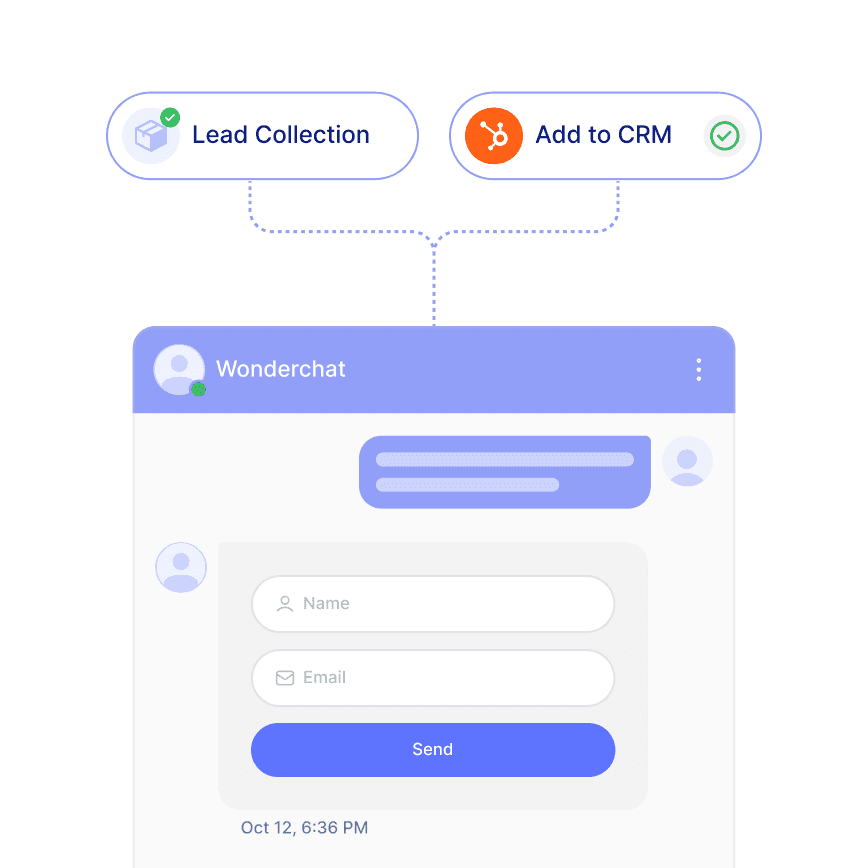
When visitors ask questions, the AI naturally collects emails, names, and phone numbers. Each lead gets a conversion score. Sync to HubSpot, Active Campaign, or export as CSV.

Conversion probability scoring (0-100%)

Syncs to HubSpot, Active Campaign (CRM integrations)

Reduces contact form abandonment by 40%

Lead Capture

Collect Emails from Visitors Who Don't Convert

When visitors ask questions, the AI naturally collects emails, names, and phone numbers. Each lead gets a conversion score. Sync to HubSpot, Active Campaign, or export as CSV.

Conversion probability scoring (0-100%)

Syncs to HubSpot, Active Campaign (CRM integrations)

Reduces contact form abandonment by 40%

Lead Capture

Collect Emails from Visitors Who Don't Convert

When visitors ask questions, the AI naturally collects emails, names, and phone numbers. Each lead gets a conversion score. Sync to HubSpot, Active Campaign, or export as CSV.

Conversion probability scoring (0-100%)

Syncs to HubSpot, Active Campaign (CRM integrations)

Reduces contact form abandonment by 40%

5-minute set up with our native integration

Add AI to Your WordPress Site in 5 Minutes

1

Create your AI chatbot – Pick the perfect AI model fit for your support needs.

2

Train AI with Docs, FAQs & Policies – Upload knowledge base files and site links.

3

Customise Workflows & Escalation Rules – AI handles what it can, and escalates what it can’t.

4

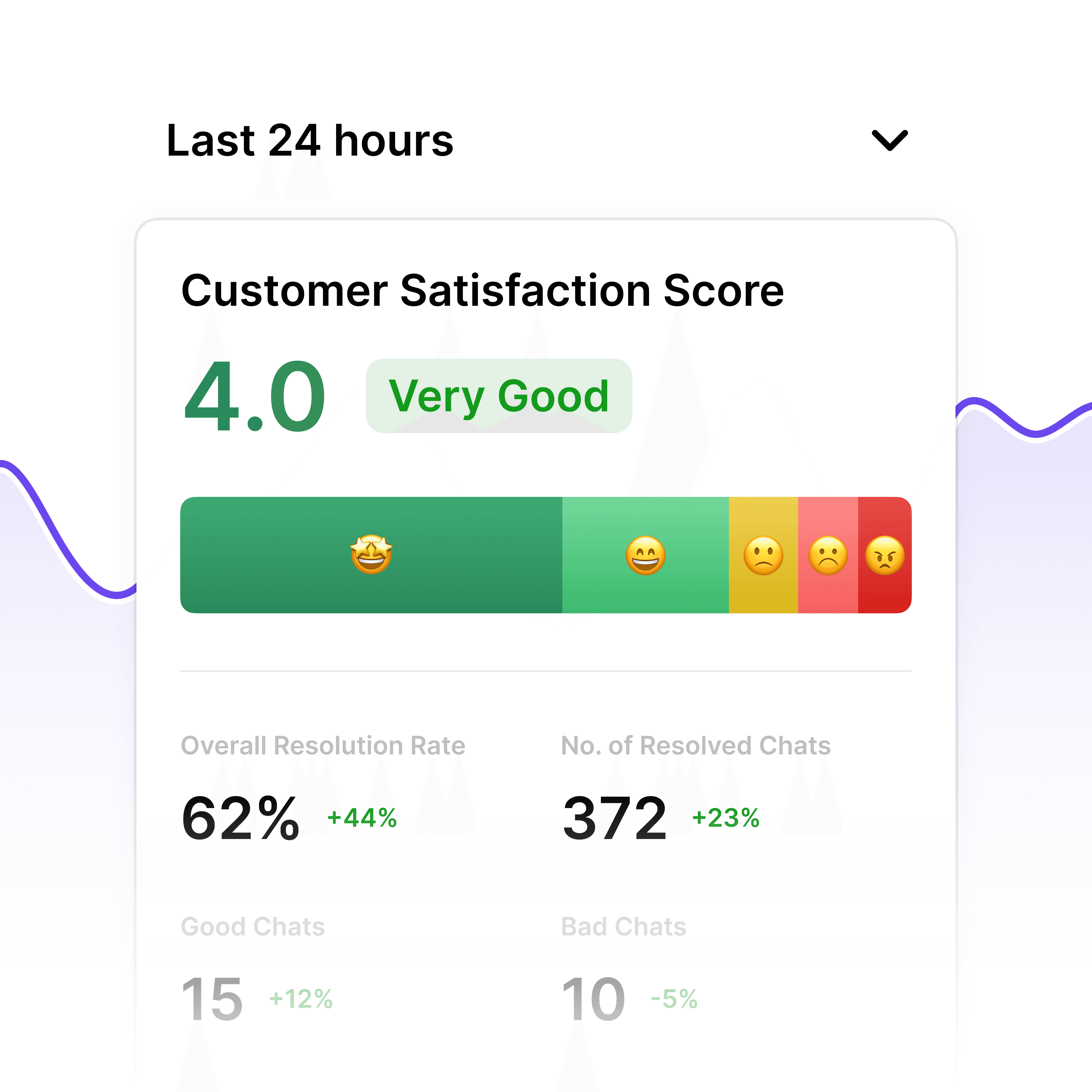
Monitor & Optimise with Analytics – See where customers get stuck and fine-tune responses.
Visitor Support

Answer Product, Service, and Pricing Questions

Visitors get instant answers about your services, pricing, booking process, or policies—without filling out contact forms. Reduce bounce rate and improve user experience.

Handles "How much does this cost?", "Do you offer X service?"

Reduces contact form submissions by 60%

Escalates to email or live chat when needed
Visitor Support

Answer Product, Service, and Pricing Questions

Visitors get instant answers about your services, pricing, booking process, or policies—without filling out contact forms. Reduce bounce rate and improve user experience.

Handles "How much does this cost?", "Do you offer X service?"

Reduces contact form submissions by 60%

Escalates to email or live chat when needed

Visitor Support

Answer Product, Service, and Pricing Questions

Visitors get instant answers about your services, pricing, booking process, or policies—without filling out contact forms. Reduce bounce rate and improve user experience.

Handles "How much does this cost?", "Do you offer X service?"

Reduces contact form submissions by 60%

Escalates to email or live chat when needed

Start Free

Affordable Pricing

The free plan includes 20 messages/month and 50 webpages—perfect for small WordPress sites or testing with real visitors. Upgrade to $29/month (1,000 messages) when you're ready to scale.

Free: 20 messages/month, no credit card required

Starter ($29/mo): 1,000 messages + 100 pages

Extra messages: $15.99 per 1,000 one-time add-on

Start Free

Affordable Pricing

The free plan includes 20 messages/month and 50 webpages—perfect for small WordPress sites or testing with real visitors. Upgrade to $29/month (1,000 messages) when you're ready to scale.

Free: 20 messages/month, no credit card required

Starter ($29/mo): 1,000 messages + 100 pages

Extra messages: $15.99 per 1,000 one-time add-on

Start Free

Affordable Pricing

The free plan includes 20 messages/month and 50 webpages—perfect for small WordPress sites or testing with real visitors. Upgrade to $29/month (1,000 messages) when you're ready to scale.

Free: 20 messages/month, no credit card required

Starter ($29/mo): 1,000 messages + 100 pages

Extra messages: $15.99 per 1,000 one-time add-on

40+ Languages

Starts at $0.02/message

Available 24/7

Build, Deploy and Add Wonderchat to your Wordpress Site in 10 minutes

Testimonials

Businesses with successful customer service start

with Wonderchat

Industry Grade Compliance

Wonderchat is GDPR compliant and AICPA SOC 2 Certified.

FAQ

Do I need a WordPress plugin or just the embed script?

No plugin needed. Wonderchat works by pasting a single embed script into your WordPress footer (Appearance → Customize → Additional CSS/Scripts, or your theme's custom code area). The chatbot appears on all pages. Works with any theme or page builder.

Will it slow down my WordPress site?

No. Wonderchat loads asynchronously after your page content, so it has zero impact on page speed or Core Web Vitals. Most WordPress sites see improved engagement (lower bounce rate) because visitors get instant help.

Can it answer questions about my WooCommerce products?

Yes. Wonderchat crawls product pages and learns product details (descriptions, specs, pricing). For advanced WooCommerce integration (order tracking, cart reminders), upgrade to Basic+ for Shopify-style integrations or use Zapier/n8n to connect WooCommerce webhooks.

Does it work with Elementor, Divi, or other page builders?

Yes. Wonderchat is theme-agnostic and works with Elementor, Divi, Beaver Builder, WPBakery, Gutenberg, and all page builders. Just paste the embed script in your theme settings or use a plugin like "Insert Headers and Footers" to add it site-wide.

Can I customize the chatbot design to match my WordPress theme?

Absolutely. Customize the chat widget color, position, welcome message, and branding in the Wonderchat dashboard. Match your WordPress theme's colors and style. Preview changes live before publishing.

What happens when the AI can't answer a question?

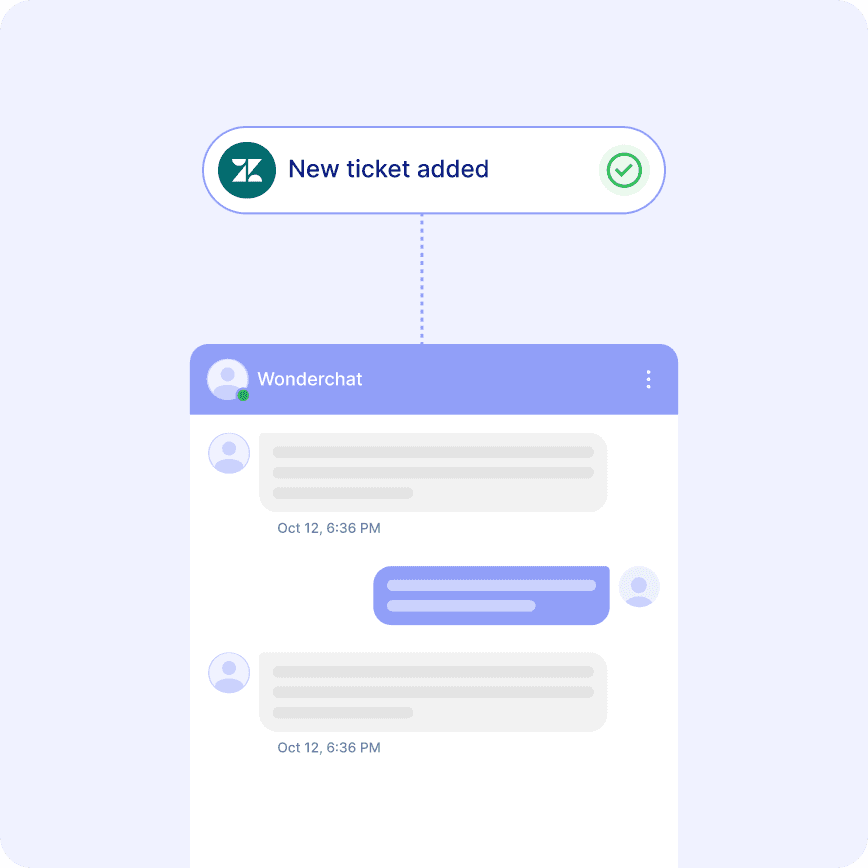
Configure email handover (all plans) or live chat (Basic+). When confidence is low, the AI escalates to you via email with the conversation transcript. You can also integrate with Zendesk or Freshdesk for ticketing.

FAQ

Do I need a WordPress plugin or just the embed script?

No plugin needed. Wonderchat works by pasting a single embed script into your WordPress footer (Appearance → Customize → Additional CSS/Scripts, or your theme's custom code area). The chatbot appears on all pages. Works with any theme or page builder.

Will it slow down my WordPress site?

No. Wonderchat loads asynchronously after your page content, so it has zero impact on page speed or Core Web Vitals. Most WordPress sites see improved engagement (lower bounce rate) because visitors get instant help.

Can it answer questions about my WooCommerce products?

Yes. Wonderchat crawls product pages and learns product details (descriptions, specs, pricing). For advanced WooCommerce integration (order tracking, cart reminders), upgrade to Basic+ for Shopify-style integrations or use Zapier/n8n to connect WooCommerce webhooks.

Does it work with Elementor, Divi, or other page builders?

Yes. Wonderchat is theme-agnostic and works with Elementor, Divi, Beaver Builder, WPBakery, Gutenberg, and all page builders. Just paste the embed script in your theme settings or use a plugin like "Insert Headers and Footers" to add it site-wide.

Can I customize the chatbot design to match my WordPress theme?

Absolutely. Customize the chat widget color, position, welcome message, and branding in the Wonderchat dashboard. Match your WordPress theme's colors and style. Preview changes live before publishing.

What happens when the AI can't answer a question?

Configure email handover (all plans) or live chat (Basic+). When confidence is low, the AI escalates to you via email with the conversation transcript. You can also integrate with Zendesk or Freshdesk for ticketing.

FAQ

Do I need a WordPress plugin or just the embed script?

No plugin needed. Wonderchat works by pasting a single embed script into your WordPress footer (Appearance → Customize → Additional CSS/Scripts, or your theme's custom code area). The chatbot appears on all pages. Works with any theme or page builder.

Will it slow down my WordPress site?

No. Wonderchat loads asynchronously after your page content, so it has zero impact on page speed or Core Web Vitals. Most WordPress sites see improved engagement (lower bounce rate) because visitors get instant help.

Can it answer questions about my WooCommerce products?

Yes. Wonderchat crawls product pages and learns product details (descriptions, specs, pricing). For advanced WooCommerce integration (order tracking, cart reminders), upgrade to Basic+ for Shopify-style integrations or use Zapier/n8n to connect WooCommerce webhooks.

Does it work with Elementor, Divi, or other page builders?

Yes. Wonderchat is theme-agnostic and works with Elementor, Divi, Beaver Builder, WPBakery, Gutenberg, and all page builders. Just paste the embed script in your theme settings or use a plugin like "Insert Headers and Footers" to add it site-wide.

Can I customize the chatbot design to match my WordPress theme?

Absolutely. Customize the chat widget color, position, welcome message, and branding in the Wonderchat dashboard. Match your WordPress theme's colors and style. Preview changes live before publishing.

What happens when the AI can't answer a question?

Configure email handover (all plans) or live chat (Basic+). When confidence is low, the AI escalates to you via email with the conversation transcript. You can also integrate with Zendesk or Freshdesk for ticketing.

40+ Languages

Starts at $0.02/message

Available 24/7

Build, Deploy and Add Wonderchat to your Wordpress Site in 10 minutes

The platform to build AI agents that feel human

© 2025 Wonderchat Private Limited