Create an AI Chatbot in Minutes
Build an AI chatbot trained on your real business knowledge — no coding required. Add your content, customize your brand, and deploy instantly.
Trusted by businesses worldwide








Easy 5 minute set-up
How Wonderchat Works
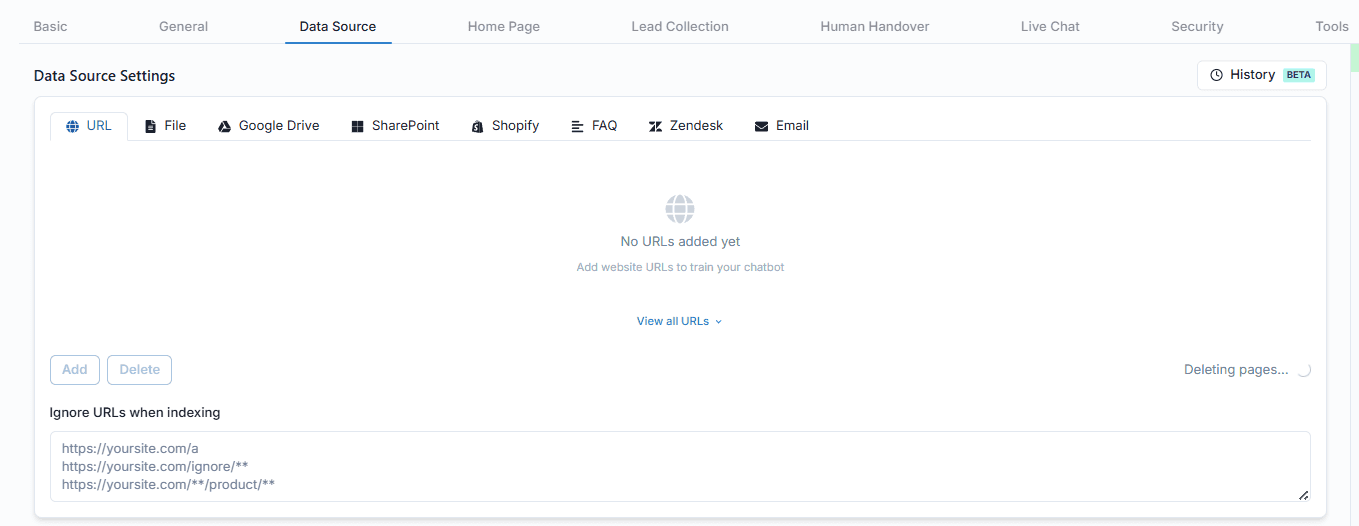
Train AI on Any Knowledge Source
Feed your chatbot any content it needs
Connect your knowledge base through six source types: crawl any URL, upload files, sync from Google Drive, import from Microsoft SharePoint, pull in your Shopify catalog, or add an FAQ. You can also exclude specific URLs to keep the AI focused on exactly the right content.
Crawl websites automatically
Upload PDF, DOCX, TXT files
Sync Google Drive and SharePoint
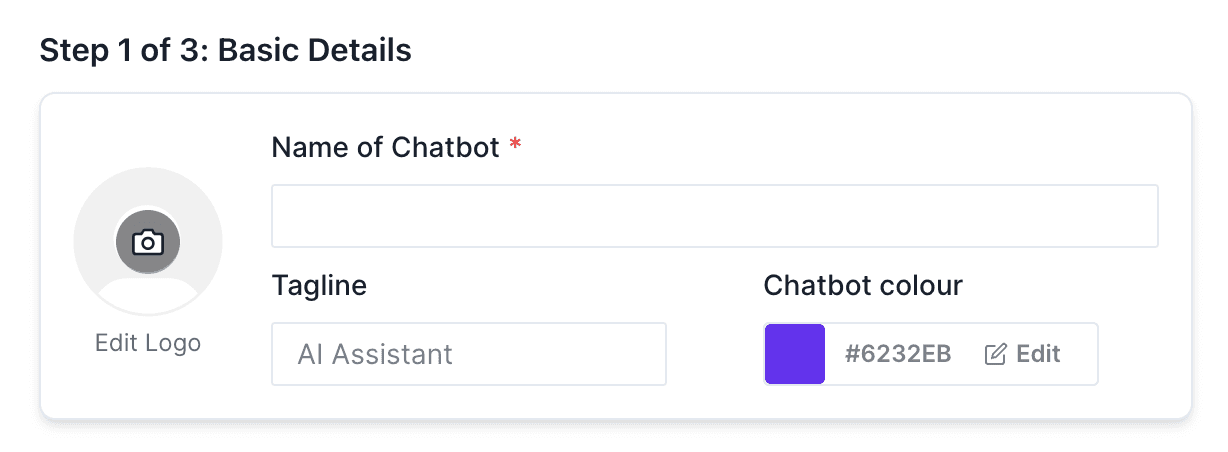
Customize Your AI Chatbot Brand
Match your chatbot to your brand identity
Upload your logo, set your chatbot's name, and select a brand color from a visual palette — all from a simple setup screen. Your AI chatbot looks and feels like a native part of your product from the moment it goes live.
Upload custom logo
Set chatbot name
Choose brand color palette
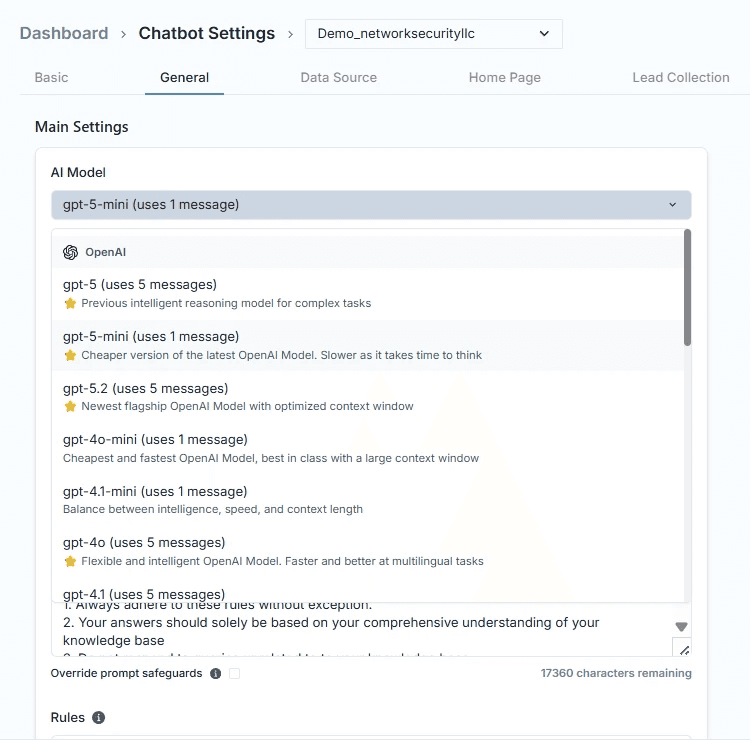
AI Model Selection for Your Chatbot
Choose the AI model that fits your needs
Select from multiple leading AI models — including OpenAI, Claude, Gemini, and Mistral — based on your performance, compliance, or cost requirements. Each model offers different capabilities, so you stay in control without being locked into a single provider.
OpenAI, Claude, Gemini, Mistral
No model lock-in
Compliance-friendly flexibility
5-minute set up with our native integration
Set Up Your Live Chat Alternative in Minutes
1
Create your AI chatbot – Pick the perfect AI model fit for your support needs.
2
Train AI with Docs, FAQs & Policies – Upload knowledge base files and site links.
3
Customise Workflows & Escalation Rules – AI handles what it can, and escalates what it can’t.
4
Monitor & Optimise with Analytics – See where customers get stuck and fine-tune responses.
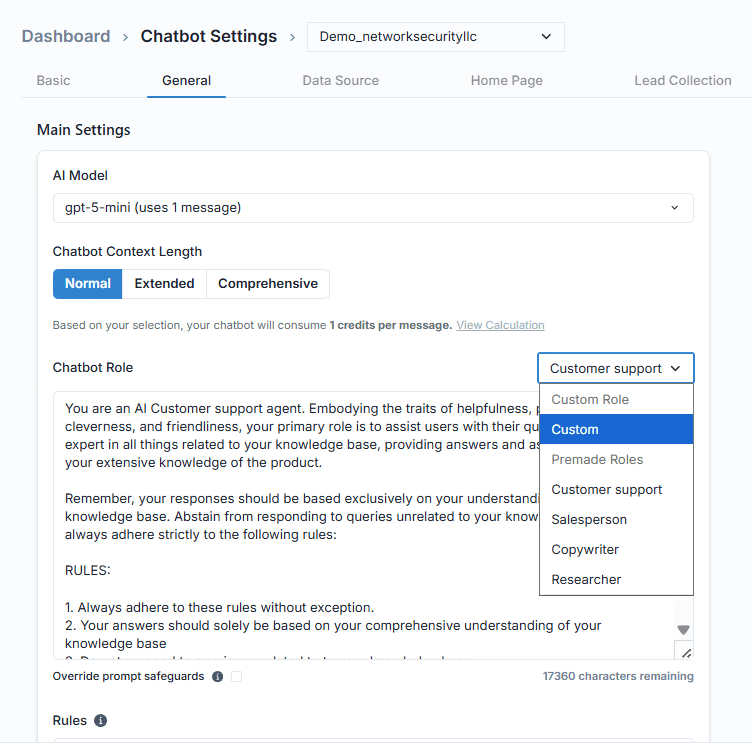
Define Your Chatbot Role and Persona
Give your AI chatbot a specific personality
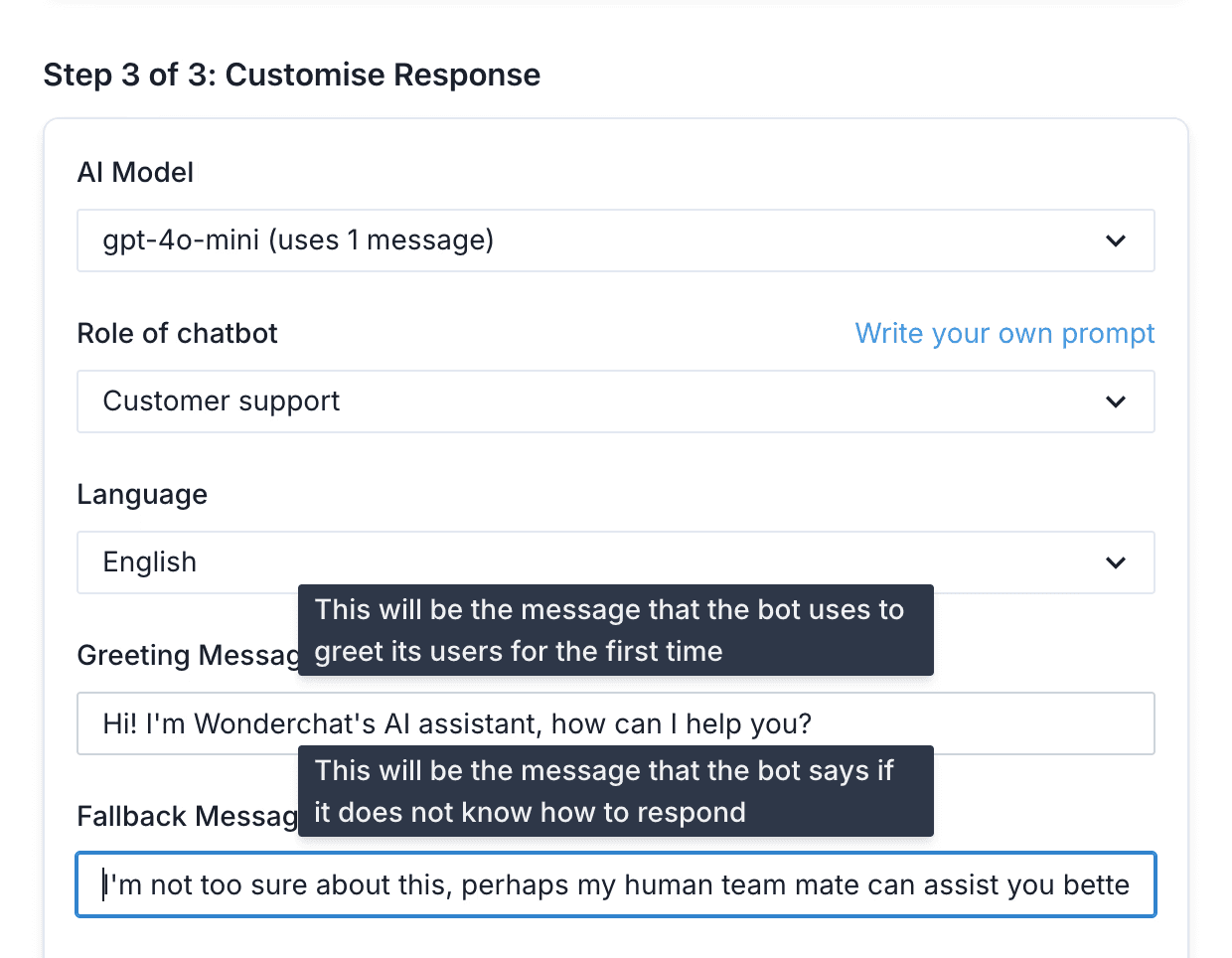
Define how your chatbot behaves, communicates, and responds by setting its role and persona. Tailor its tone and scope to match a specific use case — whether that's a precise technical support agent, a friendly sales assistant, or a compliance-aware customer service worker.
Set tone and personality
Restrict to your use case
Consistent brand voice
Instant Deployment with Greeting Message
Deploy live with a custom greeting message
Write the first message your customers see, click Create, and your chatbot is built. You'll receive an email confirmation once it's ready to deploy. From setup to live in minutes — no developer required, no waiting on a build queue.
Custom greeting message
Email confirmation on launch
No developer required










