Shopify AI Chatbot Integration for Your Store

Connect Wonderchat to your Shopify store and give customers real-time order tracking and instant product answers. No coding required.

Trusted by businesses worldwide

Easy 5 minute set-up

How Wonderchat Works
Shopify AI Chatbot Integration

Connect your store in a few clicks

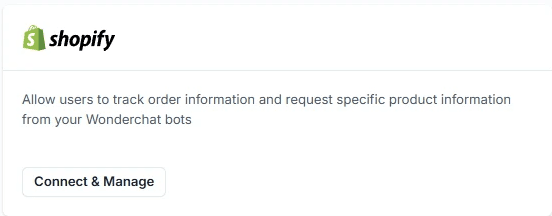
From your Wonderchat dashboard, go to Settings, then Integrations, and find Shopify. Click Connect and Manage, then connect to a new Shopify store. You are redirected to the Shopify App Store to install and authorize the app. Once done, you are sent back to your Wonderchat dashboard.

No coding required

Install via App Store

Authorize and go live
Real-Time Shopify Order Tracking

Let customers track orders in live chat

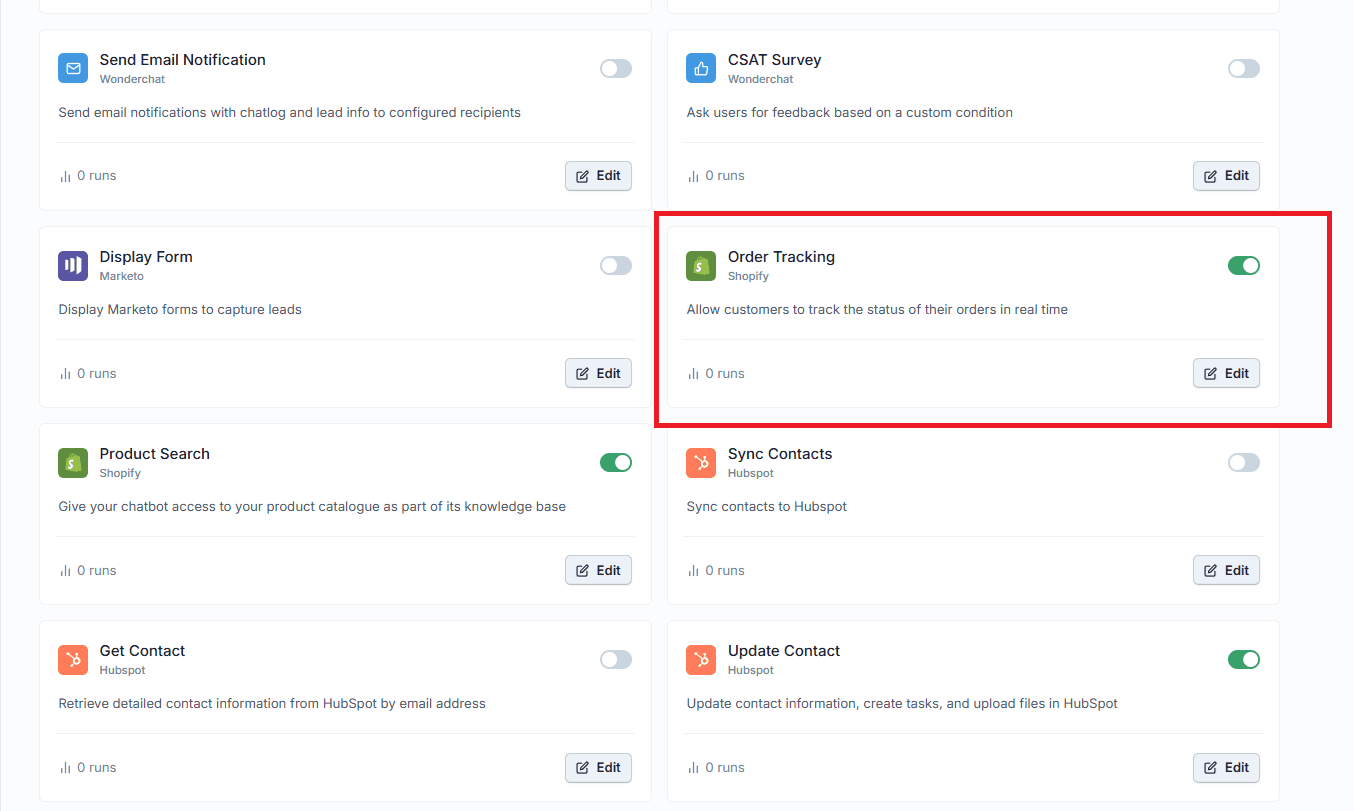
Once connected, enable the Order Tracking tool inside your chatbot's Tools section. Customers can check their order status directly in the chat widget using their order number, email, or both. Your AI agent pulls live data from Shopify and responds instantly.

Live order status updates

Flexible lookup options

Zero manual lookups
Shopify Product Search AI

Give your chatbot full catalog knowledge

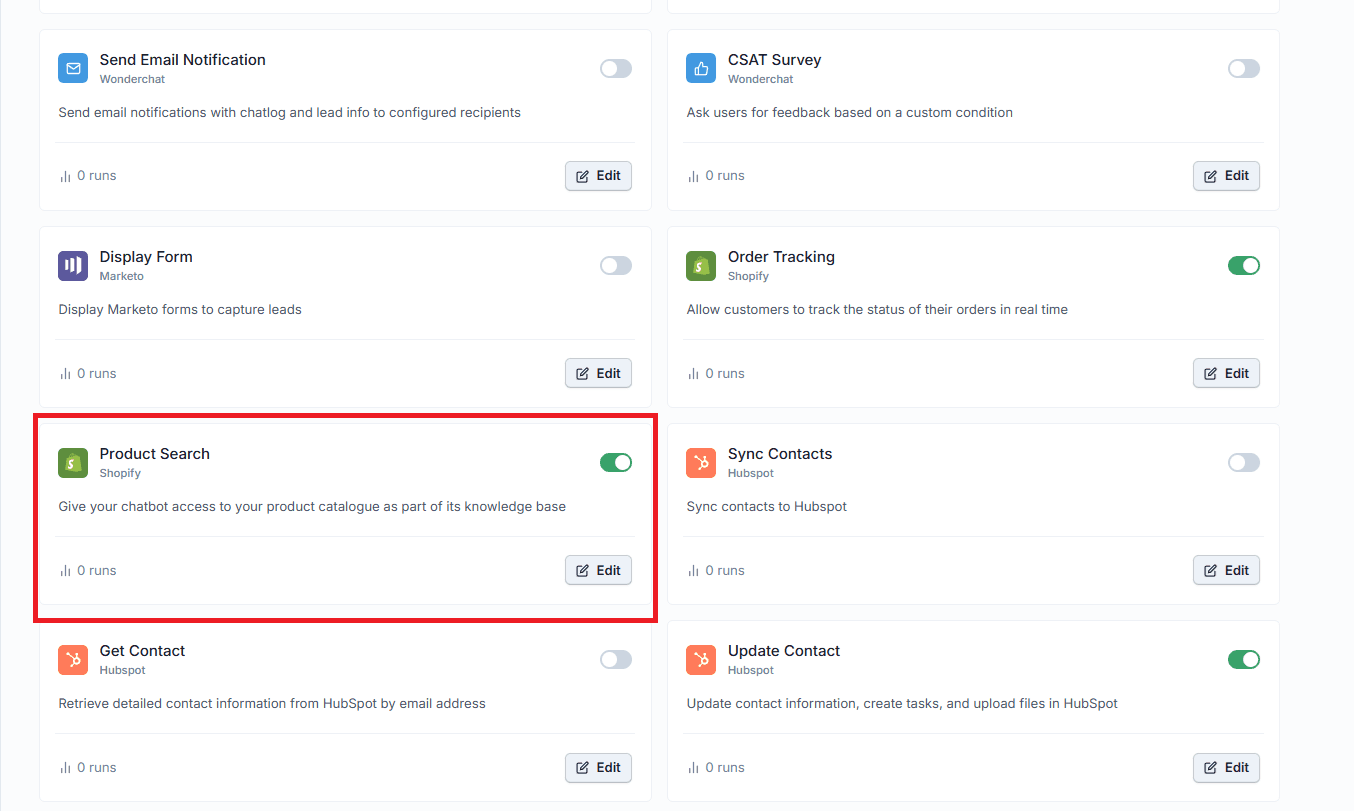
Enable the Product Search tool to sync your entire Shopify product catalog as the chatbot's knowledge base. Your AI agent can answer detailed product questions, help customers discover the right item, and support purchase decisions without leaving the chat.

Full catalog as knowledge base

Instant product answers

Supports product discovery

5-minute set up with our native integration

Set Up Your Live Chat Alternative in Minutes

1

Create your AI chatbot – Pick the perfect AI model fit for your support needs.

2

Train AI with Docs, FAQs & Policies – Upload knowledge base files and site links.

3

Customise Workflows & Escalation Rules – AI handles what it can, and escalates what it can’t.

4

Monitor & Optimise with Analytics – See where customers get stuck and fine-tune responses.
Shopify AI Chatbot Workflows

Automate support with custom workflows

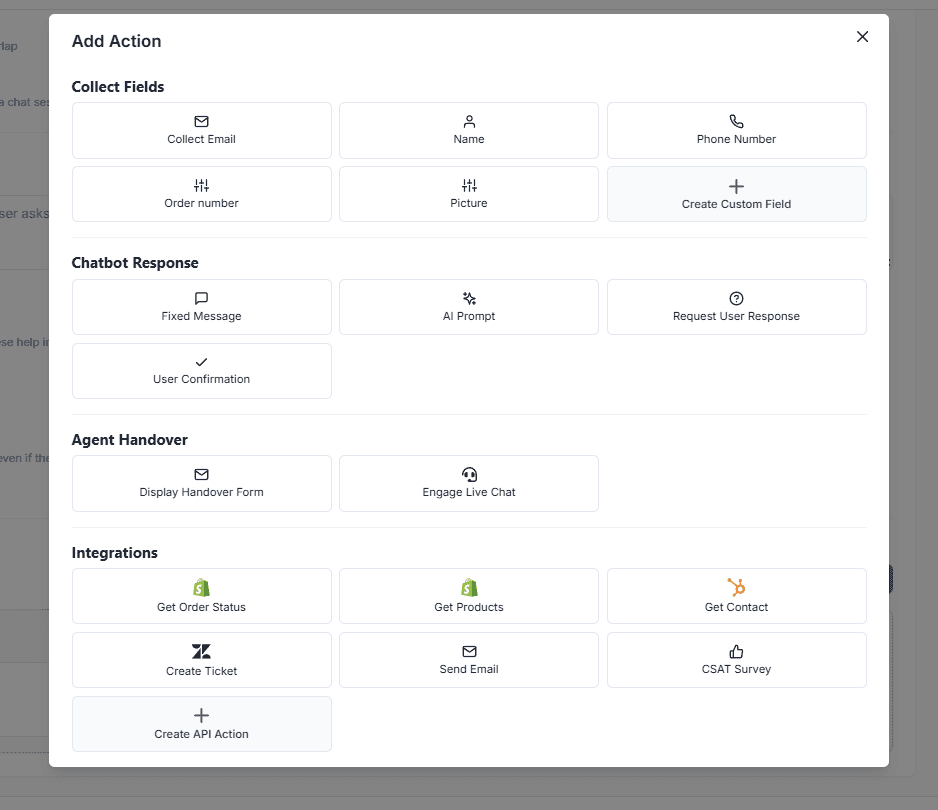
Build workflows that trigger inside Wonderchat alongside your Shopify data. Set a trigger condition, add examples, then choose an action such as Get Order Status or Get Products Information. Your chatbot handles complex, multi-step customer interactions automatically.

Custom trigger conditions

Order and product actions

Multi-step automation
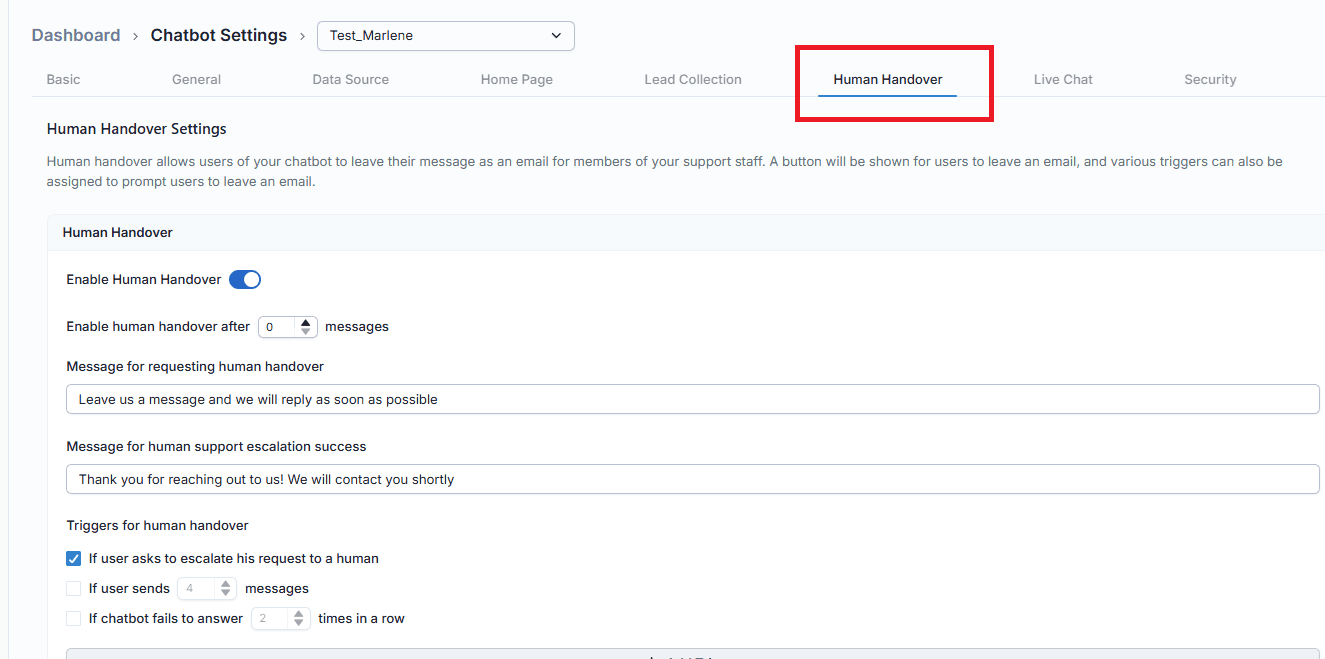
AI Chatbot Human Handoff

Escalate seamlessly when humans are needed

When a conversation goes beyond what your AI agent can resolve, Wonderchat escalates smoothly via email, helpdesk ticket, or built-in live chat. Smart routing sends the right issue to the right person, and human agents receive full conversation context on handover.

Zendesk and Freshdesk support

Built-in live chat takeover

Full context on handover

Testimonials

Businesses with successful customer service start

with Wonderchat

Testimonials

Businesses with successful customer service start

with Wonderchat

Industry Grade Compliance

Wonderchat is GDPR compliant and AICPA SOC 2 Certified.

Industry Grade Compliance

Wonderchat is GDPR compliant and AICPA SOC 2 Certified.

FAQ

How do I integrate an AI chatbot with my Shopify store?

Go to your Wonderchat dashboard and navigate to Settings, then Integrations. Find Shopify in the list and click Connect and Manage. You will be redirected to the Shopify App Store where you log in, install the app, and authorize it. Once authorized, you are sent back to Wonderchat, where you select which chatbot to connect to your store. The entire process takes only a few minutes and requires no coding.

Can the AI chatbot track Shopify orders in real time?

Yes. After connecting your Shopify store to Wonderchat, you can enable the Order Tracking tool inside your chatbot's Tools section. This gives the chatbot direct access to live order data from Shopify. Customers can look up their order status using their order number, email address, or a combination of both. The AI agent retrieves and presents this information instantly within the chat widget.

Does the chatbot have access to my Shopify product catalog?

Yes. The Product Search tool syncs your full Shopify product catalog as the chatbot's knowledge base. Once enabled, your AI agent can answer questions about any product in your store, help customers compare options, and support product discovery. There is no manual data entry required — the integration pulls your catalog data directly from Shopify.

Do I need technical skills or coding to set up this integration?

No coding is required. The Shopify AI chatbot integration is installed directly through the Shopify App Store. The setup flow inside Wonderchat guides you through connecting your store, selecting your chatbot, and enabling tools like Order Tracking and Product Search. Most store owners complete the setup without any developer involvement.

What percentage of support tickets can Wonderchat resolve automatically?

Wonderchat AI agents autonomously resolve 80 to 92% of customer inquiries, based on verified results across enterprise clients. For example, Jortt's AI agent resolves 92% of inquiries, leaving only 8% for human agents. On average, the AI fully resolves a customer query in just 2 messages.

FAQ

How do I integrate an AI chatbot with my Shopify store?

Go to your Wonderchat dashboard and navigate to Settings, then Integrations. Find Shopify in the list and click Connect and Manage. You will be redirected to the Shopify App Store where you log in, install the app, and authorize it. Once authorized, you are sent back to Wonderchat, where you select which chatbot to connect to your store. The entire process takes only a few minutes and requires no coding.

Can the AI chatbot track Shopify orders in real time?

Yes. After connecting your Shopify store to Wonderchat, you can enable the Order Tracking tool inside your chatbot's Tools section. This gives the chatbot direct access to live order data from Shopify. Customers can look up their order status using their order number, email address, or a combination of both. The AI agent retrieves and presents this information instantly within the chat widget.

Does the chatbot have access to my Shopify product catalog?

Yes. The Product Search tool syncs your full Shopify product catalog as the chatbot's knowledge base. Once enabled, your AI agent can answer questions about any product in your store, help customers compare options, and support product discovery. There is no manual data entry required — the integration pulls your catalog data directly from Shopify.

Do I need technical skills or coding to set up this integration?

No coding is required. The Shopify AI chatbot integration is installed directly through the Shopify App Store. The setup flow inside Wonderchat guides you through connecting your store, selecting your chatbot, and enabling tools like Order Tracking and Product Search. Most store owners complete the setup without any developer involvement.

What percentage of support tickets can Wonderchat resolve automatically?

Wonderchat AI agents autonomously resolve 80 to 92% of customer inquiries, based on verified results across enterprise clients. For example, Jortt's AI agent resolves 92% of inquiries, leaving only 8% for human agents. On average, the AI fully resolves a customer query in just 2 messages.

40+ Languages

Starts at $0.02/message

Available 24/7

AI agents that service your customers end-to-end

14-day free trial. No credit card required

40+ Languages

Starts at $0.02/message

Available 24/7

Add Wonderchat to Your Shopify Store

14-day free trial. No credit card required