Slack AI Chatbot Integration for Instant Support
Deploy a Slack AI chatbot integration in minutes with Wonderchat. Answer questions instantly from your knowledge base in any channel or thread and free your support team for high-value work.
Trusted by businesses worldwide








Easy 5 minute set-up
How Wonderchat Works
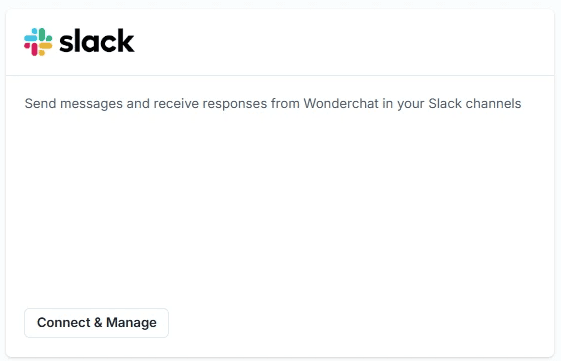
Connect Slack from Your Dashboard
One-click setup from the Wonderchat dashboard
From the Wonderchat admin dashboard, navigate to Settings then Integrations and locate the Slack tile. Click "Connect and Manage" and a new tab opens with a prompt to connect your Slack workspace. No code, no API keys, no developer involvement.
No coding required
Guided dashboard setup
Instant workspace connection
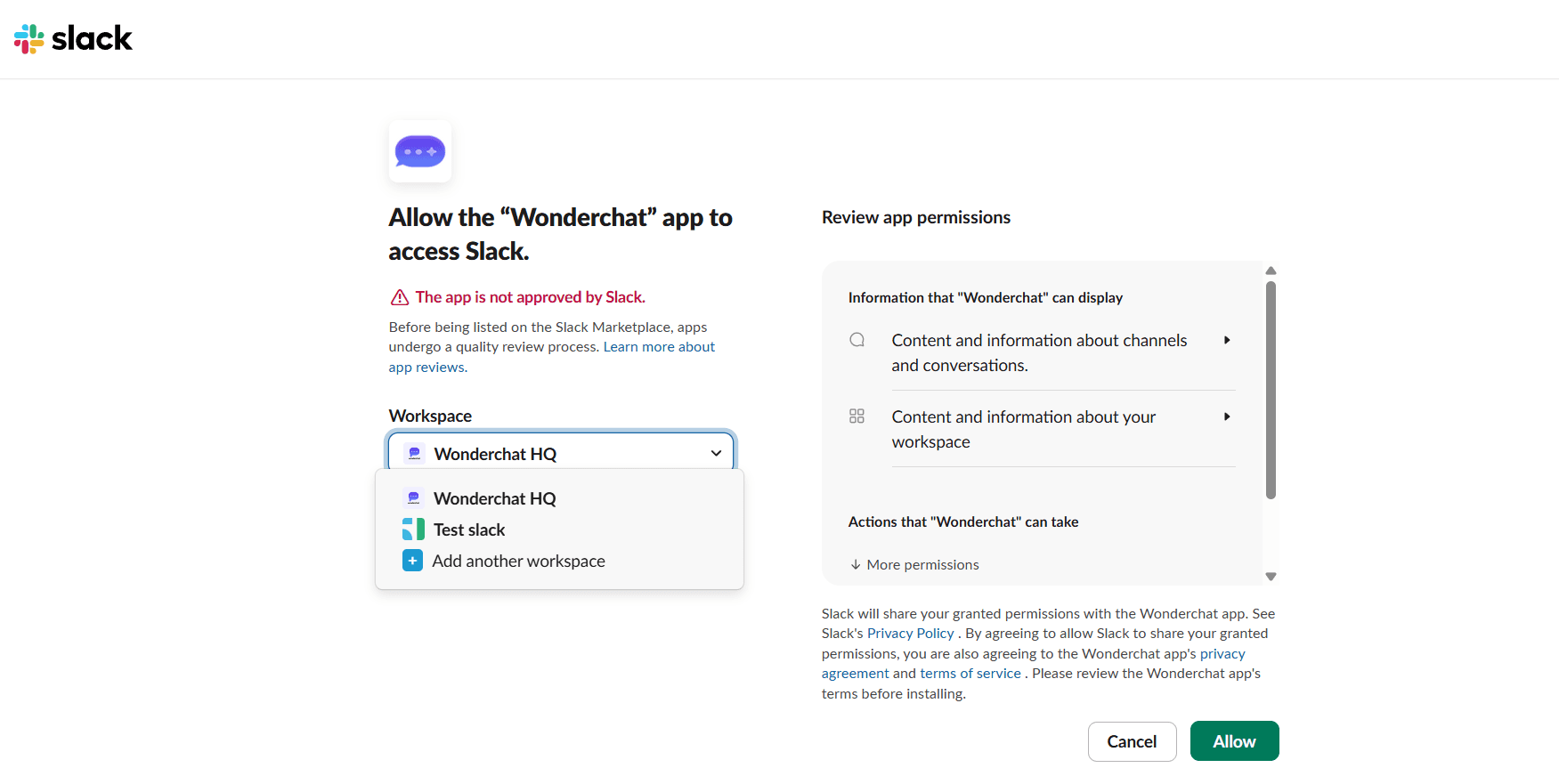
Authorize Your Slack Workspace
Secure Slack-native authorization in seconds
Slack's standard OAuth authorization page opens in your browser. Select your workspace from the dropdown, review the app permissions, and click Allow. You are redirected straight back to Wonderchat. Familiar, secure, and complete without any developer setup.
Slack-native OAuth flow
No API keys needed
Secure permission review
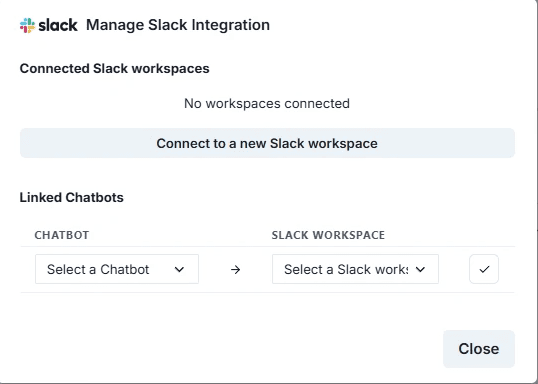
Link AI Agents to Slack Workspaces
Choose which AI agent serves which workspace
After authorization, return to Settings then Integrations then Slack and click "Connect and Manage" again. Your connected workspace now appears. Select which Wonderchat AI agent to link to that workspace and confirm with a checkmark. Multiple agents and multiple workspaces are fully supported.
Multiple agents supported
Flexible workspace mapping
Confirmed with one click
5-minute set up with our native integration
Set Up Your Live Chat Alternative in Minutes
1
Create your AI chatbot – Pick the perfect AI model fit for your support needs.
2
Train AI with Docs, FAQs & Policies – Upload knowledge base files and site links.
3
Customise Workflows & Escalation Rules – AI handles what it can, and escalates what it can’t.
4
Monitor & Optimise with Analytics – See where customers get stuck and fine-tune responses.

Instant AI Answers via @Mention
Get accurate knowledge base answers in Slack instantly
Add the Wonderchat app to any Slack channel, then mention @Wonderchat in a message. The AI agent pulls a precise, source-attributed answer from your knowledge base and replies instantly in Slack. No context switching, no ticket creation, no waiting.
@Mention triggers instant reply
Source-attributed answers
No context switching needed










