Changelog

What's new in Wonderchat

New features, integrations and AI models, as they ship.

  1. GPT-4.1 is Now Live on Wonderchat!

    We’ve included Open AI’s GPT-4.1 model for all users. Each response using this model will consume 5 messages.

    Expect faster responses, sharper reasoning, and even more human-like conversations.

    Navigate to Edit Chatbot > AI Model to try out this new release now!
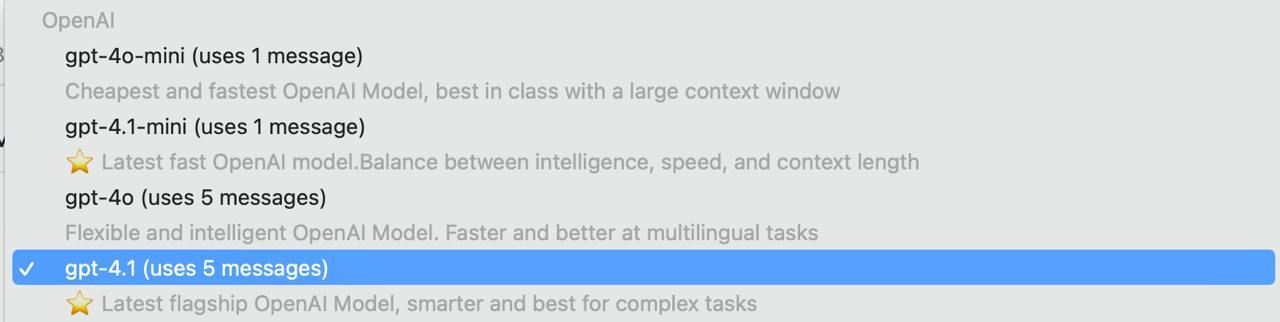
    Screenshot: GPT-4.1 is Now Live on Wonderchat!

    Your bots just got smarter—try it out today!

    Note: As GPT-4.1 is a newly released model from OpenAI, there may be occasional instability in chat responses compared to previous versions. We recommend keeping an eye on chatbot behavior after the upgrade to ensure everything runs smoothly.
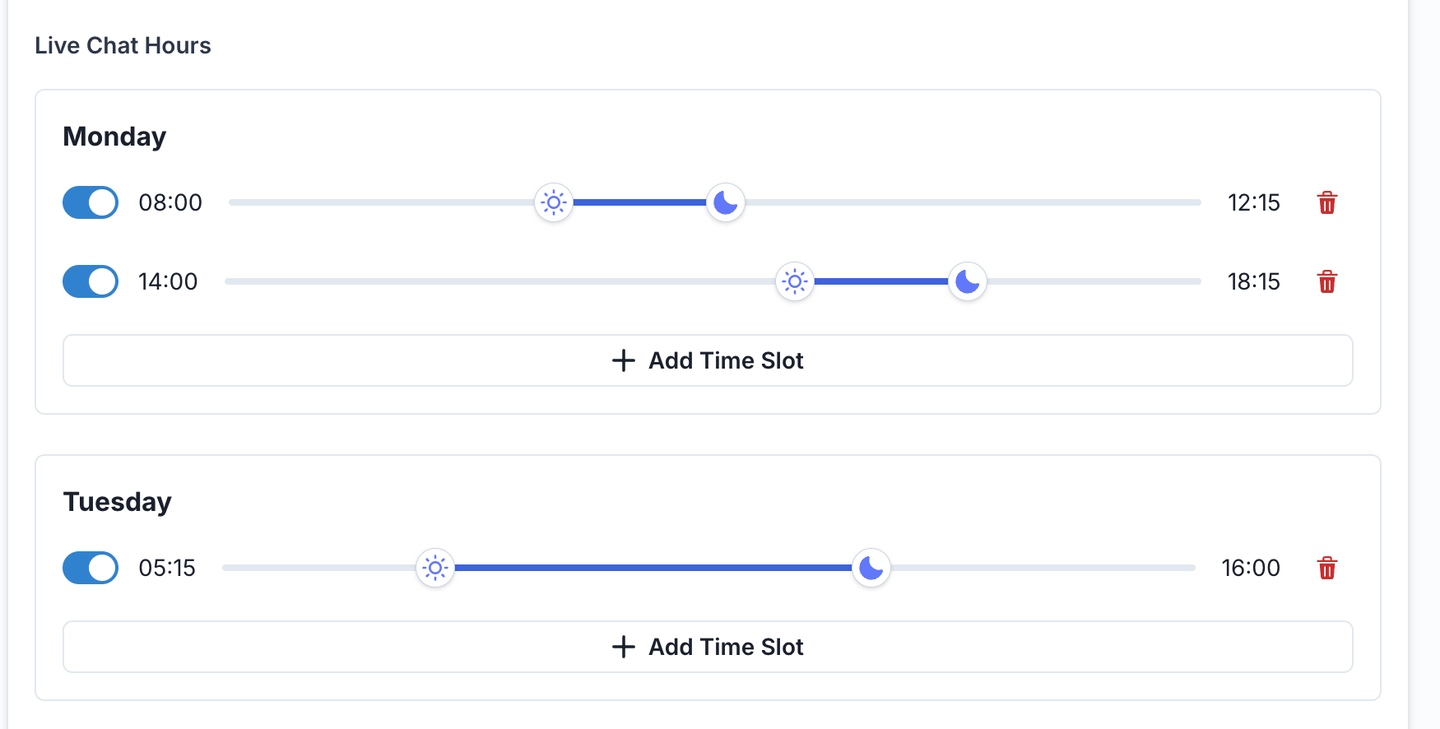
  2. Live Chat Time Slots

    You can now:

    • Set multiple time slots for your live chat availability each day
    • Add gaps between slots for lunch breaks, team meetings, or offline hours
    • Customize your agents’ schedules to better match your team's workflow

    Perfect for teams that aren’t online all day or have split shifts!

    See live chat
  3. Wonderchat Tools Release

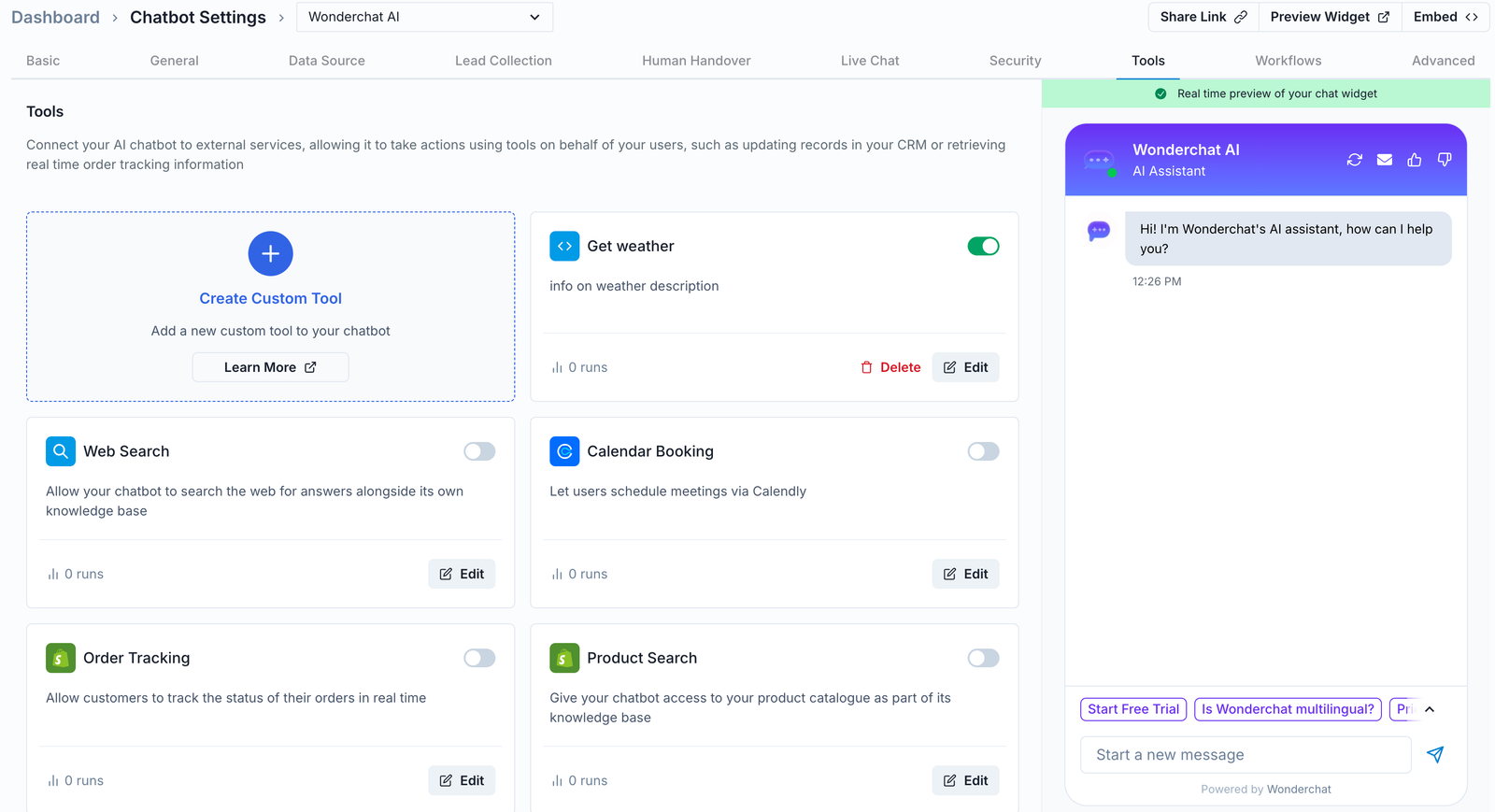
    Screenshot: Wonderchat Tools Release

    New Feature: Custom Chatbot Tools

    Overview

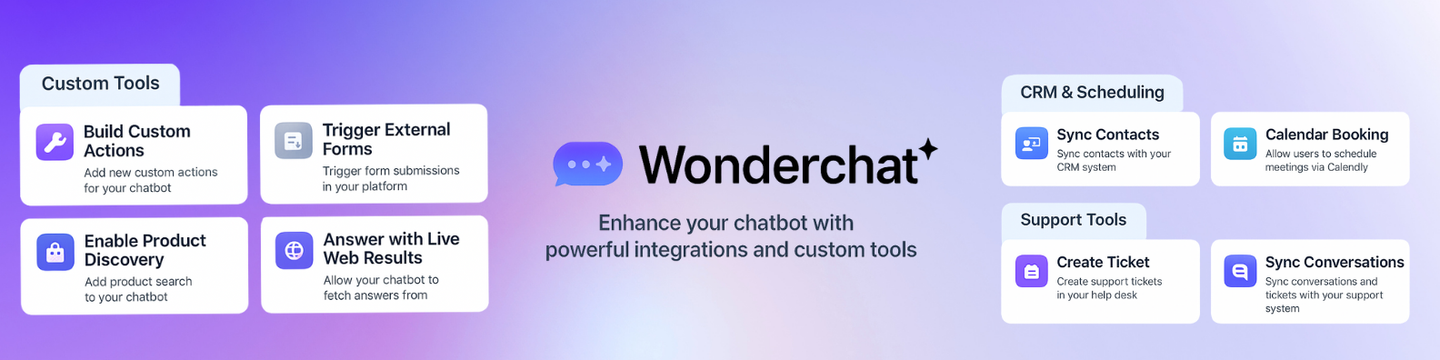
    Wonderchat introduces a powerful new feature called "Wonderchat Tools" that allows users to create custom tools enabling AI chatbots to interact with external APIs, making chatbots more dynamic and versatile.

    Key Features

    • Create custom tools to interact with external APIs
    • Simplify integration of third-party services into chatbot workflows
    • Provide easier access to information from various apps

    Tool Creation Capabilities

    • Define unique tool names and descriptions
    • Configure API endpoints with various HTTP methods (GET, POST, PUT, DELETE)
    • Support multiple authorization methods
      • No Authorization
      • API Key
      • Bearer Token

    Tool Configuration Options

    • Add input parameters with customizable types
    • Set mandatory and optional parameters
    • Specify default values for parameters
    • Customize display and user notifications for tool interactions

    Workflow Integration

    • Trigger tools based on specific user inputs or chat events
    • Customize chatbot responses using tool-returned data

    Use Case Example

    • Weather Information Retrieval Tool
      • Fetch real-time weather data for a specified location
      • Integrate weather information directly into chatbot conversations

    Implementation Details

    • Accessible via Dashboard > Edit Chatbot > Tools tab
    • User-friendly interface for tool creation and management
    • Comprehensive debugging and verification process

    Notes

    • Designed to bridge the gap between developers and complex API integrations
    • Enables non-technical users to create powerful, interactive chatbots
    • Use tools in conjuction with Wonderchat Workflows to replicate business SOPs effectively

    Release Date: March 2025

See it answer your hardest question. from your own docs.

Connect your website or documents and see Wonderchat deliver a grounded answer with the source attached.