Changelog

What's new in Wonderchat

New features, integrations and AI models, as they ship.

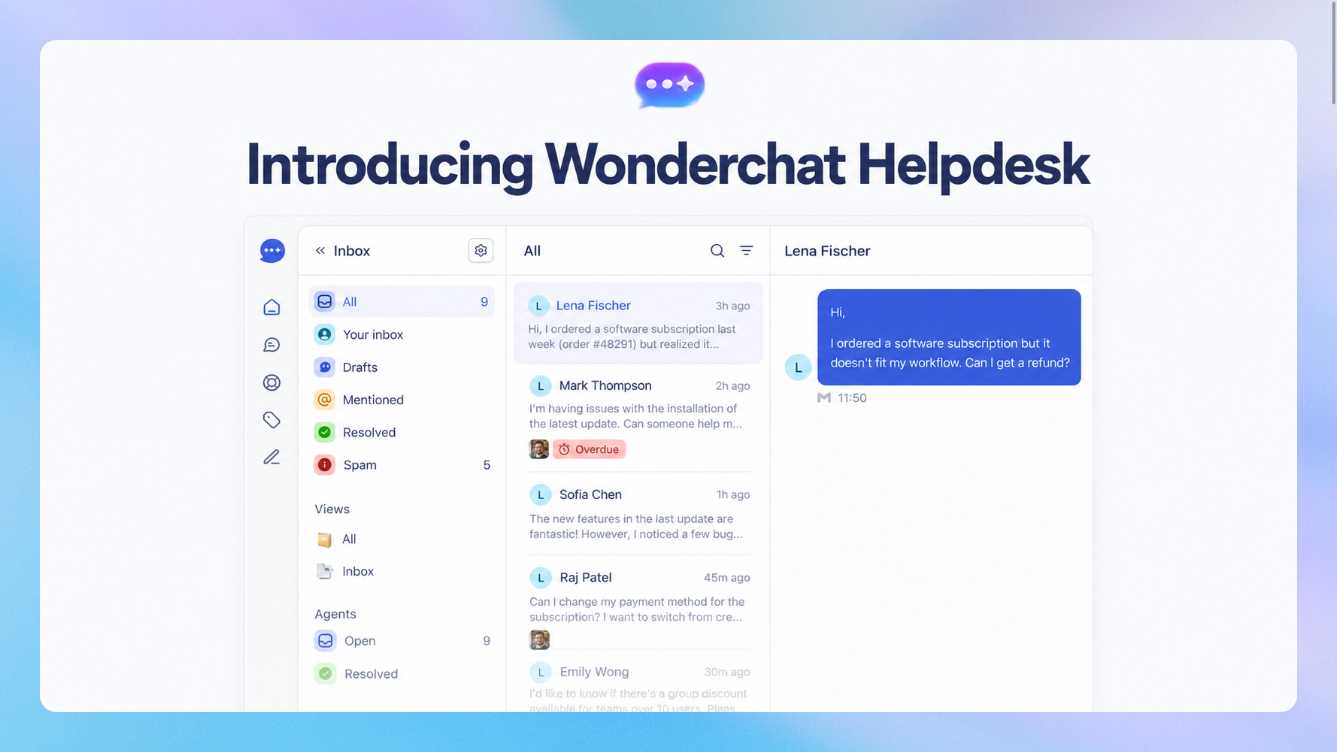
  1. Introducing Wonderchat Helpdesk

    Wonderchat already answers most of your customers' questions. Now, its ready to run the rest of your support too.

    Wonderchat Helpdesk brings email, live chat, WhatsApp, SMS and every human handover into one inbox, with AI working each ticket alongside your team. No per-seat pricing, no per-resolution fees, and no second tool to stitch together.

    Here's what's new.

    Native email integration

    Connect your support mailbox (Gmail, Outlook, or any provider) or use a Wonderchat-hosted address, and every incoming email becomes a ticket.

    • True two-way sync. Reply from Wonderchat or from your own email client. Either way the thread stays in sync, CCs are kept, and your customer sees one clean conversation.
    • AI that drafts or replies for you. Your agent reads the thread, checks your knowledge base, and writes the reply in your team's voice. Send it automatically, after a delay, or keep it as a draft for a human to approve.
    • Smart spam filtering. Cold pitches, newsletters and auto-replies are screened out before they hit your queue, and the filter learns every time you mark something as spam or not spam.
    • Handles real-world email. Forwards, CC'd colleagues, replies from a second address, out-of-office bounces. It all lands on the right ticket instead of creating duplicates.

    One inbox for every channel

    Every conversation your team needs to handle now lives in one place. Email tickets, live chats from your website widget, WhatsApp, SMS, and every chat your AI agent hands over to a human.

    • One place for your whole support team. See what's new, what's on you, and what's waiting on the customer at a glance.
    • SLAs that respect business hours. Set response targets and get alerted before a ticket breaches, not after.
    • Intelligent assignment. Tickets are routed to the right team based on what they're about, then round-robined to whoever is on duty. Set up on-call rotations and after-hours cover, and mark yourself Away so nothing gets assigned to an empty desk.
    • Auto-priority. Every new ticket is triaged High, Medium or Low using your own definitions of what urgent means.
    • Lives where your team already works. Get notified in Slack, Microsoft Teams, email or in-app. New tickets, assignments, @mentions, customer replies and SLA alerts post to your channels, threaded per ticket.
    • AI that takes action, with you in control. Your agent can prepare account work like refunds or plan changes right inside the ticket. A teammate reviews and clicks approve before anything runs.
    • Collaborate in context. Internal notes, @mentions, followers, tags and saved replies, all on the ticket.

    Agent-native with MCP

    Wonderchat Helpdesk is built for the AI tools your team already uses. Connect Claude, ChatGPT, Cursor or any MCP client to your inbox and let your own agent work alongside you.

    • Work the queue from your AI assistant. List and search tickets, read full conversation history, and pull up past tickets to see how similar issues were solved.
    • Draft replies without opening the dashboard. Your agent drafts a reply and saves it to the ticket for review. Nothing is sent until you say so.
    • Triage in bulk. Assign, tag, add notes, set priority, close or reopen tickets with a single prompt.
    • Secure by default. Sign in with OAuth or an API key scoped to the agents you choose. Your assistant sees exactly what you'd see in the dashboard, nothing more.

    Get started

    Wonderchat Helpdesk is available on all plans. Head to Inbox in your dashboard. Connect your email under Channels → Email, set up assignment and SLAs in Inbox settings, and connect your AI assistant from Settings → API keys → Connect via MCP.

    We'd love to hear what you think! Feel free to reach out to support@wonderchat.io if you have any feedback or encounter issues setting up!

    Explore the help desk
  2. Wonderchat MCP server: connect Claude, ChatGPT and Gemini

    Wonderchat now has its own MCP server. Connect Claude, ChatGPT, Cursor or any MCP-compatible client to your Wonderchat account and manage everything from your AI assistant.

    In August we let your agent call external MCP servers. This is the other direction: your AI assistant can now work with Wonderchat!

    What your assistant can do

    • Agents: list your agents, and read or update their settings, such as model, prompt, handover rules and widget.
    • Tickets: list and read tickets, draft and send replies, add internal notes, update priority or assignee, and close tickets.
    • Review inbox: see where your agent struggled, and apply the suggested fix or point it to the right page or document.
    • Knowledge: add a URL, a text snippet or a corrected answer, and search what your agent knows.
    • Conversations and analytics: search conversations, read full transcripts, and pull conversations, resolution rate, satisfaction, leads and top questions.

    Try asking:

    • "Which questions did my agent fail to answer this week, and how do I fix them?"
    • "Summarize today's unassigned tickets and draft replies."

    How to connect

    Go to Settings → API Keys → Connect via MCP. The server URL is:

    https://app.wonderchat.io/api/mcp

    • Claude or ChatGPT: add it as a custom connector and sign in with your Wonderchat account (OAuth).
    • Cursor, Claude Code and other clients: copy the config snippet from Settings, which uses your Wonderchat API key.

    Then ask your assistant to "list my Wonderchat agents" to check it's working.

    Permissions

    • Access matches your Wonderchat role: members can read, admins can make changes.
    • Actions that change things are marked, so AI clients can ask you to confirm first.
    • Answers generated through the server use your plan's message credits.
    • Remove access any time by disconnecting the connector or deleting the API key.

    See the MCP server
  3. Book meetings right inside your chat

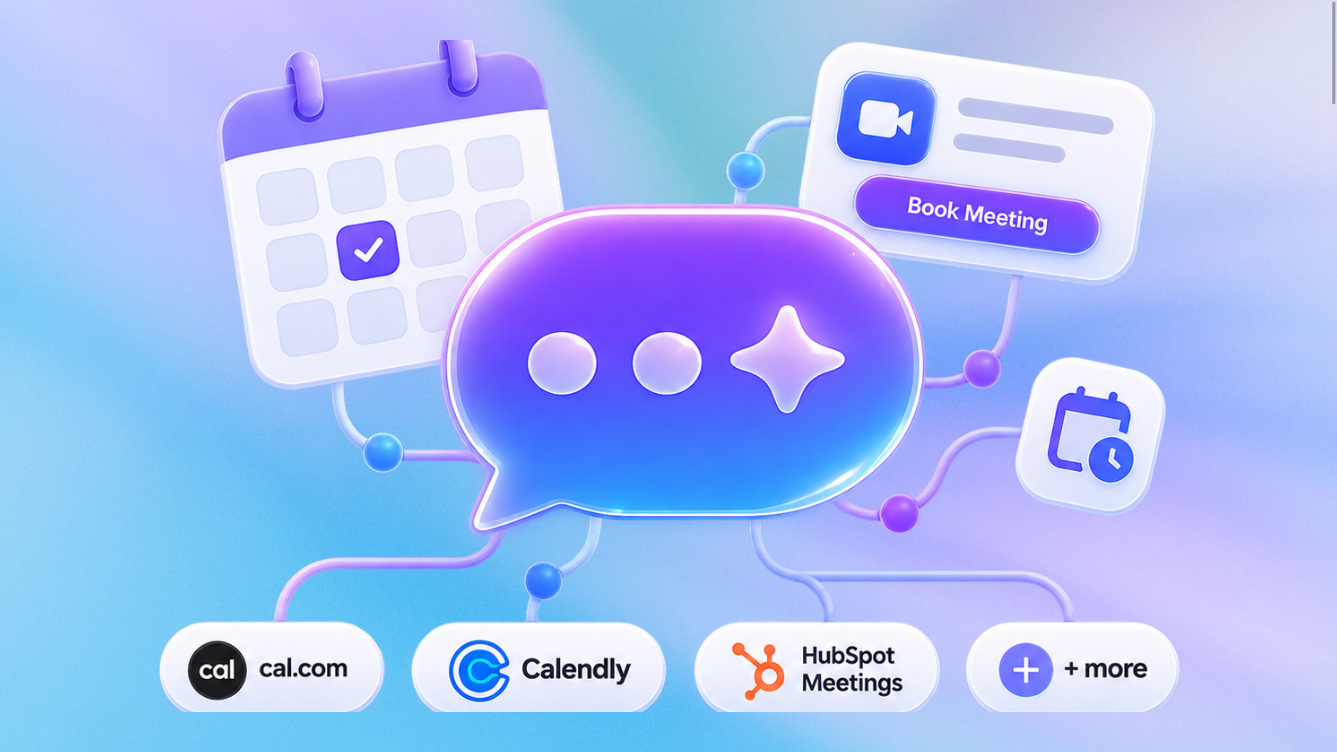
    Your agent can now schedule meetings for visitors without sending them off to a separate booking page! Connect your calendar, and people can pick a time and confirm a meeting in the middle of a conversation.

    What you can do now

    • Connect Cal.com or HubSpot Meetings. Link your existing scheduling setup in a few clicks. Availability, time zones, and confirmations all come straight from your calendar.
    • Ask visitors to book a meeting at the right time. Simply describe when your agent should offer a meeting. When the time is right, it’ll proactively invite the visitor to book.
    • Give visitors a smooth booking flow. They see open slots, pick a time, and get confirmed without ever leaving the chat. No back-and-forth, no extra links.
    • Track how bookings convert. See how many conversations turn into booked meetings, so you know how well your agent is driving real pipeline.

    Connect your calendar in your agent settings to turn it on!

    See the Calendly integration
  4. Wonderchat Updates: MCP, PII Redaction, and Images

    Here is what we shipped over the past week.

    Connect your agent to external tools with MCP

    Screenshot: Wonderchat Updates: MCP, PII Redaction, and Images

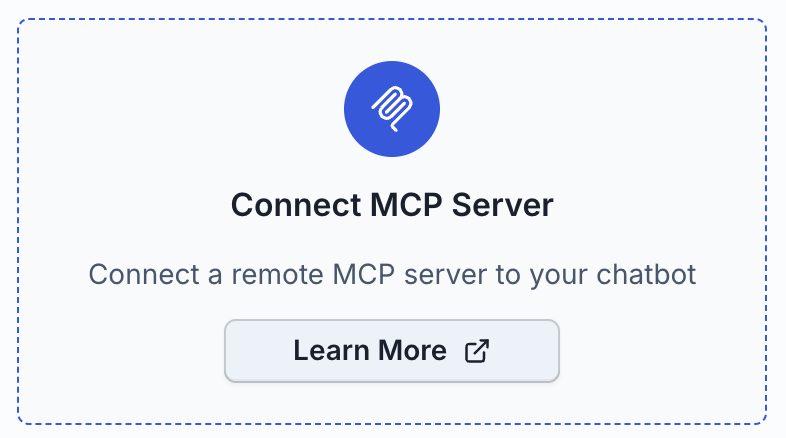
    You can now connect your agent to external tools and services using MCP (Model Context Protocol). Register any MCP server, sign in with OAuth, and pick which tools your agent is allowed to use. During a conversation your agent can call those tools live to look up data or take actions, then use the result in its answer. Available on Scale plan and above, from your Tools settings

    • Connect any MCP-compatible server
    • Secure OAuth sign-in, no keys pasted into chat
    • Choose exactly which tools are enabled

    Automatic PII redaction

    Screenshot: Wonderchat Updates: MCP, PII Redaction, and Images

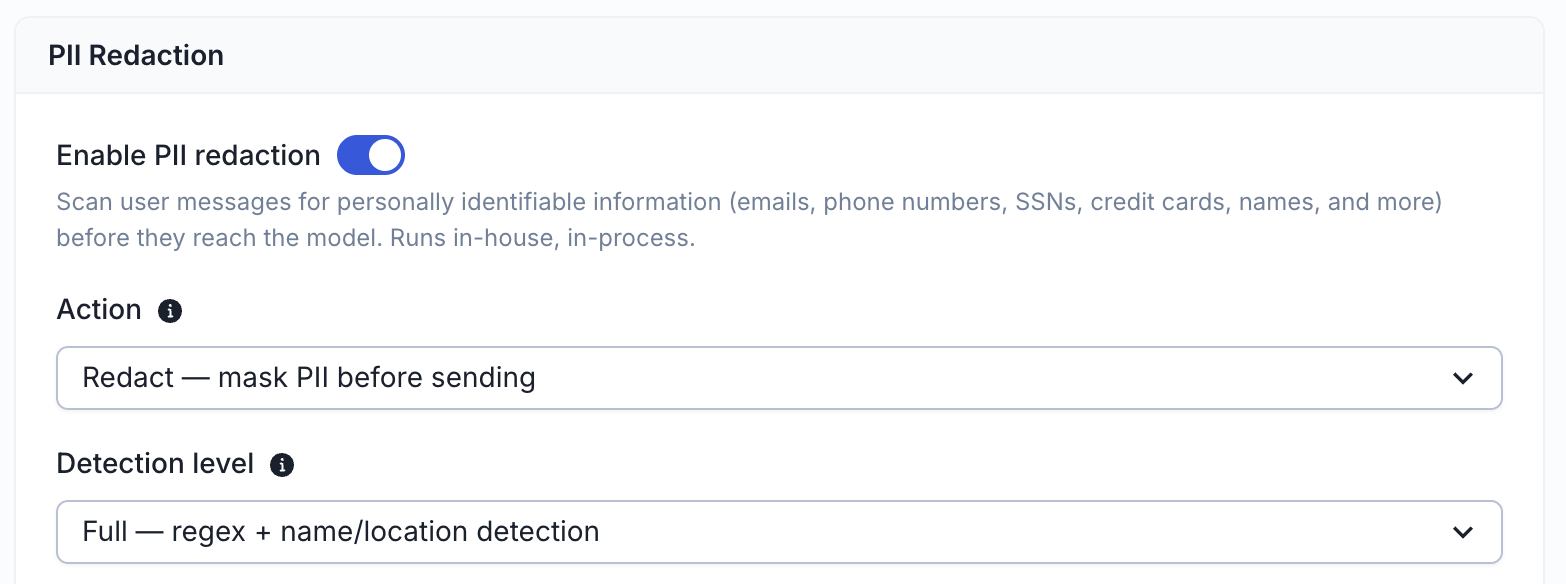
    Personal information in your conversations is now detected and masked automatically. Names, emails, phone numbers, credit card numbers, and health identifiers are recognized and redacted before they are stored, so sensitive data does not sit in your logs. Detection runs entirely on our own infrastructure. Available on the Scale plan and above, from your security settings.

    Your agent now understands images on your pages (Beta)

    When Wonderchat crawls your website, it can now reads the images on each page and adds a description of them to your knowledge base. Charts, screenshots, product photos, and infographics become searchable, so your agent can answer questions about content that previously only lived inside an image. Available as a toggle-able option from your Data Source settings

    See the MCP server
  5. Google Tag Manager & PostHog integrations

    You can now stream your chat widget’s activity straight into your own analytics stack!

    When enabled, Wonderchat pushes key interaction events to your site’s Google Tag Manager dataLayer and PostHog instance, so you can measure how visitors engage with your bot alongside the rest of your funnel — build conversion goals, trigger tags, and slice engagement in the tools you already use.

    Events tracked:

    • wonderchat_conversation_started — a visitor begins a conversation
    • wonderchat_message_sent — a visitor sends a message
    • wonderchat_searchbar_opened / wonderchat_searchbar_closed — search-bar opened or closed
    • wonderchat_widget_opened / wonderchat_widget_closed — chat widget opened or closed

    Each event is tagged with its source (chat widget or search bar) so you can tell them apart.

    Turn it on from the Tools tab - look for the Google Tag Manager and PostHog cards. No code changes or re-embedding required!

  6. July 2026 updates

    Here's everything new from Wonderchat this month!

    New data sources

    • SCORM / xAPI course zips from your LMS
    • SharePoint pages

    Rebuilt search bar Embed

    • Compact, and opens the moment someone hits Enter
    • Answers stream in smoothly instead of jumping around
    • Suggests follow-up questions
    • Collects leads and hands off to email without the visitor leaving it

    More qualified leads

    • Ask visitors to confirm their email or phone with an OTP code before the lead saves

    New Analytics

    • New: how fast your bot responds, and which states and regions visitors chat from
    • Every page, file and video now shows its own training status — so you can see exactly what didn't make it in, and why

    Deliver granular notifications to your stack

    • Signed webhooks per chatbot notification (New Live chat, New lead collected, New handover request), straight to your own systems (Slack, Teams, Email)
    • Conversion tracking for Google Tag Manager, GA4 and Google Ads

    Smoother handovers

    • Your bot can ask "Did this answer your question?" and offers a human when it didn't
    • Visitors can attach several files at once, and they ride along to the Zendesk ticket

    Improved workflow triggers

    • Workflow triggers can fire on several keywords, not just one

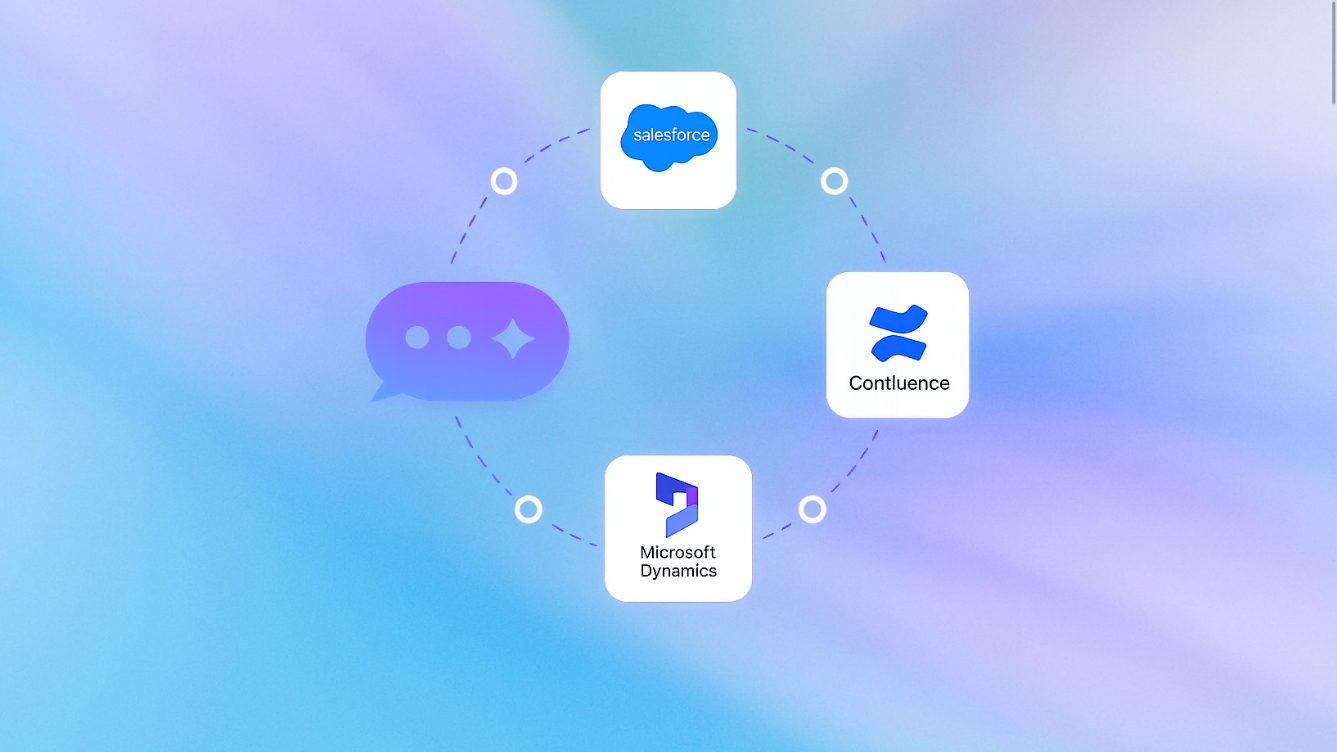
  7. New Integrations: Confluence, Salesforce, Dynamics 365

    We’ve added new integrations and improved existing ones to help your chatbot learn from more sources, sync leads faster, and keep your team instantly updated.

    Confluence Integration

    You can now train your Wonderchat chatbot on Confluence pages, making it easier to turn your internal knowledge base, documentation, and team resources into accurate AI-powered answers.

    Salesforce Integration

    Automatically sync leads collected by your chatbot directly into Salesforce, so your sales team can follow up without manually copying lead details.

    Microsoft Dynamics 365 Sales Integration

    Wonderchat now supports Microsoft Dynamics 365 Sales, allowing you to send collected chatbot leads straight into your CRM and keep your sales pipeline up to date.

    Slack & Microsoft Teams Notifications

    Stay on top of important chatbot activity with real-time notifications in Slack and Microsoft Teams. Forward alerts for new live chats, new leads collected, and human handover requests directly to the channels your team already uses.

    Browse integrations
  8. Wonderchat + Telegram Bots are Live

    You can now connect your Telegram bot to Wonderchat and power it with your AI agent.

    With this integration, you can:

    • Turn any Telegram bot into an AI support or assistant experience
    • Automatically reply to incoming messages using your Wonderchat agent
    • Handle FAQs, support requests, lead qualification, and more
    • Deliver instant 24/7 responses directly inside Telegram

    Connect your Telegram bot from the integrations dashboard and get started in minutes!

    See the Telegram integration

See it answer your hardest question. from your own docs.

Connect your website or documents and see Wonderchat deliver a grounded answer with the source attached.