
Quick Summary
The best Shopify AI chatbots in 2026: Wonderchat for answers from your own store content with no per-seat cost, Zendesk if it is already installed, Tidio for live chat and AI in one, and alby for proactive sales prompts. This guide compares eight tools on features, pricing and fit for support, sales and customer experience.
Looking for The Best AI Chatbots for Shopify?
A Shopify store gets the same questions over and over: shipping times, returns, order status and sizing.
A Shopify AI chatbot answers them from your store content.
These AI ecommerce agents answer shoppers from your store content and hand the hard questions to you.
Tidio’s chatbot statistics projected that the number of businesses using AI chatbots would grow by 34% by 2025, which makes them hard to ignore in e-commerce.
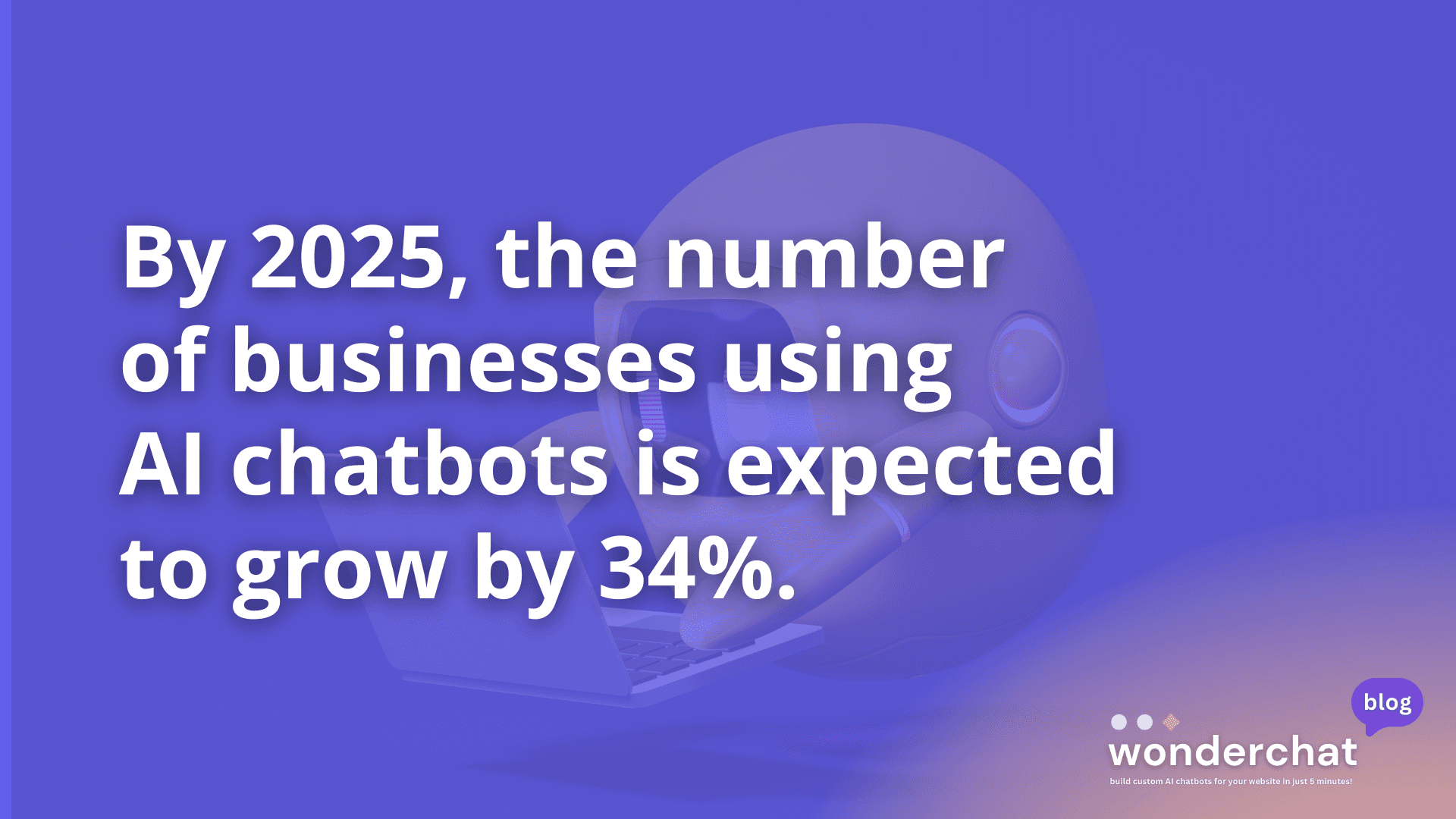
Image 1: Chatbot statistic
This Wonderchat guide compares the best Shopify AI chatbots for 2026 and helps you decide which one fits your needs and budget.
Why Listen to Wonderchat?
Wonderchat builds no-code AI agents for small teams with real documentation, Shopify stores included (see Wonderchat’s customer stories), and analysed 5,848,078 conversations across 14,318 businesses between March 2023 and August 2026.
What is a Shopify AI Chatbot?
A Shopify AI chatbot is a virtual assistant that helps you automate customer interactions on your Shopify store. Powered by artificial intelligence, it can answer questions, recommend products, handle support requests, and even guide shoppers through checkout, all in real time.
Unlike basic live chat tools, AI chatbots can understand intent and answer from your store content without a person typing every reply. For a small team, that means fewer of the same questions landing in the inbox.
8 Best Shopify Chatbots in 2026
The right website chatbot depends on your goals, budget, and how hands-on you want to be. It’s important to weigh pricing, features, free trials, and overall value before making a decision.
Shopify Chatbot | Key Features | Pricing | Free Trial | Why Choose This Tool? |
Zendesk | AI chat, ticketing system, multi-platform integration. | See Zendesk’s pricing page | 14 days | Suitable for advanced customer support, but per-resolution AI charges add up quickly. |
Chatfuel | Pre-built templates include 1,000 messages/month. | See Chatfuel’s pricing page | 7 days | Affordable for basic chatbots but limited for high-volume stores. |
Botsify | Drag-and-drop builder allows Shopify catalog sync. | See vendor’s pricing page | See Botsify’s site | Best for small stores with minimal customization needs. |
HubSpot Chatbot | CRM integration and up to 1,000 contacts included. | Free plan; see HubSpot’s pricing page | No free trial, but free plan available | Businesses already invested in HubSpot's ecosystem and looking to integrate a basic chatbot. |
ChatBot.com by Text | Pre-built templates and 1,000 chats/month are included. | See vendor’s pricing page | 14 days | Per-chat charges above the plan allowance can be restrictive for growing stores. |
Tidio | Live chat and chatbot in one, product triggers, multichannel inbox, and pre-built automation templates. | Free tier available; paid plans scale by usage | 7 days | Great for stores that want live chat and AI features bundled together, especially for smaller teams. |
alby | Proactive chat prompts, product/review sync, site-wide embed controls, and custom flows for sales/support. | Subscription-based pricing based on features and usage | 7 days | Ideal for stores focused on conversion and engagement with proactive AI and deep Shopify sync. |
1. Wonderchat
Wonderchat is a no-code AI customer service agent with a Shopify integration. It answers shoppers from your own store content, shows the source on every reply, and hands over to your team when it can’t answer.
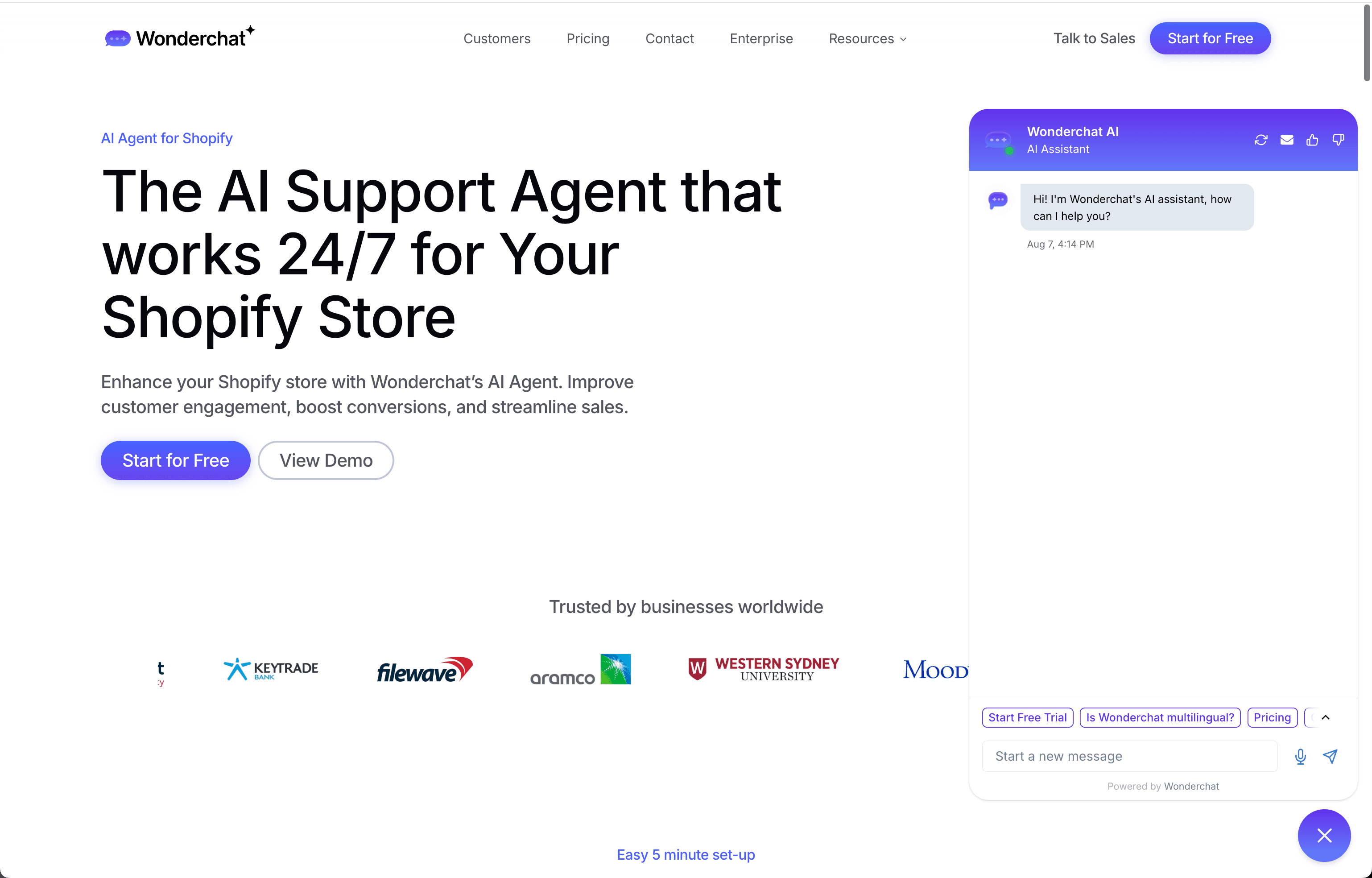
Image 2: Wonderchat Shopify workflow
Key Features
Same-Day Setup: 80% of Wonderchat agents that go live do so the same day, without any coding.
Shopify order tracking and product search: From the Basic plan, it looks up order status and products for shoppers.
Custom Brand Persona: Match tone, avatar, and responses to your brand voice.
Multi-Source Training: Use your own site URLs, help center, PDFs and past tickets to train the agent.
Analytics and the review inbox: The analytics dashboard, from Basic, tracks conversations, and the review inbox lists the questions the agent couldn't answer, so you know what to write next.
Built-in Shopify Integration: Install the app on your Shopify store to get started.
Pricing
A Free plan with 50 AI replies a month, refilled monthly (no card; a plan, not a trial), then paid plans for more AI replies on Wonderchat’s pricing page. The meter is AI replies, with no per-resolution fee and no per-seat fee.
Who It’s For
Small to medium Shopify stores that want answers from their own store content, set up the same day.
Pros
Designed for non-technical users
Thorough Shopify integration
Real-time performance insights
No per-resolution fees
SOC 2 Type II, GDPR, EU-hosted in Frankfurt, HIPAA BAA available
Con
No native mobile app yet
HubSpot contact sync and Shopify order tracking start on Basic
2. Zendesk
Zendesk’s chatbot, integrated with its broader support suite, excels at pulling real-time customer and order data to deliver personalized assistance within Shopify.
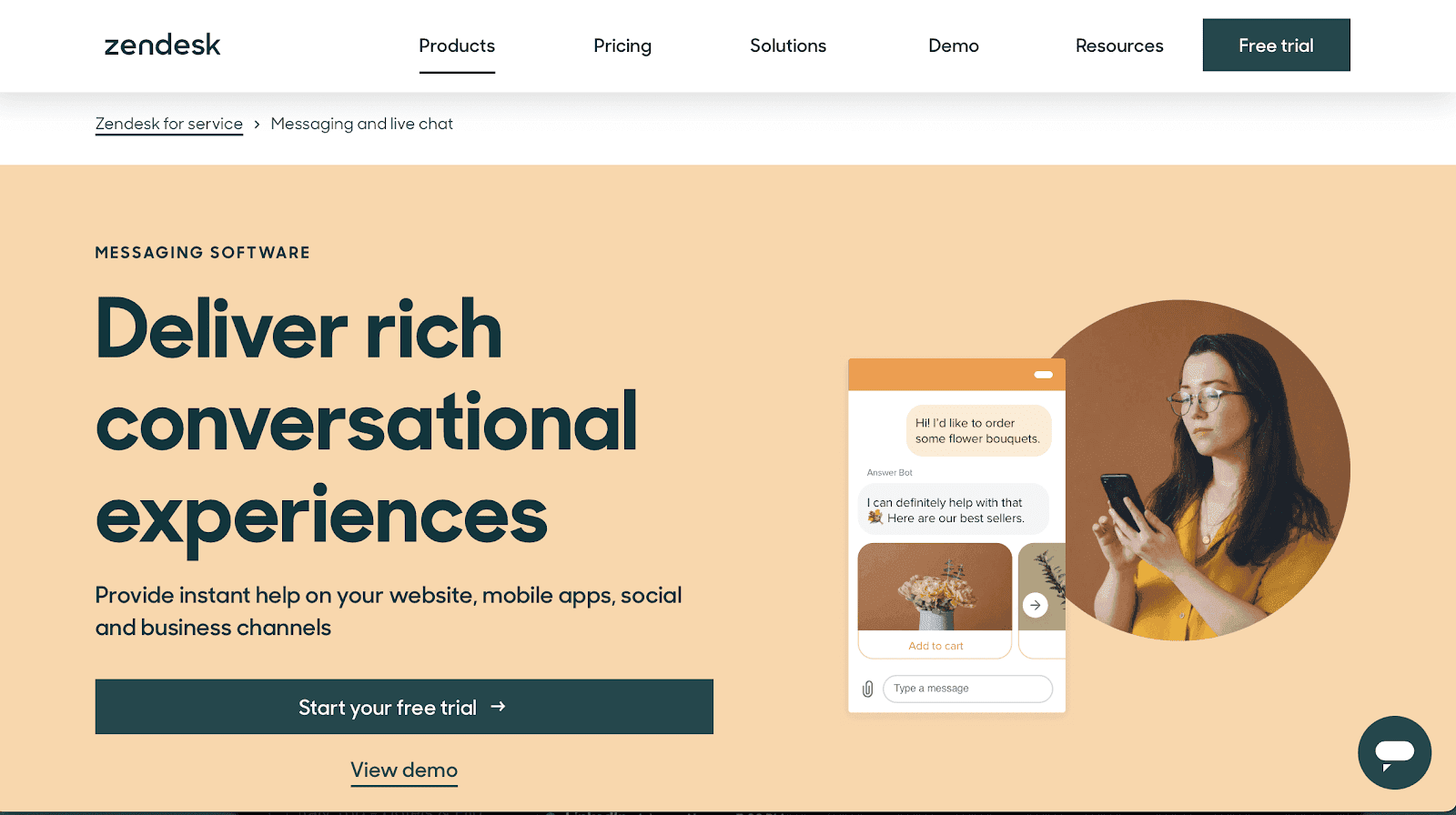
Image 3: Zendesk landing page
Key Features
Real-Time Data Access: Automatically retrieves billing, shipping, and order information from Shopify to deliver context-aware answers.
Intelligent Ticket Management: Automate ticket creation, prioritization, and routing based on query type, ensuring faster resolutions.
Omnichannel Engagement: Consolidates conversations across email, social media, live chat, and messaging apps into a single interface.
Proactive Support: Use AI-driven triggers to anticipate customer needs and initiate support before users reach out.
Pricing
Suite pricing plus a charge for each automated resolution; see Zendesk’s pricing page for current rates. A free trial is available.
Who It’s For
Larger Shopify stores with a high volume of customer interactions. If you already run Zendesk, its AI agent is the shortest path: it is already installed.
Pros
Deep integration with Shopify and Zendesk CRM
Reliable ticket automation
Ideal for high-volume support teams
Unified support platform
Cons
Can get costly at scale
Extra charges for each automated resolution
Requires Zendesk suite subscription
3. Chatfuel
Chatfuel is a no-code chatbot builder that’s simple to adapt for online stores. Its pre-built templates make setup quick.
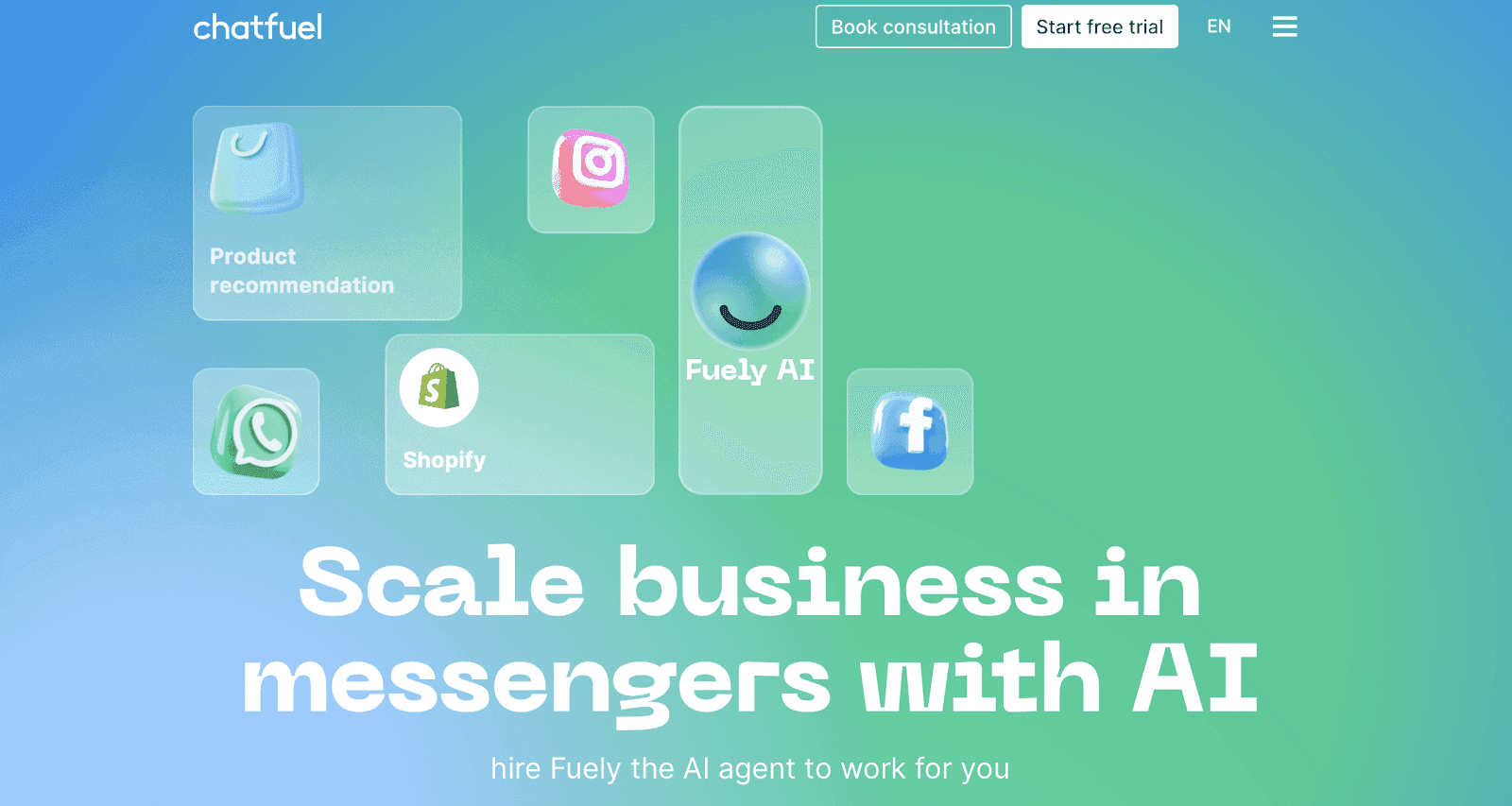
Image 4: Chatfuel landing page
Key Features
Native Shopify Integration: Automatically connects to your Shopify store to sync product catalogs, process orders, and provide real-time updates on shipping and inventory.
Drag-and-Drop Builder: Easily create powerful chatbots without coding, using a simple visual interface.
Pre-Built eCommerce Templates: Get started with templates for order tracking, abandoned cart recovery, and upselling.
Multi-Platform Messaging: Engage your customers across Facebook Messenger, Instagram, and your website, all from one platform.
Sales and Marketing Automation: Offers tools for personalized product recommendations, promotional broadcasts, and lead generation to increase conversions.
Pricing
Paid plans include a monthly conversation allowance, with a per-chat charge above it; see Chatfuel’s pricing page for current rates. A free trial is available.
Who It’s For
Small to medium Shopify businesses looking for flexibility and ease of use.
Pros
Intuitive template-driven setup
Broad channel support
Good for marketing automation
Familiar flow builder for beginners
Cons
Limited AI training options
Lacks detailed reporting tools
Doesn’t support PDFs or documents
4. Botsify
Botsify offers a drag-and-drop interface and shop-syncing capabilities, making it easy for startups to publish a functional Shopify chatbot fast.
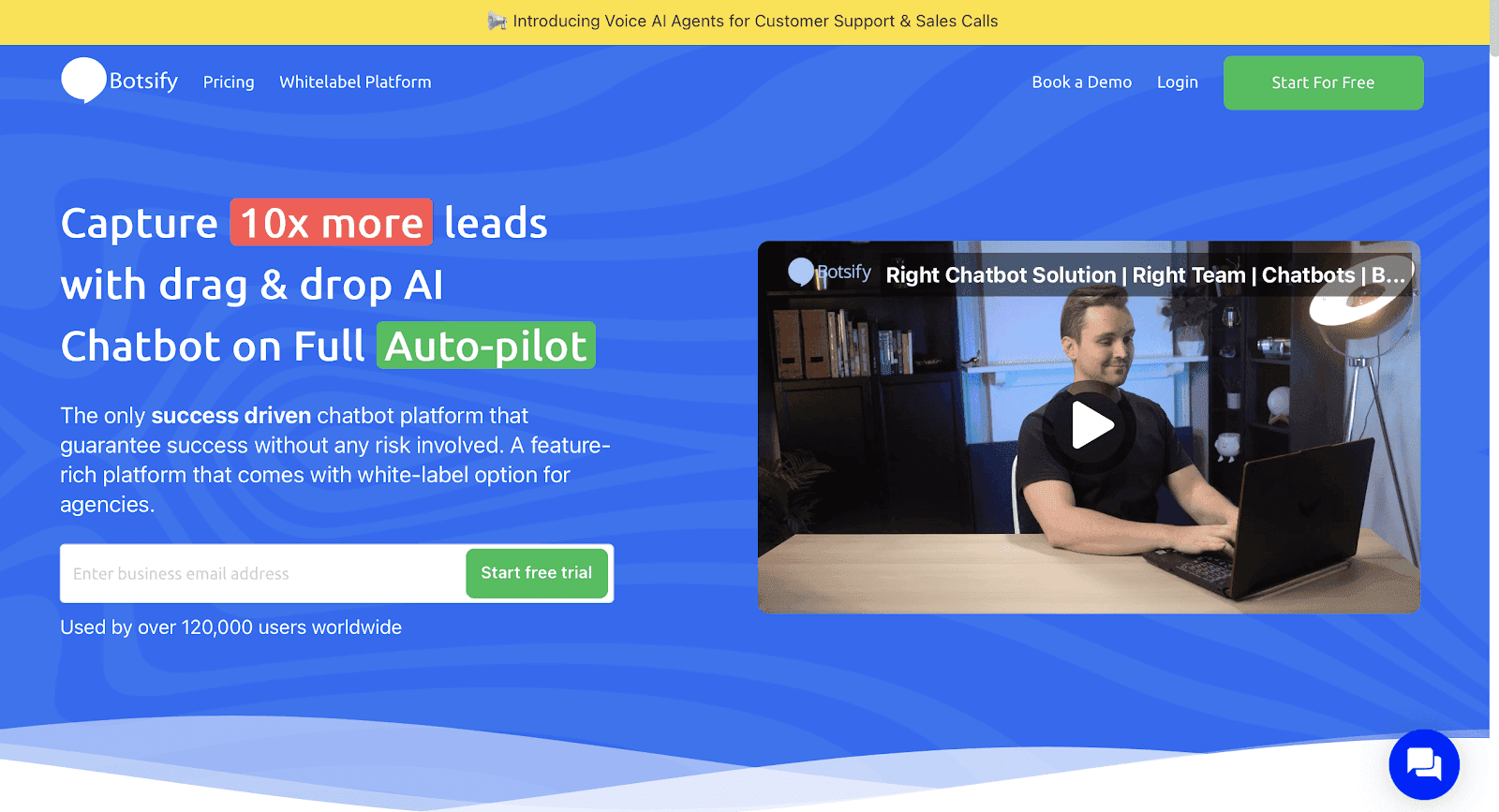
Image 5: Botsify landing page
Key Features
Third-Party Integrations: Connect with tools like Zapier, Google Sheets, and Slack for streamlined workflows.
AI Customization: Train your bot with business-specific FAQs and past conversations for tailored and accurate responses.
Conversational Forms: Replace static forms with dynamic, chat-based data collection to capture leads and customer details.
24/7 Automated Support: Provides round-the-clock customer service, even when human agents are offline.
Multi-Platform Messaging Hub: Manage customer conversations across WhatsApp, Facebook Messenger, and web chat from one dashboard.
Pricing
See Botsify’s pricing page for trial terms and paid plans.
Who It’s For
New Shopify businesses and startups looking to integrate chatbots with messaging platforms.
Pros
Great for beginners
Mix of automation and live chat
Easy product sync
Basic CRM integration
Cons
Outdated interface
Limited advanced AI customization
Not as scalable for large stores
5. HubSpot Chatbot
HubSpot’s chatbot works with its CRM tools, giving Shopify merchants one system for conversations and customer data.
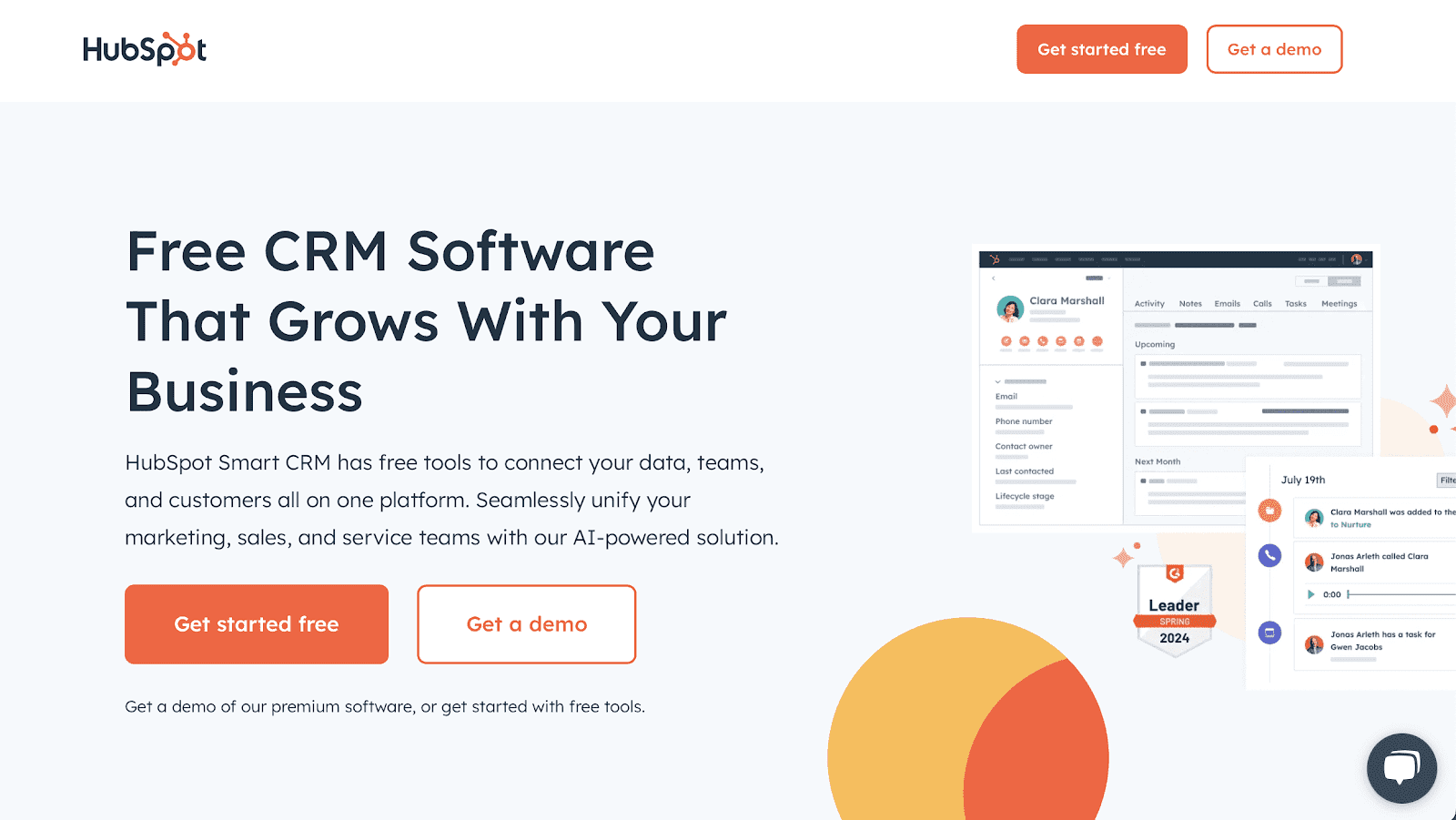
Image 6: Hubspot landing page
Key Features
CRM Integration: Automatically syncs with HubSpot’s CRM to track leads, purchase history, and customer behavior for targeted conversations.
Personalized Messaging: Uses CRM data to deliver context-rich product recommendations and tailored responses.
E-commerce Query Management: Handles product inquiries, order tracking, and returns within a single interface.
Smart Lead Capture: Gathers customer information during chat sessions and instantly updates contact records in your CRM.
Quick, Code-Free Setup: Enables merchants to create and deploy chatbots without technical expertise, using simple templates.
Pricing
Free plan available; AI self-service features require a paid Service Hub tier. See HubSpot’s pricing page for current rates.
Who It’s For
Shopify owners who want an all-in-one solution for CRM and chatbots.
6. ChatBot.com by Text
ChatBot.com supports Shopify with a user-friendly interface, machine learning suggestions, and e-commerce-focused templates. Known for its intuitive interface, this chatbot builder platform is ideal for startups and Shopify businesses wanting a quick setup.
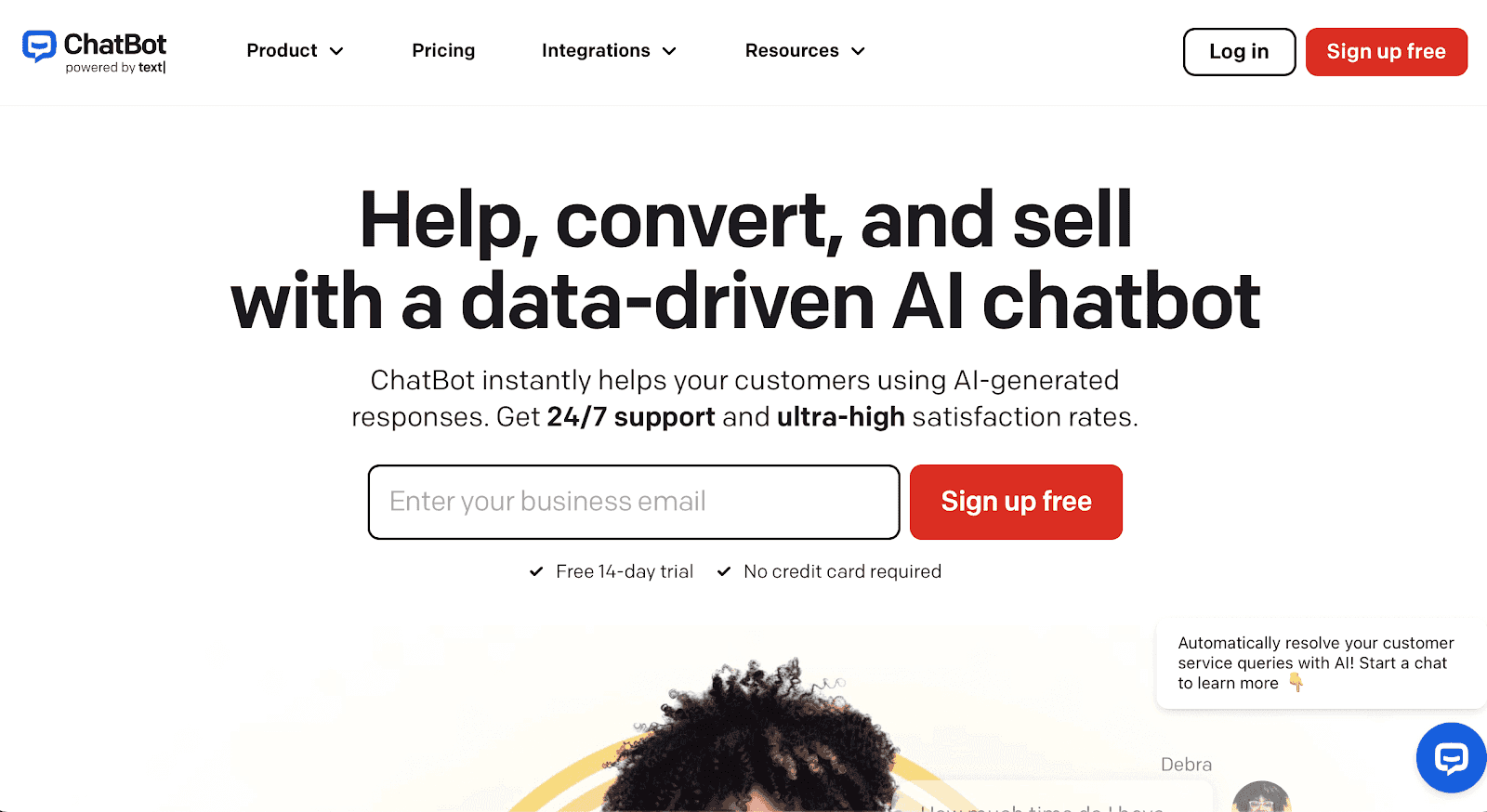
Image 7: Chatbot.com landing page
Key Features
Ecommerce-Ready Templates: Launch bots quickly using workflows tailored for product FAQs, order tracking, and abandoned cart recovery.
AI Response Training: Improve accuracy over time by training the bot on user behavior, queries, and feedback.
Multi-Platform Compatibility: Works across Shopify and other major platforms like WordPress and BigCommerce.
Custom Button & Quick Reply Support: Guide users through structured choices that reduce friction and boost conversions.
Live Agent Takeover: Support agents can jump into chats at any time and see the full conversation history.
Pricing
Paid plans include a monthly chat allowance, with extra charges above it; see ChatBot.com’s pricing page for current rates.
Who It's For
Medium-sized businesses that want an AI chatbot to handle multiple client tickets.
Pros
Strong e-commerce templates
Intuitive setup process
ML-powered chatbot suggestions
Multiple channel support
Cons
Additional fees for extra chats
Analytics are basic at mid-level tiers
Less automated Shopify sync
7. Tidio
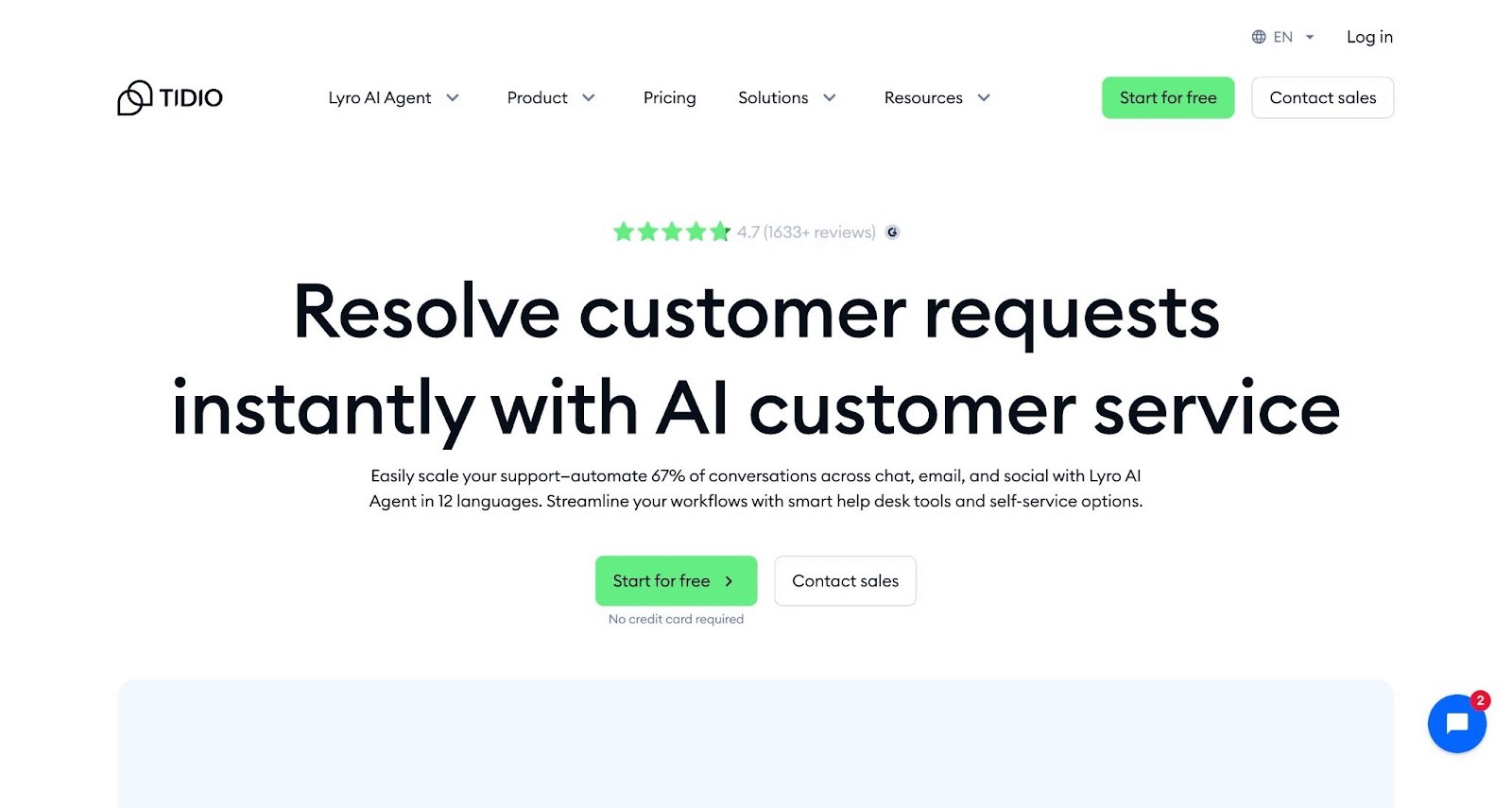
Tidio is a popular Shopify-ready chat solution that blends live chat and AI bots to improve customer support and sales efficiency. Tidio says more than 300,000 businesses use it; the draw is easy setup and ready-made automations.
Key Features
Live Chat + AI Combo: Chatbots handle common questions while agents jump in for complex cases without any disruption.
Behavior-Based Product Prompts: Automatically suggest items based on pages viewed, cart content, or time spent.
Pre-Built Shopify Workflows: Use ready-to-go flows for abandoned carts, shipping updates, and FAQs.
Unified Inbox for Messaging Apps: Manage conversations from Messenger, Instagram, email, and chat in one view.
Visitor Insights Panel: See who’s on your site, what they’re browsing, and their interaction history, all in real time.
Pricing
Tidio uses a freemium model with usage tiers. The free tier offers basic chat and bots; paid plans scale by conversation volume and add features like AI assistants and analytics.
Who It’s For
Ideal for Shopify store owners who want a plug-and-play chatbot with strong templates, live chat features, and multichannel reach.
Pros
Fast setup with Shopify-specific features
Reliable templates and automation tools
Multichannel reach within the same inbox
Strong customer support
Cons
AI features are still evolving
Paid tiers can get pricey with usage
Limited customization beyond templates
8. alby
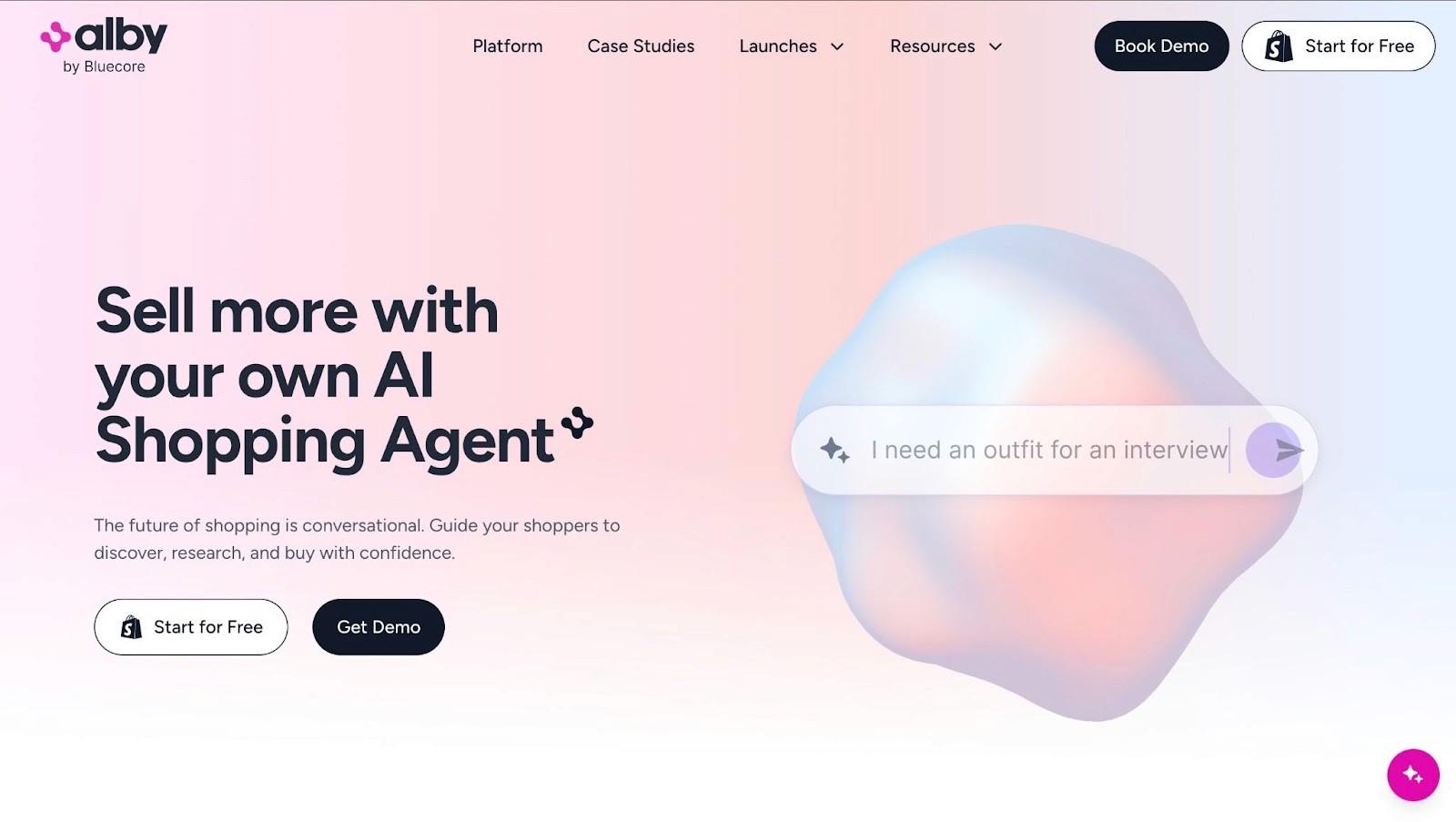
Alby is a proactive conversational assistant built for Shopify, optimized to boost engagement and drive sales with intelligent prompts and deep customizations.
Key Features
Proactive Messaging: Uses predictive AI to start relevant conversations based on browsing behavior or cart activity.
Deep Store Integration: Automatically pulls in product details, reviews, and policy pages for accurate, instant answers.
Embedded Conversations: Add persistent chat widgets or inline prompts across product, cart, and support pages.
Custom Journey Flows: Build tailored flows for upsells, promotions, support, or product discovery without coding.
A/B Testing for Prompts: Run experiments on different chatbot messages to see what drives the most engagement or sales.
Pricing
Alby offers subscription-based pricing based on features and usage. Higher tiers include more aggressive prompting, deeper analytics, and advanced embedding options.
Who It’s For
Best suited for fast-scaling Shopify brands focused on driving conversions through proactive, personalized conversational experiences.
Pros
Engaging, revenue-focused UX
Easy data ingestion without manual setup
Flexible embedding controls
Clear ROI through engagement metrics
Cons
May require design work for visual coherence
Advanced features behind higher price tiers
Less suited for basic support workflows
Why Does a Shopify AI Chatbot Matter?
24/7 customer support: AI chatbots never clock out. They handle questions, order issues, and product inquiries, even while you sleep.
Faster response times: Customers get instant answers instead of waiting for a human rep, reducing bounce rates and boosting satisfaction.
Higher conversion rates: By guiding shoppers, answering objections, and recommending products, AI chatbots help close more sales in real time.
Fewer repeat questions: Questions about shipping, returns and order status get answered from your own pages, so your inbox holds the ones that need a person.
Smarter lead capture: AI chatbots can qualify leads, collect emails, and sync data with your CRM, without relying on boring popups.
For more, see Wonderchat’s guide on why your Shopify store needs an AI chatbot.
How to Choose the Best Shopify AI Chatbot for Your Store
With so many great options, it’s important to choose a chatbot that fits your store’s size, goals, and workflow. Here are a few key things to consider:
Ease of setup: If you’re not technical, go for a no-code tool with pre-built templates and a simple setup process.
Shopify integration: Make sure the chatbot syncs smoothly with your store, pulling in product info, customer data, and orders automatically.
Pricing transparency: Some tools look cheap upfront but add a fee for each automated resolution. Pricing is the top complaint in this market: across 1,309 complaints in reviews of 18 vendors that Wonderchat analysed, pricing was the biggest theme (211), then setup (197). Per-resolution billing is not always worse, though: Featurebase bills per resolution and beats flat pricing at low volume.
Customization options: Your bot should sound like your brand. Choose a platform that lets you control tone, style, and behavior.
Analytics and growth: Pick a chatbot that offers performance reports and scales with your traffic as your store grows.
Where Wonderchat Fits for Shopify Stores
Here is what Wonderchat’s pricing buys a Shopify store:
One meter: Every plan includes a monthly allowance of AI replies, with no per-seat fee.
No Per-Resolution Pricing: Unlike Zendesk, which charges per automated resolution, Wonderchat’s pricing is flat by plan and predictable.
Scalability: Large catalogs work but take longer: knowledge bases over 500 pages take a median 15 days to go live, while 80% of Wonderchat agents that go live do so the same day.
Free plan: 50 AI replies a month, refilled monthly, no card, with website chat and live chat included, so you can test on your own store before paying.
The Verdict: Which Shopify Chatbot to Pick
The verdict: for answers from your own store content at a flat price, start with Wonderchat. If you already run Zendesk, use its AI agent. For live chat and AI bundled for a small team, pick Tidio; for proactive sales prompts, alby. Wonderchat also published a step-by-step guide to building your first chatbot.
Start for free on your store's own pages, then add Wonderchat's Shopify integration for order tracking and product search on Basic.

