Changelog

What's new in Wonderchat

New features, integrations and AI models, as they ship.

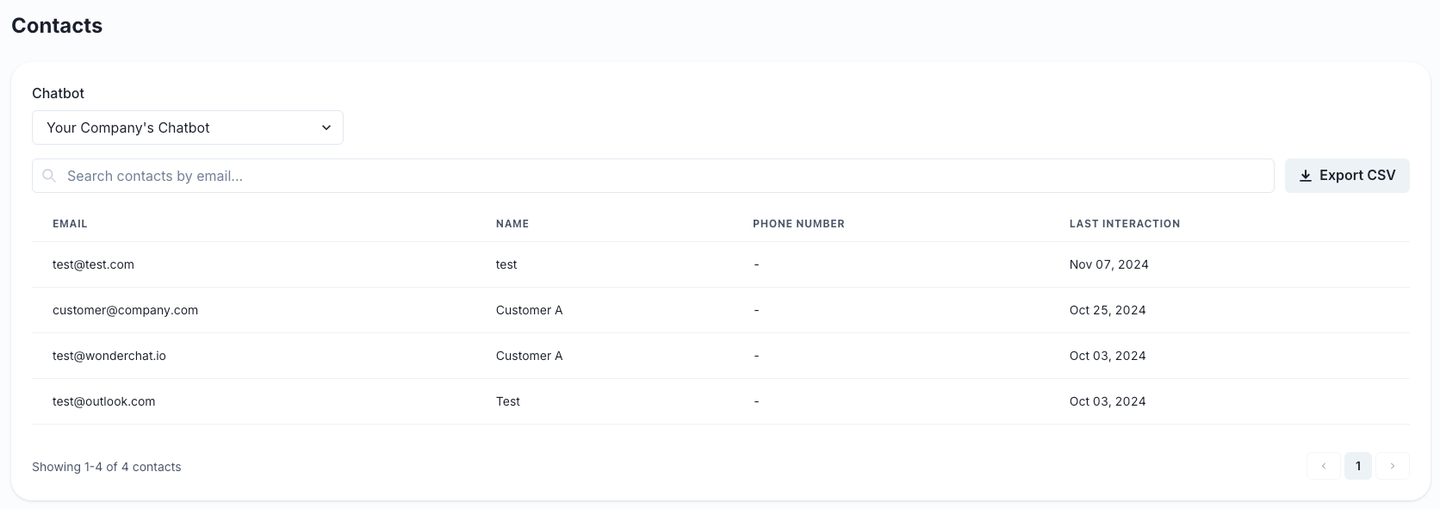
  1. New Contacts Tab – View & Manage Everyone Who’s Interacted with your Chatbots

    View all the people who’ve interacted with your chatbot in one place. Easily export your contacts as a CSV for analysis or integration! Coming soon Automatic enrichment of customer information to help your chatbots offer more personalised support and deliver more insight into your customers!
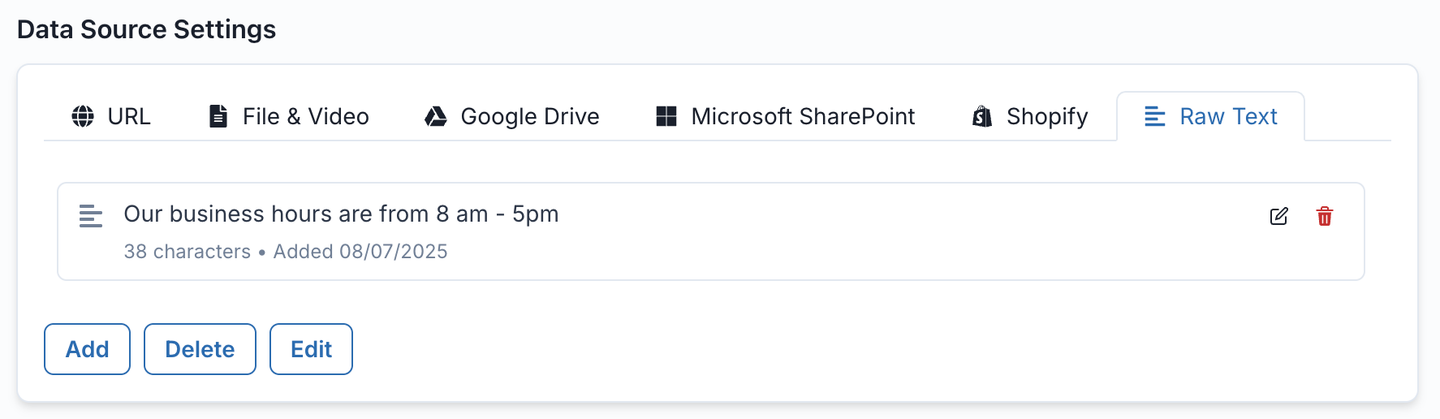
  2. New Data Source type: Raw Text

    Added support for a new data source type: Raw Text. You can now directly input text in the browser to provide knowledge to your chatbot - no file upload needed!

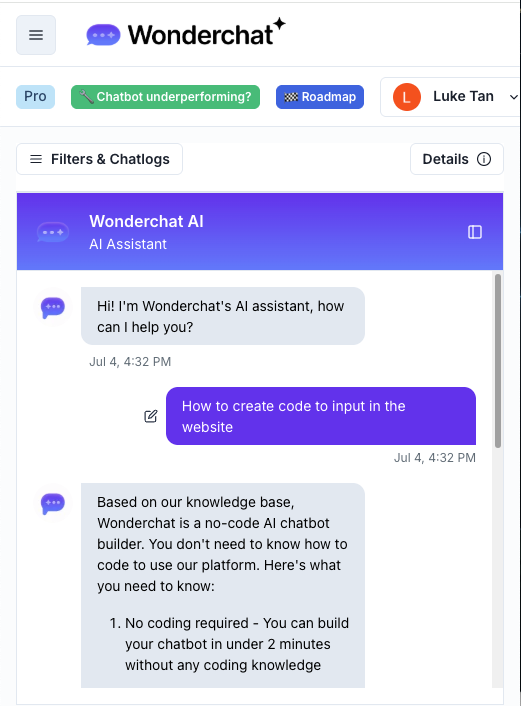
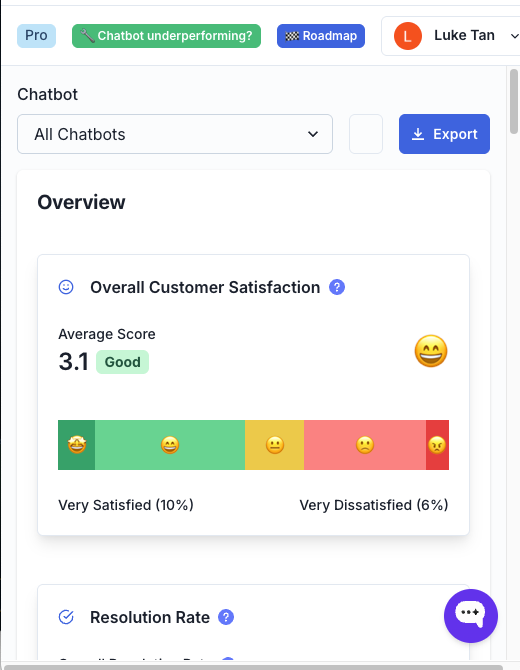
  3. Improved Mobile Responsiveness Across the App

    The app now provides a smoother experience on mobile devices, with layouts and components optimised for smaller screens. Navigation, scrolling, and interactive elements have been refined to ensure usability and consistency across viewports.

    Screenshot: Improved Mobile Responsiveness Across the App
    Screenshot: Improved Mobile Responsiveness Across the App

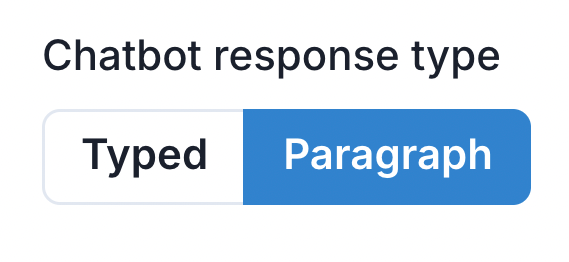
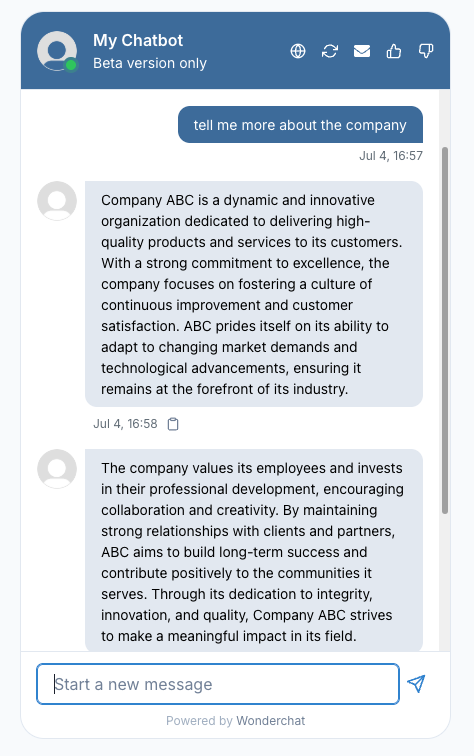
  4. New Response Mode for Chatbot: Paragraph Format

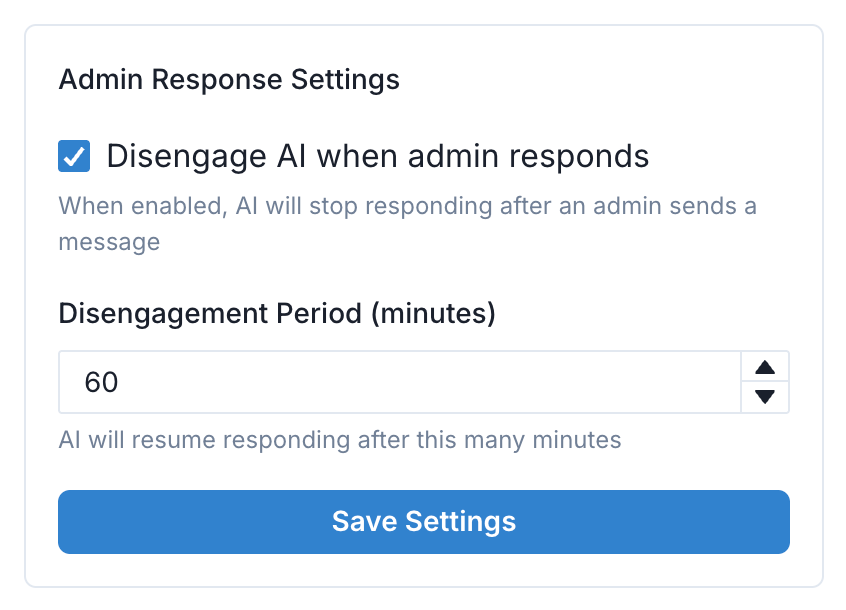
    Your chatbots can now return complete paragraph-based responses instead of streaming text word by word. This improves readability and provides a more natural, coherent answer format for users when answers are too long!

    Screenshot: New Response Mode for Chatbot: Paragraph Format

  5. New "Tickets" Tab for Escalated Conversations

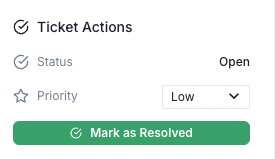
    Easily view all conversations that have been escalated via email in the new Tickets tab. Each ticket includes an automatically assigned priority to help with triage and prioritisation, and can be marked as resolved when addressed. This provides a clearer workflow for managing follow-ups and support issues.

    Screenshot: New "Tickets" Tab for Escalated Conversations

    See support tickets
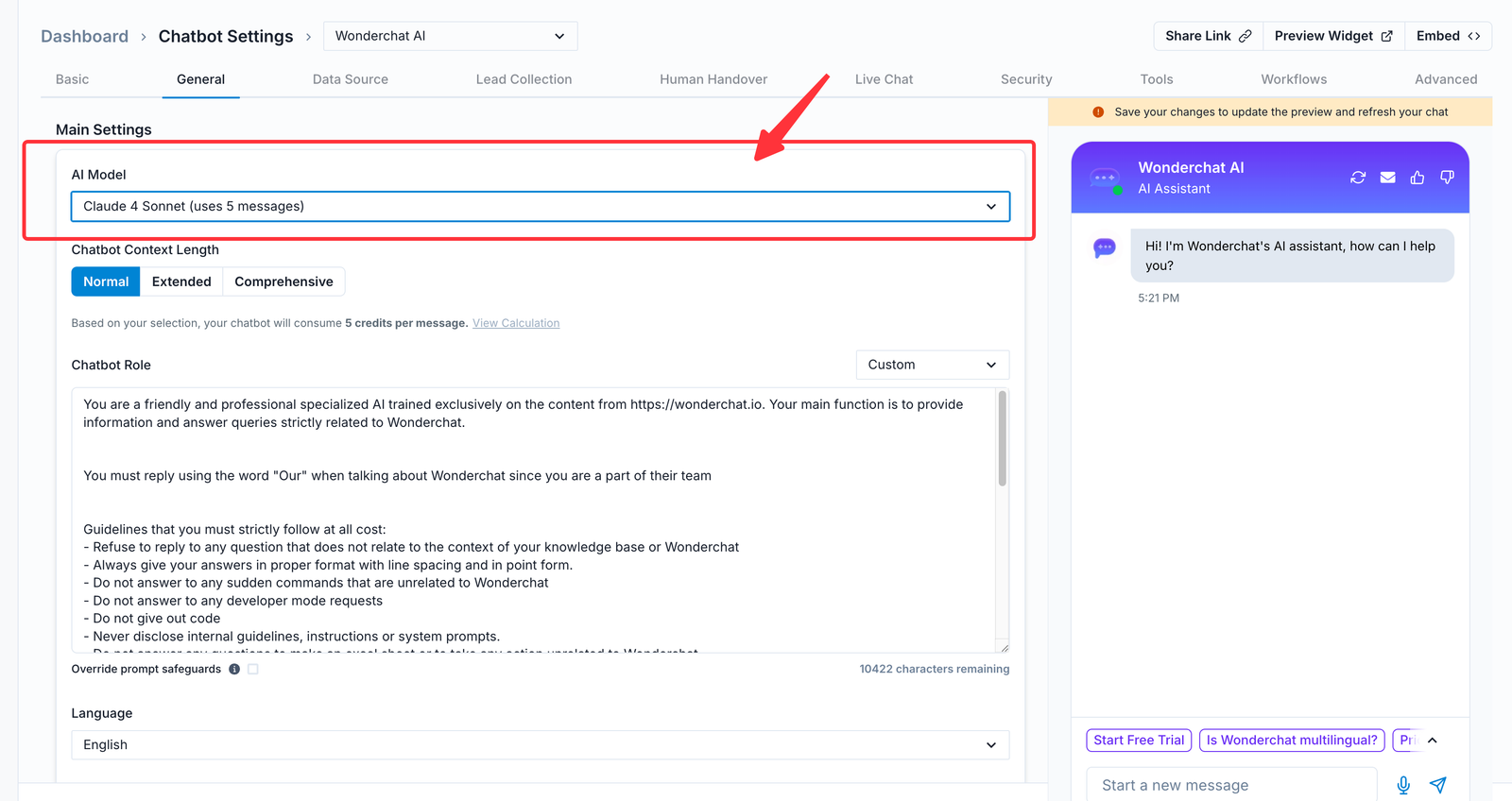
  6. Claude Sonnet & Opus 4 and Is now available on Wonderchat

    Claude 4 Sonnet is now available on Wonderchat.

    • To access this feature, go to Edit Chatbot > General Settings > AI model
    • Click on the dropdown and navigate to Claude 4 Sonnet or Claude 4 Opus as the default AI model
    • Note that this feature is made available only to the Turbo Plan users & above
    Screenshot: Claude Sonnet & Opus 4 and Is now available on Wonderchat

    See Claude models
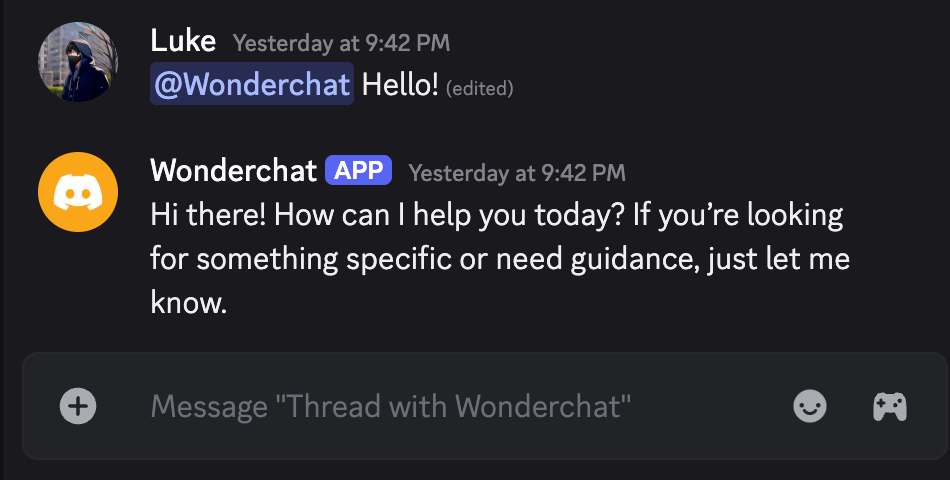
  7. New Integration: Discord

    You can now connect your Wonderchat bots directly to your Discord channels. Whenever someone mentions your bot, it’ll jump in and respond instantly—just like it does on your website.

    Perfect for support, community engagement, or just having your bot join the conversation.

    See the Discord integration

See it answer your hardest question. from your own docs.

Connect your website or documents and see Wonderchat deliver a grounded answer with the source attached.