


15/10/2026
Chat Widget
A chat widget is an embedded website interface that lets visitors send messages to a person, chatbot, or both. It displays the conversation; the connected system, its knowledge sources, and its rules determine the replies.
How a Chat Widget Embed Works
Embedding a chatbot on a website commonly involves a script snippet or a website-platform integration. The browser loads the interface, and its configuration connects messages to the intended agent or team.
The visitor opens the panel and sends a message; the receiving system supplies the reply displayed inside it. For AI customer support, that system can retrieve connected documentation before answering, while a staffed service routes messages to people.
Installing the widget doesn't automatically make every website page available as knowledge. The answering system needs its own source setup, and the team needs to check what content it can actually access.
Why Chat Widget Design Doesn't Prove Answer Quality
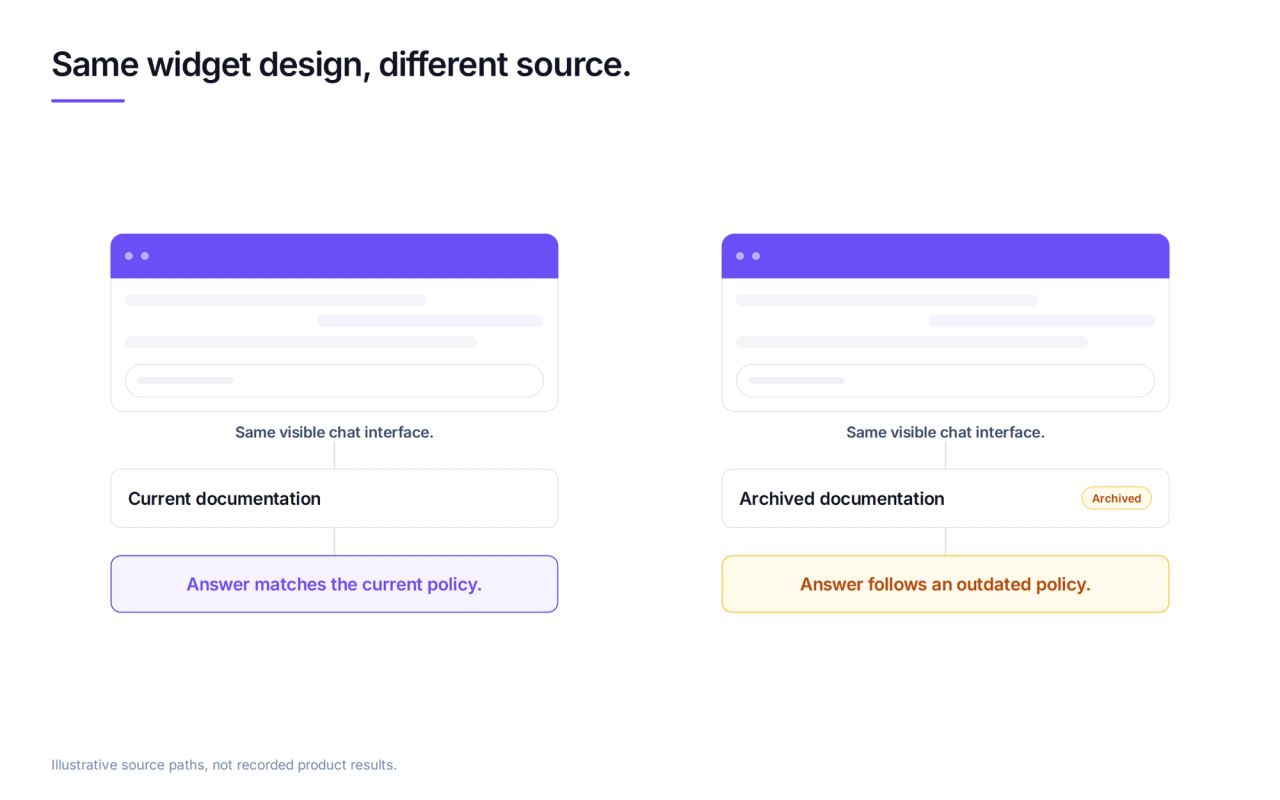
Visually identical widgets can produce different answers because they connect to different sources and follow different rules. Colors, greetings, and load time don't reveal whether an answer comes from current documentation or an archived policy.
Wonderchat publishes the method behind the number. It provides an AI support agent that answers from documentation, while its cleared support and QA observation identifies a source-quality failure:
The failure seen most often is not invention. It is retrieval pulling an archived policy and answering from it correctly.
A polished interface doesn't expose that error by itself. The reviewer needs to inspect the cited passage and confirm that the policy still applies.
How to Test a Chat Widget Against Documentation
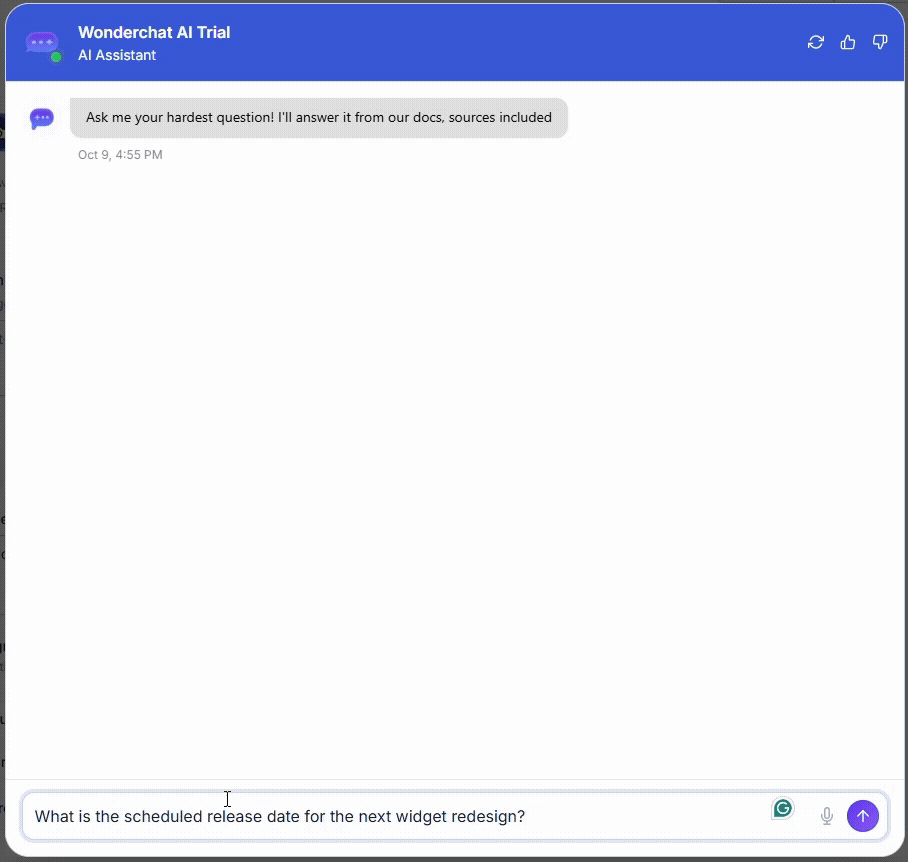
An AI chatbot for websites needs a coverage test before its appearance becomes a buying criterion. The evaluator checks the indexed material first, then asks:
- A covered question: Does the answer match the current document, including its conditions?
- An uncovered question: Does the agent acknowledge the missing information, ask for clarification, or invent a plausible answer?
- A request for a person: Does the conversation actually reach the receiving team with its earlier messages?
A source link isn't enough if it points to an unrelated passage. An unsupported question tests the agent's boundary; it shouldn't require hiding a valid source or changing instructions to force a miss.
Chat Widget vs Live Chat and Other Channels
Chatbot vs live chat compares who answers, rather than which panel appears. For staffed conversations requiring employee judgment, tawk.to's live chat widget is a better fit than an answer-only bot.
A website panel also doesn't establish multi-channel deployment. The same capabilities and conversation history on another channel need separate checks; the embed alone doesn't prove either.
Frequently Asked Questions
Does a chat widget slow a site down?
It can. Embed scripts add network requests and browser work, as Google's third-party JavaScript guide explains. Teams can compare the same page with and without the widget under matching device and network conditions. A small chat button doesn't prove a small performance cost.
Chat widget or live chat, which does a small team need?
They aren't alternatives: a widget is the interface, and live chat is a staffed service behind it. Requests requiring employee approval need a staffed path. Automation fits documented questions when the source coverage and fallback behavior pass testing.
Can a chat widget answer from a help center?
Yes, when the connected chatbot can access and retrieve the help-center content. The widget itself doesn't read articles or create knowledge. Testing needs a covered question, its supporting passage, and a question outside the indexed material to check the boundary.
