Changelog

What's new in Wonderchat

New features, integrations and AI models, as they ship.

  1. Shopify Integration Update: Retrieve order by Email

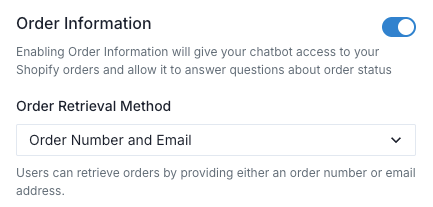
    Our Shopify integration just got smarter! You can now retrieve orders by a customer’s email address or order ID.

    Your existing setup will continue to work as before, but you can update your Shopify integration settings to enable order lookup by email, perfect for your customers who don’t remember their order number!
    See the Shopify integration
  2. New Channel filter: API

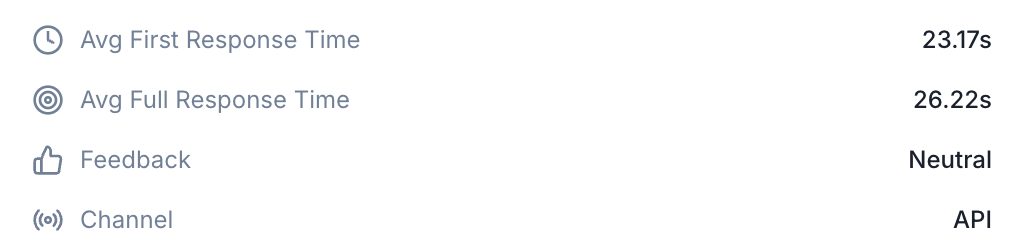
    API-generated chatlogs are now tagged with the API Channel, enabling easier filtering and improved visibility in your chatlog views.

  3. AI assisted Corrections

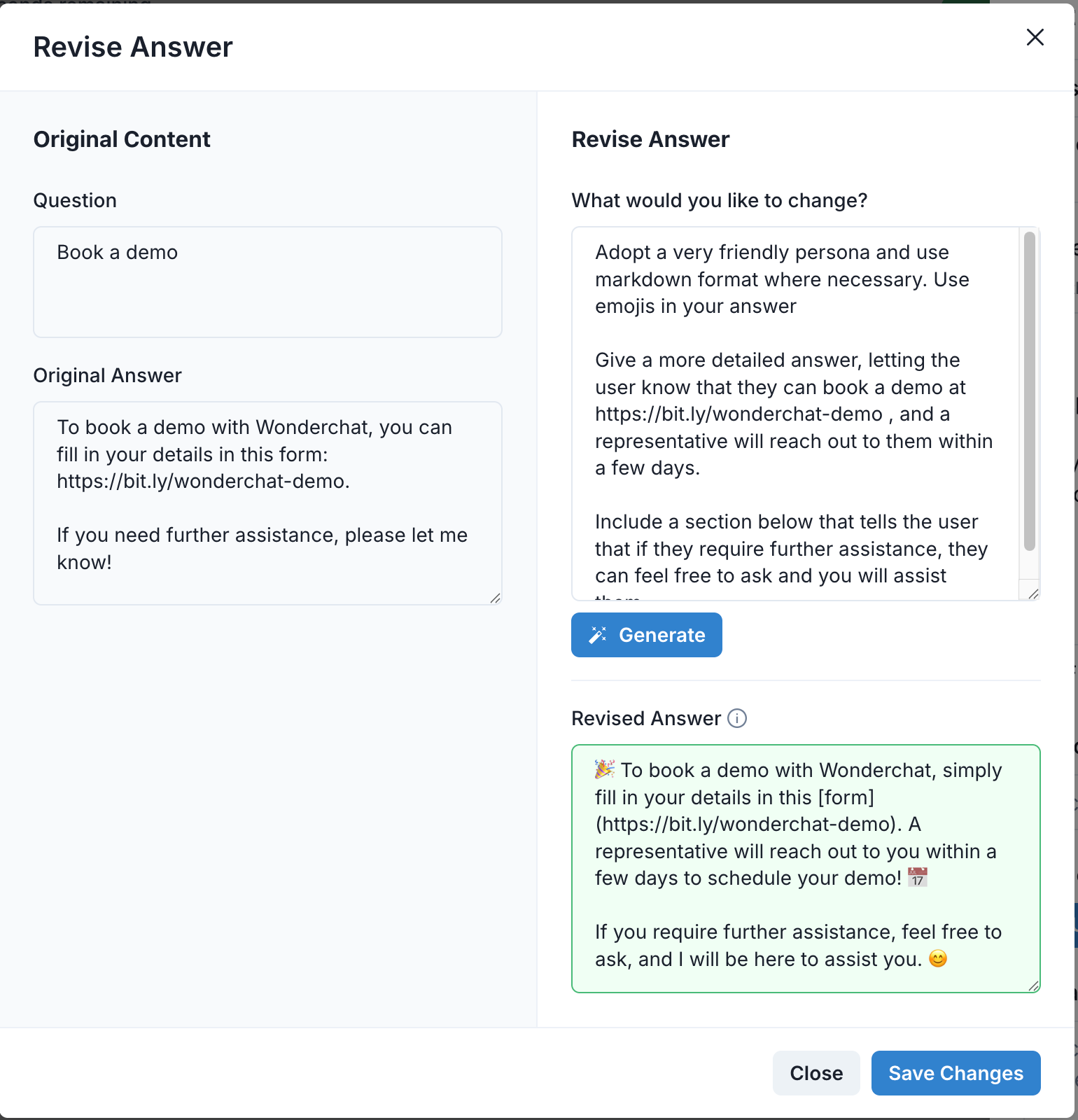
    We’re launching two powerful new tools to simplify chatbot corrections: Contextualised Questions and the Corrections Assistant.

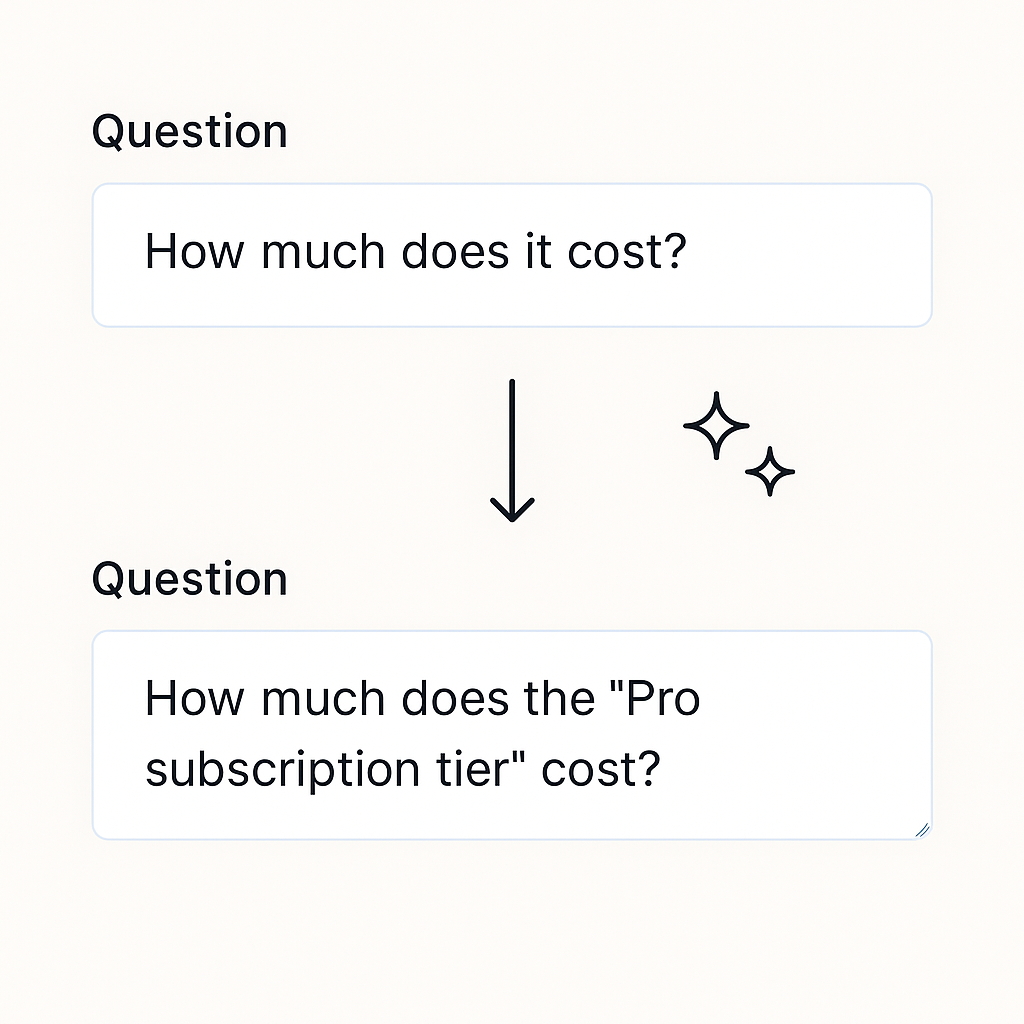
    Contextualised Questions let your chatbot automatically interpret vague queries like “How much does it cost?” by understanding page context, so you no longer need to manually clarify.

    Screenshot: AI assisted Corrections

    The Corrections Assistant helps you generate polished corrections by prompting, customizing tone, formatting, and even pulling from your knowledge base to craft accurate answers.

    See corrections
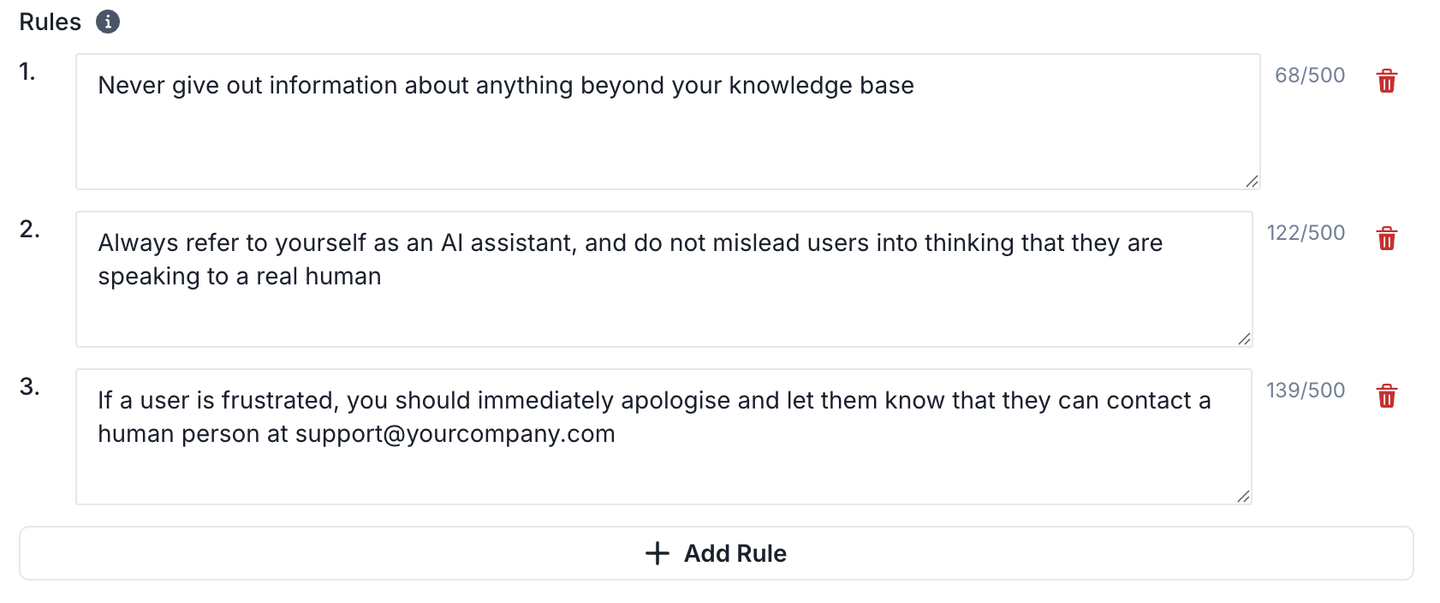
  4. Chatbot Rules

    We’ve introduced Chatbot Rules to give you more control over how your chatbot behaves and answers questions.

    With General Rules, you can define up to 10 guidelines (like tone, disclaimers, or redirecting pricing queries) that apply to every response.

    For Enterprise users, Search Rules let you control which content sources are searched based on question type, ensuring more accurate and relevant answers for your customers.

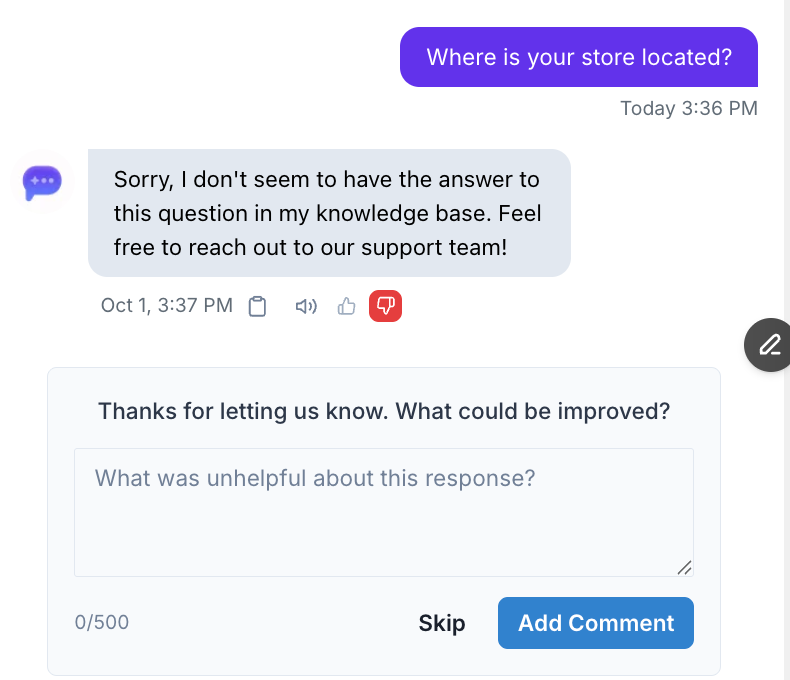
  5. Individual Message Feedback

    We’ve added message-level feedback so you can fine-tune your chatbot faster. Users can now give a thumbs up or down on individual messages and leave comments, viewable from within your chatlogs. Positive feedback is used to train your chatbot, while negative feedback is flagged for you to create corrections.

    See ratings and feedback
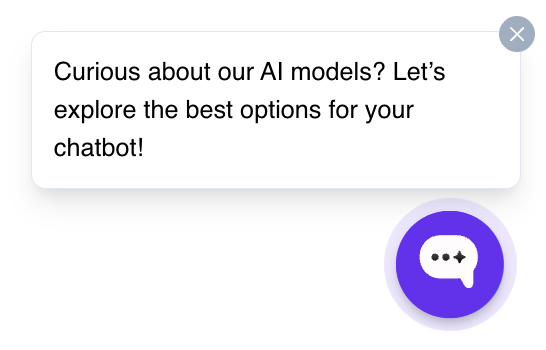
  6. Custom Context Greetings

    Your chatbot can now automatically generate personalized welcome messages tailored to each page’s content, creating a more contextual and engaging experience for visitors!

    To get started, go to Edit Chatbot > Basic Settings > General > Enable dynamic greetings based on page content , and your chatbots will now automatically greet users with a different message! Available on Turbo plans and above

  7. GPT-5 and GPT-5-mini are now available on Wonderchat!

    OpenAI’s much awaited GPT-5 series of models are now available on Wonderchat! The latest models are the smartest and most capable OpenAI models. If you were previously using the GPT-4o or GPT-4.1 models, you can give the new GPT-5 models a try!

    As part of this update, we will also be deprecating and removing the following legacy models:

    • GPT-4
    • GPT-4-turbo
    • Model Router
    • Command R+
    • Llama 3
    • Mistral small

See it answer your hardest question. from your own docs.

Connect your website or documents and see Wonderchat deliver a grounded answer with the source attached.